Descript vs Riverside, Compared by the Limit You Hit First
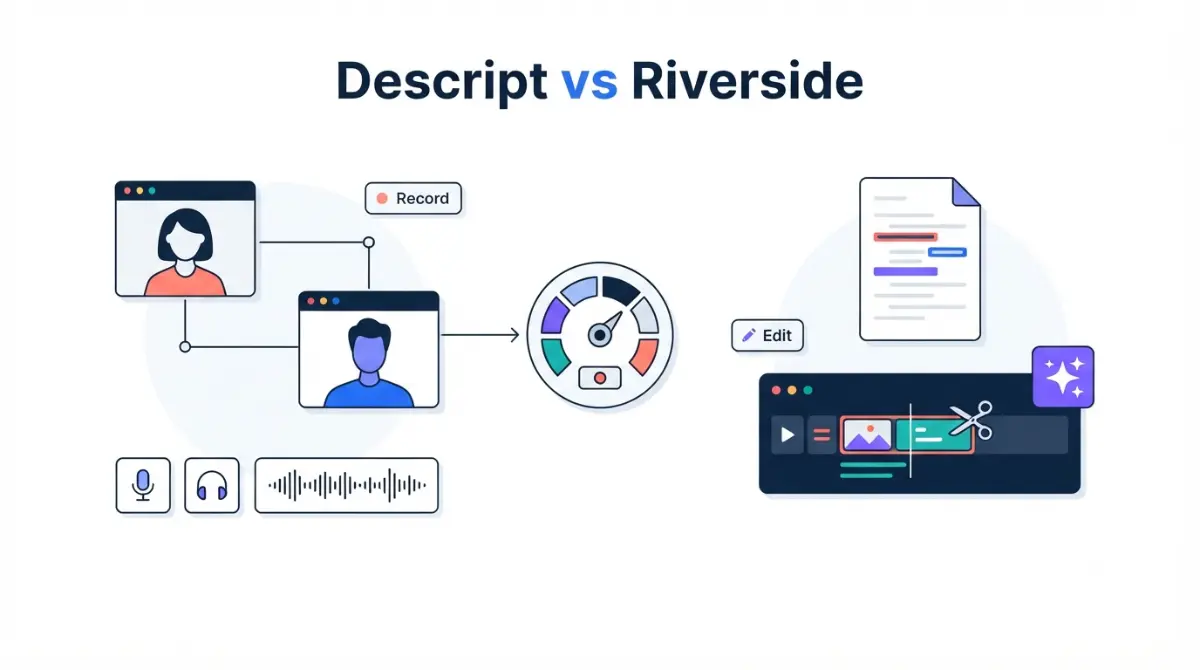
Table of Contents
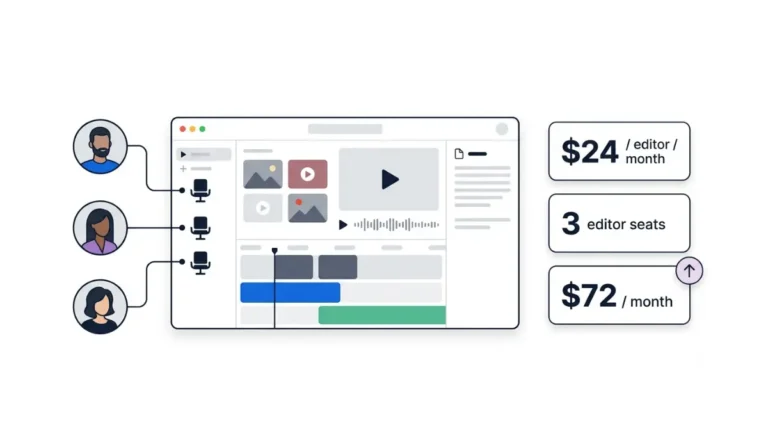
Descript and Riverside both record and edit, so the useful difference is what each plan caps. At $24 a month billed annually (verified 25 September 2026), Descript Creator includes 30 media hours and 15 hours of Rooms recording. Riverside Pro allows unlimited recording, but separate-track downloads stop once you record more than 15 hours in a month. If you edit inside Riverside, that cap never applies.
Descript or Riverside: the one-line answer by workflow
Both vendors now sell recording and transcript-based editing in the same plan, so “one records, one edits” no longer describes either product.
If you mostly record remote guests
Riverside doesn’t limit how long you record. Its limit sits on downloading the raw per-person files, which Section 3 explains.
If you mostly edit your own footage
Descript meters every file you import or record, and it gates timeline export to Premiere and Final Cut by plan. Section 4 covers both. If neither tool fits your editing style, there are Descript alternatives sorted by editing style in Section 6.
Descript vs Riverside pricing, plan by plan
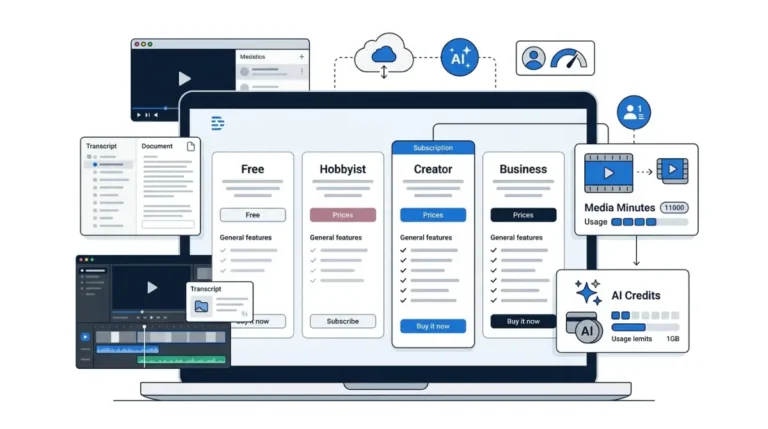
At the entry paid plan, Descript Hobbyist costs $16 a month billed annually, against $24 for Riverside Pro. Both prices were verified on 25 September 2026 on Descript’s pricing page and Riverside’s pricing page.
| Plan | Billed annually (per month) | Billed monthly | Priced per |
|---|---|---|---|
| Descript Free | $0 (25 Sep 2026) | $0 (25 Sep 2026) | 1 person |
| Descript Hobbyist | $16 (25 Sep 2026) | $24 (25 Sep 2026) | Person |
| Descript Creator | $24 (25 Sep 2026) | $35 (25 Sep 2026) | Person, team up to 3 |
| Descript Business | $50 (25 Sep 2026) | $65 (25 Sep 2026) | Person, team up to 5 |
| Riverside Free | $0 (25 Sep 2026) | $0 (25 Sep 2026) | Account |
| Riverside Pro | $24, billed $288/yr (25 Sep 2026) | $29 (25 Sep 2026) | 1 editor seat |
| Riverside Grow | $34, billed $408/yr (25 Sep 2026) | $39 (25 Sep 2026) | 1 editor seat |
| Riverside Webinar | $79 (25 Sep 2026) | $99 (25 Sep 2026) | 1 editor seat |
| Riverside Business | Custom (25 Sep 2026) | Custom (25 Sep 2026) | Custom packages |
🗓️ Pricing verified 25 September 2026. Software pricing changes frequently — confirm on the vendor’s site before purchasing.
Annual vs monthly billing
As of 25 September 2026, Descript advertises annual savings of up to 35% and Riverside up to 20%. Riverside’s page lists Webinar as “billed $408 annually,” which doesn’t match $79 × 12. The table therefore shows Webinar’s monthly figure only.
Free plans and trials
Descript’s Free plan needs no credit card. Riverside’s paid plans carry a 14-day free trial, and its Free plan records at up to 720p with a watermark (both verified 25 September 2026).
Per-person vs per-account pricing
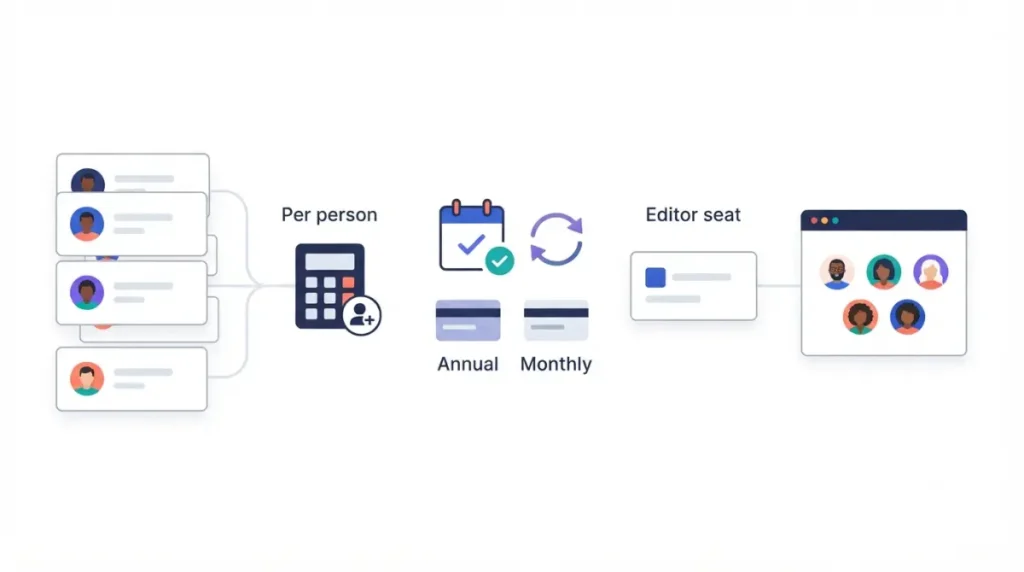
Descript charges per person, and each extra teammate on Creator or Business is billed separately. Riverside Pro, Grow and Webinar include one editor seat; an extra editor is a paid add-on whose price Riverside’s pricing page did not state on 25 September 2026. For the Descript side of seat and top-up costs, see what Descript’s top-ups and extra seats add to each tier.
Recording limits: Descript Rooms hours vs Riverside downloads
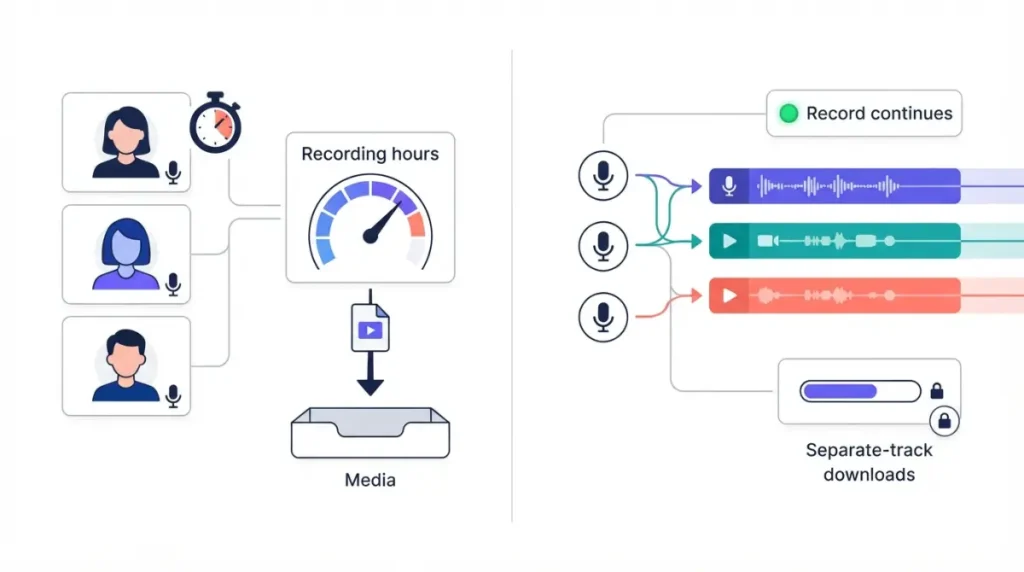
Yes, Descript records remote guests. Its Rooms feature includes 5, 15 or 25 recording hours a month on Hobbyist, Creator and Business respectively, per Descript’s pricing page (25 September 2026).
| Plan | Recording allowance | What uses it up | Who hits this |
|---|---|---|---|
| Descript Free | 2 h, no period stated (25 Sep 2026) | Session length | One long interview |
| Descript Hobbyist | 5 h/month (25 Sep 2026) | Session length | Five one-hour sessions a month |
| Descript Creator | 15 h/month (25 Sep 2026) | Session length | Roughly one hour-long session every other day |
| Descript Business | 25 h/month (25 Sep 2026) | Session length | Daily recording |
| Riverside Free | Unlimited; separate tracks for the first 2 h recorded (25 Sep 2026) | Hours recorded on the account | Anyone past one 2-hour session |
| Riverside Pro | Unlimited; separate tracks while under 15 h/month (25 Sep 2026) | Hours recorded, plus live streams | More than 15 h recorded in a month |
| Riverside Grow / Webinar | Unlimited; 20 h / 25 h of separate tracks (25 Sep 2026) | Hours recorded, plus live streams | Heavy recording or streaming |
| Riverside Business | Unlimited separate tracks (25 Sep 2026) | — | — |
The Riverside rows come from its plan comparison table, updated 1 September (retrieved 25 September 2026). Both products cap a single session at 10 participants.
Descript: recording session hours per plan
A Rooms session also uses Descript media minutes. Descript’s help centre says a session is counted once for its length, not once per participant (25 September 2026).
Riverside: unlimited recording, capped track downloads
🔍 Why It Works This Way: Riverside’s download-hours article (retrieved 25 September 2026) says the separate-track download option disappears for every recording once the account has recorded past its monthly allowance. The trigger is recording time, not downloads. Participants don’t multiply the hours, unused hours don’t roll over, and deleting recordings doesn’t restore them.
⚠️ This Costs You: Live streaming counts toward the same download hours, per that article (25 September 2026). A Grow subscriber who streams heavily can lose separate-track downloads for the rest of the month without recording a single podcast episode.
According to Riverside’s pricing FAQ (25 September 2026), once you hit the cap your content stays accessible. New separate tracks unlock again at the next billing cycle or after an upgrade.
Editing, transcription and AI credits compared
As of 25 September 2026, Riverside Pro includes unlimited text-based editing and unlimited transcription. Descript instead meters imported and recorded media: 10, 30 or 40 media hours per editor per month on Hobbyist, Creator and Business.
Media hours vs unlimited transcription
According to Descript’s usage article (retrieved 25 September 2026), uploading audio or video uses media minutes, and unused minutes don’t roll over. Riverside’s help centre lists unlimited editing and unlimited exports of edits and clips on every plan (25 September 2026).
How AI credits differ
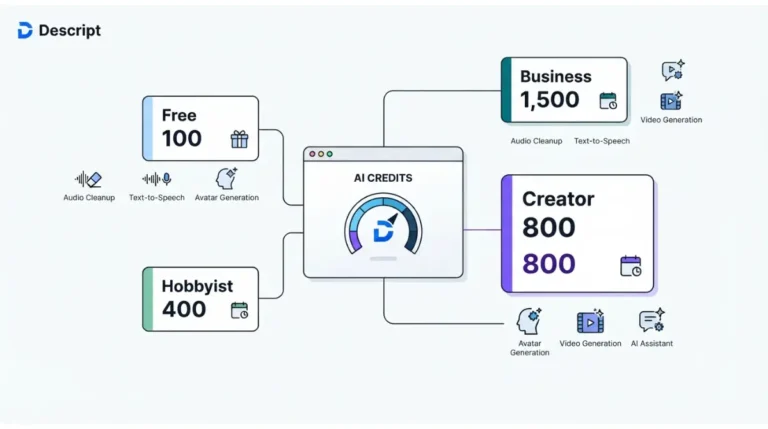
Descript gives 400, 800 or 1,500 AI credits per editor each month on its paid plans, and 100 one-time credits on Free (25 September 2026). Riverside’s FAQ gives Pro 2,000 credits and Business 12,000 to start, buyable once spent. It says Magic Clips, Magic Audio and its AI Co-Creator use no credits (25 September 2026). Riverside’s comparison table shows a Grow and Webinar starting balance that conflicts with its FAQ, so we don’t state one. For how Descript’s credits drain, see how Descript’s AI credits get used up (our explainer).
Export to Premiere or Final Cut
As of 25 September 2026, Descript offers timeline export to Premiere, Final Cut Pro, Pro Tools, Logic and Audition on Creator and Business. Riverside’s comparison table lists export to Premiere Pro, Final Cut Pro or any AAF editor on Business only. Riverside includes live streaming from Grow up; Descript’s pricing page does not list it.
Record in Riverside, edit in Descript: what the stack costs
Yes, you can pair them. The cheapest pairing, Riverside Pro plus Descript Hobbyist, costs $40 a month at the annual rates in the Section 2 table, or $53 billed monthly. These totals are our own calculation from vendor prices verified on 25 September 2026.
The monthly stack cost
That $40 buys unlimited recording and editing in Riverside, plus Descript’s editor for whatever tracks you carry across. You pay two renewals, on two billing dates.
Where the two caps collide
Riverside uses up download hours for every hour you record. Descript then uses media minutes for every file you upload. Descript’s help centre exempts only Rooms sessions from per-participant counting; it does not say whether separate uploaded tracks of one conversation count once or once per file.
✅ Do This: Until Descript confirms, budget as if each uploaded track counts. Multiply your monthly recorded hours by tracks per episode, then compare the result with the media hours in Section 4. Our breakdown of which uploads count against Descript’s media minutes (sibling guide) covers the rest.
Switching between Descript and Riverside: what you keep
Leaving either tool is mostly about getting your files out first.
🛟 Back This Up First: Before cancelling or downgrading, download every separate track you still need from Riverside, and export your Descript transcripts and project media to your own storage.
Leaving Descript
Descript’s pricing FAQ (25 September 2026) says you cancel from your subscription page. It also says deleting your account permanently wipes your data. The steps for exporting your Descript transcripts before you cancel are in our cancellation guide.
Leaving or downgrading Riverside
Riverside’s free-account article (retrieved 25 September 2026) allows separate-track downloads only within the first 2 hours recorded on the account. If your account has recorded more than that, download your tracks before you downgrade. If neither product fits after this, start with Descript alternatives sorted by editing style (our shortlist).
🧾 Not Tested: We have no paid account on either product and did not record or edit with them. Everything here comes from both vendors’ pricing pages, Riverside’s 1 September comparison table, and both help centres, all retrieved 25 September 2026. Recording quality, sync reliability and editor speed are not assessed.
FAQ
1. Is Descript cheaper than Riverside?
Descript Hobbyist costs $16 a month billed annually versus $24 for Riverside Pro, both verified 25 September 2026.
2. Does Descript record remote guests?
Yes. Descript Rooms records up to 10 participants, with 5 to 25 recording hours monthly on paid plans (verified 25 September 2026).
3. Does Riverside have text-based editing?
Yes. Riverside Pro includes unlimited text-based editing and unlimited transcription, according to its pricing page on 25 September 2026.
4. Do Descript and Riverside have free plans?
Both have free plans. Riverside’s paid plans add a 14-day free trial; Descript’s Free plan needs no credit card (25 September 2026).
5. Can I record in Riverside and edit in Descript?
Yes. Riverside Pro plus Descript Hobbyist costs $40 monthly on annual billing, our calculation from vendor prices verified 25 September 2026.
6. What happens when I hit Riverside’s download cap?
Recording continues, but separate-track downloads stop until your next billing cycle or an upgrade, per Riverside’s pricing FAQ (25 September 2026).
7. Which one live streams?
Riverside includes live streaming on Grow and above. Descript’s pricing page did not list live streaming when checked on 25 September 2026.
8. How many people can join a Descript or Riverside recording?
Both allow 10 participants per session: Descript Rooms on every plan, and Riverside per its comparison table (25 September 2026).
9. Can I export to Premiere or Final Cut?
Descript offers timeline export on Creator and Business; Riverside lists it on Business only (verified 25 September 2026).
The limit you’ll hit first decides it
The two products compete at the same price, so the choice comes down to one question. Riverside limits the raw per-person files you can download; Descript limits the media you bring in and record. Work out which one your monthly schedule reaches first, then check the prices in Section 2 against the vendors’ pages.