DaVinci Resolve and Audacity as Free Descript Alternatives
Table of Contents
Yes for editing, no for transcript editing. DaVinci Resolve 21 and Audacity 4 both cost $0. As of 24 September 2026, Blackmagic lists text-based editing as a feature of DaVinci Resolve Studio ($295), not the free edition. Audacity’s transcription comes from a separate free plugin, which Audacity’s own AI plugin page says isn’t yet compatible with the latest version.
Resolve for video, Audacity for audio
Pick by what you publish.
If you edit video: DaVinci Resolve
Blackmagic’s product page, checked 24 September 2026, describes DaVinci Resolve as a non-linear editor. It also covers color, effects and audio post, for Mac, Windows and Linux. Choose it if your finished product is a video.
If you only edit audio: Audacity
Audacity 4 describes itself as an audio editor, free and open source under GPL v3, for macOS, Windows and Linux (Audacity’s site, 24 September 2026). Its use-case list includes editing audio for video, so cutting the picture still needs a video editor. Video podcasters can use both.
What the free versions include, and what Descript Free gives you
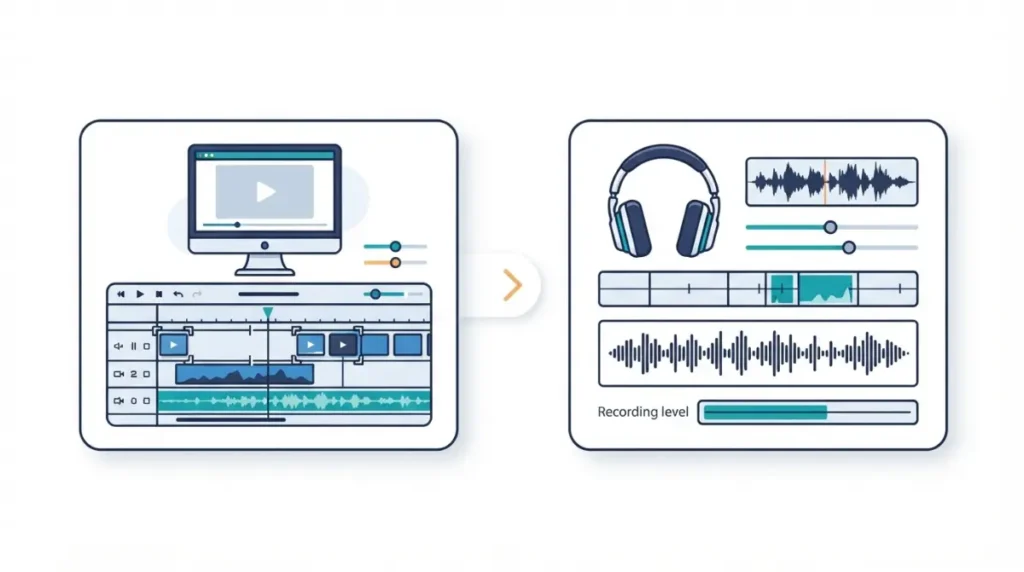
All three have a $0 option. They stop in different places.
| Tool | Price | What the free version covers |
|---|---|---|
| DaVinci Resolve 21 | $0 (24 Sep 2026) | 8-bit formats up to 60fps, up to Ultra HD 3840 x 2160 (24 Sep 2026) |
| Audacity 4 | $0 (24 Sep 2026) | Full app, GPL v3 (24 Sep 2026) |
| Descript Free | $0 (24 Sep 2026) | 60 media minutes a month, 100 one-time AI credits, 720p export (24 Sep 2026) |
DaVinci Resolve (free edition)
Blackmagic’s page lists multi-user collaboration and HDR grading in the free version. The 8-bit and 60fps limits matter only if you shoot 10-bit or high frame rate.
Audacity 4
The same free build loads LV2, VST3 and AU plugins, and opens Audacity 3 .aup3 projects directly.
Descript’s own free plan, for comparison
On Descript’s pricing page, watermark-free export starts at Hobbyist. Our Descript free vs paid breakdown covers the rest.
🗓️ Pricing verified 24 September 2026. Software pricing changes frequently — confirm on the vendor’s site before purchasing.
The catch: neither free tool edits by transcript
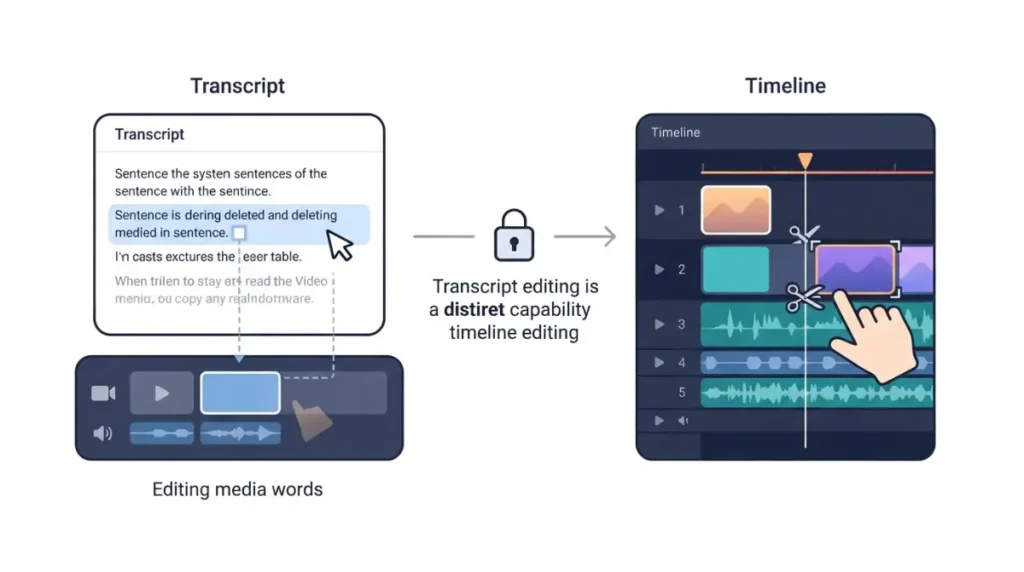
As of 24 September 2026, Blackmagic lists text-based editing under DaVinci Resolve Studio, not the free edition.
Resolve’s text-based editing is a Studio feature
Blackmagic’s version comparison names text based editing among the Studio additions, alongside the Neural Engine and magic mask. That page doesn’t say whether transcription alone runs in the free edition. We haven’t confirmed it either way.
Audacity transcribes only through a plugin, and it lags Audacity 4
Audacity’s AI plugin page offers Whisper transcription. On 24 September 2026 it also warned that the plugins aren’t yet compatible with the latest Audacity version, and its downloads were built for v3.7.1. Per Intel’s plugin documentation, the output is a label track, not an editable transcript.
| Capability (24 Sep 2026) | Resolve free | Resolve Studio | Audacity 4 | Descript Free |
|---|---|---|---|---|
| Edit by editing text | Not listed | Listed | Not listed | Listed |
| Transcription | Not confirmed | Listed as text-based editing | Plugin only; not yet compatible | 25 languages |
When $295 once beats paying Descript monthly
If transcript editing is non-negotiable, the choice is Studio or a Descript subscription. Blackmagic’s page shows Studio at $295 with no monthly or annual price (checked 24 September 2026).
| Descript plan (24 Sep 2026) | Price per person | Months until $295 is reached |
|---|---|---|
| Hobbyist, annual billing | $16/mo (24 Sep 2026) | 18.4 |
| Hobbyist monthly / Creator annual | $24/mo (24 Sep 2026) | 12.3 |
| Creator, monthly billing | $35/mo (24 Sep 2026) | 8.4 |
The breakeven months are our calculation from vendor-published prices: $295 divided by each monthly rate.
Resolve Studio vs Descript Hobbyist
Hobbyist annual reaches $295 after about 18 months.
Resolve Studio vs Descript Creator
Creator annual reaches $295 in about a year. Creator on monthly billing reaches it in about eight and a half months.
🔍 Why It Works This Way: Studio buys editing software. It doesn’t replace the cloud storage, remote recording or AI credits that appear in Descript’s plan list. The pillar breaks down what each Descript tier really costs.
Which option fits the way you work
The right choice depends on what you publish.
Audio-only podcasters
Audacity 4 covers editing at $0. You give up transcript editing unless you stay on Descript.
Video creators who can learn a timeline
DaVinci Resolve’s free edition covers the edit. Expect to cut on a timeline, not in a document.
Anyone who needs transcript editing
Neither free tool gives you this. Staying on Descript or buying Studio are both reasonable, and the table above shows when each is cheaper. For paid tools grouped by workflow, see Descript alternatives by editing style.
Moving out of Descript without losing work
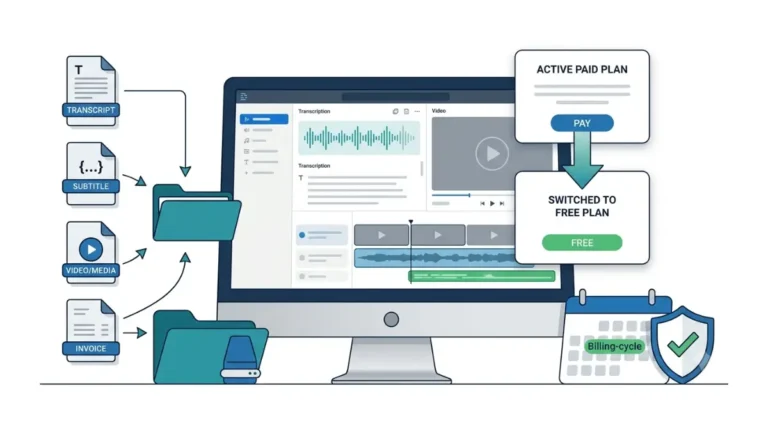
🛟 Back This Up First: Export your media and transcripts before cancelling. Descript’s pricing page (24 September 2026) says deleting your account permanently wipes your data from its servers.
What your plan lets you export
Per Descript’s pricing page on 24 September 2026, timeline export is Creator and Business only. Audio export has no duration limit on any plan. The named timeline-export targets include Premiere, Final Cut Pro and Audition, but not Resolve. We haven’t confirmed a direct Descript-to-Resolve route. Step-by-step instructions are in our guide to cancelling Descript and exporting transcripts.
Download only from the official sites
Get DaVinci Resolve from Blackmagic Design and Audacity from audacityteam.org. Studio is a paid edition. A free copy of Studio offered anywhere else is not an official source.
🧾 Not Tested: We did not install or run DaVinci Resolve, Resolve Studio, Audacity 4 or the Whisper plugin for this article. Everything above comes from each vendor’s public pages, checked 24 September 2026. We have not confirmed whether Resolve’s free edition transcribes without text editing.
FAQ
1. Is DaVinci Resolve really free?
Yes. Blackmagic’s page listed DaVinci Resolve 21 as a free download on 24 September 2026; Studio is the $295 paid edition.
2. Does DaVinci Resolve free have text-based editing?
Not according to Blackmagic’s page on 24 September 2026, which lists text-based editing among the features DaVinci Resolve Studio adds.
3. Can Audacity transcribe speech?
Through a separate free Whisper plugin, which Audacity’s download page said on 24 September 2026 isn’t yet compatible with the latest version.
4. Can Audacity edit video?
Audacity describes itself as an audio editor. To cut picture, pair it with a video editor such as DaVinci Resolve.
5. Is DaVinci Resolve Studio a subscription?
Blackmagic’s page showed Studio at $295 with no monthly or annual price when checked on 24 September 2026.
6. What does Descript’s free plan include?
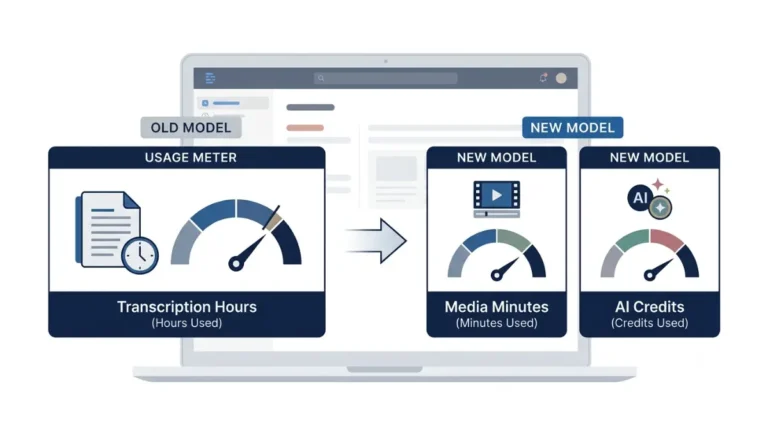
Descript’s free plan includes monthly media minutes, one-time AI credits and capped export resolution. The dated figures are in our comparison table above.
7. Can I move my Descript projects into DaVinci Resolve?
Descript’s pricing page didn’t name Resolve as a timeline-export target on 24 September 2026, and timeline export required Creator or Business.
8. Which free Descript alternative is better for podcasts?
Audacity suits audio-only podcasts, and DaVinci Resolve suits video podcasts. Neither free option edits by transcript.
10. Is it safe to download DaVinci Resolve Studio from other sites?
Download only from Blackmagic Design. Studio is a paid edition, and free copies offered elsewhere are not official sources.
The short answer
DaVinci Resolve and Audacity replace Descript’s editing for $0. They don’t replace editing by transcript. If that’s your workflow, weigh the breakeven table before you leave.