Descript free plan limits that push you to Hobbyist or Creator

On the Descript free plan, 100 AI credits arrive once, and a one-hour 24-bit stereo WAV is already over the 1 GB upload cap.
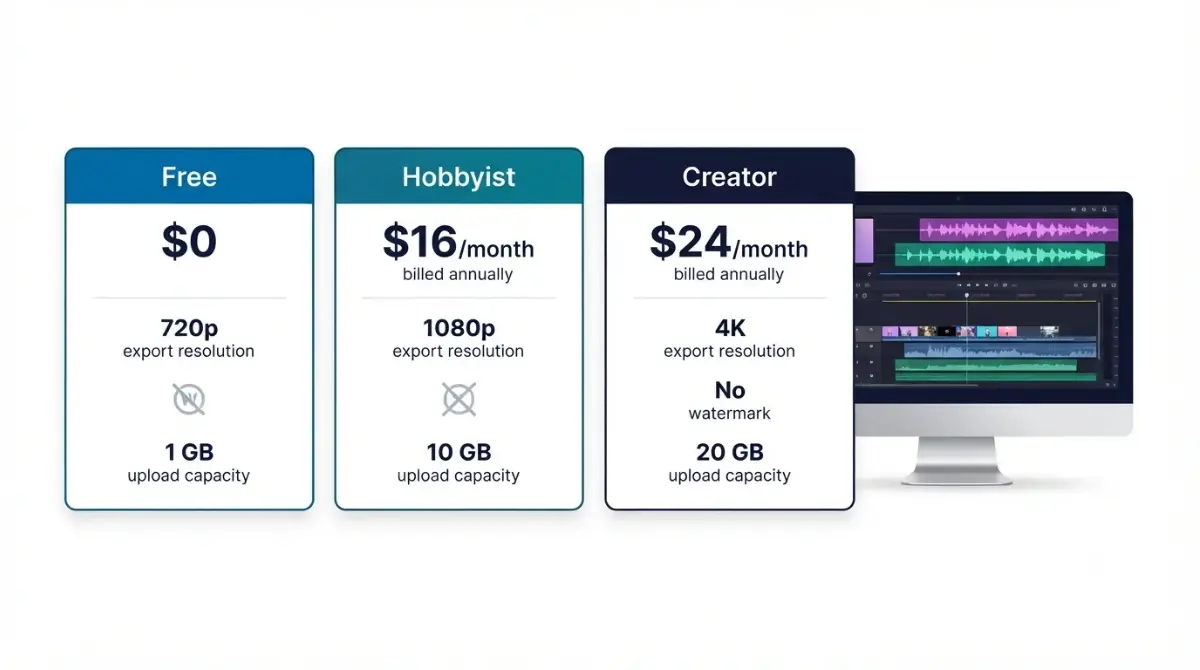
Table of Contents
Prices and plan details checked on November 26, 2026.
You can use Descript for $0 with no card at sign-up, but every video you export from a free account is capped at 720p and carries a watermark (Descript pricing). In the US, Hobbyist removes the watermark for $16 per person a month on annual billing or $24 billed monthly, and Creator, at $24 annually or $35 monthly, is the first plan with 4K export, timeline export and top-ups.
Free also limits each upload to 1 GB, gives you 60 media minutes a month and 100 AI credits that don’t refill, and comes with 5 GB of storage and one seat. For anyone filming in 1080p or 4K, the upload cap is the wall you reach first, long before the 60 minutes run out.
Free vs Hobbyist vs Creator, limit by limit
Most of what pushes a free user to pay is fixed by Hobbyist. Creator is for 4K, share links longer than an hour, high-bitrate camera files and work that leaves Descript as a project timeline instead of a finished video.
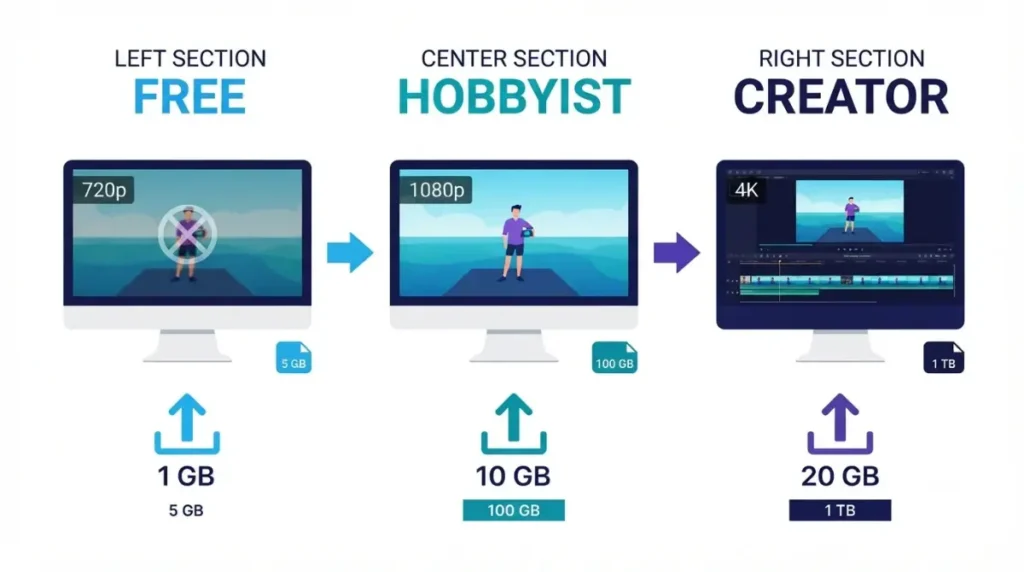
| Limit (US prices, checked Nov 26, 2026) | Free | Hobbyist | Creator | Cheapest plan that lifts it |
|---|---|---|---|---|
| Price per person a month | $0 | $16 billed annually, $24 monthly | $24 billed annually, $35 monthly | n/a |
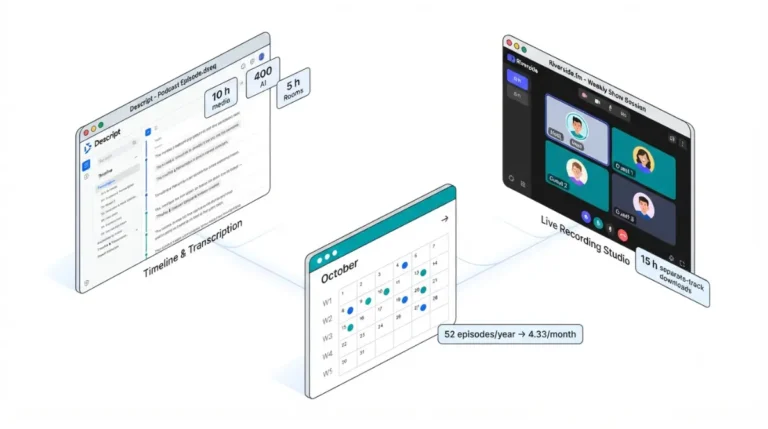
| Media minutes a month | 60 | 600 | 1,800 | Hobbyist |
| AI credits | 100, one time | 400 a month | 800 a month | Hobbyist |
| Watermark on video export | Yes | No | No | Hobbyist |
| Video export, local and web link | 720p | 1080p | 4K | Hobbyist for 1080p, Creator for 4K |
| Web link length | 1 hour | 1 hour | 3 hours | Creator |
| Largest upload | 1 GB | 10 GB | 20 GB | Hobbyist |
| Upload bitrate ceiling | 150 Mbps | 150 Mbps | 1 Gbps | Creator |
| ProRes and other advanced formats | No | No | Yes | Creator |
| Cloud storage | 5 GB | 100 GB | 1 TB | Hobbyist |
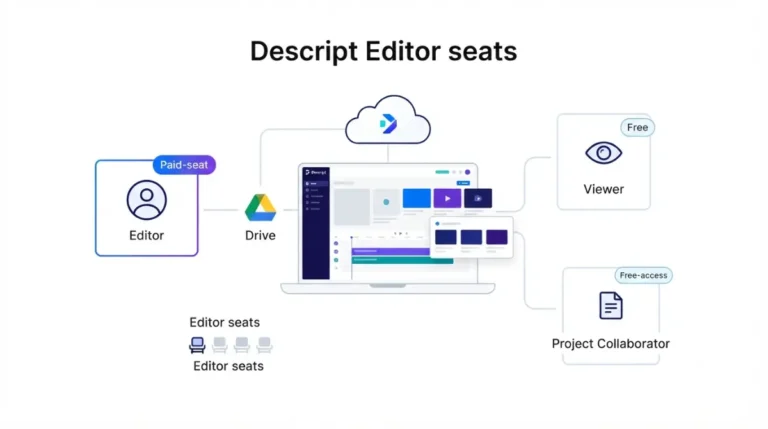
| Seats | 1 | 1 | 1 to 3 | Creator |
| Stock library results per search | 5 | 12 | Unlimited | Hobbyist for 12, Creator for all |
| Batch export | No | No | Yes | Creator |
| Timeline export to editing apps | No | No | Yes | Creator |
| Custom font upload | No | No | Yes | Creator |
| Top-ups when you run out | No | No | Yes | Creator |
| Recording hours per drive a month | 2 | 5 | 15 | Hobbyist |
Source: Descript’s plan comparison table. Creator seats are billed per person.
Hobbyist keeps two of Free’s ceilings. Share links still stop at one hour, and files above 150 Mbps still aren’t accepted. If your camera writes files above that bitrate, you need Creator.
What you can still do for free
Plenty stays open without paying:
- Unlimited projects, transcription in 25 languages, multitrack transcription and speaker detection for eight or more speakers.
- Audio exports of any length.
- Two hours of recording per drive each month.
- A limited allowance of Underlord, Studio Sound, Eye Contact, Green Screen and the other tools that spend AI credits.
No first-party page covers watermarks on audio files. The comparison table ties the watermark to video export only, so if you only make podcasts, Descript gives you no answer on that point.
Is a 1 GB upload cap smaller than 60 minutes?
If you film in 4K, one file reaches the free upload cap after 3 to 4 minutes of footage at YouTube’s recommended 4K bitrates.
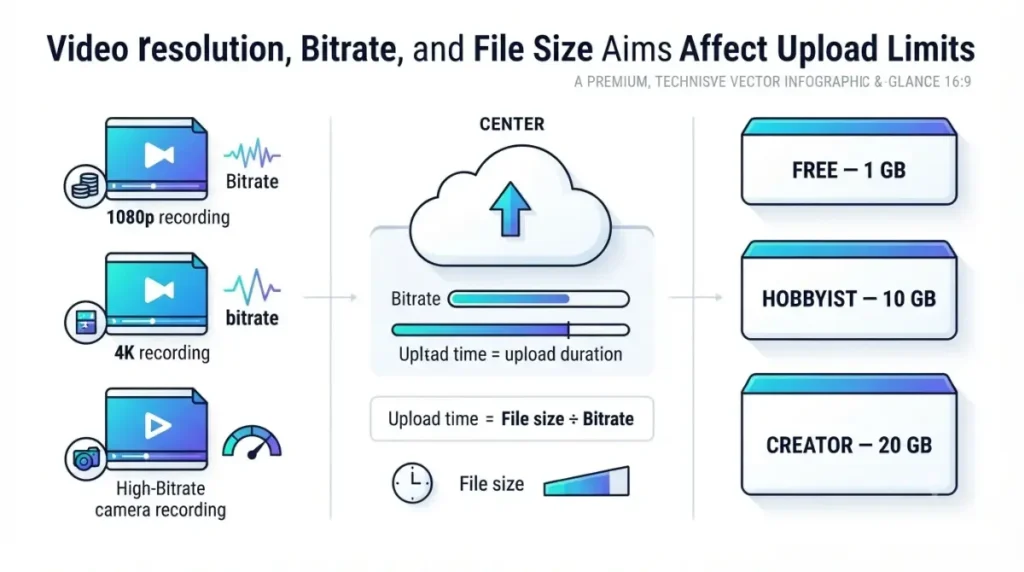
The sum is short. Descript caps each upload at 1 GB on Free, 10 GB on Hobbyist and 20 GB on Creator. A gigabyte is 8,000 megabits, so the running time that fits is 8,000 divided by the file’s bitrate in megabits per second. The table uses YouTube’s recommended upload bitrates as typical files.
| File | Free (1 GB) | Hobbyist (10 GB) | Creator (20 GB) |
|---|---|---|---|
| 1080p at 8 Mbps | 16.7 minutes | 2 hours 47 minutes | 5 hours 33 minutes |
| 1080p at 60 fps, 12 Mbps | 11.1 minutes | 1 hour 51 minutes | 3 hours 42 minutes |
| 4K at 35 to 45 Mbps | 3.0 to 3.8 minutes | 29.6 to 38.1 minutes | 59.3 to 76.2 minutes |
| Any file at 150 Mbps | 53 seconds | 8.9 minutes | 17.8 minutes |
| Stereo WAV, 48 kHz and 24-bit | 57.9 minutes | 9 hours 39 minutes | 19 hours 17 minutes |
Worked out from Descript’s file-size caps and YouTube’s bitrates, taking 1 GB as 1,000 MB. Video rows leave out the audio track, so real files run a little shorter.
A file at the 150 Mbps ceiling fills a free upload in under a minute. If your camera records above YouTube’s figures, every number in the table shrinks in proportion.
Audio is much easier on the cap, though not by as much as podcasters expect. Stereo WAV at 48 kHz and 24-bit runs at 2.304 Mbps (48,000 samples × 24 bits × 2 channels), so a one-hour episode comes to about 1.04 GB, just over the line. The same hour as a 320 kbps MP3 is about 144 MB.
The 60 minutes are a separate wall. They count every file you upload or record, whether or not it’s transcribed (Descript’s plan changelog). What counts as a Descript media minute covers the rest of that meter.
The 100 AI credits don’t come back
“100 lifetime AI credits” is how Descript described the free allowance when it moved Free to media minutes and credits in September 2025. The comparison table agrees: it lists Free’s 100 as one-time and gives every paid plan a monthly allowance.
One help page muddies it. Its wording is that every plan comes with a monthly allowance of minutes and credits. With two first-party pages saying one-time against one saying monthly, plan as if the 100 never refill.
Studio Sound, Underlord, Eye Contact, Green Screen, generated media and avatars all draw from that pool. How fast each one spends it is broken down in Descript AI credit costs, tool by tool.
Running dry on Free has no paid patch. Extra credits and media hours are sold only on Creator and Business. That means Hobbyist users wait for their monthly reset, and free users get no more credits without upgrading.
Hobbyist or Creator: which limit decides it
Pick the plan by the row that stopped you.
Hobbyist is enough if your problem is the watermark, 720p, a file between 1 GB and 10 GB, more than 60 minutes a month or running out of credits. At the prices above, a year of Hobbyist costs $192 billed annually or $288 billed monthly.
Creator is the floor for 4K, files above 150 Mbps or 10 GB, ProRes, batch export, custom fonts, share links up to three hours, a second or third seat, and top-ups. It is also the cheapest plan that can send a timeline to Premiere, Final Cut Pro, Pro Tools, Logic, Audition, Samplitude or Reaper. A year of Creator costs $288 billed annually or $420 billed monthly.
Worked out from those listed prices, annual billing saves $96 a year on Hobbyist (33%) and $132 on Creator (31%). Both are short of the “up to 35%” Descript advertises on its pricing page.
Renewal date: unused media minutes and AI credits don’t carry over, and both reset when your subscription renews (Descript help center).
For Business, and the extra costs that build up once both meters run, see what every Descript plan costs once top-ups and seats are added.
Upload one real episode before you upgrade
Run one typical recording through a free account before paying. A single file shows you which wall you will hit.
- Check the file’s size and bitrate on your computer. Over 1 GB means Hobbyist at minimum; over 10 GB or 150 Mbps means Creator.
- Upload it, edit it as you normally would, and export it once at 720p to see whether the watermark and resolution work where the video is going.
- In Settings, choose the drive, then open the Usage tab to see how many media minutes and credits that one file used (Descript usage help).
Moving back down later works the same way as canceling. The paid plan stays active until the billing cycle ends, then the drive switches to Free and paid-only features stop working (Descript’s cancellation help). Which files to export before you cancel Descript lists what to save before that date.
Found this helpful? See more of our guides on Google.
Want to see our guides first on Google?