Is Descript safe to download? What its security page documents

Descript’s security page lists SOC 2 Type II, yet App Store searches show Descript-named apps from other sellers. Where the official installer comes from.
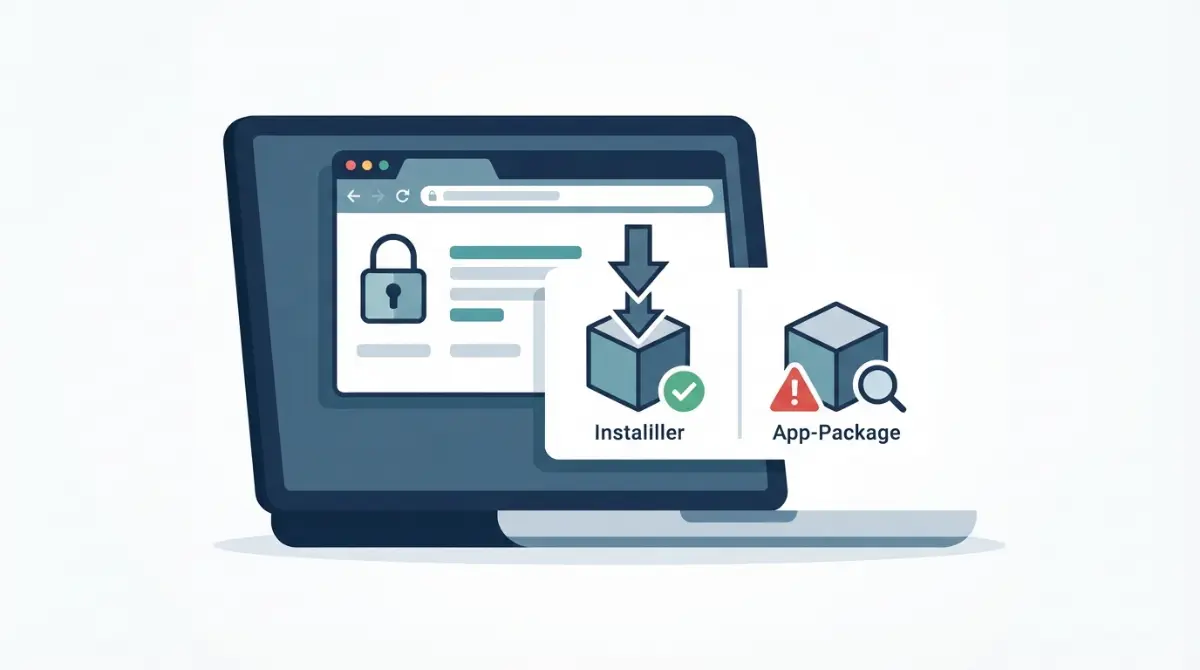
Table of Contents
Checked on November 17, 2026.
Descript is safe to download from descript.com or web.descript.com: its security page states SOC 2 Type II compliance, AES-256 encryption for stored data and TLS 1.2 for data in transit. The risk is the source, because Descript’s page for other devices says the app doesn’t work on mobile, yet a US App Store search for “Descript” returns paid editing apps from other sellers.
So the thing to check is where the file came from. Use one of the addresses below, and treat any iPhone app carrying the Descript name as someone else’s product.
Where the official Descript installer comes from
| Download | Platform | Oldest supported system | What arrives |
|---|---|---|---|
| descript.com/download/mac | Mac | macOS 14 (Sonoma) | A .zip with the Descript app inside |
| descript.com/download/windows | Windows | Windows 11 | A .zip with the installer inside |
| web.descript.com | Browser | Chrome, Edge or Opera | Nothing to install |
| Desktop app preview | Mac and Windows | macOS 14 or Windows 11 | A pre-release build of the desktop app |
Sources: Descript’s install guide and system requirements.
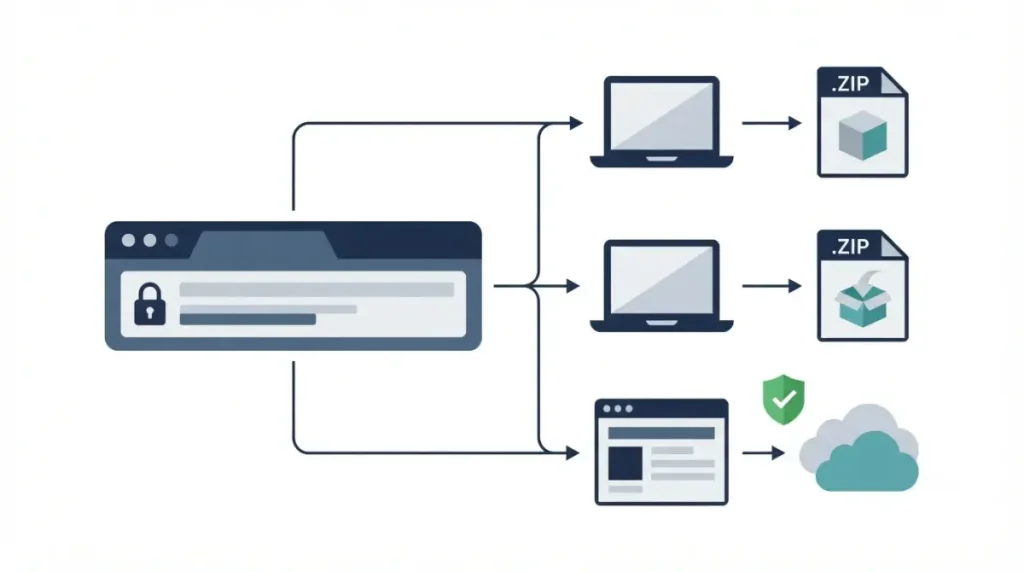
On a Mac you unpack the .zip and drag Descript into Applications. On Windows you unpack it and run the installer inside, which then downloads the full application and shouldn’t be interrupted. The download costs nothing, with no credit card asked for on either download page, and what the free plan leaves locked is a separate question.
Once installed, the app fetches its own updates. A site offering a standalone “Descript update” file is not passing on anything from Descript, and neither is one offering a 32-bit build: Descript runs only on 64-bit operating systems and publishes no 32-bit version.
Descript’s pages disagree about the oldest system they support. The Mac and Windows download pages set the floor at macOS 14 and Windows 11, while the older page for other devices still shows macOS High Sierra (10.13) and Windows 10. Go by the download pages, which match the help center.
Descript apps in the App Store aren’t from Descript
Type “Descript” into the US App Store and the results include subscription editing apps with Descript in their names. One, listed as “Descript Ai – AI Editing”, comes from a seller other than Descript, Inc. and calls itself “Desyra” in its own description.
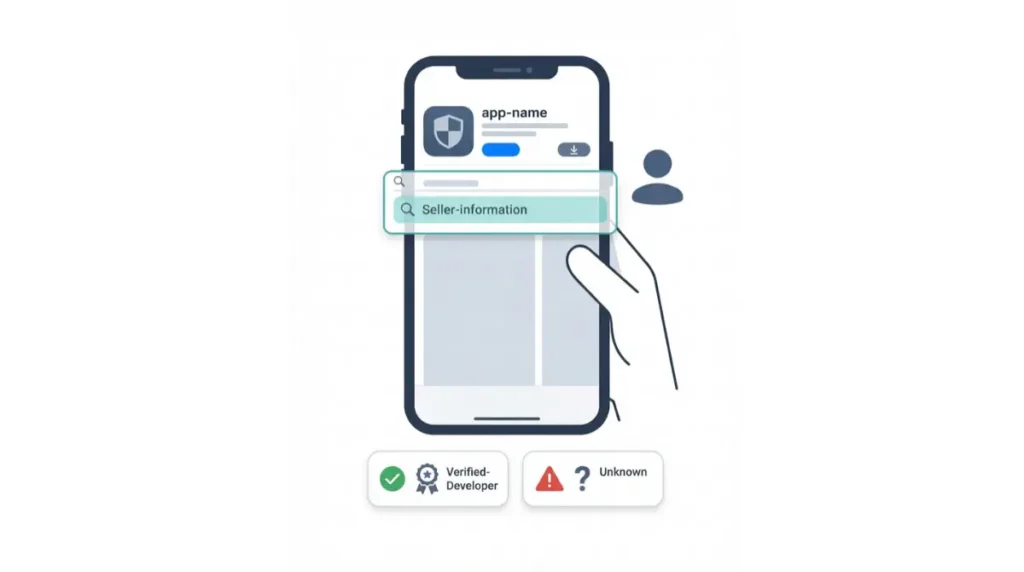
Descript isn’t officially supported on phones or tablets, iPads included. Before installing anything Descript-branded on an iPhone or iPad:
- Open the app’s own App Store page from the search results.
- Find the Seller line on that page.
- If the seller isn’t Descript, Inc., the app isn’t Descript’s, whatever the icon looks like.
Listings like these change often, so the seller line is a more lasting test than any list of app names. A listing that sends you to a different web domain for its terms or privacy policy fails the same test, since Descript’s documents live on descript.com.
What does Descript’s security page promise?
The page commits to AES-256 for stored data and HTTPS with TLS 1.2 for data in transit, with sign-in handled by a company called Stytch.
Encryption, logins and deletion
Uploaded audio, video and transcripts are stored on Amazon S3 or Google Cloud. Delete a project and it is permanently removed from Descript’s servers within 30 days; delete the account and the data tied to it goes too.
Multi-factor authentication is required of Descript employees for important internal systems. The security page doesn’t describe two-factor sign-in for customers.
An outside firm audited the controls
SOC 2 Type II means an independent auditor examined how a company’s security controls operated across an audit period. The auditor is described only as a certified public accounting firm, with no audit date or report period given. Descript’s “Explore trust report” link opens a trust center hosted by SecurityPal, where a business can request further details, which is the route if your employer’s security team needs the report itself.
Some third-party security-profile sites list ISO 27001 or FedRAMP badges next to Descript’s name. Descript’s own page claims neither, so leave both out of any vendor assessment.
Searches on the date at the top of this page found no breach notice from Descript, and its status page showed every component operational with no incidents listed. For who runs and funds the company, see who owns Descript.
Two Descript documents, two defaults for data sharing
On the security page, sharing transcription data for service improvement is “disabled by default and can only be enabled by you.” The Terms of Service, last updated February 25, 2025, let Descript use your inputs and outputs to train its models “unless you have opted out of such use,” and the privacy policy treats the Projects setting the same way, as something you switch off.
The data privacy help article sits between the two. New users are asked to choose during onboarding. Production models use no customer data, and only people who opted in feed internal research models. On Enterprise drives sharing is off and can’t be toggled.
Whatever you picked at sign-up, look once. Open App Settings with Command or Control plus the comma key, go to the Profile tab and find Share data with Descript; if it reads Allowed, click it to turn sharing off.
The privacy policy has one more line for anyone browsing descript.com: its advertising and tracking tools “may result in us selling or sharing identifiers.” That covers website identifiers used for ads, and other categories of personal information are not sold or shared under the same policy. The full training terms, including Custom Voice audio, are in whether Descript trains AI on your recordings.
After you install: login launch, updates and permissions
Descript starts when your computer does. That is the default, so the Screen Recorder stays ready, and the switch to stop it is Launch at login in the Screen Recorder settings.
Updates download in the background while the app is open and apply the next time you launch it. If macOS asks you to confirm opening an app downloaded from the internet on first launch, click Open, as the install guide directs.
Recording needs these permissions:
- macOS: Camera, Microphone and Screen Recording, under System Settings, then Privacy & Security
- Windows: Camera and Microphone, under Settings, then Privacy & security
Descript’s documentation lists no other system permissions for the desktop app.
Check your computer against Descript’s requirements
With the installer from descript.com in hand, the open question is your machine. Descript sets 8 GB of RAM as the minimum on both platforms, and the model-by-model detail, including what Apple silicon and Intel Macs need, is in Descript system requirements.
After that comes the plan, priced out in what Descript costs once you’re set up.
Found this helpful? See more of our guides on Google.
Want to see our guides first on Google?