
Descript system requirements for Mac and Windows, stated plainly
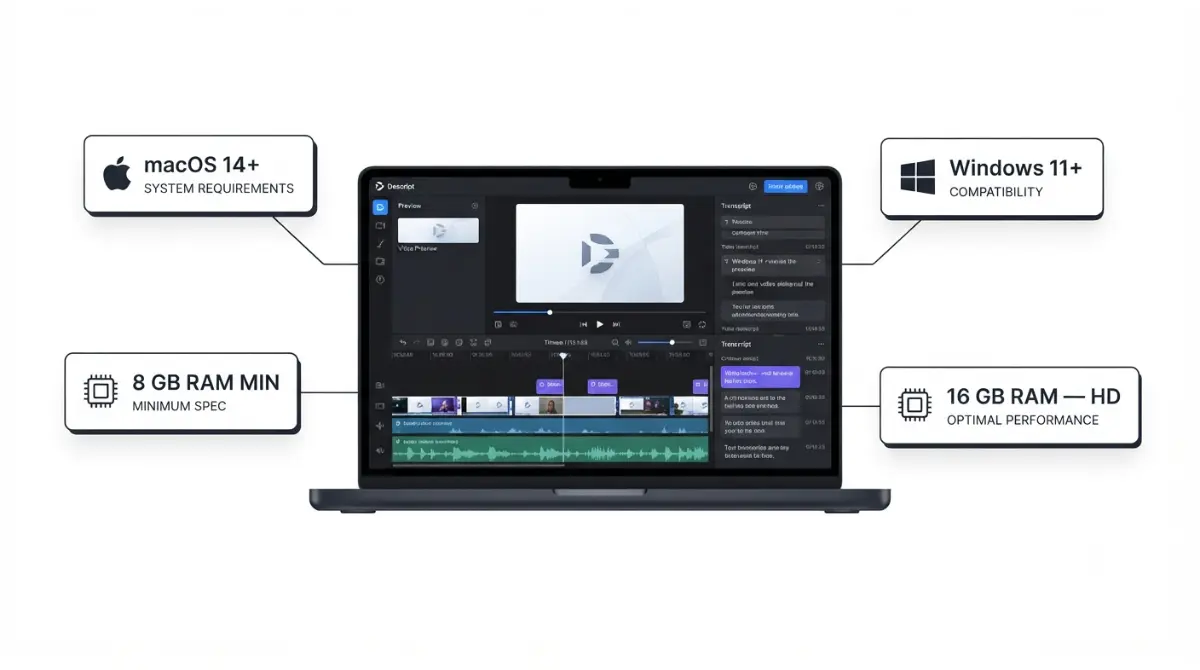
Table of Contents
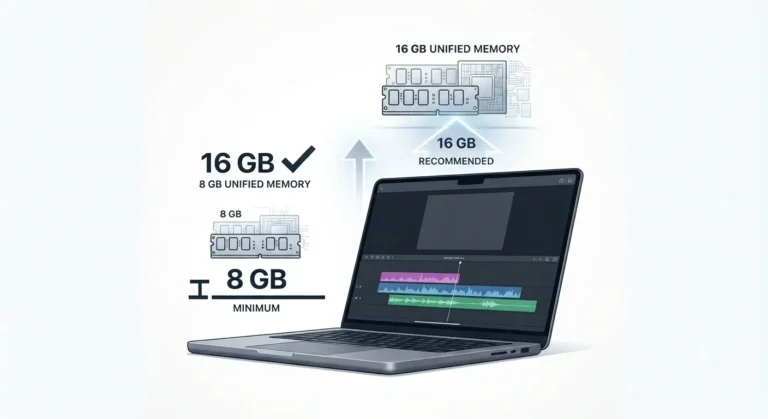
Descript’s minimum is 8GB RAM on macOS 14 (Sonoma) or Windows 11 — verified on Descript’s help centre, 12 September 2026. The same page recommends 16GB for HD and 32GB for 4K, so 8GB is the floor to launch, not to edit. Most readers blocked here fail the OS line, not the RAM line.
Which requirement is actually blocking you
Two lines decide this, and most people check the wrong one first.
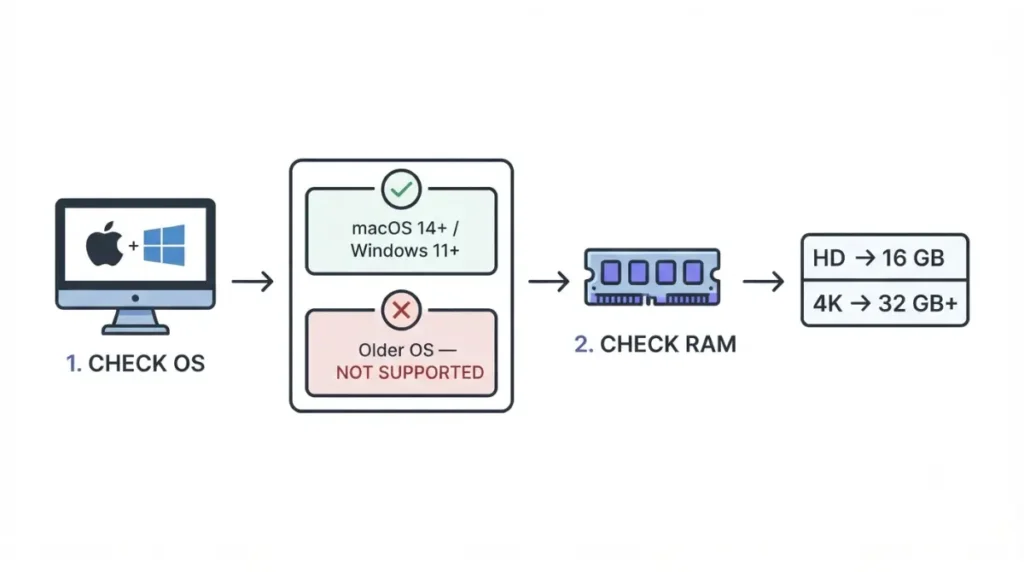
Start with your operating system, not your RAM
Read your operating system version before anything else. A machine with 32GB of memory running Windows 10 is still outside what Descript supports, and no amount of RAM changes that.
Then check memory against what you edit
If the OS clears, memory is not one number but two — what launches the desktop app, and what Descript recommends for the resolution you edit in.
✅ Do This: Write down your OS version and your installed RAM. Every section below keys off those two numbers.
What Descript lists as minimum, and what it recommends
Descript publishes two sets of figures on one page, and they sit about 600 words apart.
| Component | Minimum, verified 12 Sep 2026 | Recommended for HD, verified 12 Sep 2026 | Recommended for 4K, verified 12 Sep 2026 |
|---|---|---|---|
| Memory, Windows | 8GB | 16GB, dual-channel | 32GB or more |
| Memory, Intel Mac | 8GB | 16GB | 32GB |
| Memory, Apple silicon | 8GB | 16GB unified | Not separately stated |
| Operating system | macOS 14 / Windows 11 | macOS 14 / Windows 11 | macOS 14 / Windows 11 |
| GPU memory | Not stated | 4GB | 6GB or more |
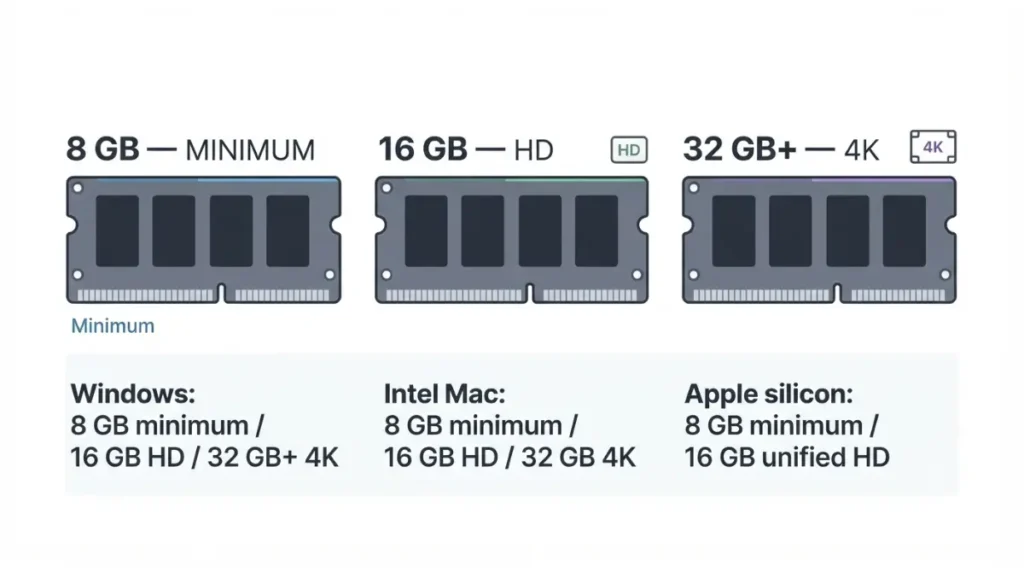
The minimum: what gets the app open
The minimum list names three things and stops: 8GB RAM, the OS floor, and a browser for authentication. It states no processor, no GPU and no disk figure, per Descript’s published requirements retrieved 12 September 2026.
Apple silicon and Intel Macs are not the same 16GB
Descript recommends 16GB of unified memory on Apple silicon, and separates Intel Macs into 16GB for HD and 32GB for 4K, with 4GB of GPU memory for HD workflows.
🔍 Why It Works This Way: The two sets answer different questions. The minimum list describes what the desktop app installs and launches on; the recommendation table is written against media resolution, which is why its memory figure doubles at 4K.
Mac, Windows, web and what Descript does not support
The operating system line is where most machines fail, and it moved further than most readers expect.
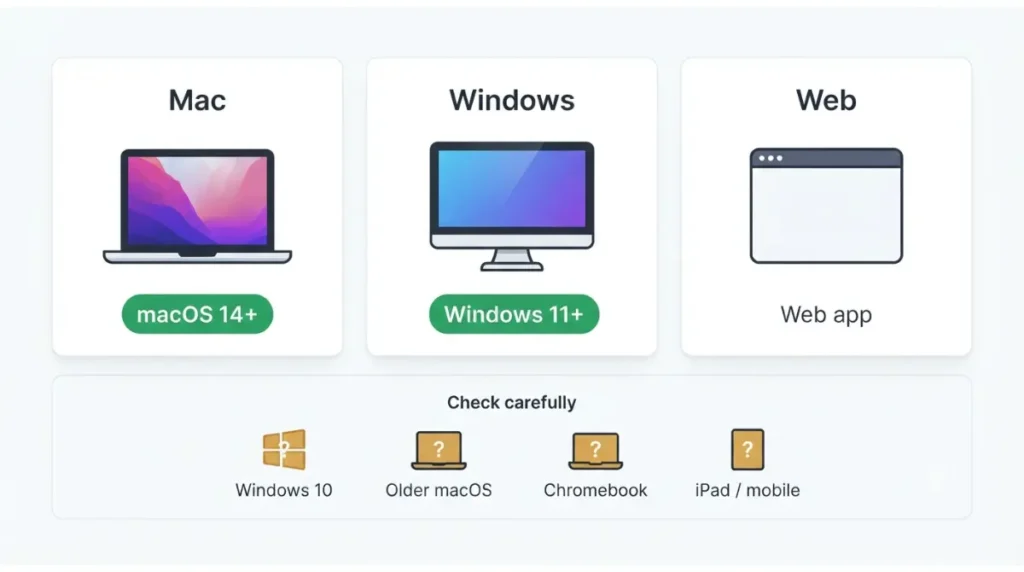
Windows 10: no, and what that means
No. Descript’s requirements page and its Windows download page both state Windows 11 or newer, retrieved 12 September 2026. Windows 10 itself reached end of support on 14 October 2025, so this is a floor that will keep rising.
⚠️ This Costs You: If the machine cannot take Windows 11, the cost of running Descript is a hardware replacement, not a subscription. Check the upgrade path before you pay for a plan.
Older macOS versions
macOS 14 (Sonoma) or later, verified 12 September 2026. Ventura and earlier are below the floor regardless of how much memory the Mac has.
Chromebooks, iPads and mobile browsers
Not officially supported. Descript states that playback preview may work but editing and account features do not, so a tablet is not a way around a failing desktop. The web version still needs a Chromium-based browser; if you are weighing it against paying, our breakdown of the free plan’s limits covers what you get before a card.
What makes Descript run badly on a machine that qualifies
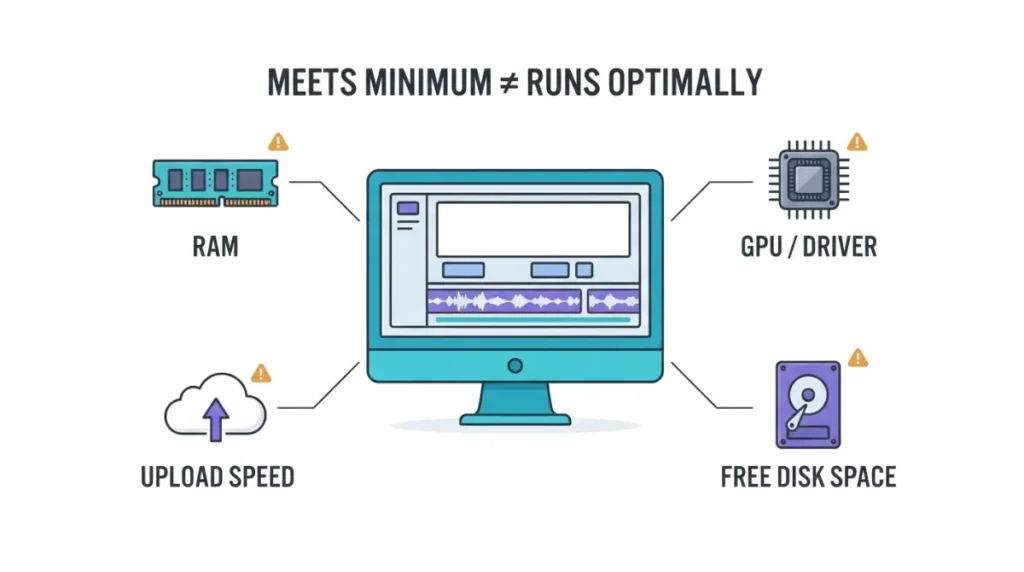
Clearing the minimum is not the same as running well, and three documented constraints sit outside the RAM and OS lines.
Graphics driver age and the screen recorder
The screen recorder needs a dedicated GPU with a driver from 2021 or later, verified 12 September 2026. Descript recommends against using the recorder on an older driver rather than treating it as merely slower.
Disk space
At least 20GB free is recommended, with 20–40GB in the recommendation table, verified 12 September 2026. Descript stores projects in the cloud, but some actions still write locally.
Upload speed, not just download
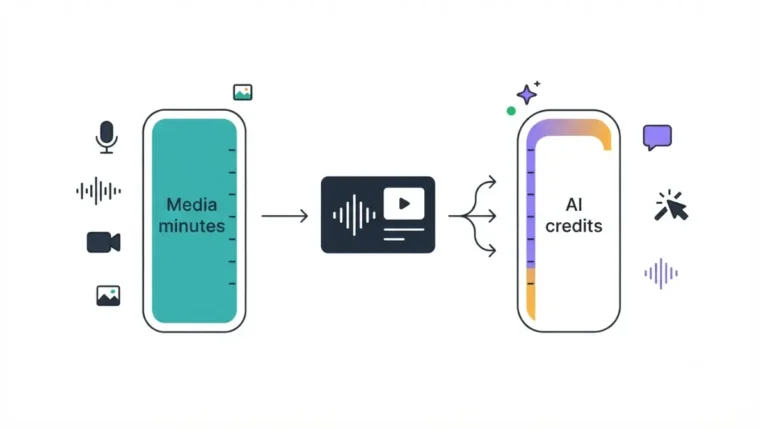
50 Mbps down and 10 Mbps up are the stated minimums. Descript names slow uploads as a cause of delayed project loading and revision restores — worth knowing before you blame the machine. How much of that uploaded media counts against your plan is a separate question, covered in our guide to what Descript counts as media minutes.
Which Descript versions are supported, and how updates reach you
Descript does not publish a version number on its requirements page, so support is scoped by time rather than by build.
The three-month support window
Descript supports the current version and any released in the previous three months, verified 12 September 2026. There is no long-term or legacy branch stated anywhere on that page.
Updates install themselves
The desktop app checks for updates while running, downloads them in the background, and applies them at next launch, per Descript’s install documentation retrieved 12 September 2026. You do not opt in, and you cannot hold a build back.
A gap we could not close: Descript’s requirements have clearly moved — its retired help centre still publishes an older macOS and Windows floor — but that page blocks automated retrieval, so we have not verified its current contents or dated the change. We will add it here once we have a manual capture.
Where to download Descript
There are two official surfaces and no good reason to use a third.
The official download surfaces
Descript’s own site serves the macOS and Windows installers, and its help centre documents the install steps for both. Descript states it requires a 64-bit operating system and offers no 32-bit app or installer, verified 12 September 2026.
Why sign-up fails in some countries
Descript says availability is limited in some countries by its payment processor, and that the symptom is your country missing from the payment-method dropdown. It points to Stripe’s global availability list — though that page lists where businesses can be based, which is not the same question as whether your card will be accepted.
🧾 Not Tested: We have not installed or run Descript on any machine for this article. Every figure above is taken from Descript’s published documentation on 12 September 2026, not from measured performance. We cannot tell you how 8GB feels in practice, only what Descript publishes about it.
Frequently asked questions
1. Can Descript run on 8GB of RAM?
Yes — 8GB is Descript’s stated minimum, verified 12 September 2026. Its own recommendation for HD media is 16GB.
2. Does Descript work on Windows 10?
No. Descript requires Windows 11 or newer, verified 12 September 2026, and Windows 10 lost Microsoft support on 14 October 2025.
3. Does Descript work on macOS 13 or older?
No. The floor is macOS 14 (Sonoma) or later, verified 12 September 2026, regardless of installed memory.
4. Does Descript need a graphics card?
No. Descript states mobile browsers and tablets are not officially supported; playback may preview, but editing and account features do not work.
5. How much free disk space does Descript need?
At least 20GB is recommended, with 20–40GB listed in the recommendation table, verified 12 September 2026.
6. Is there a 32-bit version of Descript?
No. Descript requires a 64-bit operating system and offers no 32-bit app or installer, verified 12 September 2026.
7. How fast does my internet need to be
50 Mbps download and 10 Mbps upload are the stated minimums, verified 12 September 2026. Slower uploads delay project loading.
8. Which Descript versions are supported?
The current version plus any released in the previous three months, verified 12 September 2026. Updates apply automatically at next launch.
The short version
Check the operating system first: macOS 14 or Windows 11, verified 12 September 2026. If that clears, 8GB will open Descript and 16GB is what Descript itself recommends for HD. Once the machine qualifies, the next question is money — what a Descript plan actually costs once add-ons are included.
4 Comments