Does Descript work offline? What breaks without Wi-Fi
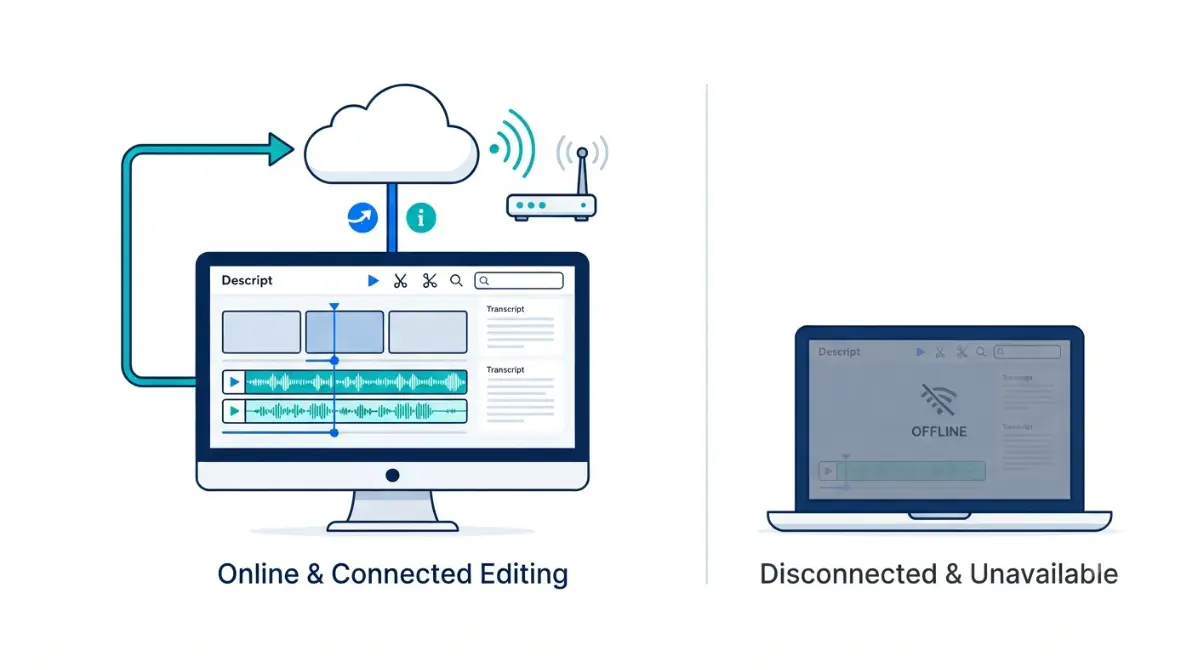
Table of Contents
No. Descript does not support offline editing — its own help centre states it plainly, verified 15 September 2026. Every edit is written to the cloud as you make it; there is no Save button. Descript’s published system requirements recommend at least 50 Mbps down and 10 Mbps up, and in December 2025 a Descript staffer called full offline support unfeasible under the current design.
🧾 Not Tested: We did not open a Descript account or run the app with a connection pulled. Every statement here comes from Descript’s help centre, its pricing page and its public feedback portal, each retrieved 15 September 2026. What the app shows on screen the moment a connection drops is not something we can describe.
Start here: which of these is you?
Four situations bring people to this question. Find yours and skip the rest.
- If you’re travelling this week and planned to edit in transit, go to what stops working. That section decides your travel workflow, not your plan.
- If you’re evaluating before buying, read what Descript says first. The position is the vendor’s, stated on its own pages.
- If you’re looking at an offline message right now on a connection that plainly works, go to the false-alert check.
- If you used to work offline and want to know where it went, the explanation is dated and comes from Descript itself.
What Descript says about offline editing
Descript doesn’t support offline editing, and an internet connection is needed for changes to sync and for the project to back up, per its guide to saving work retrieved 15 September 2026.
The statement sits inside an article about saving
There is no Save button in the app. Edits are written to the cloud the moment you make them, per the same guide retrieved 15 September 2026. The capability statement is a note inside a page about syncing, which is why so few buyers find it before subscribing.
Why it’s not coming back, in Descript’s words
A Descript staff member wrote on the company’s own feedback portal on 12 December 2025 that the current design makes full offline support unfeasible in the near term. Answering users who said the feature had gone, the same staffer gave the cause as the move from a desktop app to one unified codebase serving desktop and web.
Descript publishes no removal date, and we hold no archived capture of the earlier behaviour, so this article states none.
What stops working when the connection goes
Everything in the editor depends on the connection, because every edit is a write to Descript’s servers rather than to a file on your machine, per its saving guide retrieved 15 September 2026.
| Action | Needs a live connection | Verified |
|---|---|---|
| Editing a project, desktop or web | Yes | 15 Sep 2026 |
| Signing in | Yes — a browser is required for authentication | 15 Sep 2026 |
| Syncing and backing up edits | Yes | 15 Sep 2026 |
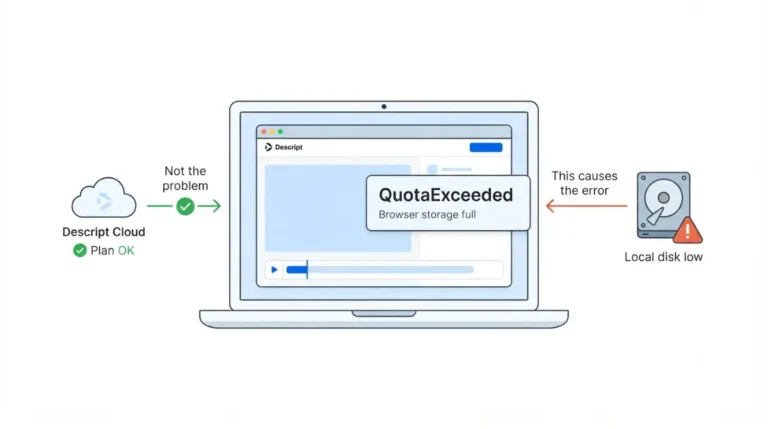
| Local disk headroom | Not a connection issue — 20 GB free recommended | 15 Sep 2026 |
| Local export with no connection | Descript’s documentation does not state this | 15 Sep 2026 |
The desktop app is not the exception
Installing the desktop app changes nothing here. A browser is still required for authentication, per Descript’s published system requirements retrieved 15 September 2026, and the editor behaves the same way on both surfaces.
No plan unlocks it
Descript’s published plan comparison lists no offline capability at any tier, checked 15 September 2026. Upgrading is not a route to this.
The connection speed Descript expects
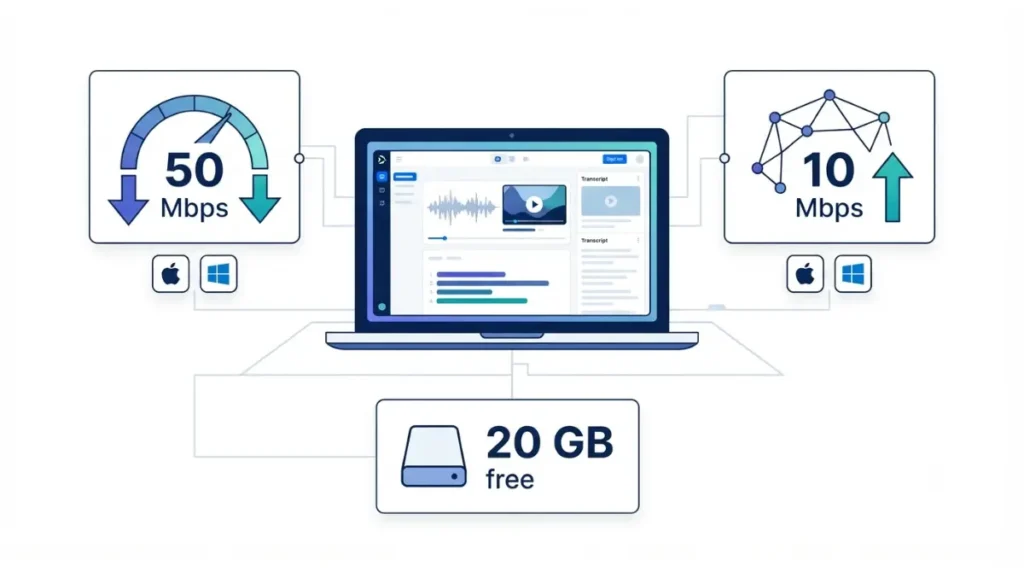
Descript recommends 50 Mbps download and 10 Mbps upload as a minimum, identically on macOS and Windows, per its published system requirements retrieved 15 September 2026.
| Requirement | macOS | Windows | Verified |
|---|---|---|---|
| Download speed | 50 Mbps minimum | 50 Mbps minimum | 15 Sep 2026 |
| Upload speed | 10 Mbps minimum | 10 Mbps minimum | 15 Sep 2026 |
| Free disk space | 20 GB recommended | 20 GB recommended | 15 Sep 2026 |
What happens below the floor
Descript names three consequences of falling under those speeds: file uploads slow, projects take longer to load, and revision restores are delayed, per the same page retrieved 15 September 2026. That is the difference between a working connection and a sufficient one, and it is where hotel and café Wi-Fi tends to land.
💵 Verified: 50 Mbps down / 10 Mbps up minimum recommended, both platforms — Descript’s system requirements page, retrieved 15 September 2026.
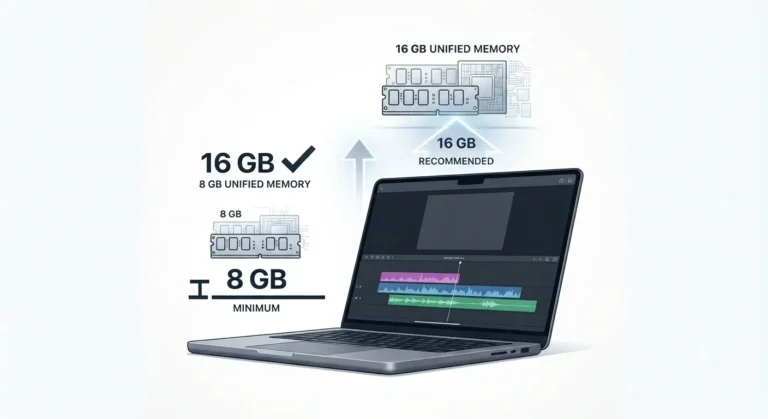
Hardware and operating system sit outside this article; our guide to Descript’s system requirements covers the RAM, GPU and OS floors.
When Descript says you’re offline but you’re not
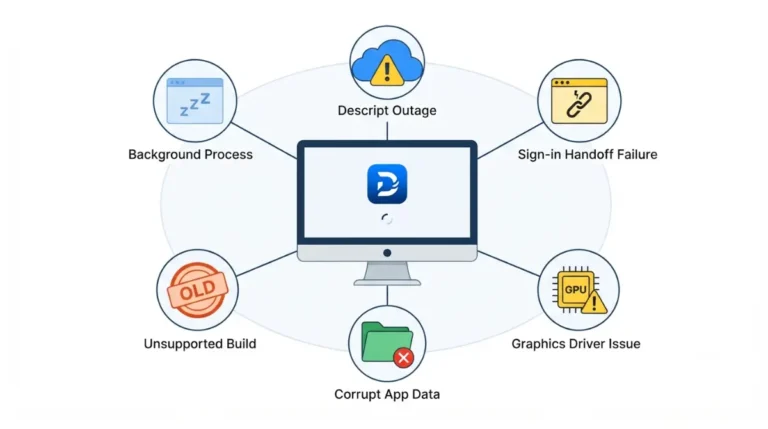
An offline message can mean an unstable connection, a block applied by your local network, or occasionally a false alert, per Descript’s network troubleshooting guide retrieved 15 September 2026.
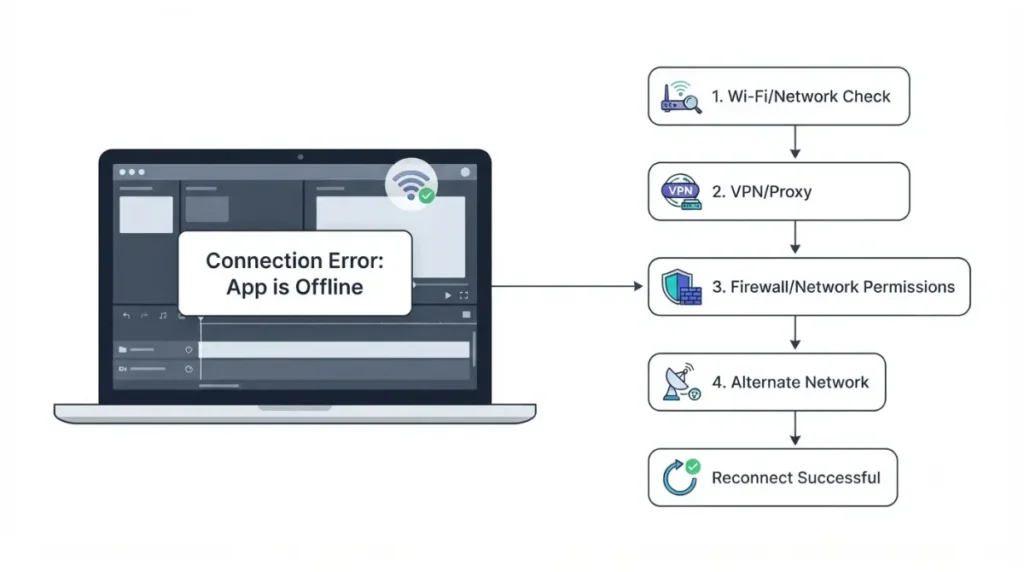
The documented check, in order
- Quit Descript completely from the taskbar icon, then reopen it.
- Reload the window or refresh the browser tab.
- Clear the browser cache, or reset app data from the desktop app’s debug menu.
- Restart the device.
- Disable any VPN, firewall or proxy temporarily to see whether it is the blocker.
- Confirm at least 20 GB of free disk space.
- Try a different network, or switch between the desktop app and the web app.
Managed networks are the common cause
Descript publishes a firewall and proxy allowlist for network administrators, and advises split tunnelling where a VPN is in use, per the same guide retrieved 15 September 2026. On an office, school or coworking network, that list is the fix — send it to whoever runs the network rather than working through settings yourself.
What to do when you can’t get online
There is no setting that makes the editor work without a connection, so the workable answers are all upstream of Descript.
🛟 Back This Up First: If a recording stalls or fails, do not refresh repeatedly — the file may still be uploading in the background, per Descript’s recording recovery guide retrieved 15 September 2026. Recover in the same browser or app you recorded with; another one will not find it.
If a recording is interrupted
A slow or unstable connection can prevent the upload to the cloud, and the recovery route stays open for up to seven days after the session, per the same guide retrieved 15 September 2026. Recovered files are not added to your script automatically — you place them yourself.
Record now, bring it in later
Capture on any device offline and import when you reconnect. Budget for it first: every upload draws the media meter, transcribed or not.
What the phone can’t do
Descript offers mobile upload only. Editing runs on desktop or web, and tablets and Chromebooks are not supported, per its system requirements retrieved 15 September 2026.
✅ Do This: If offline editing is a requirement rather than a preference, decide that now rather than at renewal, and export your projects while the paid term is still running.
This page carries no affiliate links. The honest answer here is that the product cannot do the thing you came to ask about, and a commission paid on that sentence would not survive scrutiny.
Descript offline questions, answered
1. Can I edit Descript projects on a plane?
No. Descript does not support offline editing, per its help centre retrieved 15 September 2026, so a flight without Wi-Fi stops editing.
2. Does the Descript desktop app work without internet?
No. The desktop app syncs every edit to the cloud, and a browser is required for authentication, verified 15 September 2026.
3. What internet speed does Descript need?
Descript recommends 50 Mbps download and 10 Mbps upload as a minimum on both macOS and Windows, verified 15 September 2026.
4. Does any paid plan unlock offline editing?
No. Descript’s published plan comparison lists no offline capability on any tier, checked 15 September 2026.
5. Why did Descript remove offline editing?
A Descript staffer cited the move from a desktop app to one unified codebase serving desktop and web, writing on 12 December 2025.
6. Descript says I’m offline but my internet works — what now?
Descript documents this as an unstable connection, a local network block, or occasionally a false alert. Quit and reopen first.
7. Does a work firewall or VPN block Descript?
It can. Descript publishes a firewall and proxy allowlist for network administrators and advises split tunnelling for VPNs, retrieved 15 September 2026.
8. What happens if my connection drops mid-recording?
Descript’s recovery route stays open for up to seven days, and recovered files are not added to your script automatically.
9. Is there a Descript mobile app for editing offline?
No. Descript offers mobile upload only; editing runs on desktop or web, and tablets and Chromebooks are unsupported, verified 15 September 2026.
What we checked, and when we check it again
Every statement here was taken from Descript’s help centre, its pricing page and its public feedback portal on 15 September 2026, each linked where it appears. We hold no Descript account, so nothing above describes using the software. If Descript still fits your work, our breakdown of what each Descript tier actually costs prices it.