Is CapCut Free? What the Free Plan Can’t Export
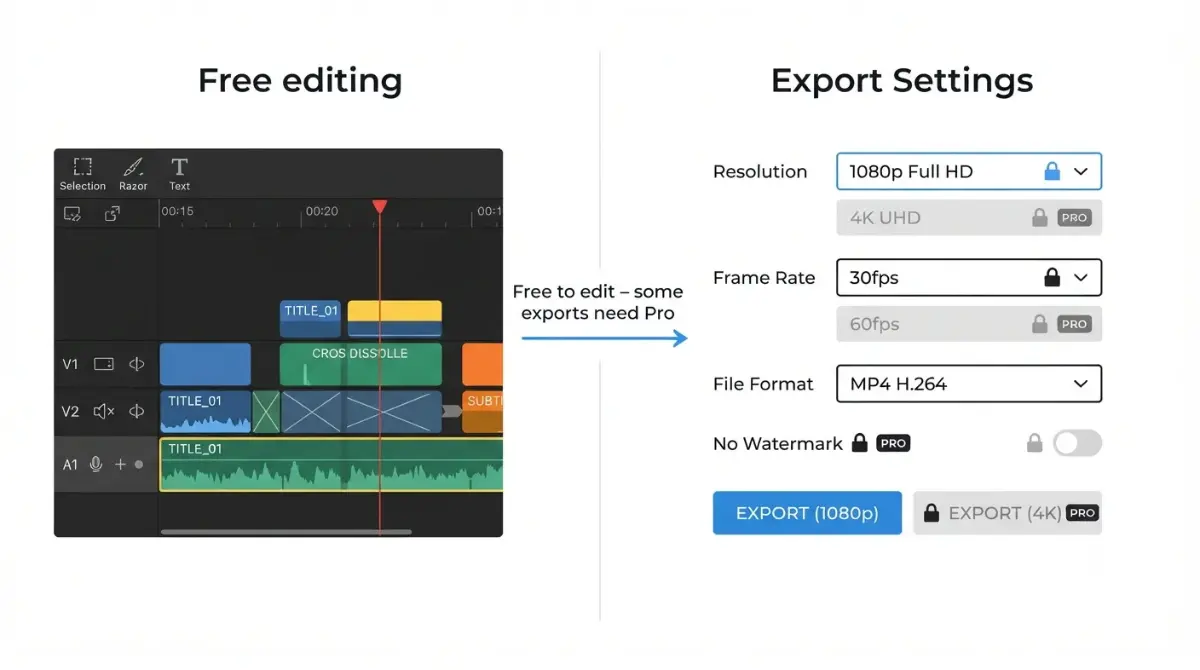
Table of Contents
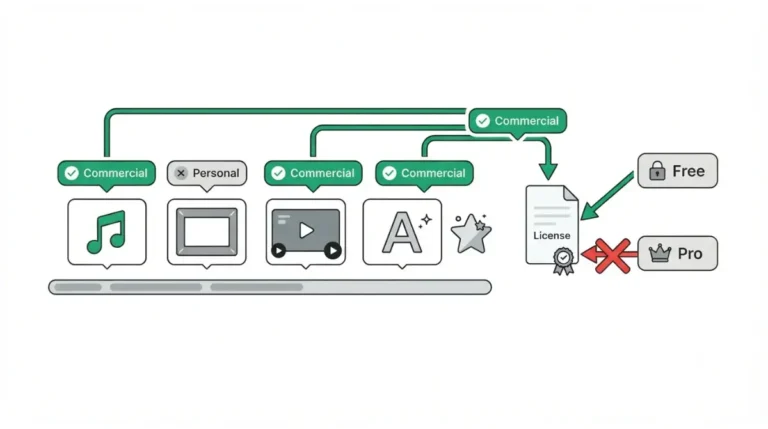
Yes. CapCut is free to download and edit with, but the free plan can’t export everything. CapCut’s help page on export prompts (retrieved 28 September 2026) says 4K, 60fps and “No Watermark” are locked on desktop for non-Pro users. Any project using a Pro-badged template, effect, music track or AI tool exports with a watermark on mobile, or is blocked on desktop.
Is CapCut actually free to use?
CapCut costs nothing to download. CapCut’s US App Store listing, retrieved 28 September 2026, shows it as free with in-app purchases. The free plan covers CapCut Online in a browser, the desktop app on Windows and macOS, and the mobile app on iOS and Android.
Free on every platform
CapCut’s export help page, retrieved the same day, describes one rule applied across Web, Desktop and Mobile. The triggers differ slightly by platform, and the table further down sets them out.
Where “free” stops
The limit sits at export, not at editing. Free users can preview many advanced features, but exporting a video that uses them requires an active Pro subscription, per the same page.
What you can export on the free plan without a watermark
Clean exports are possible on the free plan. CapCut’s watermark help page, dated 18 March 2026 and retrieved 28 September 2026, says it depends on the features you use.
Edits built from free assets
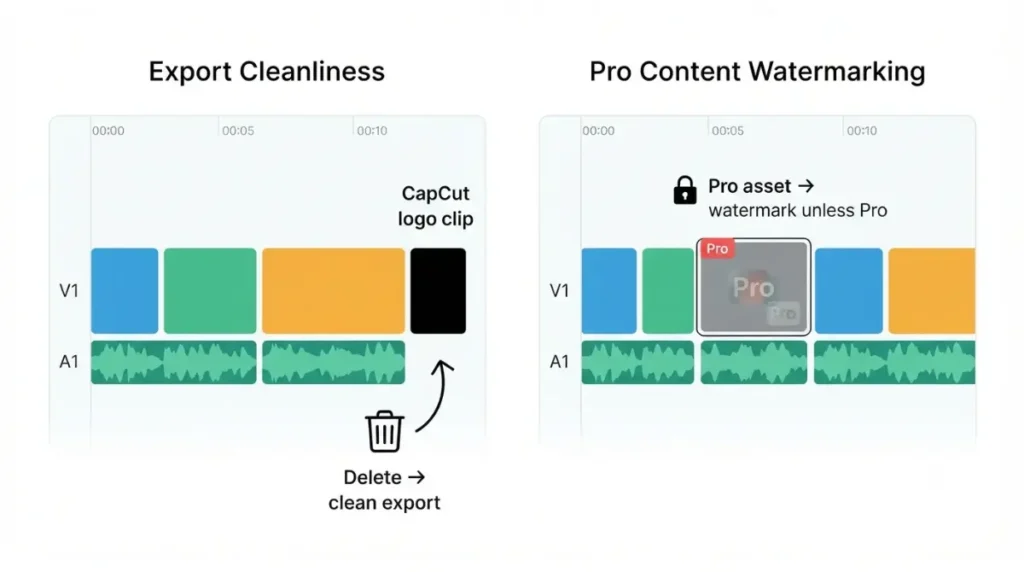
CapCut’s most reliable route is building the project in the standard editing interface rather than from a pre-made template. If a premium sticker, transition or filter triggers a watermark, CapCut says swapping it for a free asset removes the restriction.
The ending clip is not the same as a watermark
CapCut sometimes adds a short ending clip with its logo at the end of the timeline. Delete that clip before export and the video exports without it.
🔍 Why It Works This Way: The ending clip is a separate clip on your timeline, so deleting it removes the logo. A watermark attached to a Pro asset is different: CapCut’s export help page says removing it requires Pro, at any resolution.
What the free plan can’t export, platform by platform
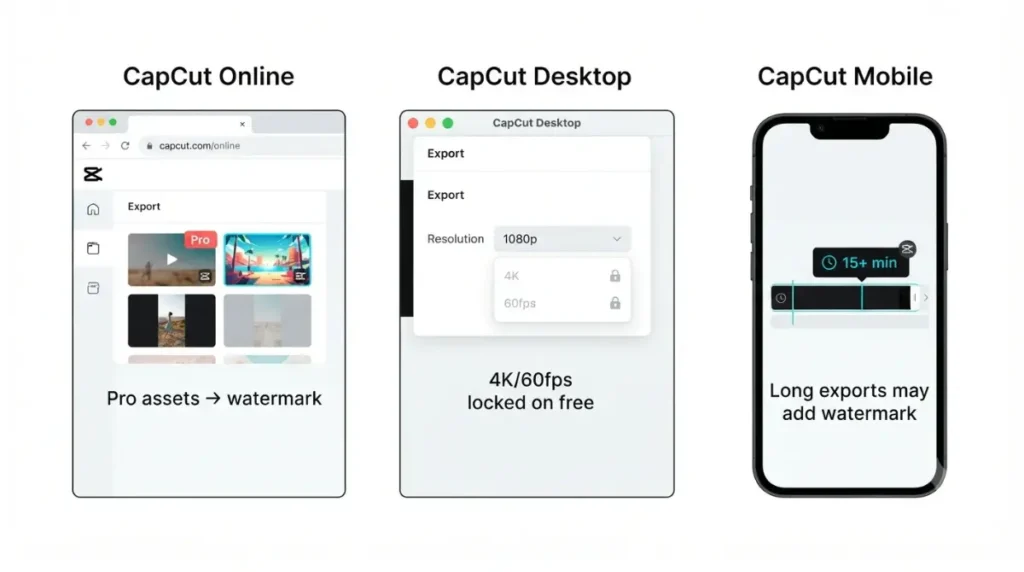
CapCut’s export-prompt help page, dated 2 April 2026, lists what triggers a Pro requirement on each platform.
| Platform | Blocked on free | What happens at export | Source, retrieved |
|---|---|---|---|
| CapCut Online | Pro-badged templates, effects, fonts, music, stickers; AI tools; premium transitions and LUTs | Watermark removal needs Pro at any resolution, 1080p included | CapCut help, 28 Sep 2026 |
| CapCut Desktop | Pro-tagged resources; 4K; 60fps; “No Watermark” | Options greyed out; export stops with a Pro requirement | CapCut help, 28 Sep 2026 |
| CapCut Mobile | Pro-labelled items; exports over 15 minutes (limit varies by region) | Declining the prompt exports with a CapCut watermark, even at 1080p | CapCut help, 28 Sep 2026 |
CapCut Online
The export panel shows a subscribe-or-trial prompt once a Pro asset is detected.
CapCut Desktop
The desktop app can’t take payment. Its Join button opens CapCut’s web subscription page.
CapCut Mobile
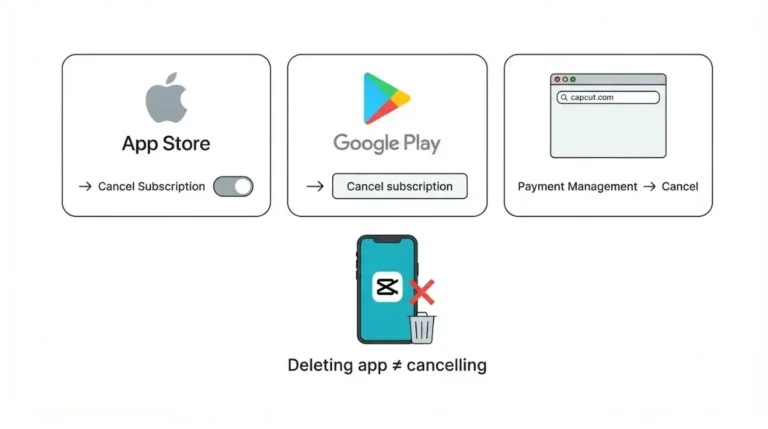
Subscribing runs through Apple’s App Store or Google Play billing.
⚠️ This Costs You: Finish an edit with one Pro effect in it, and the free plan leaves you two options: a watermarked export or a subscription. Check before you build, not at the export screen.
Why CapCut asks you to pay at export, and how to check first
CapCut scans the whole project when you press Export, per its help page. Any Pro-only element triggers the prompt.
What CapCut scans for
The scan looks for badged assets, AI-generated content, and premium transitions or LUTs. On desktop it also checks locked export settings, and on mobile it checks video length. One detected element anywhere in the timeline is enough.
A four-point check before export
- Scan the timeline for Pro-badged templates, effects, fonts, music and stickers, and swap each for a free asset.
- Remove anything made with CapCut’s AI tools, such as AI image generation or script-to-video.
- On desktop, choose only resolution and frame-rate settings that aren’t greyed out.
- On mobile, keep the video within your region’s free length limit.
This checklist is our summary of CapCut’s documentation, not a tested procedure. If the prompt still appears, CapCut’s help page directs you to its support team.
Does Standard or Pro remove the export limits?
CapCut sells two individual paid plans above free: Standard and Pro.
Standard: mobile-focused
CapCut’s Standard vs Pro help page, dated 2 April 2026 and retrieved 28 September 2026, describes Standard as a plan for users who mainly edit on mobile, with around 100GB of cloud storage. The US App Store lists a Standard monthly subscription at $9.99, retrieved 28 September 2026. Neither page says whether Standard lifts the Pro-asset watermark or the desktop 4K and 60fps lock, and we could not confirm either point from a first-party source.
Pro: cross-platform
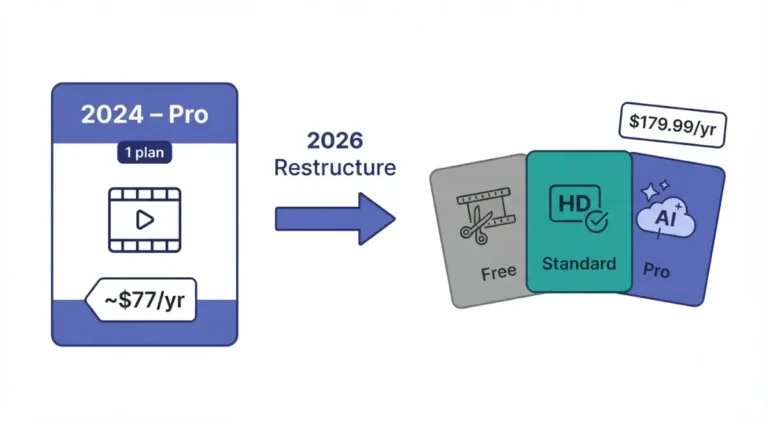
Pro covers mobile, desktop and web, with up to 1TB of cloud storage, per the same help page. CapCut’s own plan comparison, dated 23 September 2026 and retrieved 28 September 2026, lists Pro at $19.99 a month or $179.99 a year. On mobile, the export prompt offers a 7-day free trial if you’re eligible. For what that price covers beyond export, see what CapCut Pro pricing buys you in our breakdown of CapCut’s Pro plans.
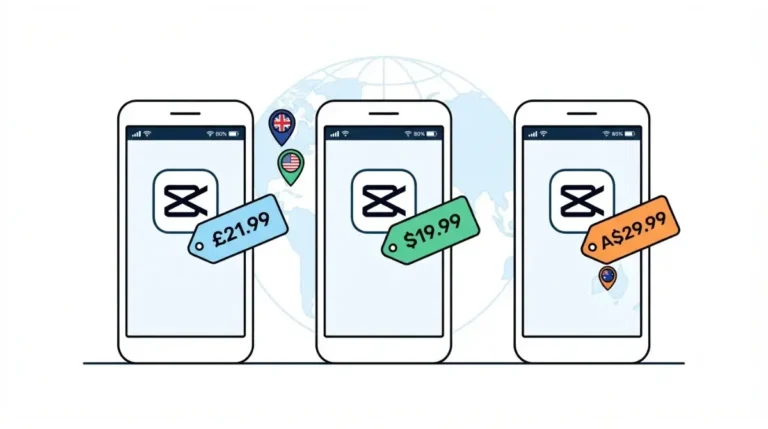
🗓️ Pricing verified 28 September 2026. CapCut says prices vary by region, platform, taxes and promotions, so confirm at checkout before purchasing.
Why answers about CapCut’s free plan disagree
Some of the conflict comes from CapCut itself.
Standard is not the free plan
CapCut’s plan comparison article, dated 23 September 2026, describes Standard as commonly referred to as the free version. CapCut’s help center treats Standard as a paid plan, and the App Store sells it as a monthly subscription (see the plans section above).
The 8K claim on CapCut’s own blog
The same article says Standard and Pro users can export in 8K. CapCut’s help center locks 4K on desktop for non-Pro users, and this article follows the help center as the more specific source. The App Store description advertises 4K 60fps export without naming a plan. The listing also shows unlabeled subscription rows at $7.99 and $89.99 as of 28 September 2026, the same figures some older guides still quote. Current figures are kept on our CapCut pricing record.
🧾 Not Tested: We did not run exports on a free CapCut account for this article. Every limit above comes from CapCut’s help pages and the US App Store listing, retrieved 28 September 2026. How free exports behave on mobile at 4K is not documented by CapCut, so this article doesn’t state it.
Frequently asked questions
1. Is CapCut completely free?
CapCut is free to download and edit with. Exporting projects that use Pro assets or locked settings requires a paid plan, per CapCut’s help center (28 September 2026).
2. Can you export 4K on CapCut free?
Not on desktop. CapCut’s help page, retrieved 28 September 2026, says 4K and 60fps are locked there for non-Pro users.
3. Why does CapCut ask me to pay to export?
Your project contains a Pro-badged asset, AI-generated content or a locked export setting. CapCut checks for all of these when you press Export.
4. Does CapCut free add a watermark?
Only in some cases: templates, the removable ending clip, and Pro assets. Projects built from free assets can export clean, per CapCut’s help pages.
5. Is CapCut Standard the free version?
No. Standard is a paid, mobile-focused plan. One CapCut marketing article calls it the free version, which contradicts CapCut’s own help center.
6. How long can a free CapCut export be?
On mobile, CapCut’s help page says exports longer than 15 minutes can trigger the Pro prompt. It also says the limit varies by region.
7. Does CapCut have a free trial?
CapCut’s mobile export prompt offers a 7-day free trial if your account is eligible, per its help page retrieved 28 September 2026.
8. How much is CapCut Pro?
CapCut lists Pro at $19.99 a month or $179.99 a year in its plan comparison, retrieved 28 September 2026. Checkout prices vary by region.
The free plan, in one line
CapCut’s free plan works for edits built from free assets, on every platform. The paid wall sits at export: Pro-badged content everywhere, 4K and 60fps on desktop, and long exports on mobile. Run the four-point check before you press Export, and you’ll know whether a subscription is actually required.