CapCut pricing for Free, Standard and Pro, store by store
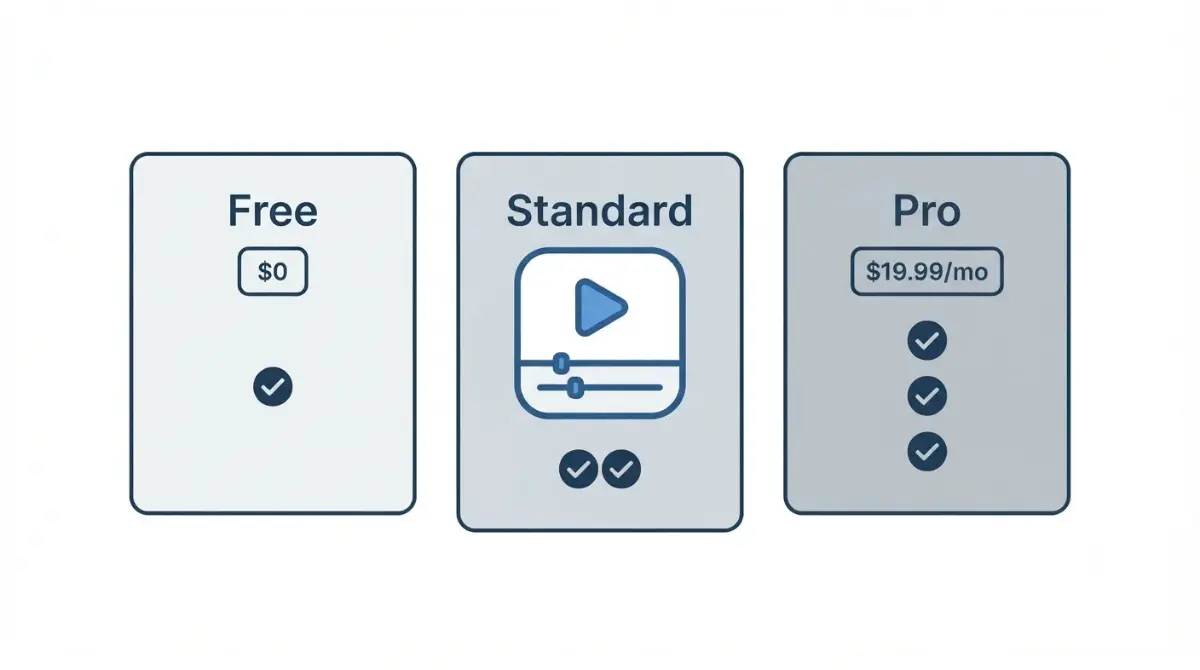
Table of Contents
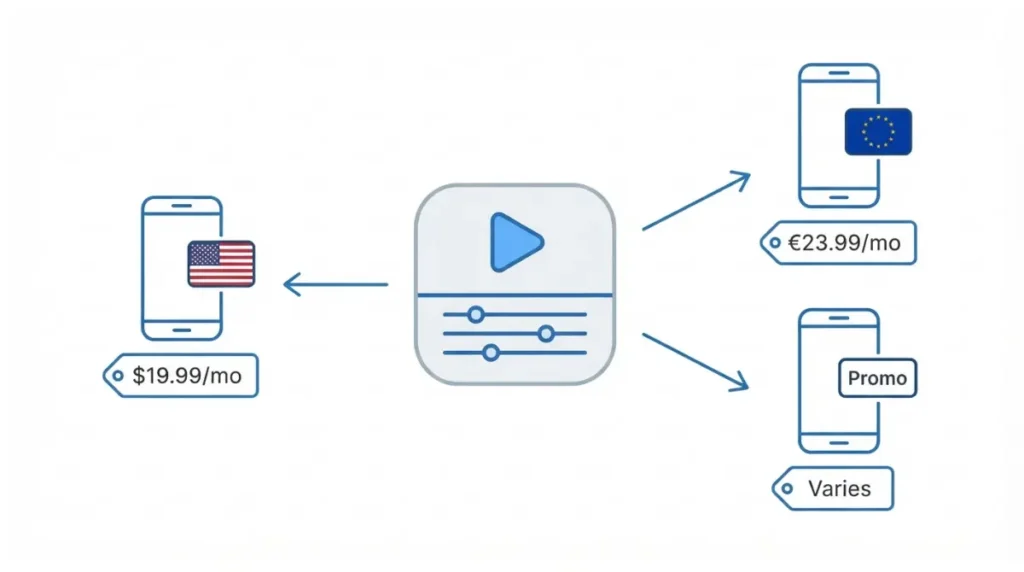
CapCut has one free plan and two paid ones. On the US App Store listing we checked on 28 September 2026, Standard Monthly is $9.99 and Pro Monthly is $19.99. CapCut’s own comparison page, read the same day, quotes Pro at $179.99 a year. Your price can differ: CapCut says pricing varies by region, device and promotion.
Why CapCut doesn’t have one price
CapCut Pro pricing is not a single global number. CapCut’s help page, updated 23 September 2026, says the price depends on your region, your device and whatever promotions are running.
What changed with the new plans
CapCut’s pricing-change notice, dated 25 March 2026, says previous pricing is no longer available to new subscribers. The same notice introduced a paid Standard plan below Pro.
Two meanings of “Standard”
CapCut’s Standard vs Pro page, dated 23 September 2026, uses “Standard” to mean the free version. In this article, Standard means the paid plan that the App Store sells as “Standard Monthly Subscription.”
What CapCut costs on the App Store
These are the prices Apple lists for CapCut’s in-app subscriptions, as recorded on 28 September 2026.
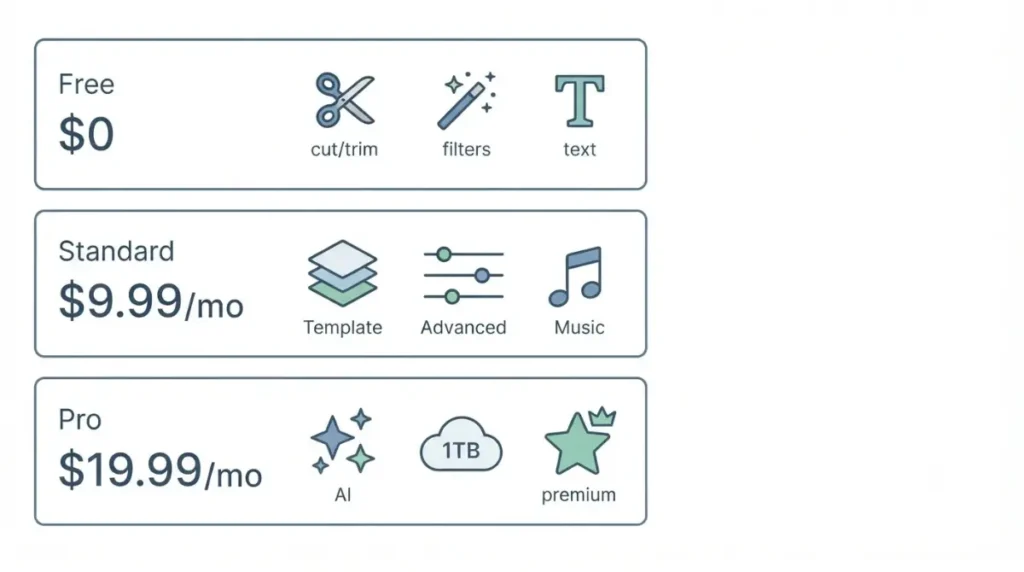
| Plan | Price (date checked) | Billing | Where it’s listed |
|---|---|---|---|
| Free | $0 (28 Sep 2026) | — | US App Store |
| Standard | $9.99 (28 Sep 2026) | Monthly | US App Store |
| Pro | $19.99 (28 Sep 2026) | Monthly | US App Store |
| Standard | €11.99 (28 Sep 2026) | Monthly | German App Store |
| Pro | €23.99 (28 Sep 2026) | Monthly | German App Store |
| Pro | $179.99 (28 Sep 2026) | Yearly | CapCut comparison page |
| Teams | “around $24.99,” CapCut’s wording (28 Sep 2026) | Monthly | CapCut comparison page |
🗓️ Pricing verified 28 September 2026. Software pricing changes frequently, so confirm on CapCut’s upgrade screen before purchasing.
Items the listing doesn’t label
On 28 September 2026, the US listing also showed a “Yearly Subscription” and two “Monthly Subscription” items that don’t name a plan. We left them out of the table because Apple’s listing does not say which plan they belong to.
What each CapCut plan includes
This section covers what CapCut itself says each plan contains. Prices are in the table above.
Free
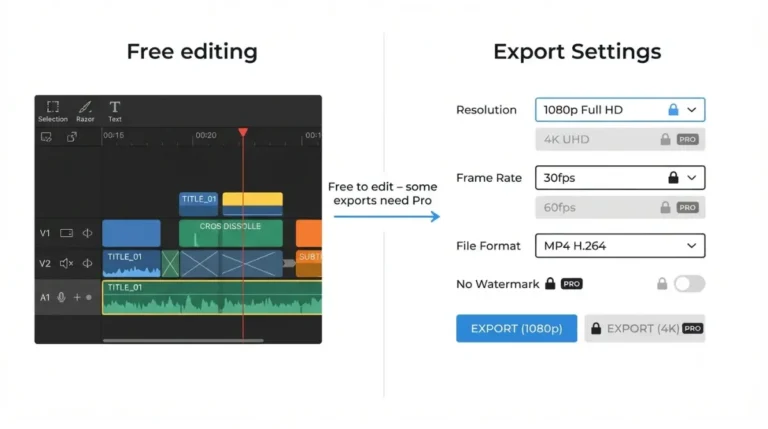
The US App Store lists the CapCut app as free with in-app purchases. CapCut’s comparison page describes free editing as including cutting, trimming, filters, text and basic audio.
Standard
CapCut’s March 2026 notice describes Standard as a plan for editing enthusiasts. It includes a wide selection of templates and materials plus advanced editing tools, for users who don’t need every Pro feature.
Pro and Teams
The same notice says Pro’s AI points rose from 550 to 1,200 and its cloud storage from 100GB to 1TB. For a feature-by-feature breakdown, see what Pro adds over Standard and Free.
We could not confirm watermark or export-resolution rules per plan from CapCut’s own pages as of 28 September 2026, so this section does not state them.
What catches people out on CapCut billing
Two things surprise buyers: the price depends on where you pay, and a cancellation doesn’t stop the current month.
The store decides the price
CapCut’s help page, checked 28 September 2026, sends buyers to the upgrade screen inside their own account to see their price. That means a figure from a blog, or from a friend in another country, is not your quote. Compare the US and German rows in the table above: they are the same product in different stores.
When a cancellation takes effect
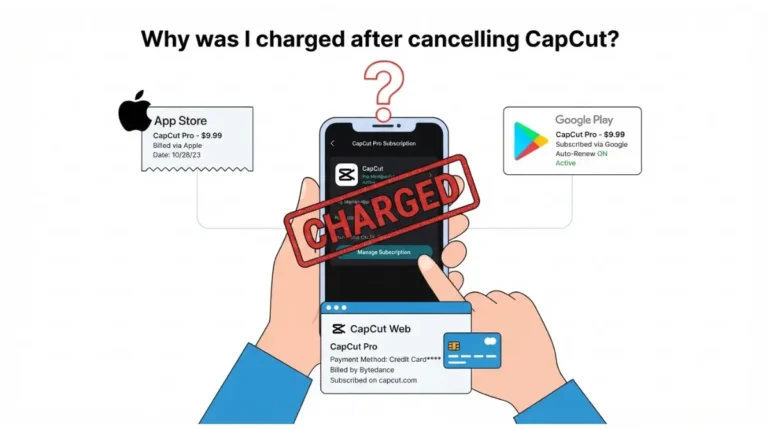
CapCut’s comparison page, checked 28 September 2026, says you cancel CapCut Pro through the platform you bought it on. It also says a cancellation made in the current month takes effect from the following month.
⚠️ This Costs You: Cancelling mid-cycle does not end the month you’ve already paid for. CapCut’s page does not mention a pro-rated refund.
For the full steps, see how to cancel CapCut Pro.
CapCut Pro monthly vs yearly, worked out
Yearly Pro is cheaper if you would otherwise pay for 10 or more months.
Pro over 12 months
We used the US App Store’s Pro Monthly price of $19.99 and CapCut’s quoted yearly price of $179.99, both checked on 28 September 2026:
- 12 × $19.99 = $239.88
- $239.88 − $179.99 = $59.89 saved on yearly
This is App Compare HQ’s calculation from vendor-published figures. The yearly figure comes from CapCut’s comparison page, not the App Store. On 28 September 2026 the US listing showed no item labelled “Pro Yearly,” so confirm the yearly price at checkout.
When yearly starts to pay off
Nine monthly payments total $179.91, which is just under the yearly price. Ten total $199.90, which is more. The US listing showed no yearly item labelled Standard on 28 September 2026.
🔍 Why It Works This Way: Yearly billing is one upfront charge. It only saves money if you would have kept paying monthly for most of the year.
For which option suits your editing schedule, see the monthly vs yearly breakdown.
How to see the price on your account
CapCut’s help page, checked 28 September 2026, documents where each version of CapCut shows your price.
In the mobile app
Open CapCut and go to the Me section on the homepage. Then tap Join CapCut Pro next to your nickname.
On the web or desktop
On CapCut Online, log in and click Upgrade in the top right. In the desktop app, log in and click the subscription button under your User ID.
✅ Do This: Before paying, note the plan name, billing period and renewal price that the screen shows. Buy only through CapCut or an official app store.
🧾 Not Tested: No paid CapCut plan was bought for this article. Every figure comes from public App Store listings and CapCut’s own pages, recorded on 28 September 2026. We did not open a signed-in checkout, so we cannot confirm the price your account will show.
FAQ
1. Is CapCut free?
Yes. On 28 September 2026 the US App Store listed CapCut as free with in-app purchases, and paid plans add more.
2. How much is CapCut Standard?
On 28 September 2026 the US App Store listed the CapCut Standard Monthly Subscription at $9.99.
3. How much is CapCut Pro per month?
On 28 September 2026 the US App Store listed the CapCut Pro Monthly Subscription at $19.99.
4. Why is my CapCut price different?
CapCut says CapCut pricing varies by region, device and available promotions, so your account’s upgrade screen shows your actual price.
5. Does CapCut Pro have a yearly plan?
On 28 September 2026 CapCut’s comparison page quoted a CapCut Pro yearly plan at $179.99. Confirm it at checkout.
6. Why did CapCut’s price go up?
CapCut’s March 2026 notice says the CapCut price reflects an upgraded Pro plan with 1,200 AI points and 1TB storage.
7. How much is CapCut in Germany?
On 28 September 2026 the German App Store listed CapCut Standard at €11.99 and Pro at €23.99, both monthly.
8. Can I cancel CapCut anytime?
Yes. You cancel CapCut through the platform you bought it on, and CapCut says cancellations take effect from the following month.
Conclusion
What you pay for CapCut depends on where and how you pay, so the table above is a dated reference point, not your quote. Before subscribing, open the upgrade screen in your own account and check the plan name and renewal price against the table. Then use the worked example to choose between monthly and yearly.