CapCut Pro Locked After Paying on iPhone or Android
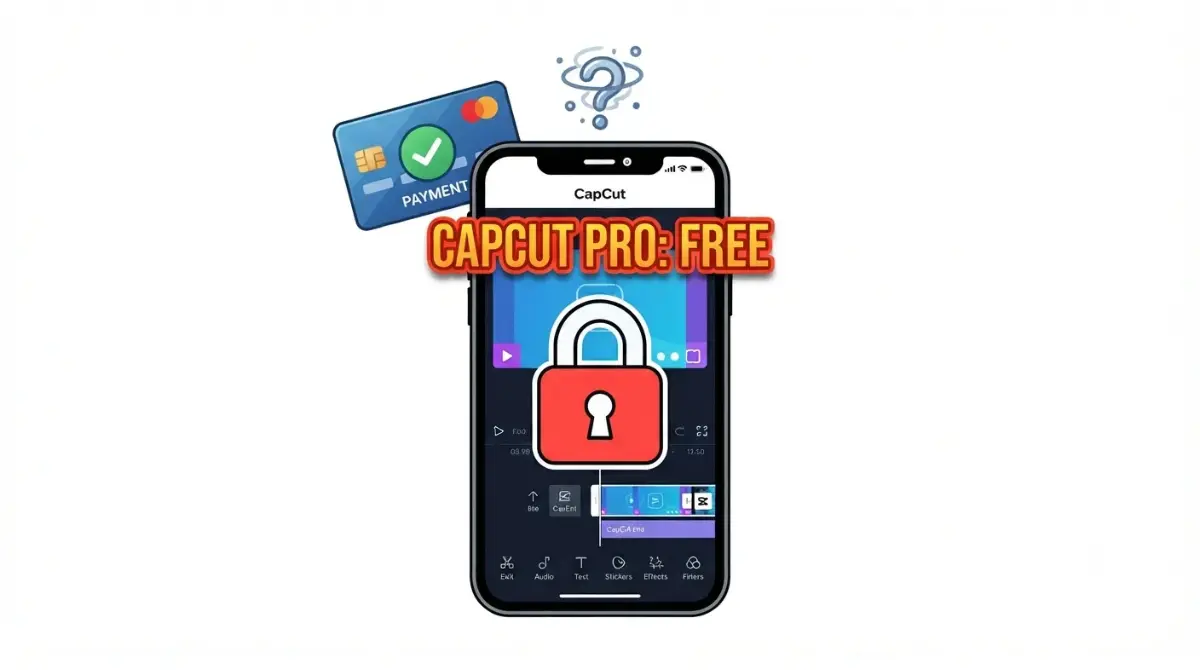
Table of Contents
If CapCut Pro shows Free after you paid, check your login first. CapCut’s help page, dated 2 April 2026, says the cause is almost always an account mismatch, a payment delay or a region limit, and each of its five login methods makes a separate account. Open CapCut Online and look for “CapCut Pro: Active”, then sign in the way you paid. Still Free? Contact whoever billed you.
🧾 Not Tested: We have not bought or used CapCut Pro. Every step below names the help page and date it comes from.
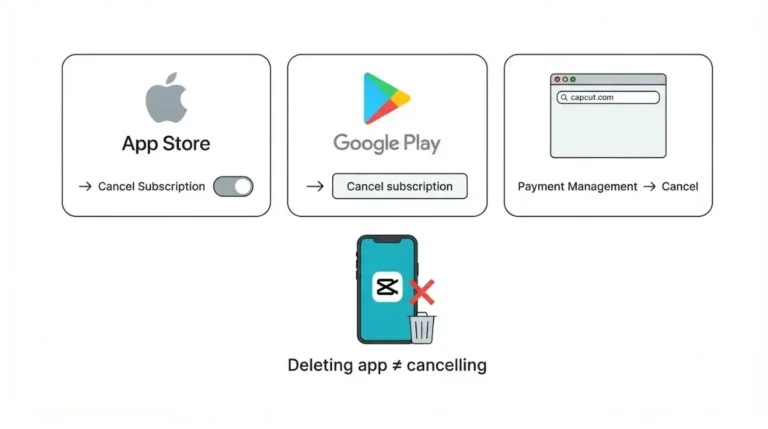
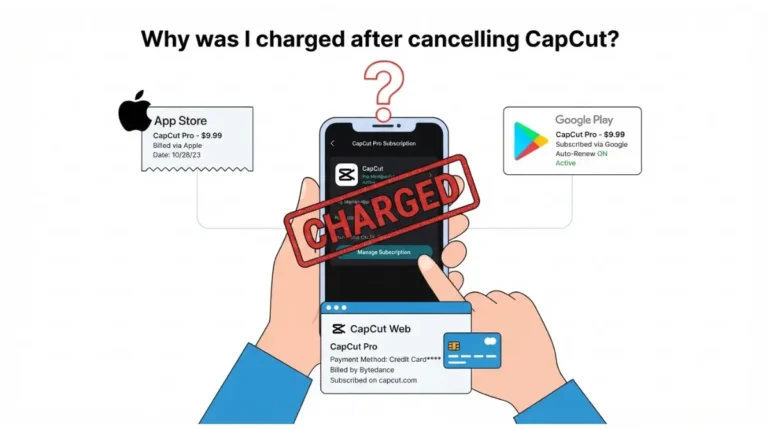
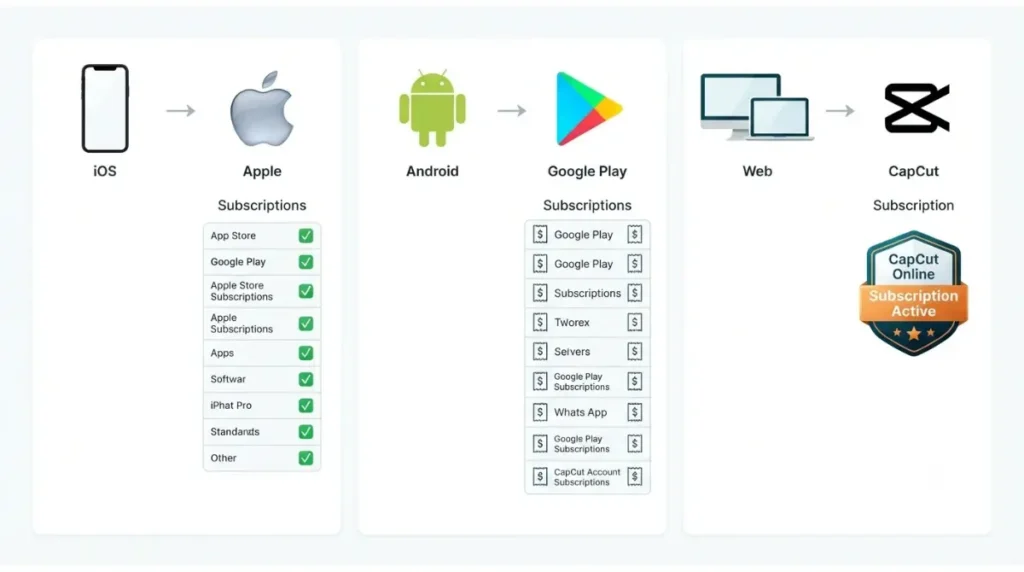
Where did you pay: App Store, Google Play or CapCut?
Whoever took your money decides who can help; CapCut decides what Pro includes.
| Where you paid | Who billed you | Where the status shows |
|---|---|---|
| iPhone app | Apple | Apple subscriptions list |
| Android app | Google Play | Google Play subscriptions list |
| CapCut site or PC app | CapCut | CapCut Online: “Subscription active” or “Failed payment” (CapCut, 2 Apr 2026) |
Paid in the iPhone app
Apple billed you, so Apple’s list holds the record.
Paid in the Android app
Google’s help page says Google Play processes subscription payments while the app developer is responsible for the app and its content.
Paid on CapCut’s site or PC app
CapCut’s purchase page (25 March 2026) says desktop upgrades open the web store, so a PC purchase is a CapCut purchase. Unsure which store billed you? Check your receipt, or see our store-by-store pricing guide.
Why CapCut Pro stays locked after you pay
CapCut’s benefits, features and older-version pages name four causes.
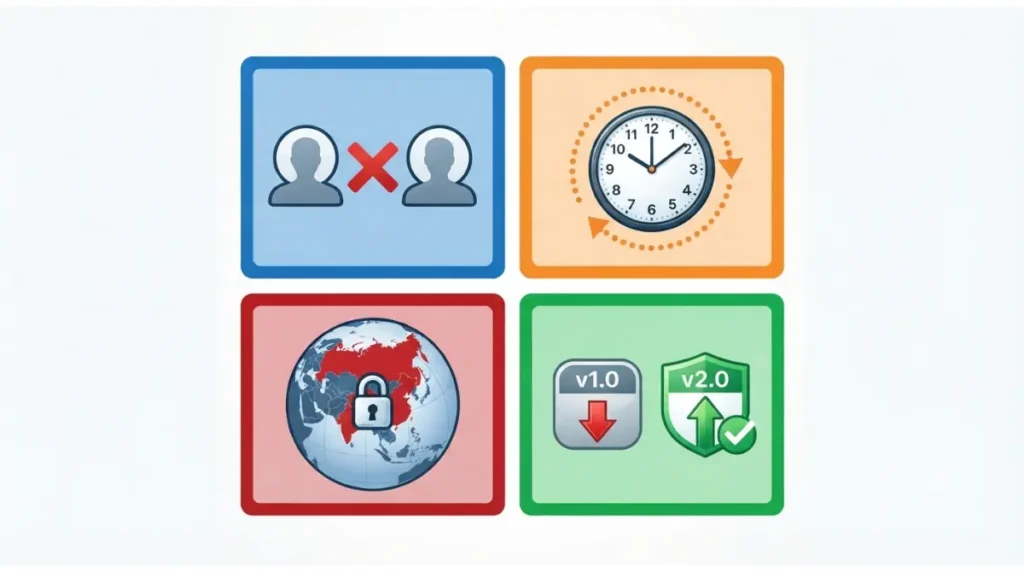
Wrong login, separate account
Each login method (TikTok, email, Google, Apple ID on iOS, phone number in the US only) makes a separate account, even with the same email or phone number (CapCut, 2 April 2026).
Payment or sync delay
| CapCut page | Desktop wait after purchase | Who hits this |
|---|---|---|
| Benefits, 2 Apr 2026 | 2–5 minutes | Desktop, after buying |
| Features, 31 Mar 2026 | 1–2 minutes | Desktop, after subscribing |
Region limit
CapCut’s 2 April 2026 page says Pro may be disabled for accounts created in China, India or Russia, and for a desktop IP in a restricted region. CapCut’s pages offer no fix, and neither do we.
Older app version
CapCut’s 8 April 2026 page says upgraded plans are only fully supported in the latest app version.
Fix CapCut Pro not showing, step by step
These steps apply to Pro bought in the iPhone app, Android app or on CapCut web or PC, on the latest app version. On an older app, update first (next section).
Check Pro status on CapCut Online
- Open CapCut Online, then the profile icon, then Membership or Account. CapCut’s page (2 April 2026) says it should show “CapCut Pro: Active” and an expiry date.
Match the login you paid with
🛟 Back This Up First: Export or back up any project you cannot recreate before you log out. CapCut’s pages, read on 8 October 2026, do not say whether signing out keeps local drafts.
- In the app, tap Me to see the signed-in account. Log out, then sign in with the method you paid with: the Apple ID or its linked email on iOS, the same Google account on Android (CapCut, 2 April 2026).
Check your store subscription
- iPhone: Settings, your name, Subscriptions. Android: Play Store, Profile, Payments and subscriptions, Subscriptions (CapCut, 2 April 2026). Google’s own page says Menu, then Subscriptions.
- Store active, app Free? On iOS, CapCut’s 31 March 2026 page says force-close CapCut and reopen it. Apple’s page (18 September 2026) adds an in-app restore option and a restart; CapCut’s pages name no restore button.
Pro bought on a phone, locked on desktop
CapCut’s purchase page (25 March 2026) says mobile purchases sync to your account, then appear on Web and PC, with no timing given. If CapCut Online shows Pro, desktop will after a refresh (CapCut, 2 April 2026).
If CapCut Pro is still locked after the steps
Three states remain: an old app, an incomplete payment, or a region limit.
Update the app and sign in again
🛟 Back This Up First: Signing in again means signing out first, so export anything you cannot recreate.
- Update CapCut through your app store; on desktop, use Help, then Check for Updates (CapCut, 31 March 2026).
- Log in with the subscribing account (CapCut, 8 April 2026). Still Free? CapCut calls it a possible temporary sync or display issue: go to the next section.
Confirm the payment completed
No active CapCut subscription in your store? CapCut’s 31 March 2026 page lists an expired, unprocessed or cancelled subscription as a cause. On Google Play, Google’s page says a declined payment may cancel a subscription; set it up again.
Rule out a region limit
If the region rule above fits you, CapCut’s pages give no fix and this article suggests none. Go to the next section.
When it’s CapCut’s side: who to contact and what to send
If the store shows Pro and CapCut does not, the vendor’s side takes over.
| How you paid | Who to contact | Source |
|---|---|---|
| App Store | App developer; also report to Apple | Apple, 18 Sep 2026 |
| Google Play | App developer | Google Play Help |
| CapCut site or PC app | CapCut support | CapCut, 2 and 8 Apr 2026 |
Contact the right party
CapCut’s 2 April 2026 page says to contact CapCut support if the store shows Pro but the app does not, because your receipt may need manual verification. On desktop it puts your account top-left; the 31 March 2026 page says top-right.
What to send
Send your receipt, plus screenshots or screen recordings (CapCut, 8 April 2026). No page read on 8 October 2026 lists more.
Why refunds are a separate path
CapCut’s page (25 March 2026) says subscriptions are virtual goods and generally not refundable, with appeals under its Terms. Our guide to refund routes by billing owner covers that route.
Keep CapCut Pro from locking again
Each habit matches a failure a help page names.
Use one login
Sign in the way you paid; CapCut’s 2 April 2026 page says each login method makes a separate account.
Keep the app updated and payments working
CapCut’s 8 April 2026 page says upgraded plans are only fully supported in the latest version. On Google Play only, Google’s page says a declined payment may cancel a subscription.
Keep the receipt
Google’s page says a receipt shows where you added a subscription; CapCut’s 2 April 2026 page says support may need one to verify manually.
🧾 Not Tested: We could not read the form fields on CapCut’s support page, and CapCut’s pages do not say whether signing out keeps local drafts (read 8 October 2026).
FAQ
1. How long does CapCut Pro take to show up?
CapCut’s two help pages give different dated desktop waits for CapCut Pro. The causes section lists both.
2. Why does CapCut show Free when my store says active?
CapCut’s 31 March 2026 page says to force-close CapCut and reopen it on iOS. Still Free? Contact CapCut support with your receipt.
3. Will Pro bought on my phone show on desktop?
CapCut’s 25 March 2026 purchase page says mobile purchases sync to your account, then appear on Web and PC; it gives no timing.
4. Does a different login count as the same CapCut account?
No. CapCut’s 2 April 2026 page says each login method makes a separate account, even with the same email or phone number.
5. Does CapCut Pro work in every country?
CapCut’s 2 April 2026 page says Pro may be disabled for accounts created in China, India or Russia. It offers no fix.
6. Why did CapCut Pro vanish after an older app version?
CapCut’s 8 April 2026 page says upgraded plans are only fully supported in the latest version. Update and sign in with your subscribing account.
7. Where do I see my CapCut subscription?
CapCut’s 2 April 2026 page says iPhone: Settings, your name, Subscriptions. Android: Play Store, Profile, Payments and subscriptions.
8. Who do I contact if I was charged but never got CapCut Pro?
Contact CapCut support with your receipt. Apple’s and Google’s help pages both point you to the app developer first.
9. Can I get a refund if CapCut Pro never shows up?
CapCut’s 25 March 2026 page says subscriptions are generally not refundable. Our refund guide covers the routes.
Conclusion
CapCut’s help page (2 April 2026) says a locked Pro is almost always an account mismatch, a payment delay or a region limit. Check the login and the store first, then contact whoever billed you with your receipt. For what Pro includes once it shows up, see what each CapCut plan includes.