Can My PC Run CapCut? Plain Specs, Sourced and Dated
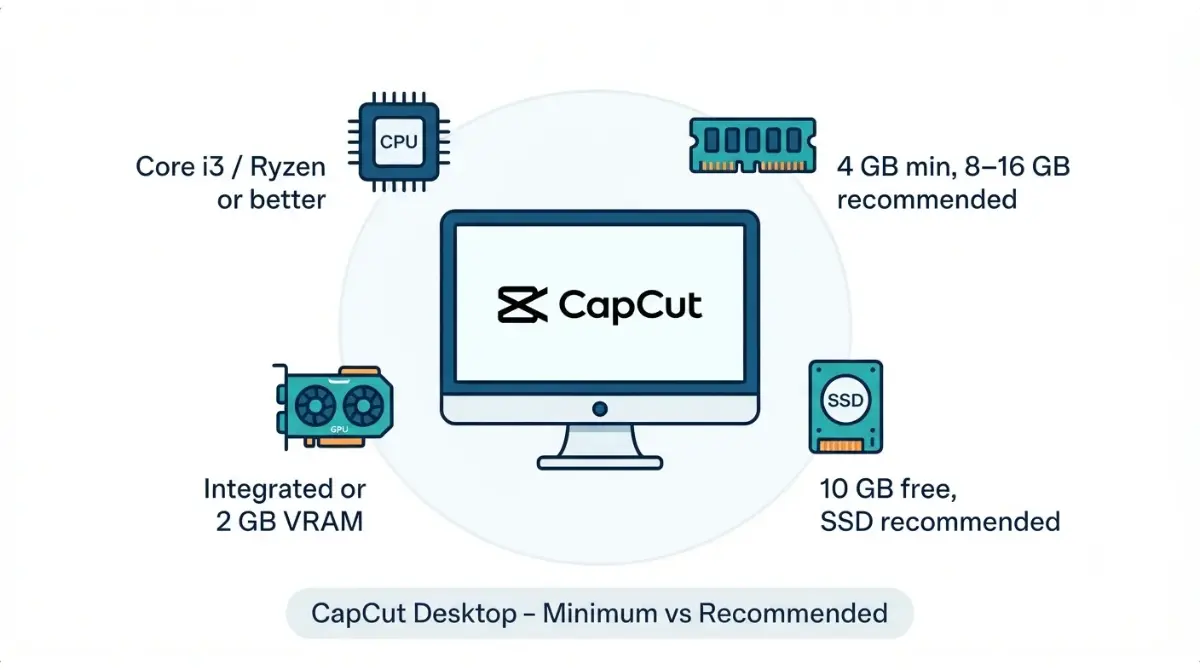
Table of Contents
On CapCut’s own Desktop guide (dated 20 August 2026, retrieved 2 October 2026), the minimum is Windows 10 64-bit, a Core i3, 4 GB RAM and 10 GB free storage; 8–16 GB RAM is recommended. CapCut’s product page, retrieved the same day, still says Windows 7 or above. Plan around the stricter figures, then compare your own specs below.
Which CapCut are you trying to run?
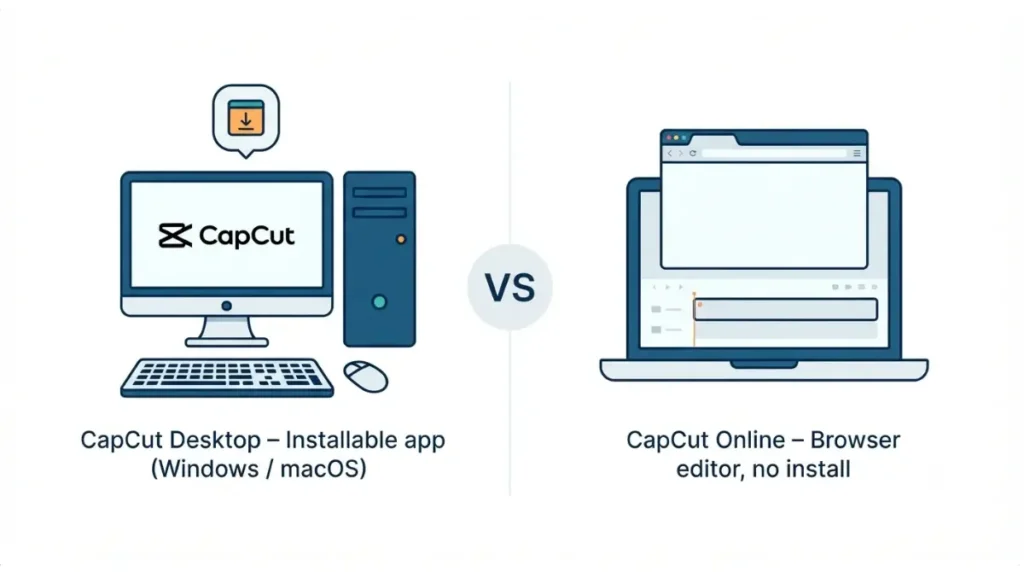
This page covers CapCut Desktop, the installable editor. CapCut’s Desktop product page lists Windows and macOS versions (retrieved 2 October 2026).
CapCut Desktop vs CapCut Online
CapCut Online runs in a browser with nothing to install, according to the Desktop guide dated 20 August 2026. Its 2K/4K export has its own listed minimums on the 6 January 2026 help page.
How to use the requirements checker
Read the table in the next section row by row, and hold your PC to the stricter figure in each row. The System Requirements Checker runs the same comparison against these published figures.
CapCut system requirements, compared by source
CapCut’s Desktop guide, dated 20 August 2026, lists a minimum of Windows 10 (64-bit), a Core i3 or AMD equivalent, 4 GB RAM, integrated graphics or 2 GB VRAM, and 10 GB free storage (retrieved 2 October 2026).
| Spec | Desktop guide | Product page | Help: 2K/4K | Help: export |
|---|---|---|---|---|
| Windows | 10 64-bit+ min; 10/11 64-bit rec; 20 Aug 2026 | 7+, 10 recommended; 2 Oct 2026 | 10/11 64-bit; 6 Jan 2026 | 10 64-bit+; 14 Jan 2026 |
| macOS | not stated | 10.14+; 2 Oct 2026 | 11+; 6 Jan 2026 | 12+ (Monterey); 14 Jan 2026 |
| CPU | i3 or AMD equivalent min; i5/Ryzen 5 rec; 20 Aug 2026 | not stated | Windows: Quick Sync or equivalent; 6 Jan 2026 | no figure; 14 Jan 2026 |
| RAM | 4 GB min; 8–16 GB rec; 20 Aug 2026 | not stated | 8 GB+ rec (Windows); 6 Jan 2026 | not stated |
| GPU | integrated or 2 GB VRAM min; dedicated 4 GB+ rec; 20 Aug 2026 | not stated | no figure; update drivers; 6 Jan 2026 | not stated |
| Storage | 10 GB free min; SSD rec; 20 Aug 2026 | not stated | not stated | no figure; 14 Jan 2026 |
🧾 Documented figures, not hands-on results. “Not stated” means the page did not list it on 2 October 2026.
Minimum vs recommended on Windows
Read each row as published: “minimum” is the floor CapCut lists, and “recommended” is CapCut’s own suggestion for heavier editing (Desktop guide, 20 August 2026).
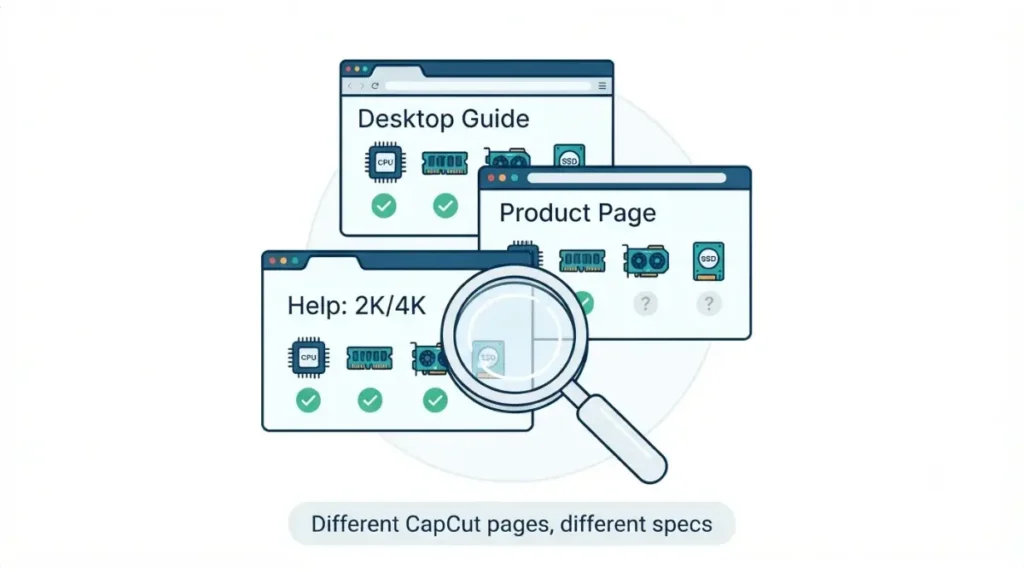
Where CapCut’s own pages disagree
The Windows floor is 7 on the product page (retrieved 2 October 2026) and 10 (64-bit) on the Desktop guide (20 August 2026).
The macOS floor, page by page
macOS appears as 10.14, 11 and 12 across three pages, each with its date in the table. None of the three explains the difference.
Does CapCut work on Windows 10, Windows 11 and Mac?
CapCut lists Windows 10/11 (64-bit) in its Desktop guide’s recommended specs (20 August 2026) and on its 6 January 2026 help page.
Windows 11 and 64-bit
Both pages specify 64-bit. The guide’s minimum reads Windows 10 or later (20 August 2026).
Windows 7 and 8
The product page lists Windows 7 or above (retrieved 2 October 2026), which would cover Windows 8. The Desktop guide’s minimum starts at Windows 10 (20 August 2026).
macOS and Apple Silicon
The 6 January 2026 help page lists Intel Core i5/i7 and Apple Silicon (M1–M3) Macs for 4K export; its macOS floor differs from the other pages.
Windows on ARM: what CapCut doesn’t say
None of the four CapCut pages says whether the Windows app runs on ARM-based PCs (retrieved 2 October 2026), so that could not be verified.
Why CapCut can lag or hide 4K on a qualifying PC
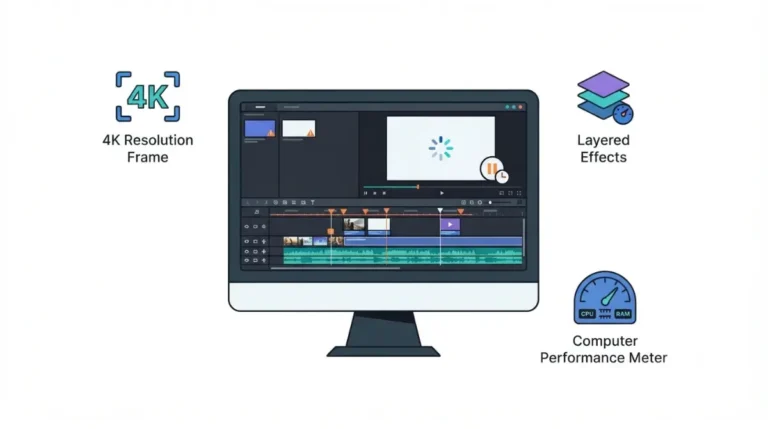
If the 4K option is missing, the 6 January 2026 help page names two causes: a timeline resolution set to 1080p, or an outdated graphics driver, especially on Windows. Source footage must also support 4K.
Minimum vs comfortable: RAM, GPU and storage
Meeting the minimum is only the floor; the guide’s recommended specs target faster exports and large media files (20 August 2026).
4K greyed out: project size and drivers
Check the timeline resolution first, then the graphics driver (6 January 2026).
Hardware vs plan: what CapCut’s pages say
The Desktop guide’s plan list puts 4K under Pro (20 August 2026); both help pages describe desktop 4K as depending on hardware and footage (6 and 14 January 2026). For plan details, see what each CapCut plan buys you and the free plan’s export limits.
Where to download CapCut Desktop safely
CapCut’s Desktop guide names two ways to get the Windows app: the Microsoft Store or CapCut’s official site (20 August 2026).
Official routes: CapCut’s site and the Microsoft Store
Use the Microsoft Store listing, or the download button on CapCut’s Desktop page. macOS uses a separate DMG file, per the same guide.
Checking a download page before you click
Start from capcut.com or the Store, not from a search ad or a mirror page. Anything outside those two routes is not documented by CapCut’s guide. The Microsoft Store listing could not be located for this article on 2 October 2026, so its publisher and version fields are not recorded here.
Is Windows 10 still fine for CapCut?
CapCut’s Desktop guide still lists Windows 10 (64-bit) as the minimum (20 August 2026).
Windows 10 after Microsoft’s end of support
Microsoft’s support page says Windows 10 support ended on 14 October 2025, ending technical support, software updates and security updates (retrieved 2 October 2026).
💵 Verified: Consumer Extended Security Updates (ESU) for Windows 10 run to 12 October 2027 — Microsoft’s US ESU page, retrieved 2 October 2026. Options and timing can vary by region.
CapCut’s own version number
No CapCut page opened on 2 October 2026 gives a Desktop version number. The only one, v12.0 or later, is on the 14 January 2026 help page and applies to the mobile app.
When these figures were last checked
🧾 Not Tested: This article reports no run of CapCut on any PC. ARM support and a Desktop version number could not be verified from CapCut’s pages.
FAQ
1. Can CapCut run on 4 GB RAM?
CapCut can run on 4 GB RAM by CapCut’s own minimum: the Desktop guide lists 4 GB, with 8–16 GB recommended (20 August 2026).
2. Does CapCut work on Windows 7?
CapCut’s product page lists Windows 7 or above (retrieved 2 October 2026); the Desktop guide’s minimum is Windows 10 64-bit (20 August 2026).
3. Does CapCut need a graphics card?
A dedicated graphics card is recommended, not required: the Desktop guide’s minimum is integrated graphics or 2 GB VRAM (20 August 2026).
4. Does CapCut work on Windows 11?
CapCut lists Windows 10/11 (64-bit) in its Desktop guide’s recommended specs (20 August 2026) and on its 6 January 2026 help page.
5. Is Windows 10 still OK for CapCut?
CapCut lists Windows 10 (64-bit) (20 August 2026). Microsoft ended support 14 October 2025; consumer ESU runs to 12 October 2027 (retrieved 2 October 2026).
6. How much storage does CapCut need?
CapCut needs 10 GB of free storage by the Desktop guide’s minimum, with an SSD recommended (20 August 2026).
7. Why is 4K greyed out in CapCut?
4K can be greyed out in CapCut for two reasons the 6 January 2026 help page names: a 1080p timeline or an outdated graphics driver.
8. What macOS does CapCut need?
CapCut’s pages give three floors: macOS 10.14 (product page, retrieved 2 October 2026), 11 (6 January 2026) and 12 (14 January 2026).
Conclusion
Hold your PC to the stricter figure in each row of the table, since CapCut’s pages disagree. If you meet only the minimum column, read the recommended column as CapCut’s own guide for heavier work (Desktop guide, 20 August 2026). Whatever your PC, install from CapCut’s site or the Microsoft Store listing.