Find Your Exact CapCut Export Error Code and Its Fix on Windows
Table of Contents
CapCut’s export error help page, dated 25 March 2026 and captured on 7 October 2026, documents six export error entries: 4114, 22113, -1/4155, 10004, -30007 and 10006. Four fixes isolate a bad clip, rebuild compound clips or relink media; two cover memory, antivirus and save location. The page doesn’t say which operating system each entry applies to, so find your code below.
What do CapCut export error codes mean?
What CapCut’s page defines and what it leaves out
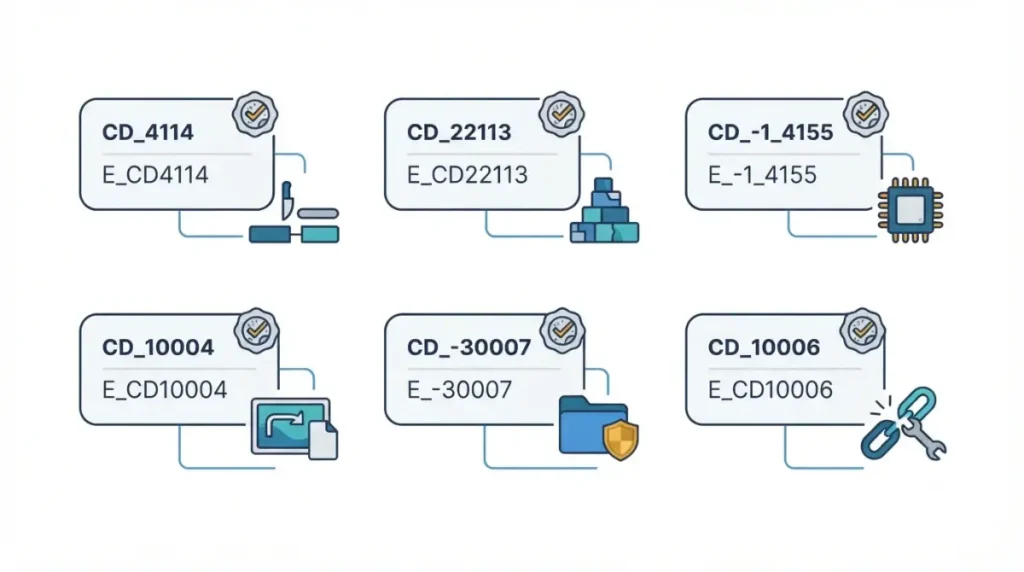
CapCut’s help page, dated 25 March 2026, gives each of the six export error codes a fix and no cause. It names no operating system for any entry; its page head tags PC and mobile.
Which build and state this covers
This page covers CapCut Desktop on Windows, listed in the Microsoft Store on 7 October 2026, showing one of those six codes. No public Windows build number was located that day, so the build is unknown.
Your version is shown at where CapCut shows your version (page dated 25 December 2025). If CapCut’s page is dated later, or your code isn’t listed, see the next-steps section.
CapCut export error codes and fixes
| Code | CapCut’s fix (page dated 25 March 2026) | What the page doesn’t say |
|---|---|---|
| 4114 | Export in parts to find the clip; replace it | Cause, operating system |
| 22113 | Re-create all compound clips | Cause, operating system |
| -1 / 4155 | Increase virtual memory (the page file) | Steps, cause, operating system |
| 10004 | Export in sections; delete the clip, add it again | Cause, operating system |
| -30007 | Turn antivirus off temporarily; change save location | Cause, operating system |
| 10006 | Re-link the imported media | Cause, operating system |
Source: CapCut’s export error help page, 25 March 2026.
🛟 Back This Up First: Work on a duplicate of your project so the original edit stays untouched. CapCut suggests exporting from a duplicate in its list for exports stuck at 1% (18 March 2026).
4114 and 10004: find the clip causing it
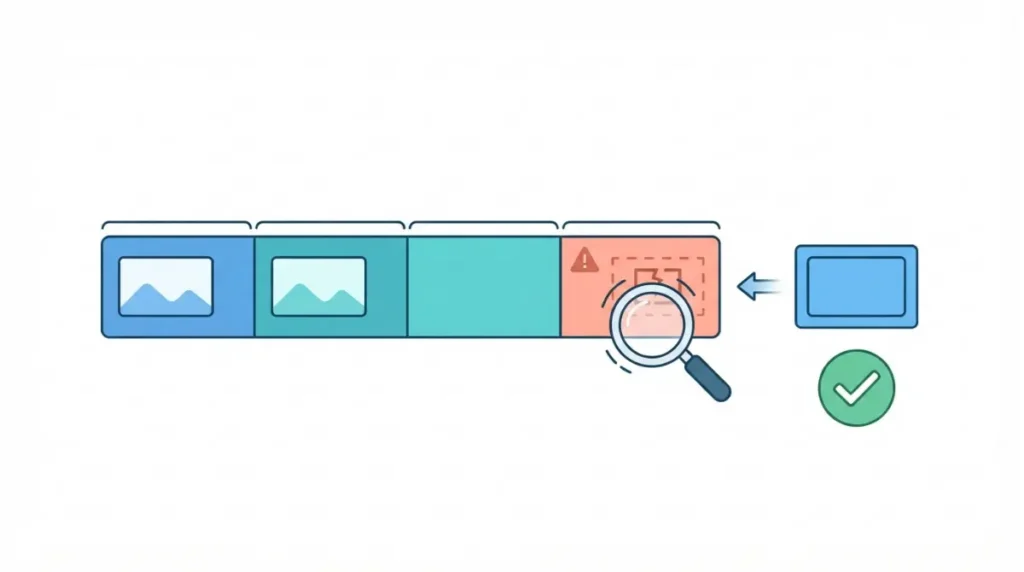
CapCut’s page of 25 March 2026 says to export in parts to find the failing clip, then replace it (4114) or delete and re-add it (10004).
22113: rebuild the compound clips
CapCut’s page of 25 March 2026 says to remove and re-create every compound clip in the draft, then export again.
10006: re-link the media
CapCut’s page of 25 March 2026 says to re-link the imported media files, then export again.
Fix CapCut error -1, 4155 and -30007 on Windows
CapCut’s export error help page of 25 March 2026 doesn’t call these entries Windows-only, but their steps are Windows features; elsewhere, use the table’s fix.
-1 and 4155: virtual memory
- CapCut (25 March 2026) says to increase virtual memory, the page file, then export again; it gives no steps.
- Microsoft’s page-file sizing guidance (12 February 2026) says Windows manages page files by default and sizing can’t be generalized, so no size is given here.
- No first-party Windows click-path was located on 7 October 2026, so none is given.
-30007: save location and antivirus
⚠️ This Costs You: Antivirus off is CapCut’s documented step, not our endorsement. Protection stays off until you switch it back on, so limit the time and never exempt a file not from CapCut’s official download.
- Change the save location, then export again. CapCut’s page (25 March 2026) lists both steps; this order puts the lower-risk one first.
- If it still fails, CapCut’s page says to turn antivirus off temporarily, then export again.
- Switch protection back on straight after. For Defender, Protection History in Windows Security lists its actions; Microsoft’s page (17 March 2026) says events last two weeks.
CapCut export error still happening? Next steps
CapCut’s PC list for exports stuck at 1%, dated 18 March 2026, is general advice that no CapCut page ties to these codes. Its order:
- Restart CapCut and the computer.
- Check that several gigabytes of disk space are free.
- Duplicate the project and export the copy.
- Lower the resolution, frame rate or bitrate.
Turn off hardware encoding
Per CapCut’s list for exports stuck at 1%, open Settings → Performance and turn off hardware acceleration. Menu names may differ on newer builds.
Update CapCut and retry
CapCut’s list ends with updating; the steps are in the last section.
If your code isn’t listed
Stop here and contact CapCut’s support team, as CapCut’s page of 25 March 2026 says to do if the problem continues.
CapCut Pro prompt or Windows error code instead?
Join Pro prompt at export
CapCut’s explanation of the Pro prompt, dated 2 April 2026, says it appears when a project holds premium elements or settings; free users can preview them but need Pro to export them. That is a prompt, not an error code. For free exporting, see CapCut’s free plan export limits; for plan contents, see what CapCut Pro adds over Standard and free.
Windows error 0xC0000005
0xC0000005 is a Windows code, not one of CapCut’s six. Microsoft’s NTSTATUS reference, updated 20 November 2024, lists it as STATUS_ACCESS_VIOLATION. CapCut’s page of 25 March 2026 documents no fix for it, so this page gives none.
How to keep CapCut export errors from coming back
Update CapCut Desktop
🛟 Back This Up First: Don’t uninstall CapCut to force an update. CapCut’s update steps, dated 24 December 2025, warn that uninstalling may cause loss of locally saved projects.
- Open CapCut, click Settings in the top right, go to Version, and select Check for updates.
- Keep the app open and the connection stable while it updates.
- If the app won’t open, contact CapCut’s support team, not a reinstall.
Check your version and requirements
Settings → Version shows your version, per CapCut’s version page (25 December 2025). For 2K and 4K export, CapCut’s desktop requirements, dated 6 January 2026, list Windows 10 or 11 (64-bit), an Intel or AMD CPU with Quick Sync or equivalent, and 8GB or more of RAM recommended. Other limits: CapCut PC system requirements.
🧾 Not Tested: No fix here was run on a PC and no screen is described from use; every step is CapCut’s or Microsoft’s, dated.
FAQ
1. What do CapCut export errors 4114 and 10004 mean?
CapCut’s page (25 March 2026) defines neither export error. Fix: export in parts, find the problem clip, then replace or re-add it.
2. How do I fix CapCut export error 22113?
CapCut export error 22113: the page (25 March 2026) says re-create every compound clip in the draft, then export again.
3. Is CapCut error -30007 caused by antivirus?
CapCut states no cause for error -30007. Its fix (25 March 2026): turn antivirus off temporarily, change the save location, export again.
4. What does CapCut export error 10006 mean?
CapCut doesn’t define export error 10006. Its fix (25 March 2026): re-link the imported media files, then export again.
5. How do I fix CapCut error -1 or 4155?
CapCut error -1 or 4155: per CapCut (25 March 2026), increase virtual memory, no steps. Microsoft (12 February 2026): Windows manages page files by default.
6. Why does CapCut ask me to join Pro when I export?
CapCut’s page of 2 April 2026 says the project holds premium elements or settings; free users can preview them but need Pro to export them.
7. How do I check my CapCut version on a PC?
To check your CapCut version on a PC, open CapCut, click Settings, then find Version (CapCut, 25 December 2025).
8. What is Windows error 0xC0000005 in CapCut?
Windows error 0xC0000005 isn’t on CapCut’s list. Microsoft’s NTSTATUS reference (updated 20 November 2024) lists it as STATUS_ACCESS_VIOLATION.
9. What if my CapCut export code isn’t listed?
If your CapCut export error code isn’t listed, CapCut’s help page (25 March 2026) says to contact support if the problem continues.
Where this record stands
CapCut’s help page, dated 25 March 2026 and captured on 7 October 2026, covers six export entries, and each fix starts from the code on screen. If yours isn’t listed, the page points you to CapCut’s support team.