Is CapCut Safe? Permissions and Fake Installers, Documented
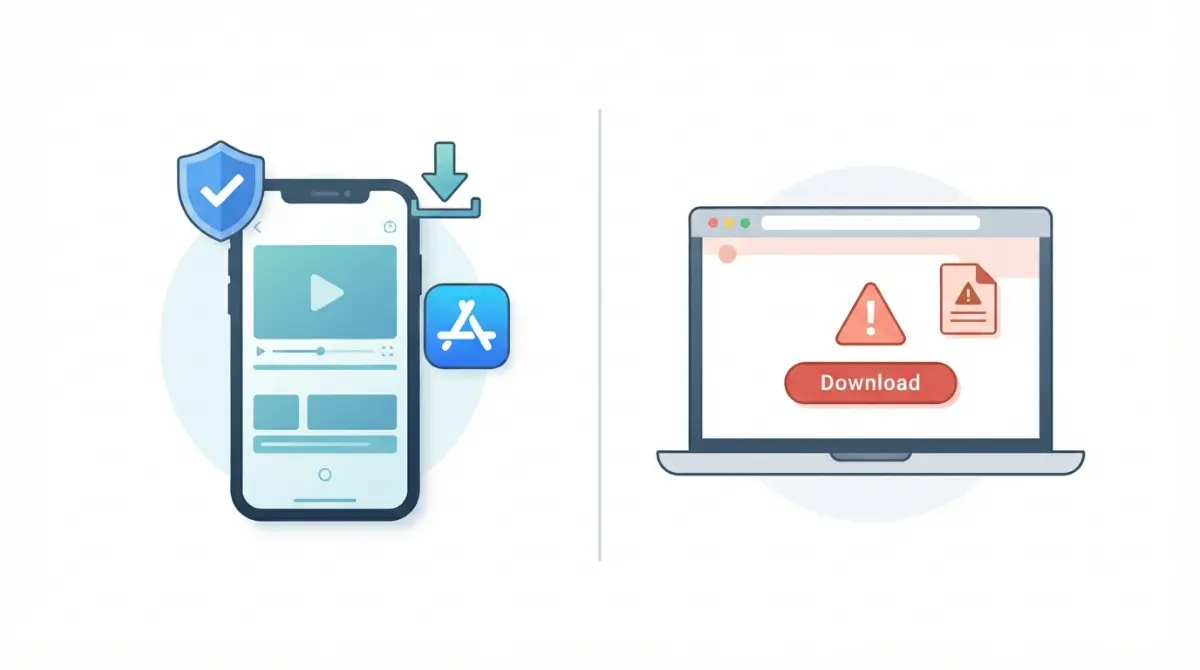
Table of Contents
Mostly, if the download is genuine. CapCut’s help page calls it generally safe from official sources (dated 1 September 2026), but its US privacy policy (updated 15 April 2026) says it may collect your clips before you save them, and ESET documented a fake CapCut site carrying malware in May 2025. Install from official sources, refuse optional permissions, and think before uploading private footage.
What CapCut says about its own safety
CapCut makes its safety case on one help page, so start with what it says.
The help page’s verdict, dated
CapCut’s help page is dated 1 September 2026. It says the app is generally safe when downloaded from official sources, kept updated and used with its privacy and account settings. It tells readers to avoid unofficial sites, modified APK sites and “premium free” versions, and to check the publisher before installing.
What the page leaves out
The help page gives no policy or Terms dates, no named operator and no permission list beyond photos, videos, microphone and camera. The sections below add each, with its date.
What the policy and store labels say
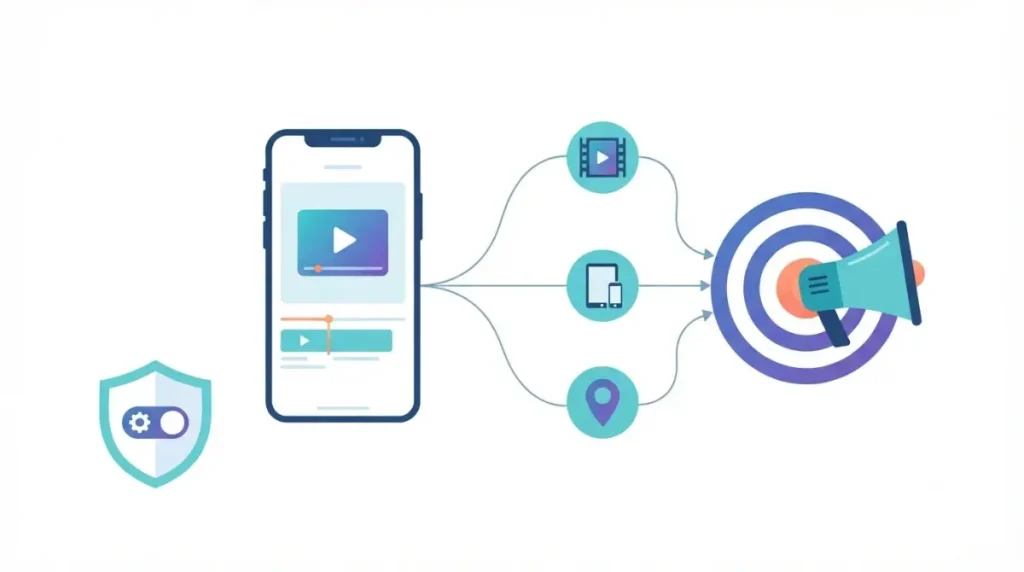
CapCut’s US privacy policy, updated 15 April 2026, says it does not sell personal information for money but does “share” it for targeted ads.
Three statements, one table
| Surface | What it says | Date |
|---|---|---|
| Google Play listing | No data shared with third parties; may collect Location, Personal info and 5 other data types | Retrieved 9 Oct 2026 |
| US App Store listing | Tracking: Identifiers. Linked to you: five categories, including user content and contact info. Not verified by Apple | Retrieved 9 Oct 2026 |
| CapCut US privacy policy | No sale for money; “share” for targeted ads; opt out in Your Privacy Choices | Updated 15 Apr 2026 |
Pre-save collection and ad sharing
The same policy says content may be collected through pre-uploading, whether or not you save or publish it.
What the table does not settle
Google’s “shared”, Apple’s “track” and the policy’s “share” are defined differently, so they do not add up to one yes or no. Google’s detail page could not be read for this record.
Permissions CapCut asks for, and what you can refuse
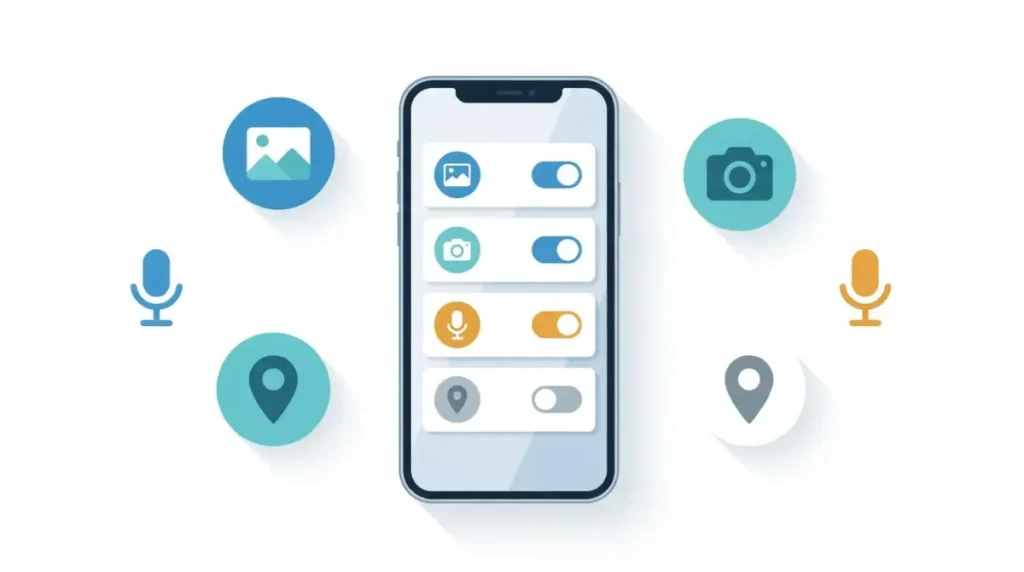
CapCut’s help page, dated 1 September 2026, names photos, videos, microphone and camera access.
What the help page names
It tells readers to review those permissions on their device and adjust them to their needs. It gives no reasons for any of them.
What the policy adds
- The policy says clipboard content is accessed when you use functions such as sharing or pasting (updated 15 April 2026).
- It says approximate location is based on your SIM card region and IP address (updated 15 April 2026).
Turning a permission off
Refuse any permission the edit you want does not need. This covers the mobile app, version 19.7.0 on the US App Store listing on 9 October 2026; desktop prompts and Android prompt wording are not in the pages read.
Who runs CapCut in the US, and its security record
CapCut’s US Terms, updated 15 April 2026, name TikTok USDS Joint Venture LLC as the company you contract with.
Who the Terms name
The Terms add that US premium services are provided by TT Commerce & Global Services. The joint venture was announced on 23 January 2026 in TikTok’s announcement, which does not mention CapCut.
What the store listings still show
The US App Store seller and the Google Play developer both read Bytedance Pte. Ltd. on 9 October 2026.
The public vulnerability record
The National Vulnerability Database returned no records for the keyword “capcut” at 10:43 UTC on 9 October 2026. That is one keyword on one date, not a guarantee.
Fake CapCut installers and how to avoid them
Type the CapCut address yourself, or open the official store listing.
What ESET documented
ESET, a security firm, documented a fake CapCut site on 27 May 2025 whose address added one letter to the official name. Its “Download for Windows” button delivered an archive that ESET analysed as malware (ESET’s report on a fake CapCut site). A second report, dated 5 March 2025, describes a fake AI-video site that delivered remote-access software (ESET’s report on a second fake site); both reports are in Spanish.
How to check a download
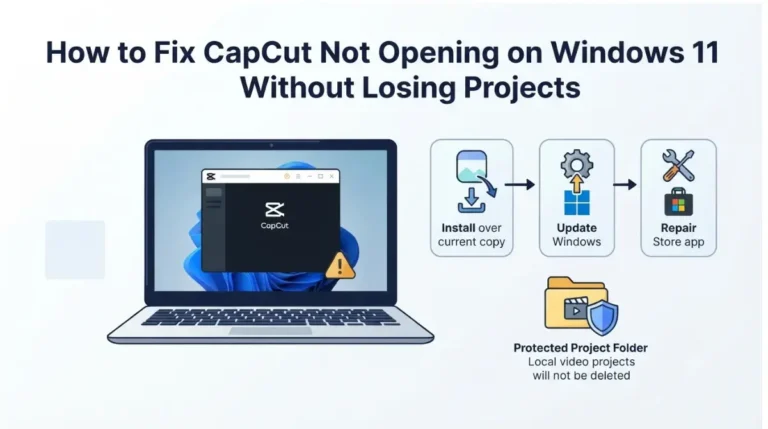
- Type the address yourself or open the store listing, and skip links you were sent; for Windows, see which official Windows source to use.
- Read the address letter by letter before you download.
- Skip anything labelled “modded”, “unlocked” or “premium free”, as the help page advises.
- Check the publisher in the store listing before you install.
⚠️ This Costs You: CapCut’s Terms, updated 15 April 2026, say unofficial copies are not authorised and any loss from them is yours alone.
Who should still be cautious, and what would change this
CapCut’s Terms, updated 15 April 2026, set a 13+ limit, with parental consent required under 18.
Parents and under-18s
The US App Store rates CapCut 13+ and Google Play rates it Teen (9 October 2026). The privacy policy says it is not directed at children under 13.
Confidential or someone else’s footage
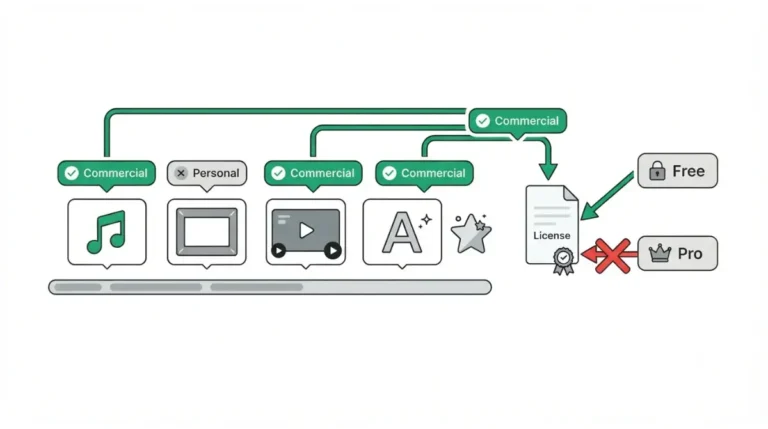
The Terms treat uploads as non-confidential, so keep out anything confidential to someone else; the commercial-use guide covers marked assets. You keep ownership but grant a perpetual, sub-licensable, worldwide licence, explained in the pillar’s section on the content licence. Some AI features use third-party AI providers, and you need the rights to what you input.
What would change this verdict
A new Terms or policy date, a CVE record naming CapCut, or a change to either store label.
🧾 Not Tested: We did not install or open CapCut. It is not available to us through official channels in India, so every statement here comes from CapCut’s own pages and the two store listings, captured on 9 October 2026. Google Play’s data safety detail page could not be read, so only its summary is used.
CapCut safety questions
1. Is CapCut safe to download and use?
Yes, from official sources only. CapCut’s Terms (15 April 2026) call other versions unauthorised, and ESET documented a fake CapCut site in May 2025.
2. Does CapCut have viruses or known vulnerabilities?
The NVD returned no record for the keyword “capcut” on 9 October 2026. ESET’s reports on CapCut malware involved fake sites.
3. Does CapCut sell your data?
Not for money, says its US policy (15 April 2026), but it does “share” data for targeted ads. You can opt out.
4. What permissions does CapCut need?
CapCut’s help page (1 September 2026) names photos, videos, microphone and camera access. You can adjust each on your device.
5. Is CapCut safe for kids?
CapCut’s Terms (15 April 2026) set a 13+ limit, with parental consent under 18. The US App Store lists 13+ (9 October 2026).
6. Who owns CapCut?
CapCut’s US Terms (15 April 2026) name TikTok USDS Joint Venture LLC. Store listings still show Bytedance Pte. Ltd. (9 October 2026).
7. Is CapCut AI safe to use?
CapCut’s Terms (15 April 2026) say some AI features use third-party AI providers, and you need rights to what you input.
8. Who owns the videos you edit in CapCut?
You keep ownership, but the Terms (15 April 2026) grant CapCut a perpetual, sub-licensable, worldwide licence to uploaded content.
9. How can I tell a fake CapCut website?
One sign is a lookalike domain: ESET’s May 2025 case added one letter to the official address. Type it yourself or use the store.
What to do next
The genuine app and a fake download are separate risks. The app’s open question is data: its US privacy policy (updated 15 April 2026) allows collecting clips before you save them, and you can opt out of ad sharing under Your Privacy Choices. Download from official sources only, then see what CapCut Pro costs.