CapCut for PC download, straight from CapCut’s own pages
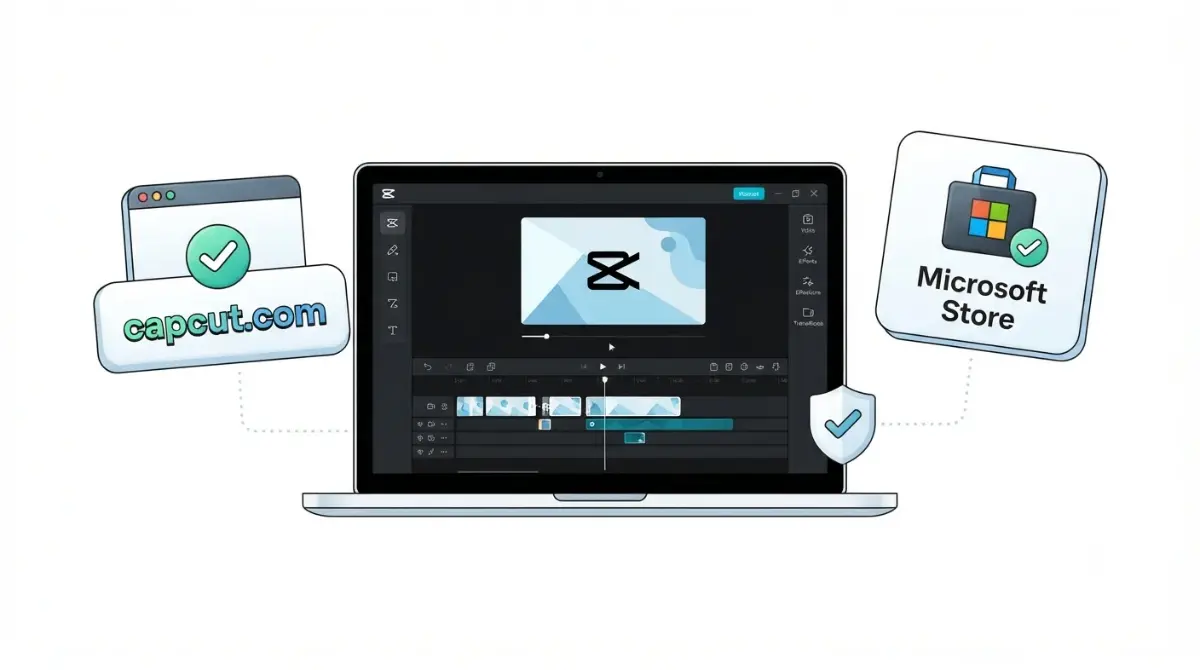
Table of Contents
CapCut’s own pages name two Windows sources: its website and the Microsoft Store listing, as of 2 October 2026. They disagree on the minimum Windows version: the product page lists Windows 7, while the Windows guide and desktop guide list Windows 10. Use either official source, treat any Windows warning as a reason to check the file’s signature and where your link came from, and skip mirror sites.
🧾 Not Tested: We did not download or run the CapCut installer. This page records what CapCut, the Microsoft Store and Microsoft publish, retrieved 2 October 2026.
Is the CapCut PC download free?
The CapCut PC download is free. The Microsoft Store listing offers the app as a free download and says premium features come with a free trial before you subscribe (retrieved 2 October 2026).
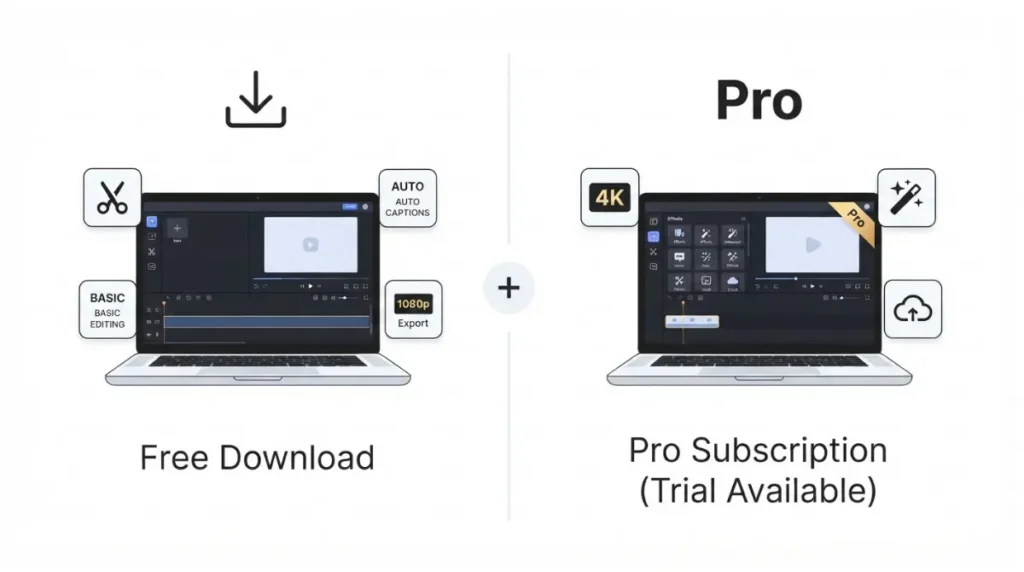
Free to download, paid features inside
What the paid tier adds is in what Pro adds over the free version. The free plan’s caps are in the free plan’s export limits.
Windows, Mac or browser?
This page covers Windows. CapCut’s Windows guide also points to an online editor that needs no install (retrieved 2 October 2026); Mac is covered below.
Where to get the CapCut installer safely
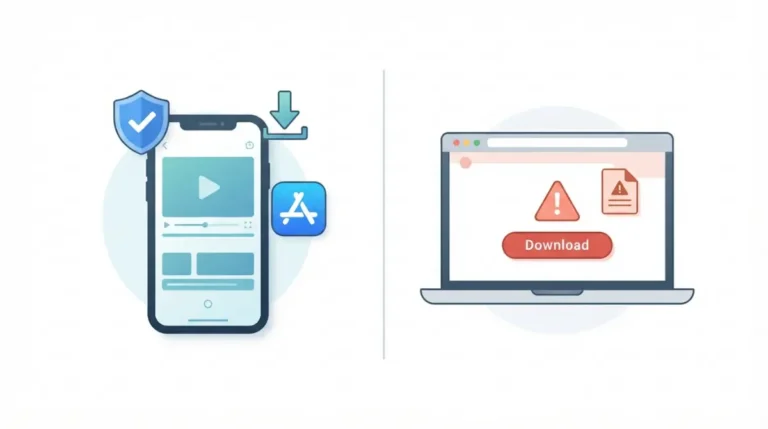
CapCut’s pages document two ways to get the official Windows installer, both listed as of 2 October 2026.
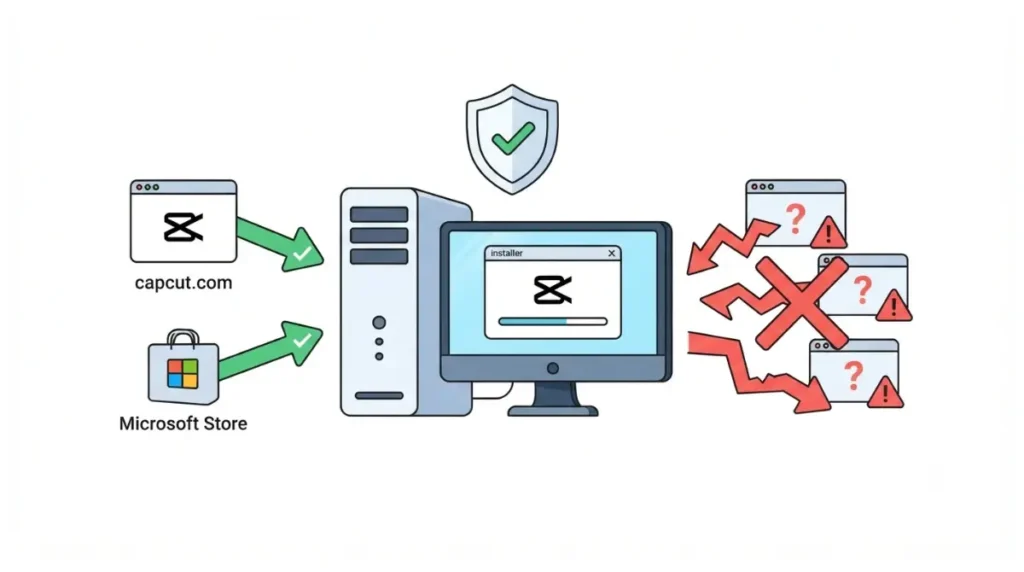
Option 1: CapCut’s own website
On CapCut’s website, the desktop guide says to click Download, choose Windows or Mac, and run the file you receive.
Option 2: the Microsoft Store listing
In the Microsoft Store, search for CapCut and select Install, per the Windows guide. The listing is the page to start from.
What to leave alone
CapCut’s desktop guide points stuck downloads back to its official website. Mirror sites and shared links fall outside the two documented sources.
✅ Do This: Type capcut.com yourself or open the Microsoft Store app, rather than following a link someone sent. Microsoft’s SmartScreen FAQ says unsolicited download links are more likely to be malicious.
CapCut PC system requirements: what the pages say
CapCut’s three pages give three different answers to the minimum Windows version the app needs (all retrieved 2 October 2026).
Three pages, three minimums
| Item | Product page | Windows guide | Desktop guide |
|---|---|---|---|
| Windows minimum | Windows 7 or above; 10 recommended, 2 Oct 2026 | Windows 10 or above, 2 Oct 2026 | Windows 10 64-bit or later, 2 Oct 2026 |
| Free storage | Not listed, 2 Oct 2026 | 2 GB, 2 Oct 2026 | 10 GB, 2 Oct 2026 |
| Graphics | Not listed, 2 Oct 2026 | Intel HD Graphics 4000 or above, 2 Oct 2026 | Integrated GPU or 2 GB VRAM, 2 Oct 2026 |
| Date on page | None seen | 20 Aug 2026 | 20 Aug 2026 |
Both guides list 4 GB RAM and a Core i3-class processor (2 October 2026).
Which one to plan around
Plan around the stricter statement, Windows 10 64-bit. Microsoft ended Windows 7 support on 14 January 2020, per its end-of-support page (retrieved 2 October 2026). For the full checklist, see the full system requirements.
Windows 10, Windows 11 and Mac: which installer?
CapCut’s Windows guide covers Windows 10 and 11, and its desktop guide lists a separate Mac download (retrieved 2 October 2026).
Windows 10 and 11
CapCut’s pages still list Windows 10, but Microsoft stopped its standard security updates.
💵 Verified: Windows 10 support ended 14 October 2025; Extended Security Updates run to 12 October 2027 on eligible PCs. Source: Microsoft’s end-of-support page, retrieved 2 October 2026.
Mac
CapCut’s desktop guide says Mac users get a separate DMG file from the official site, and the product page lists macOS 10.14 or above (retrieved 2 October 2026).
Signing in after install
The Windows guide says you may need a Google, TikTok or Facebook account to sign in once the app is open (retrieved 2 October 2026).
Why the CapCut installer may stall or be blocked
CapCut’s Windows guide suggests temporarily disabling antivirus if an install fails (retrieved 2 October 2026).
If SmartScreen warns you
Microsoft’s SmartScreen FAQ says a “not commonly downloaded” warning does not mean a file is malicious, but it asks for caution, especially with unsigned files (retrieved 2 October 2026). It suggests weighing whether the file is signed, how you reached the download, and whether you’d expect many others to have downloaded it.
What the vendor says about antivirus
We are not repeating the antivirus step as advice. We did not run the installer, and the guide does not say how to check the file first.
The Store route as an alternative
If the website installer is blocked, the Microsoft Store listing is CapCut’s other documented source (retrieved 2 October 2026).
CapCut version numbers: what you can and can’t check
None of the three CapCut pages retrieved on 2 October 2026 states a current version number for the PC app.
What the vendor pages publish
No CapCut-published release notes or version history turned up in a search on 2 October 2026, so this page quotes no version.
How this page is kept current
Version numbers from download mirrors are not quoted, because they can’t be tied to a CapCut page. Our method is on How We Review.
FAQ
1. Is CapCut for PC free to download?
Yes. The Microsoft Store listing offers CapCut as a free download with a free trial of premium features, retrieved 2 October 2026.
2. Where is the official CapCut PC download?
The official CapCut PC download is on CapCut’s website or the Microsoft Store listing, per CapCut’s pages as of 2 October 2026.
3. Does CapCut for PC need an account?
CapCut for PC may require a Google, TikTok or Facebook sign-in to use the app, per CapCut’s Windows guide, retrieved 2 October 2026.
4. What are the CapCut PC system requirements?
CapCut PC system requirements differ by page: the product page lists Windows 7, two guides list Windows 10, as of 2 October 2026.
5. Does CapCut work on Windows 10?
CapCut still lists Windows 10 as a minimum, but Microsoft ended Windows 10 support on 14 October 2025 (both retrieved 2 October 2026).
6. Should I turn off antivirus to install CapCut?
CapCut’s guide suggests turning antivirus off temporarily; Microsoft’s SmartScreen FAQ advises checking the file’s signature and source before ignoring warnings (retrieved 2 October 2026).
7. Can I use CapCut on PC without installing it?
Yes. CapCut for PC has a browser alternative: the Windows guide points to an online editor for core editing without installation, retrieved 2 October 2026.
8. What is the latest CapCut PC version?
The latest CapCut PC version isn’t published on the three CapCut pages retrieved, and no release notes turned up in a search, as of 2 October 2026.
9. Does CapCut have a Mac version?
Yes. CapCut’s desktop guide says Mac users download a separate DMG file, and its product page lists macOS 10.14 or above, retrieved 2 October 2026.
The short version
CapCut’s own pages name two Windows sources, its website and the Microsoft Store listing, as of 2 October 2026. Where CapCut’s pages disagree, we’ve shown all three rather than picking one. Plan around Windows 10 64-bit, treat any warning as a reason to check the signature and source, and skip mirrors.