Descript Alternatives Sorted by How You Actually Edit
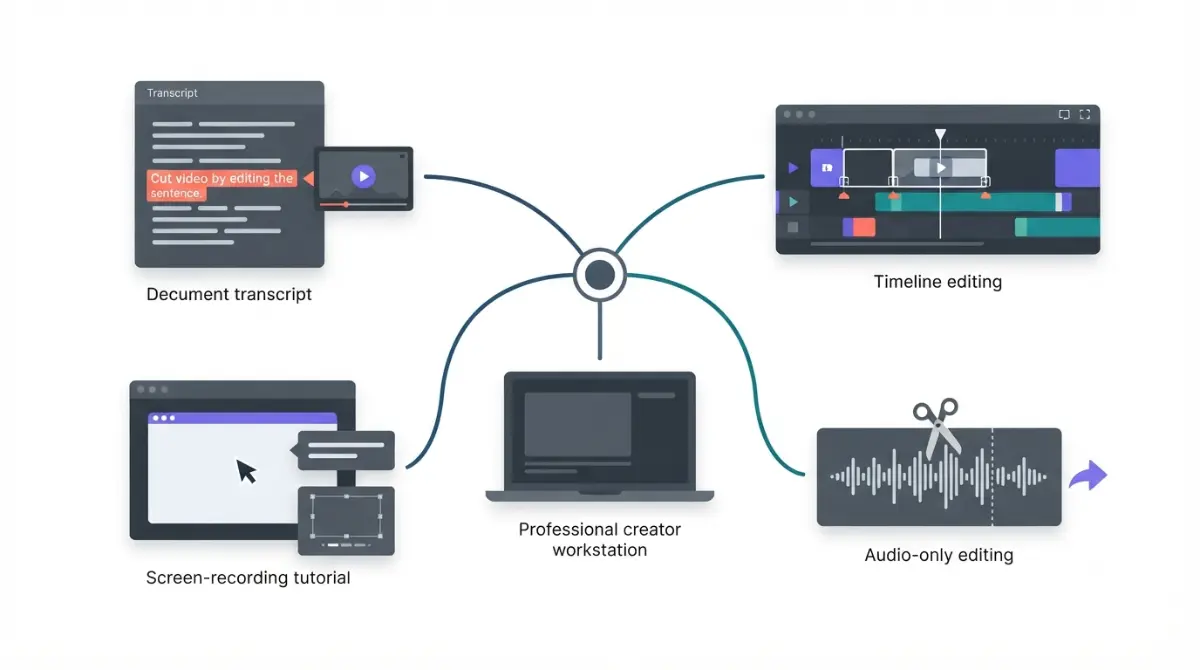
Table of Contents
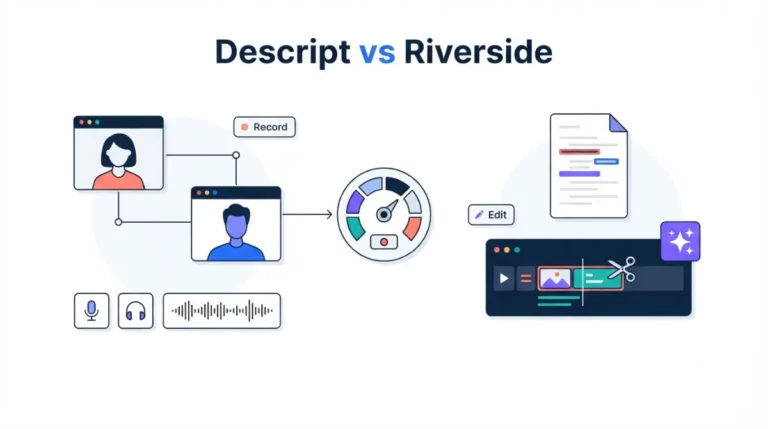
The right Descript alternative depends on how you edit. For transcript-first podcast editing, Riverside Pro costs $288 a year billed annually, the same as Descript Creator on annual billing ($24 a month × 12). Both figures come from each vendor’s pricing page on 24 September 2026. For timeline work, DaVinci Resolve has a free version. For screen tutorials, use Camtasia. For audio-only cleanup, open-source Audacity lists no price.
Why Descript users look for an alternative
The two meters
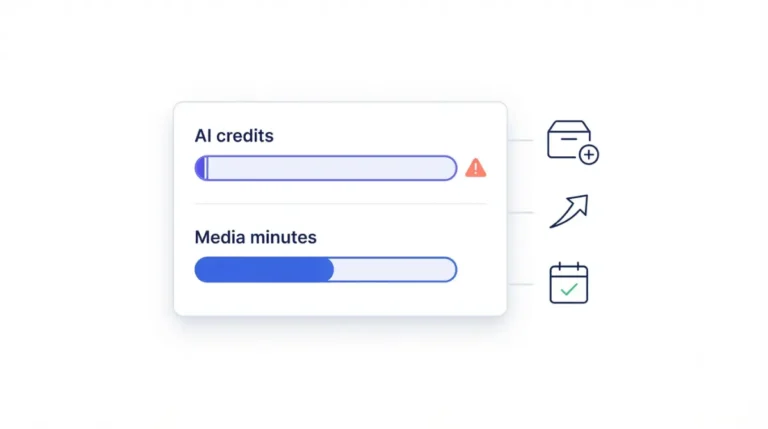
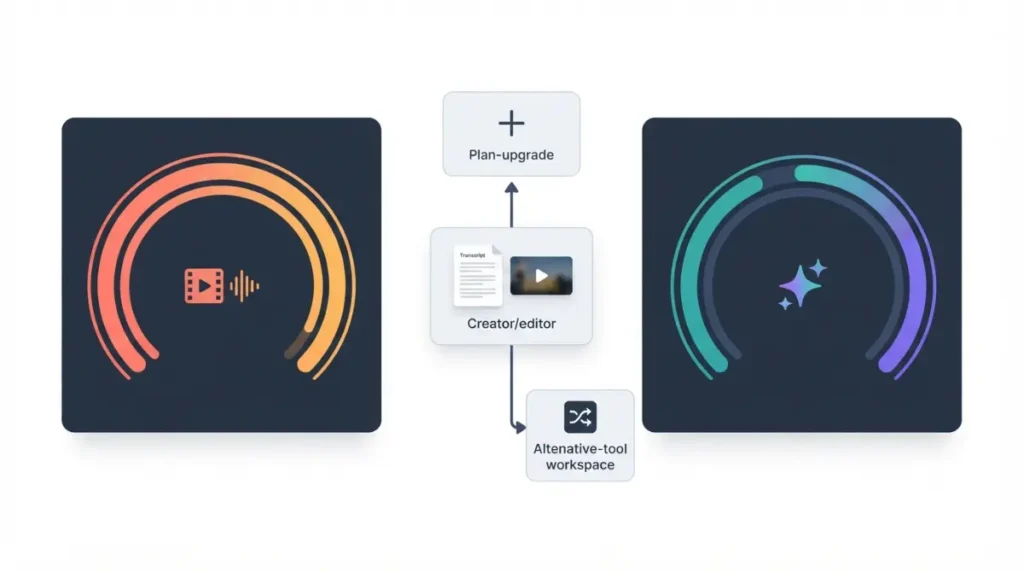
Descript now meters usage in two pools, media minutes and AI credits. Its plan migration notice says these replaced transcription hours and separate AI allowances. It also says Legacy and Sunset subscribers were migrated automatically from 17 November 2025.
When the cap is the problem
If you’re hitting a meter rather than missing a feature, a different Descript tier may be the cheaper fix. What each Descript tier really costs covers that. What counts toward media minutes explains the meter itself.
If the way Descript edits no longer suits you, read on.
The six Descript alternatives, sorted by how you edit
Match the tool to the way you already work. None of these six products is ours.
| Editing style | Tool | What the vendor lists (24 Sep 2026) |
|---|---|---|
| Transcript-first, recording-led | Riverside | Recording, text-based editing, podcast hosting |
| Transcript-first, in a browser | Kapwing | Browser editor with “Trim with Transcript” |
| Professional timeline | Adobe Premiere | Professional video and film editing |
| Free timeline | DaVinci Resolve | Edit, Color, Fusion and Fairlight pages |
| Screen tutorials | Camtasia | Screen recorder plus multitrack editor |
| Audio only | Audacity | Audio editing and recording |
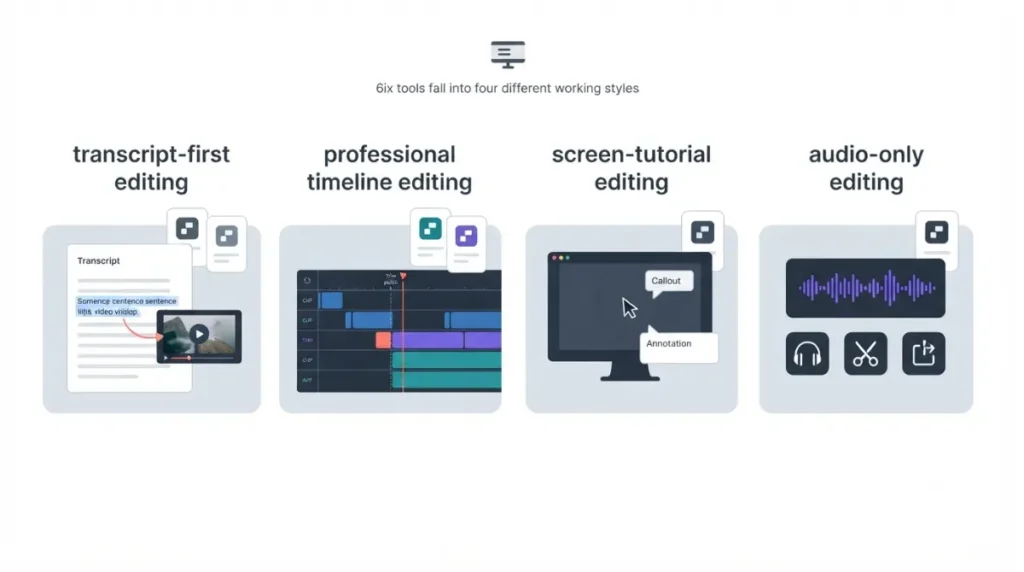
Transcript-first editors
Riverside and Kapwing keep Descript’s core habit of cutting video by cutting words.
Timeline and screen-recording editors
Premiere and Resolve are timeline editors. Camtasia is built around screen recordings.
Waveform audio editing
Audacity is for podcasters who only need audio.
What each alternative costs over a year
The 12-month column is our own calculation. For plans billed monthly on an annual commitment, it is the monthly rate × 12. Otherwise it is the listed yearly total. All prices are USD, list price, before tax.
Subscriptions billed annually
| Tool / plan | Listed price | 12 months (our calc) | Who hits this |
|---|---|---|---|
| Descript Hobbyist (reference) | $16/mo billed annually, 24 Sep 2026 | $192 | Solo, 1080p export |
| Descript Creator (reference) | $24/mo billed annually, 24 Sep 2026 | $288 | Needs 4K or timeline export |
| Riverside Pro | $24/mo, billed $288/yr, 24 Sep 2026 | $288 | Remote interviews |
| Kapwing Pro | $16/member/mo, $192/yr, 24 Sep 2026 | $192 per member | Browser editing |
| Adobe Premiere | US$22.99/mo, annual, billed monthly, 24 Sep 2026 | $275.88 | Long-form timeline work |
| Camtasia Essentials | $179.88/yr, 24 Sep 2026 | $179.88 | Tutorials, courses |
One-time and free licences
| Tool | Listed price | 12 months (our calc) | Who hits this |
|---|---|---|---|
| DaVinci Resolve | Free; Studio 21 $295, 24 Sep 2026 | $0, or $295 for Studio | YouTubers, colour work |
| Audacity 4.0.0 | No price on download page, 24 Sep 2026 | $0 | Audio only |
Month-to-month billing costs more where it’s offered. On the same pages on 24 September 2026, the monthly rates were Descript Creator $35, Riverside Pro $29 and Kapwing Pro $24. Some third-party guides quote a higher Riverside monthly rate, but Riverside’s own page lists $29.
🗓️ Pricing verified 24 September 2026. Software pricing changes frequently, so confirm on the vendor’s site before purchasing.
Which ones edit video by editing the transcript
Only three of the six list transcript editing on a first-party page.
Transcript editing built into the plan
- Riverside Pro lists unlimited text-based editing. Its pricing FAQ, checked 24 September 2026, says recording itself is unlimited and the 15 hours a month on Pro applies to separate-track downloads. Several third-party guides wrongly call that a recording cap.
- Kapwing lists Trim with Transcript as a way to edit videos by editing text.
- Camtasia’s store lists text-based video editing from Essentials upward, through the bundled Camtasia Audiate app. This was checked 24 September 2026.
Timeline tools without a verified text layer
Adobe’s plans page describes Premiere as professional video and film editing. We could not confirm transcript editing on an Adobe page, so we don’t claim it here.
Resolve’s free version edits up to Ultra HD 3840×2160 at 60 fps. Studio adds AI voice isolation and dialogue separation, per Blackmagic’s Studio page on 24 September 2026.
Audio only
Audacity 4.0.0 edits audio, not video.
Which Descript alternative fits your kind of work
Pick by the work you ship, not by feature count.
Podcasters and interview shows
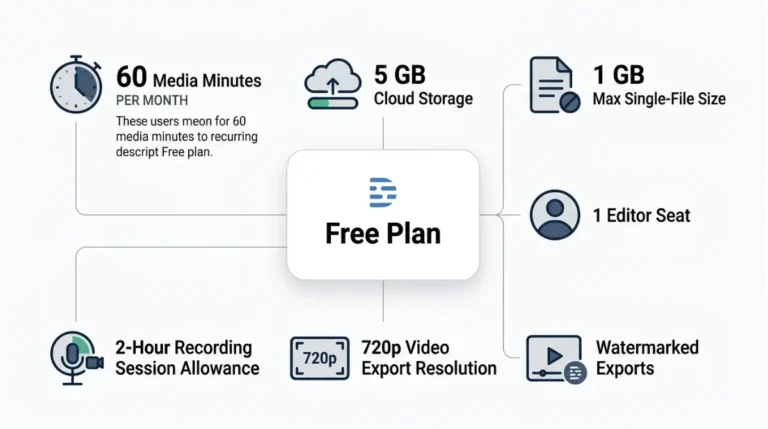
If cleaner exports are all you need, compare Descript’s free and paid limits before switching.
YouTubers and course creators
For long-form video, start with Resolve’s free version. For tutorials, Camtasia lists a 14-day money-back guarantee, and Adobe’s plans page lists a 14-day cancellation for a full refund.
⚠️ This Costs You: Kapwing states it offers no free trial for paid plans and no refunds after you upgrade. Test on its free plan first.
Audio-only on no budget
Audacity covers cuts, cleanup and export at no listed cost.
What you lose when you leave Descript
Your Descript plan decides whether your edits can move with you.
Timeline export by Descript plan
Descript’s pricing page, checked 24 September 2026, lists timeline export only on Creator and Business. That covers export to Premiere, Final Cut Pro, Pro Tools and Logic, Audition, and Samplitude and Reaper.
Free and Hobbyist users can export finished media, but not an editable timeline. Audio export length is unlimited on every plan.
Export before you cancel
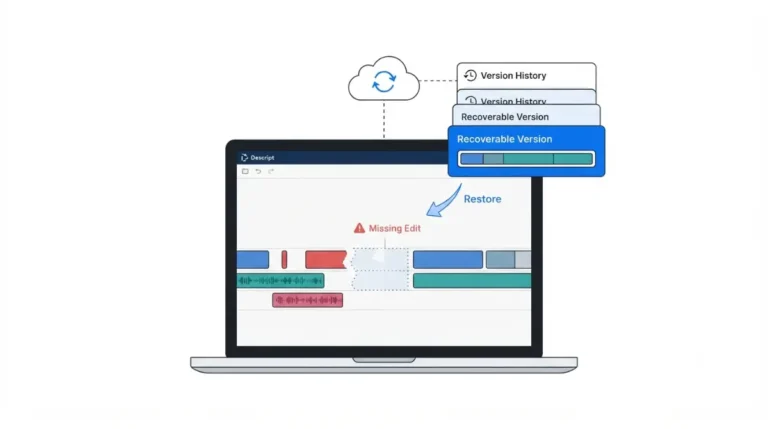
🛟 Back This Up First: Before cancelling, export your finished audio, video and transcripts to local storage. Descript’s pricing FAQ says deleting your account permanently wipes your data from its servers.
For the full exit sequence, see how to cancel Descript without losing projects.
🧾 Not Tested: We have not used any of these seven products for this article. Everything above comes from vendor pricing and product pages captured on 24 September 2026. Editing speed, transcription accuracy and export quality are not assessed here.
FAQ
1. What is the cheapest Descript alternative?
Audacity 4.0.0 and DaVinci Resolve’s free version list no price on their official pages, checked 24 September 2026.
2. Is there a free Descript alternative with text-based editing?
Riverside and Kapwing both offer free plans, but their pricing pages list watermarked exports on those plans as of 24 September 2026.
3. Which Descript alternative is closest to Descript?
Riverside is closest, because its Pro plan lists unlimited text-based editing alongside recording and podcast hosting.
4. Can I export a Descript project to Premiere?
Only on Creator or Business. Descript’s pricing page excludes timeline export from Free and Hobbyist as of 24 September 2026.
5. Is DaVinci Resolve Studio a subscription?
No. Blackmagic’s Studio page shows a single purchase price and no subscription option (checked 24 September 2026). The cost table above has the figure.
6. Does Camtasia have text-based editing?
Yes. TechSmith’s store lists text-based video editing on the Essentials plan and above, checked 24 September 2026.
7. Is Audacity good for editing video?
No. Audacity is audio editing and recording software, so pair it with a video editor for video projects.
8. Is Riverside cheaper than Descript?
Not at the transcript-editing tier. Riverside Pro and Descript Creator cost the same on annual billing, as shown in the cost table.
Choosing your Descript alternative
Decide by editing style first and price second:
- Riverside for transcript-led shows.
- Resolve or Premiere for timelines.
- Camtasia for screen tutorials.
- Audacity for audio alone.
Start on a free plan or trial where one exists, and export your Descript work before you cancel.