
The Extra Costs Behind Each Descript Pricing Tier
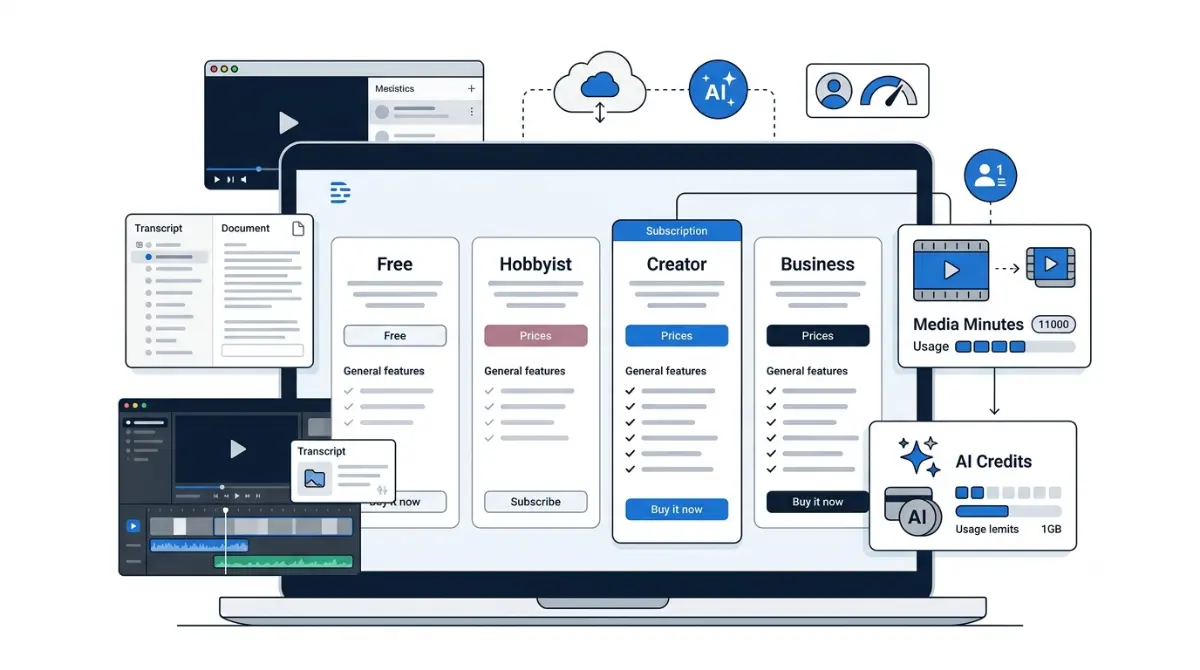
Table of Contents
Descript costs $0 to $50 per person a month on annual billing, verified against Descript’s pricing page on 3 September 2026. That figure is one of three numbers on your bill. Every paid plan meters media hours and AI credits separately, and top-ups are sold only on Creator and Business. On Free and Hobbyist, running out is a stop, not a charge.
Start here: which of these is you?
Six situations bring people to this page. Find yours and skip the rest.
- If you’re choosing a tier, or already on Hobbyist and assumed you could buy a few more hours when you run short, go to what it really costs. That answer decides the tier.
- If your plan changed shape and the meters look unfamiliar, go to how the price got here.
- If you’re weighing the annual commitment, read the refund window before you click anything.
- If you’re cancelling this week, go to cancelling and downgrading, and export your work first.
What Descript is, and who it actually suits
By the end of this section you’ll know what you’re paying for and where the pricing model comes from.
Editing video by editing a transcript
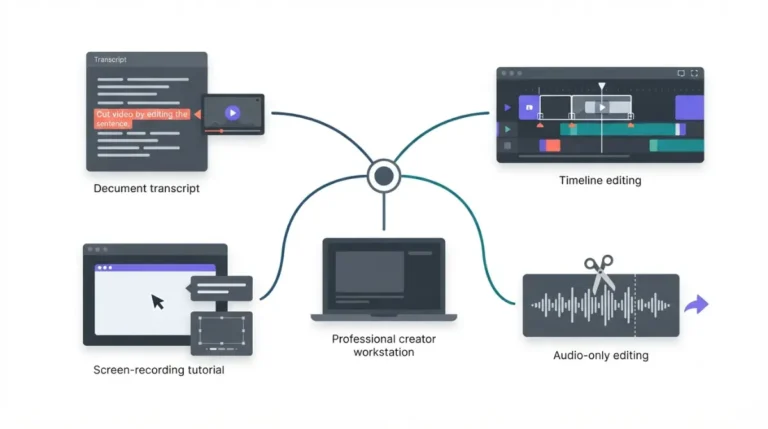
Descript is a text-based video editor. It transcribes your recording, shows the transcript as a document, and edits the media when you edit the words. Delete a sentence and the footage goes with it.
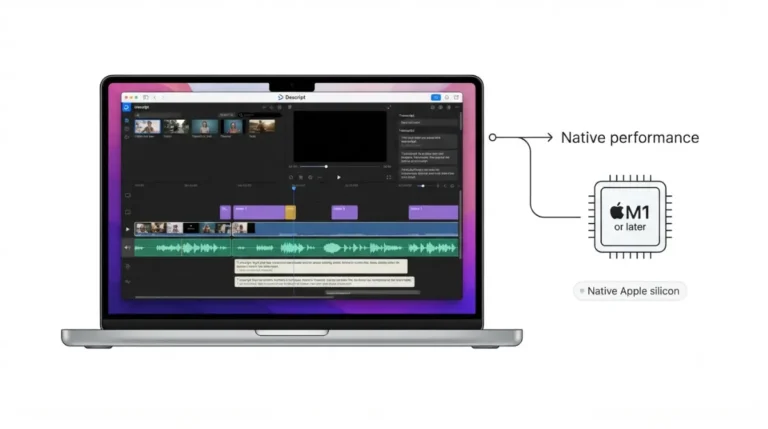
The desktop app runs on macOS and Windows, and there’s a web app. Which you use makes no difference to the bill: account, storage, seats and both meters live in Descript’s cloud either way.
The workflows it replaces
Recording, transcription, editing, captions, AI voice, dubbing and clip generation arrive in one subscription, which is why the pricing works as it does. Descript is priced as a production platform, not a transcription service. Buyers who arrive wanting transcripts and leave with a video-production subscription overpay most often.
Descript pricing: every plan and what it costs
Here is every plan on Descript’s published pricing page, verified 3 September 2026.
Every plan, monthly and annual
| Plan | Annual (per person/month) | Monthly (per person/month) | Who hits this | Verified |
|---|---|---|---|---|
| Free | $0 | $0 | Evaluating on one short project | 3 Sept 2026 |
| Hobbyist | $16 | $24 | One editor, light output | 3 Sept 2026 |
| Creator | $24 | $35 | Regular video, 4K, up to 3 seats | 3 Sept 2026 |
| Business | $50 | $65 | Teams needing brand controls, SLA | 3 Sept 2026 |
| Enterprise | Custom | Custom | Procurement, SSO, training opt-out | 3 Sept 2026 |
🗓️ Pricing verified 3 September 2026. Software pricing changes frequently — confirm on the vendor’s site before purchasing.
Prices are per person, per month. Creator scales to three seats and Business to five, with additional seats billed separately.
What the annual discount is actually worth
Descript’s pricing page advertises a saving of up to 35% on annual billing. Run against the figures above, the largest saving on any published tier is 33.3%, on Hobbyist. Creator saves 31.4%. Business, the tier teams actually buy, saves 23.1%.
That is arithmetic on Descript’s own numbers. The headline is the best case, and not the case on the tier most teams land on.
Enterprise, education and non-profit
Enterprise is quoted by sales and carries custom allowances, SSO, SCIM, audit logs, and the option to opt out of AI training. Those controls exist on no self-serve tier.
Descript confirms rates for students, educators and non-profits and routes applicants to a form. It publishes no figure. We are not estimating one.
How Descript’s pricing got to where it is
The current model replaced an older one on a specific date, and the unit of account changed with it.
What the plans looked like before
Descript’s paid plans were previously measured in transcription hours: the allowance counted audio you transcribed. Descript’s legacy help page still describes that structure and still publishes its add-on rate — $2 per additional transcription hour, per the legacy plan guide retrieved 3 September 2026.
We have not yet obtained archived captures of the pre-September-2025 pricing page, so this article publishes no pre-change prices. Third-party sites report several incompatible sets of figures for that period. We will not pick one and will not average them. Dated captures and exact figures go here when we have them.
What changed on 23 September 2025
On 23 September 2025, Descript replaced transcription hours with two separate meters, media minutes and AI credits, and introduced purchasable top-ups, per its legacy and sunset plan guide retrieved 3 September 2026. The old meter counted output you asked for; the new one counts input you bring in.
Legacy and Sunset plans, and what happened to them
Subscribers on the old structure moved to plans Descript labels Legacy and Sunset. From 17 November 2025 they began migrating automatically on their next billing date, per the same guide retrieved 3 September 2026.
Descript’s own wording is that most customers would not see a price change, though some Legacy or Sunset prices could increase to match current pricing.
What each plan actually includes
Two meters and three gates decide which plan you need. Everything here was verified 3 September 2026.
Media hours: what counts against the meter
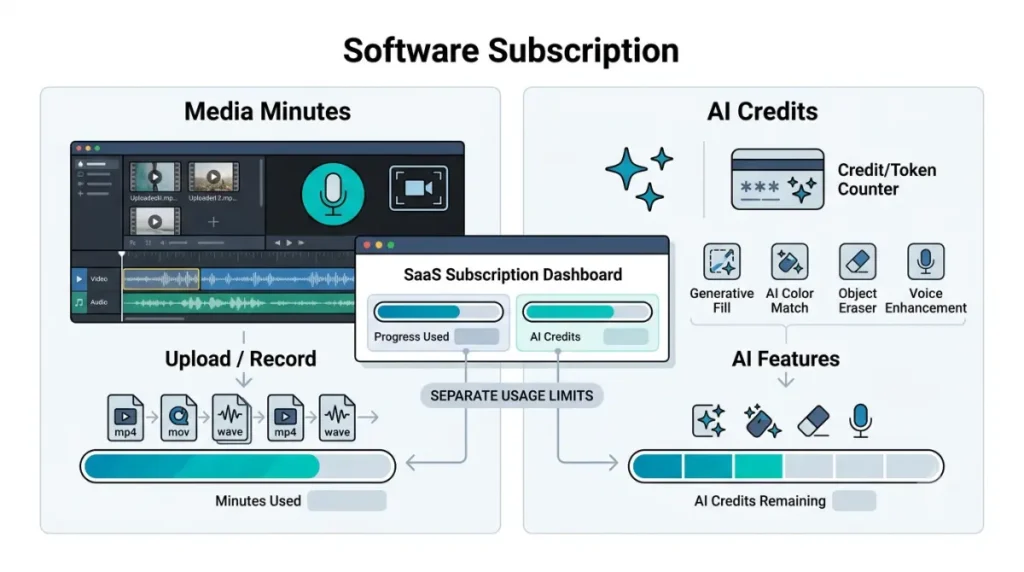
Media minutes count time you upload or record: video, audio, Rooms sessions, screen, webcam and microphone capture. Still images count one second each, and unused minutes do not roll over, per Descript’s help centre article on media minutes and AI credits, retrieved 3 September 2026.
The word “transcription” does not appear in that definition, and that is the point. A one-hour interview delivered as four files spends four hours of the meter even if you transcribe one. Rooms are the exception in your favour: a one-hour session bills sixty minutes however many people joined.
AI credits: what draws them down
AI credits are drawn by Underlord, Studio Sound, Remove Filler Words, Green Screen, Eye Contact, AI Speech, avatars and generated video. Credits do not roll over either.
Chatting with Underlord spends credits even when no tool is applied, per the same article retrieved 3 September 2026. Studio Sound and Remove Filler Words cap at 30 credits per application.
The gates that actually decide your tier
| Plan | Media minutes/month | AI credits | Cloud storage | Verified |
|---|---|---|---|---|
| Free | 60 | 100, one-time | 5 GB | 3 Sept 2026 |
| Hobbyist | 600 | 400/month | 100 GB | 3 Sept 2026 |
| Creator | 1,800 | 800/month | 1 TB | 3 Sept 2026 |
| Business | 2,400 | 1,500/month | 2 TB | 3 Sept 2026 |
Three gates force most upgrades, and Descript’s comparison table scatters them across three sections. Watermark-free export starts at Hobbyist. 4K export starts at Creator, as do batch export and timeline export to Premiere, Final Cut Pro, Pro Tools, Logic and Audition.
What Descript really costs once both meters run
The plan cards don’t cover this. Everything below was verified 3 September 2026.
Seats multiply everything
Allowances are granted per Editor seat and pooled at drive level; viewers and project-level editors cannot spend them. A three-person Creator drive pays three times the per-person rate listed above and gets three times the allowance. Seat count, not tier choice, is usually the largest line on a growing team’s bill. Upgrading applies immediately and prorates the old plan’s unused portion, but usage already accrued counts against the new limits and does not reset.
When the meters run out: the hard wall
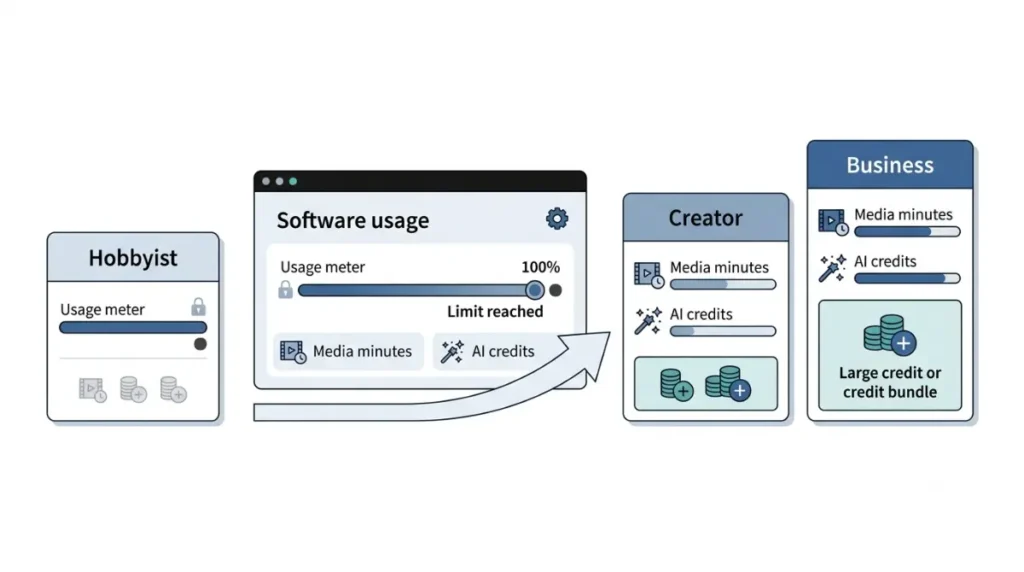
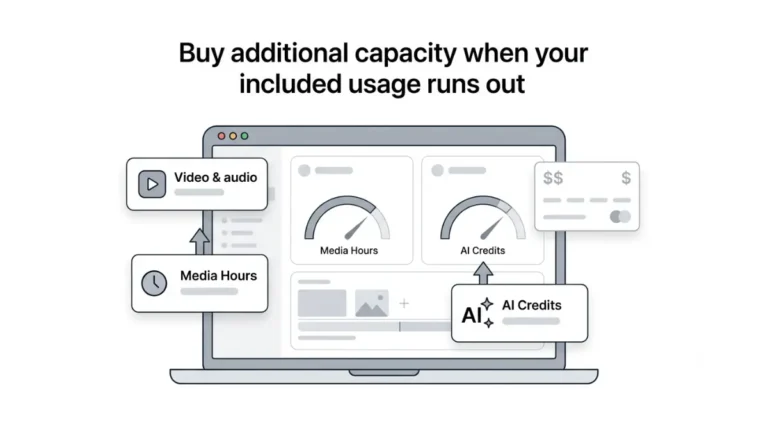
Top-ups are available only on Creator and Business plans, per Descript’s help centre article on top-ups, retrieved 3 September 2026.
On Free and Hobbyist, exhausting either meter is not an overage charge. It is a stop.
⚠️ This Costs You: On Hobbyist, a month that runs over cannot be topped up at any price. The only remedy is a full tier upgrade, priced for volume you may not have. Buyers sitting just above the Hobbyist ceiling pay the highest cost per hour of anyone using Descript.
Where top-ups exist they are shared across the drive, expire twelve months after purchase, and are used only once the monthly allowance is gone. Top-ups are final and non-refundable, and are not offered on Legacy or Sunset plans.
What a top-up costs, and why you can’t find out
Media-minute top-ups are sold in hour bundles priced at checkout, with larger bundles reducing the per-unit price. No per-unit rate appears on Descript’s pricing page or its top-ups help article as of 3 September 2026.
The model Descript retired did publish its rate: the legacy plan guide still lists $2 per additional transcription hour, retrieved 3 September 2026. The current model publishes what a plan costs, not what exceeding it costs.
🧾 Not Tested: We did not open a paid account, so we could not see the top-up checkout where bundle prices appear. Everything above comes from Descript’s pricing page and help centre, captured 3 September 2026. Independent teardowns circulate per-hour figures; we are not publishing them, because Descript publishes none and we have not verified them.
A worked example, start to finish
Take the AI meter, which usually empties first. At 30 credits per application, Creator’s 800 monthly credits cover 26 full-cost applications and Hobbyist’s 400 cover 13, with Underlord chat, generated video, dubbing and avatars drawing the same pool. That calculation is ours, from Descript’s published allowance and its published cap; Descript does not present the two together.
✅ Do This: Before subscribing, count the files you upload per episode, not the minutes you publish, and multiply by episodes per month. That number, not your runtime, is what the media meter charges you for.
The free plan, the refund window, and the missing trial
Two questions decide whether the annual commitment is safe, and Descript answers both on its own pages, verified 3 September 2026.
There is no timed free trial
Descript’s pricing page advertises no timed trial of a paid plan as of 3 September 2026. The free plan is the trial, it does not expire, and no card is required.
What the free plan actually lets you finish
Free gives you the full editor at the allowances listed above, with exports capped at 720p and carrying a Descript watermark. You can evaluate the workflow on it, not publish client work.
The 48-hour refund window
Descript provides a refund where the plan is cancelled and the request made within 48 hours of the invoice date, from the account email, per its published refund policy retrieved 3 September 2026. That window is the same whether you bought a month or a year.
⚠️ This Costs You: An annual plan is a full year charged up front with 48 hours to undo it. Editor seats get their own window — a drive owner can request a refund for an added seat within seven days of that seat’s invoice date. Top-ups get none.
Several live guides state Descript’s fees are simply non-refundable. Descript’s own policy page, retrieved 3 September 2026, says otherwise. Where a third party and the vendor disagree, use the vendor’s page.
Cancelling and downgrading: what it costs you
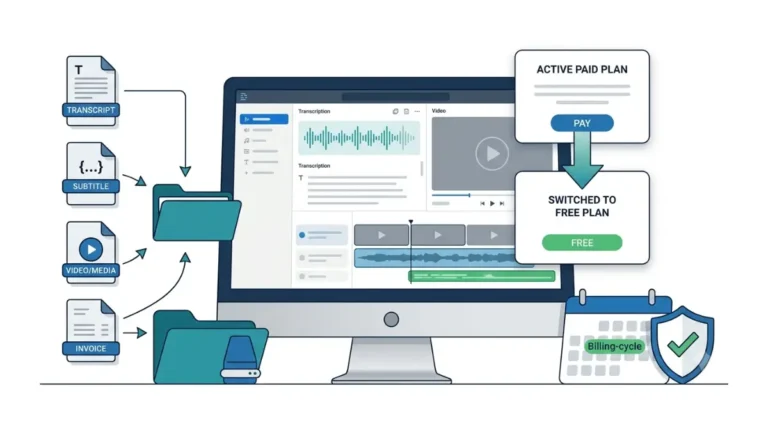
⚠️ This Costs You: Cancelling drops you to the Free plan at the end of your term, with its export ceiling, its watermark and its storage limit. Export your finished files and download your transcripts and captions before the paid term ends, not after.
The mechanics below come from Descript’s help centre, verified 3 September 2026.
Cancelling is not prorated
Cancelling or downgrading part-way through a billing cycle is not prorated. Your plan runs to the end of the term you paid for, then moves to Free or the lower plan you chose, per Descript’s cancel and downgrade guide retrieved 3 September 2026. Changing billing cycle works the same way. Upgrading is the only immediate change.
What you drop to
Your projects stay accessible; the features your old plan carried do not. Two details catch people. Descript’s support team can only process a cancellation from the drive owner’s email address, which becomes a problem once that person has left. And leaving a Legacy plan is irreversible.
Descript’s pages do not state what happens to stored content above the new plan’s limit after a downgrade. We have asked and will update this section when we have an answer.
✅ Do This: Export every project you care about as a finished file, and download each transcript as text or SRT, while your paid term is still running. Transcripts take seconds each and are the asset most painful to recreate.
Where people get stuck, and what it costs them
Three frictions are documented in Descript’s own help centre and appear on almost no competing page. All were verified 3 September 2026.
The meter counts files, not finished minutes
A single interview delivered as four files spends four hours of the media meter, and cleaning audio elsewhere then uploading the cleaned track spends it twice for the same content. The fix is upstream: merge tracks before upload where your workflow allows.
Credits go before hours do
The two meters empty independently. Heavy AI users exhaust credits with media hours to spare, at which point Studio Sound, dubbing, avatars and Underlord stop while ordinary editing continues.
You can’t see the cost until after the run
🔍 Why It Works This Way: Underlord is non-deterministic. Descript’s help centre states the same kind of task can spend different amounts depending on media length, the model chosen and what the AI generates, and that a run is charged for both the agent working out what to do and the tool doing it. The cost appears in the Usage tab after the run completes. There is no quote beforehand.
Advanced generative models cost more than basic ones, and edits started through Descript’s API or MCP draw the same two meters. A workflow you cannot price before running is a workflow you cannot budget, and Descript documents that this is how it works.
Descript vs Riverside: what each meter charges for
Both vendors publish their prices. Read side by side on 3 September 2026, they land on the same annual figure and count opposite things.
The same annual figure, on the same date
| Descript Creator | Riverside Pro | |
|---|---|---|
| Annual cost per seat, verified 3 Sept 2026 | $288 | $288 |
| What the meter counts | Everything uploaded or recorded | Separate-track downloads |
| Monthly ceiling | 30 media hours | 15 download hours; recording unlimited |
| Paid-plan trial | None advertised | 14 days |
Descript’s figure comes from its pricing page, Riverside’s from its own pricing page, both retrieved 3 September 2026.
⚠️ This Costs You: Riverside’s pricing page displayed a staging-environment notice on both of our retrievals on 3 September 2026, and contradicts itself on recording hours: the Pro card lists 15 hours of separate-track downloads, the comparison strip on the same page lists 5. The $288 annual figure appears in three places on that page and is its most consistent number. Check the live page before buying either product.
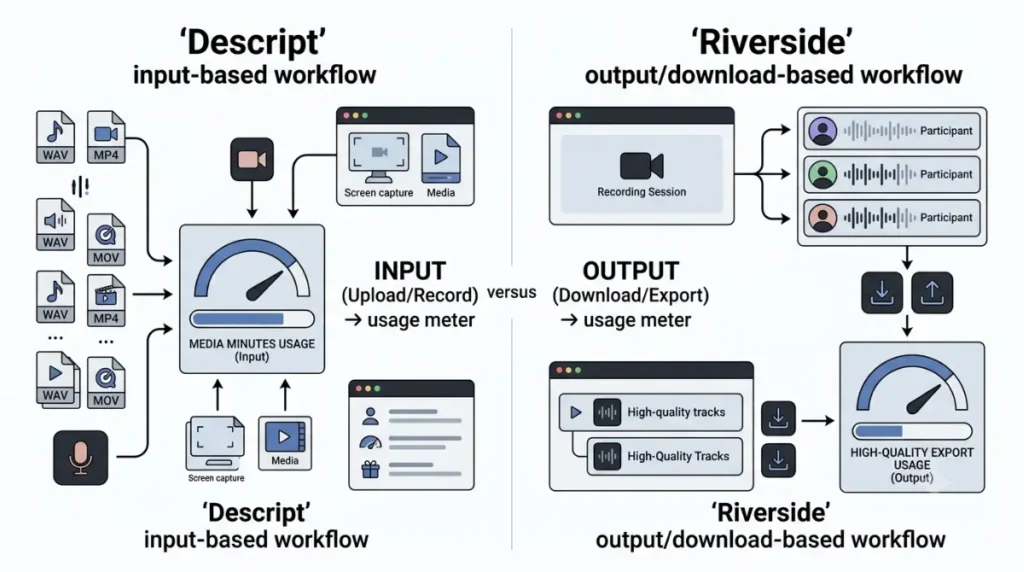
One meters what goes in, one meters what comes out
Descript charges for input: every hour you upload or record draws the meter down whether it survives the edit or not. Riverside charges for output: recording is unlimited, the cap sits on downloading separate participant tracks, and hitting it stops downloads rather than work.
Which meter fits which workflow
If you shoot far more than you publish, the input meter is the expensive one. If you record tightly and lean on AI cleanup, Descript’s bundle earns its money and Riverside’s AI credits become the ceiling instead. We have used neither product; this compares two published pricing models, not two editing experiences.
Who should not pay for Descript
Three buyers should not subscribe. The arithmetic disqualifies them, not the product.
If you only need the transcript
The meter charges for media brought in, not words produced. A transcription-first buyer pays for a whole video platform to get a text file, and pays again every time a second audio track enters the account. Services priced per audio hour cost less for that job. Every time.
If your volume sits just above the Hobbyist ceiling
This is the worst position available. Hobbyist cannot buy top-ups, so a month that runs over has no remedy but a full tier upgrade priced for volume you don’t have. You will pay Creator money for Hobbyist output, indefinitely.
If you deliver one file a month
The free plan handles occasional short projects. If your output is one finished video a month and you can live with the export ceiling, a paid tier buys a watermark removal and little else. Price the watermark alone before you price the plan.
Descript pricing questions, answered
1. How much is Descript per month?
Free is $0; paid tiers run $16 to $50 per person monthly on annual billing, verified 3 September 2026.
2. Is Descript’s annual plan actually cheaper?
Yes. Savings run 23.1% on Business to 33.3% on Hobbyist, from published rates on 3 September 2026.
3. What counts as a media hour?
Anything uploaded or recorded, transcribed or not, including Rooms and screen recordings. Images count one second each.
4. Do unused media minutes or AI credits roll over?
No. Neither meter rolls over month to month, per Descript’s help centre retrieved 3 September 2026.
5. What happens if I run out on Hobbyist?
Nothing you can buy. Top-ups are sold only on Creator and Business; the only remedy is upgrading.
6. How much does a Descript top-up cost?
Descript publishes no per-unit rate. Bundles are priced at checkout inside the app, checked 3 September 2026.
7. Does Descript have a free trial?
No timed trial of a paid plan is advertised. The free plan is the entry point and does not expire.
8. Does cancelling refund the rest of my year?
No. Cancellation is not prorated; the plan runs to the end of the paid term, then drops to Free.
The verdict, and what to check in 90 days
Who it’s worth it for
Buy Descript if you produce spoken-word video regularly, as one editor, and your monthly upload volume clears the Creator ceiling with room to spare. Otherwise price the alternatives first.
What we verified, and what we didn’t
Every price, allowance, gate, top-up term, refund window and cancellation rule here was checked against Descript’s pricing page and help centre on 3 September 2026, and Riverside’s against its own pricing page the same day. We did not test the product, so nothing here describes using the software.
Read How We Test for what that means here. Run your volume through both meters with our Subscription Cost Calculator, or take the 90-day price watch and we’ll email you when a figure changes.
10 Comments