CapCut Alternatives, With Prices Taken From Each Vendor’s Page

Table of Contents
How to use this file: Part A and Part C are for the editor and are removed before publication. Publish only Part B, the text between the two ARTICLE lines.
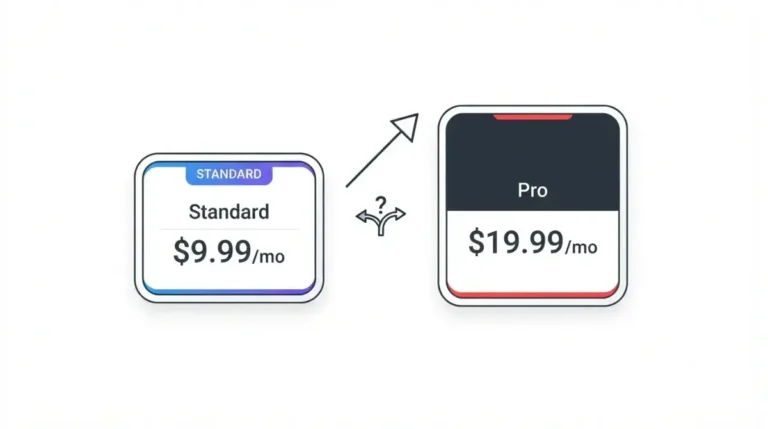
On 12 October 2026, CapCut’s pricing page listed Pro at $19.99 a month, and all five alternatives here had a free tier. DaVinci Resolve’s stops at 3840 × 2160 and 60fps, Filmora’s free exports carry a watermark, and InShot Pro costs $19.99 a year on the US App Store (all 12 October 2026).
The five editors, grouped by how you edit
These are five editors we could document, not a ranking. Each has a free tier and a first-party price or download page we retrieved on 12 October 2026. Shotcut, OpenShot, VN, Camtasia and Captions were not retrieved, so they are left out.
Free desktop timelines: DaVinci Resolve and Kdenlive
DaVinci Resolve 21 runs on Mac, Windows and Linux, and Kdenlive 26.08.1, released 11 September 2026, on Windows, macOS and Linux (both 12 October 2026).
Quick mobile edits: InShot
InShot is an iPhone and iPad app on the US App Store, with Mac support listed for Apple M1 chips or later (12 October 2026).

Templates and AI on desktop: Filmora
Filmora’s pricing page lists licences for Windows PC and Mac and video templates in its menu (12 October 2026).
Editing by editing text: Descript
Descript’s pricing page mentions text-based editing in its Free plan description (12 October 2026).
What each editor costs, side by side
Every price below comes from the vendor’s own page, with the price surface named in the cell.
| Editor and plan | Price and surface | Year one (our calculation) |
|---|---|---|
| CapCut Pro | $19.99 per month, per CapCut’s pricing page (12 Oct 2026) | $239.88 if billed monthly (12 × $19.99) |
| DaVinci Resolve Studio | $295, no billing term stated, per Blackmagic’s page (12 Oct 2026) | Not calculated |
| Kdenlive | No price; free and open source (12 Oct 2026) | $0 |
| InShot Pro | US App Store: Monthly $4.99, Yearly $19.99, Lifetime $49.99, Remove ads $3.99, per InShot’s listing (12 Oct 2026) | Yearly: $19.99. Monthly: $59.88 (12 × $4.99) |
| Filmora Advanced | US$59.99 a year, auto-renewing, per Filmora’s page (12 Oct 2026) | $59.99 |
| Descript Hobbyist, Creator, Business | $16 and $24; $24 and $35; $50 and $65 per person per month, per Descript’s page (12 Oct 2026) | Not calculated |
🗓️ Pricing verified 12 October 2026. Software pricing changes frequently — confirm on the vendor’s site before purchasing.
The rows are not like for like: InShot’s prices are US App Store prices, the others come from websites, and the plans mix monthly, annual and lifetime terms. Filmora’s page text, retrieved 12 October 2026, printed no legible Basic or Perpetual price, so both are left out. In Descript’s page text, retrieved the same day, neither of its two figures per plan is labelled annual or monthly, so no year-one cost is calculated.
CapCut’s pricing page also lists Free, Ultra at $79 a month and Teams at $12.49 a month per seat, and no plan named Standard (12 October 2026). Our pillar’s 28 September 2026 table, taken from an App Store capture, includes Standard; we have not reconciled the two. See CapCut Pro’s own plans and prices, then run your own monthly-versus-annual numbers with the Subscription Cost Calculator.
What each free tier holds back
“Free” covers four different things across these five editors on 12 October 2026: a cap, a watermark, ads with paid unlocks, and free software with no cap stated.
| Editor | Free-tier limit | Watermark rule on the page |
|---|---|---|
| DaVinci Resolve | 8-bit formats, up to 60fps, up to 3840 × 2160 (12 Oct 2026) | Not stated |
| Filmora | Exports are watermarked (12 Oct 2026) | “watermarks will be added to the exported files” |
| Descript | 60 minutes of media a month, 100 AI credits once, 720p export (12 Oct 2026) | Watermark-free export “Not included” |
| InShot | Free with in-app purchases and “Contains Advertising” (12 Oct 2026) | Not stated |
| Kdenlive | No paid tier; donations requested (12 Oct 2026) | Not stated |
🗓️ Limits captured 12 October 2026.
Free with a cap: DaVinci Resolve
Studio adds 10-bit up to 120fps and resolutions beyond 4K, per the same Blackmagic page (12 October 2026).
Free with a watermark: Filmora and Descript
Both hold back watermark-free export on their free plans; the exact wording is in the table (12 October 2026).
Free with ads or in-app unlocks: InShot
InShot sells a Remove ads purchase, priced in the table above (12 October 2026).
Free and open source: Kdenlive
Kdenlive’s download page names no paid tier and asks for donations (12 October 2026). For contrast, see what CapCut’s own free plan can’t export.
What each editor says it does
Each line is what the vendor’s page says; no editor was run.
Captions and AI
- Descript lists “Dynamic captions” as Unlimited on all four plans (12 October 2026).
- Filmora marks “AI Text Based Editing” as “Paid by AI Credits” on Advanced and Perpetual (12 October 2026).
- DaVinci Resolve lists “text based editing” among its Studio features (12 October 2026).
- Kdenlive’s features page says it can “generate subtitles directly from your video sources” (12 October 2026).
- InShot’s listing describes “Auto Captions” (12 October 2026).
Timeline and tracks
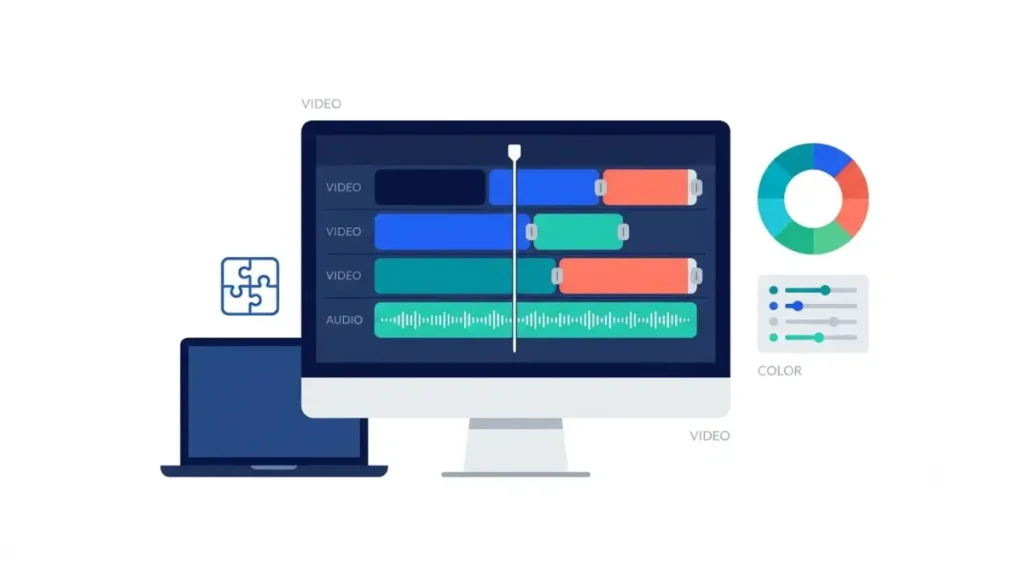
- Kdenlive’s features page lists unlimited video and audio tracks and multi-cam editing (12 October 2026).
- DaVinci Resolve names Cut, Edit, Fusion, Color and Fairlight pages (12 October 2026).
- InShot’s listing names keyframe animation and saving in 4K at 60fps (12 October 2026).
Templates and assets
- Filmora’s plan text lists “2.9M+ Filmora Creative Assets” on Basic, Advanced and Perpetual (12 October 2026).
- Kdenlive’s features page lists the KDE Store and stock libraries such as Pexels and Pixabay (12 October 2026).
Which one fits the reason you’re leaving CapCut
You left over price or paywalls
Start with the free-tier table: Resolve caps output, Filmora and Descript hold back watermark-free export, and the Kdenlive pages we opened state neither.
You left over terms or ownership
Read what CapCut’s US Terms say about your footage, then read the new editor’s terms yourself; this page read none in full, so it ranks none as safest. Start with InShot’s privacy policy, last updated 16 December 2024, and KDE’s software privacy policy, which covers “all software produced by the KDE Community” and does not name Kdenlive (12 October 2026).
You want to stay on your phone
InShot is the one phone-first editor here. We documented no Android editor: Filmora’s page lists separate iOS and Android products without stating their plan coverage (12 October 2026).
You edit talking-head or podcast video
Check the captions and AI list for which plans mention text-based editing, then confirm on the vendor’s page before you pay.
What you lose when you leave CapCut Pro
🛟 Back This Up First: Pro benefits end when the subscription ends. Download finished videos and any cloud-stored projects before your renewal date.
Export finished videos first
CapCut’s drafts help page (dated 25 March 2026, retrieved 12 October 2026) says drafts stay after CapCut Pro ends, but exporting one with paid materials prompts you to renew. Its cloud help page (dated 31 March 2026, retrieved 12 October 2026) says uploaded videos are not deleted and uploads continue within 1GB.
What expires when Pro ends
⚠️ This Costs You: CapCut’s two help pages on subscription credits, both dated 23 March 2026 and retrieved 12 October 2026, disagree. The cancel page says subscription credits last to the end of the billing cycle; the expiry page says they expire when the subscription ends. Purchased credits: “indefinitely” on one, two years on the other.
✅ Do This: Use your subscription credits and export your paid-material drafts before the billing cycle ends.
Cancel where you were billed
Cancel through whoever billed you. If you buy a paid editor next, Filmora’s page promises a 30-day money-back guarantee, and Wondershare’s refund policy, which does not name Filmora, excludes renewals not cancelled beforehand (12 October 2026).
🧾 Not Tested: No editor named here was installed or run. Prices, limits and features come from the vendor pages linked above, retrieved on 12 October 2026. Whether any free tier behaves as its page describes, including whether Resolve, InShot or Kdenlive add a watermark, was not checked.
Frequently asked questions
1. What is the best free alternative to CapCut?
The best free alternative depends on your device: Kdenlive is open source; Resolve’s free version stops at 3840 × 2160 and 60fps (12 October 2026).
2. Is there a CapCut alternative with no watermark?
Filmora and Descript hold back watermark-free export on their free plans; the Resolve, InShot and Kdenlive pages state no rule (12 October 2026).
3. What is the closest CapCut alternative on a phone?
InShot is the phone-first CapCut alternative here; its US App Store listing covers iPhone and iPad and lists auto captions (12 October 2026).
4. Is DaVinci Resolve really free?
Yes, with limits: 8-bit formats up to 60fps and 3840 × 2160. Studio is listed at $295, with no billing term stated (12 October 2026).
5. Is Kdenlive free?
Yes. Kdenlive’s about page calls it free and open source under the GNU General Public License; version 26.08.1 was released 11 September 2026.
6. How much does Filmora cost?
Filmora Advanced is US$59.99 a year, auto-renewing (12 October 2026). We could not read the Basic or Perpetual prices; check its pricing page.
7. Which CapCut alternative edits video by editing text?
Descript, Filmora (Advanced and Perpetual) and DaVinci Resolve Studio each mention text-based editing on their pages (12 October 2026).
8. Do I lose anything if I cancel CapCut Pro?
Yes. Subscription credits expire, and drafts using paid materials prompt you to renew before export, per CapCut’s help pages (12 October 2026).
9. What did CapCut’s pricing page list on 12 October 2026?
Free; Pro $19.99 a month; Ultra $79 a month; Teams $12.49 a month per seat; no plan named Standard (12 October 2026).
Pick by the reason you left
Match the editor to the reason you left: price, terms, your phone, or editing by text. CapCut’s own plan detail is in the pillar guide linked under the price table.