CapCut Mac M1 Support and What CapCut’s Pages Actually Say
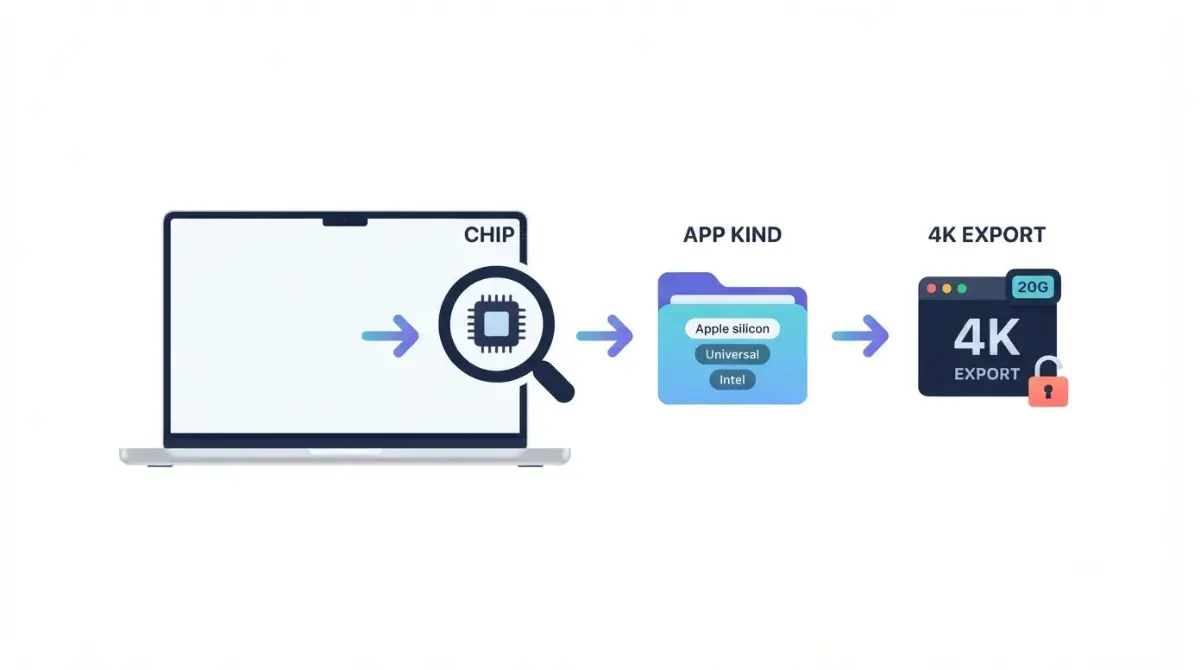
Table of Contents
On 6 October 2026, CapCut’s own pages gave three different macOS minimums for the Mac app (10.14, 10.15 and 12.0), and none of the four pages captured that day names M1 or any Apple silicon chip. CapCut states no native build there. Check your chip in About This Mac, then the app’s Kind in Finder, before trusting any claim.
Does CapCut for Mac work on M1 and M2 chips?
CapCut’s pages name no chip (captured 6 October 2026), so Apple silicon support is undocumented there.
What CapCut says about its Mac app
CapCut offers a Mac desktop app, per CapCut’s Mac download article (dated 29 September 2026) and CapCut’s desktop page (no date printed), both retrieved 6 October 2026. Neither names M1, Apple silicon or Intel.
What CapCut’s pages leave unsaid
The Mac App Store listing and CapCut’s export help name no chip either. Some third-party guides call CapCut native on Apple silicon; no CapCut page says so, so that stays unconfirmed here.
CapCut Mac system requirements: which macOS version?
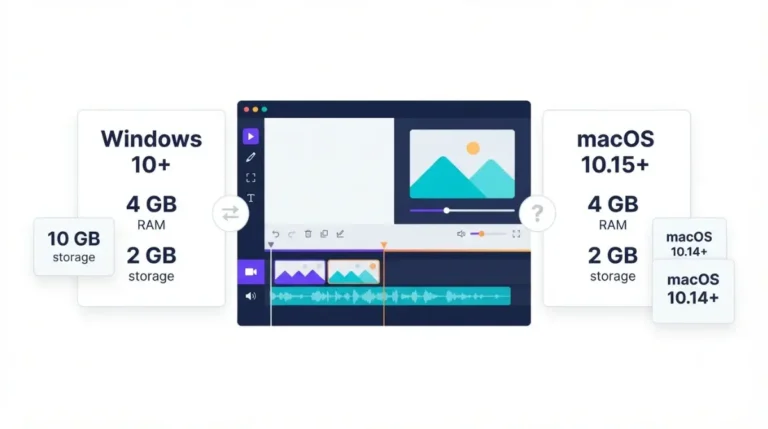
CapCut’s pages give three macOS minimums across four surfaces; none names a chip or says which is real.
Four pages, three macOS minimums
| Page | macOS minimum | Page date | Retrieved |
|---|---|---|---|
| CapCut Mac download article | 10.15 and later | 29 Sep 2026 | 6 Oct 2026 |
| CapCut desktop page | 10.14 or above | None printed | 6 Oct 2026 |
| Mac App Store listing | 10.14 or later | None printed | 6 Oct 2026 |
| CapCut export help | macOS Monterey (12.0) and later | 14 Jan 2026 | 6 Oct 2026 |
RAM and disk space
CapCut’s Mac download article (29 September 2026) says 4 GB of RAM is enough to edit comfortably and 8 GB or more enhances the experience. It asks for 2 GB of free disk space; the store listing shows 1.1 GB (6 October 2026). For Windows and the full list, see CapCut’s full desktop requirements.
Is CapCut native on Apple silicon or does it use Rosetta?
CapCut does not say; Apple’s check settles it, because chip, macOS version and app build are separate facts.
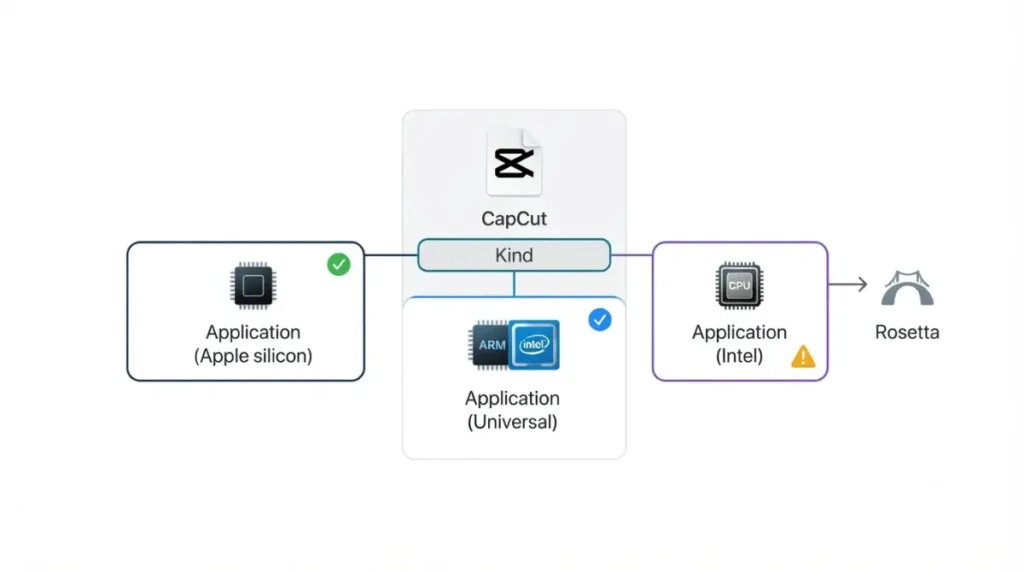
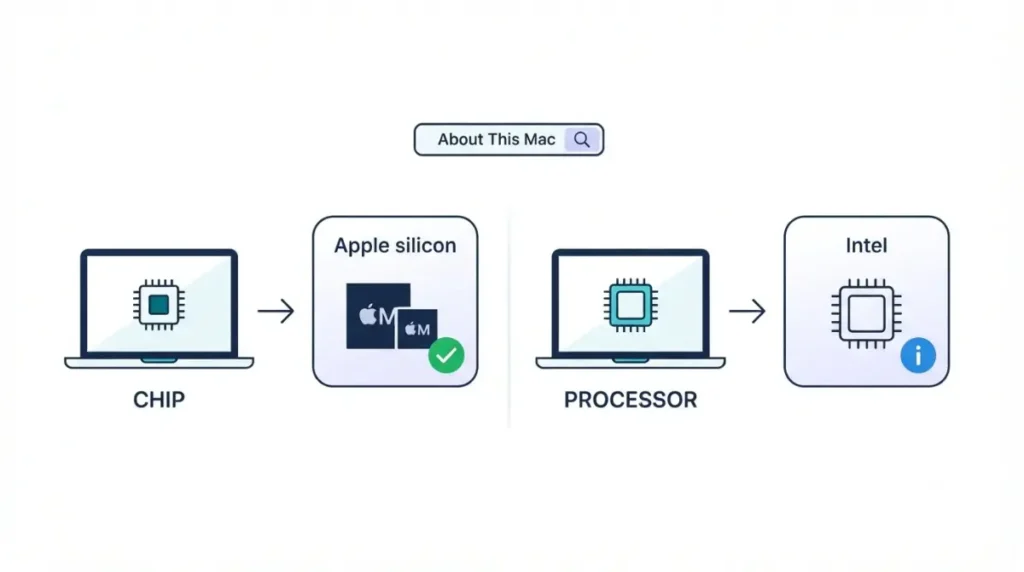
Step 1: check your Mac’s chip
Open About This Mac from the Apple menu. Apple silicon Macs show a Chip item; Intel Macs show Processor, per Apple’s list of Apple silicon Macs (12 May 2026).
Step 2: check the app’s Kind in Finder
Select CapCut in Finder, then choose Get Info from the File menu or press Command-I. Kind reads Application (Intel), (Universal) or (Apple silicon), per Apple’s Intel-based apps guide (21 September 2026).
What the Rosetta timeline means
Apple says Rosetta is available on macOS 27 or earlier, and from macOS 28 only for certain older games (21 September 2026). If Kind reads Intel, recheck that guide before moving to macOS 28.
Can CapCut export 4K on a Mac without paying?
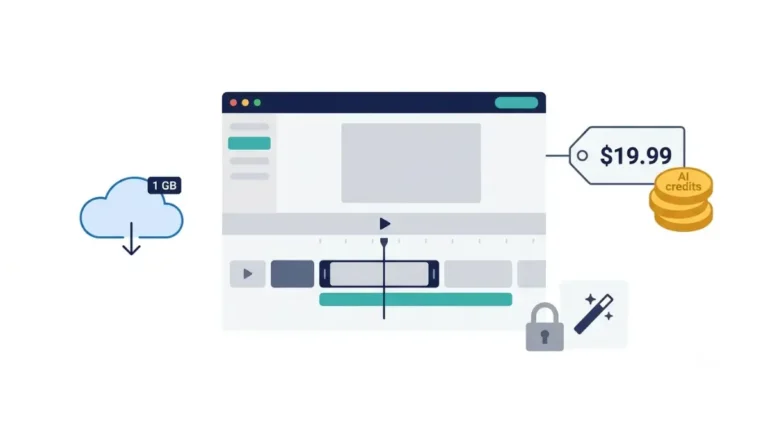
CapCut’s pages differ on whether desktop 4K export needs a paid plan.
What CapCut’s pages say about desktop 4K
| Page | Desktop 4K statement | Page date | Retrieved |
|---|---|---|---|
| CapCut export help | 2K and 4K, up to 60 fps depending on source; no plan named | 14 Jan 2026 | 6 Oct 2026 |
| CapCut Pro-prompt help | 4K shows a lock: “CapCut Pro is required for this setting” | 2 Apr 2026 | 6 Oct 2026 |
| Mac App Store listing | Supports 4K 60fps exports; no plan named | None printed | 6 Oct 2026 |
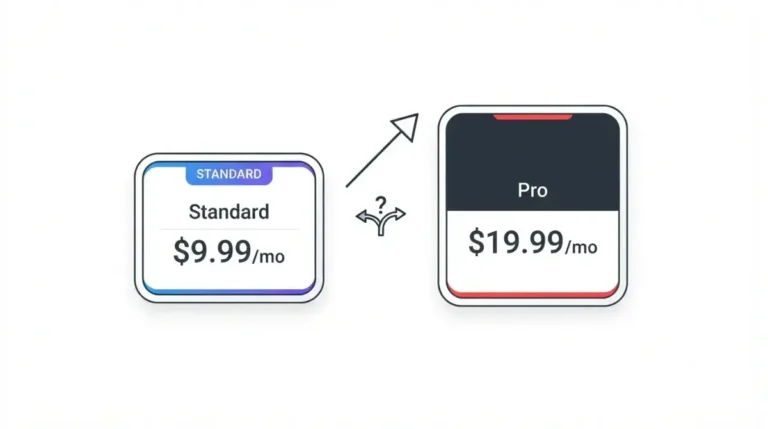
CapCut’s pages do not reconcile these. CapCut’s Standard vs Pro article (23 September 2026) says both plans save in 8K; its table is an image this article could not read.
Where a Pro prompt appears, and where you pay
The Pro-prompt page says the desktop app does not process payments, so a purchase opens CapCut Web. CapCut’s pricing help page (23 September 2026) states no fixed price; see what each CapCut plan includes and export limits across plans.
Where to download CapCut for Mac safely
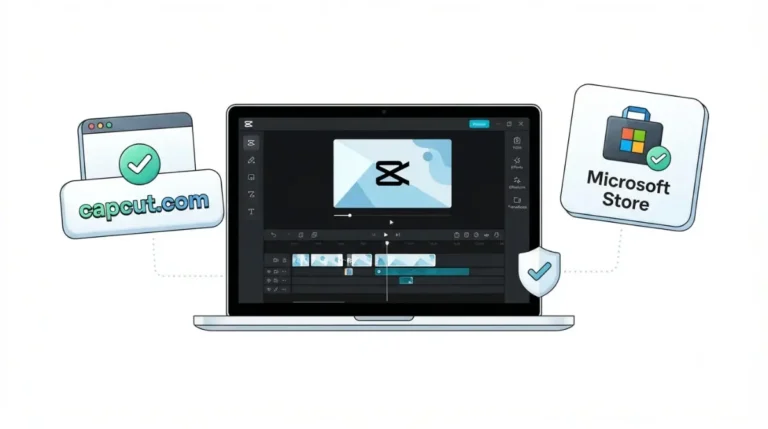
CapCut offers a Mac download on its own site and lists the app on the Mac App Store (retrieved 6 October 2026).
The two official routes
CapCut’s Mac download article (29 September 2026) says to avoid unofficial or pirated downloads, which may contain malware.
What the Mac App Store listing shows
The listing reads Free · In-App Purchases, with BYTEDANCE PTE. LTD. as seller (retrieved 6 October 2026). CapCut does not say whether the capcut.com installer is the same build.
How often does CapCut for Mac update?
The latest version history entry on the Mac App Store listing is 9.5.0, dated 24 September; the text retrieved 6 October 2026 prints no year.
Release cadence on the store listing
Earlier entries: 9.4.0 (4 September), 9.3.0 (18 August), 9.2.0 (7 August), 9.1.0 (22 July) and 9.0.0 (15 July), all with the same note, which mentions no macOS or chip change.
Updating without losing projects
🛟 Back This Up First: Do not uninstall CapCut while it updates. CapCut’s update help page (24 December 2025) says doing so may lose locally saved projects. It covers PC, so copy projects to another folder or drive before any Mac update.
🧾 Not Tested: No M-series Mac was used. Not confirmed: whether CapCut is native or uses Rosetta, whether the capcut.com installer matches the store build, and which 4K statement applies.
FAQ
1. Does CapCut work on Mac M1?
None of CapCut’s four pages captured on 6 October 2026 mentions M1; check your chip and the app’s Kind.
2. Is CapCut native on Apple silicon?
CapCut states no native build; read the app’s Kind in Finder, per Apple’s 21 September 2026 guide.
3. What macOS does CapCut for Mac need?
CapCut’s pages give 10.14, 10.15 and 12.0 as macOS minimums (retrieved 6 October 2026); none is marked real.
4. How much RAM and disk space does CapCut need on a Mac?
CapCut’s 29 September 2026 article says 4 GB of RAM edits comfortably, 8 GB or more enhances it, and install needs 2 GB free.
5. Is CapCut for Mac free?
The Mac App Store listing reads Free · In-App Purchases (retrieved 6 October 2026); plan details sit in the pillar guide.
6. Can CapCut export 4K on a Mac?
CapCut’s pages differ on whether desktop 4K needs Pro; see the export section above for each page’s wording.
7. Where should I download CapCut for Mac?
Use CapCut’s own site or the Mac App Store; CapCut’s 29 September 2026 article warns against unofficial downloads.
8. Will Rosetta stop working?
Apple says Rosetta is available on macOS 27 or earlier; from macOS 28, only certain older games (21 September 2026).
What to do next
CapCut’s pages are silent on chips; your own checks decide. Run the chip and Kind checks, install from CapCut’s site or the Mac App Store, then open the export panel to see what your account allows.