CapCut Refund Terms Plainly Explained, and When to Appeal
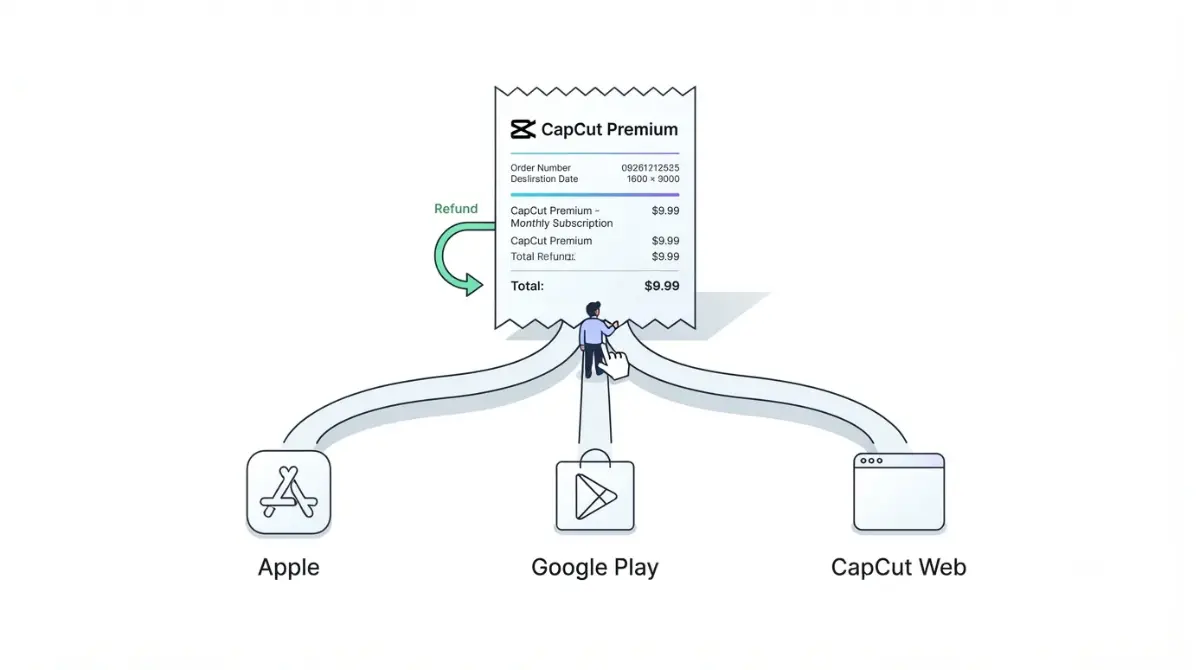
Table of Contents
Under CapCut’s US Terms of Service (last updated 15 April 2026, checked 30 September 2026), a Premium subscription can be cancelled for a full refund within 14 calendar days of starting it, if you haven’t used any Premium feature since. Apple and Google purchases are also subject to store rules. After 14 days, CapCut’s help page describes an appeal for special circumstances such as double billing, without publishing criteria.
Who refunds you: CapCut, Apple or Google Play
CapCut’s US terms (updated 15 April 2026) say Premium Services are sold only through its iOS app (Apple ID), Android app (Google account) or CapCut Web (CapCut account). The party that took payment sets your refund route.
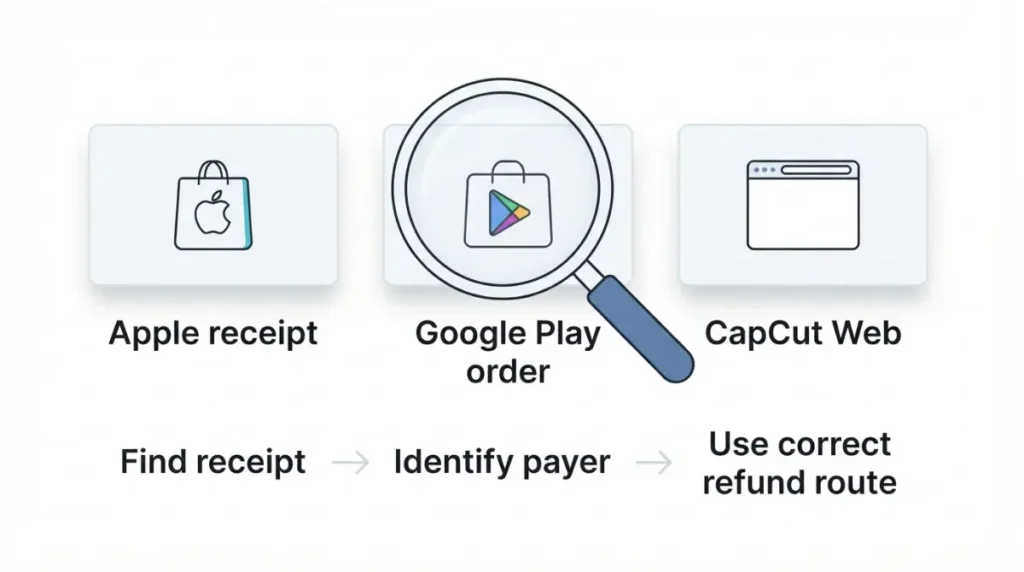
How to tell who billed you
Apple: search your email for “receipt from Apple” or “invoice from Apple” (Apple Support, published 17 September 2026). Google: open Payments & subscriptions, then Budget & order history, on the Google Play website (Google Play Help, retrieved 30 September 2026). If neither shows the charge, the terms’ channel list leaves CapCut Web; it does not name Desktop.
Why this guide quotes the US terms
This page quotes the terms headed “General Terms – All United States Users”; other regions’ terms were not retrieved.
CapCut’s 14-day refund rule, and what no usage means
Under CapCut’s US terms (updated 15 April 2026), you can cancel within 14 calendar days of starting a subscription for a full refund, if Premium Services have had no usage “in any form whatsoever” since you subscribed.
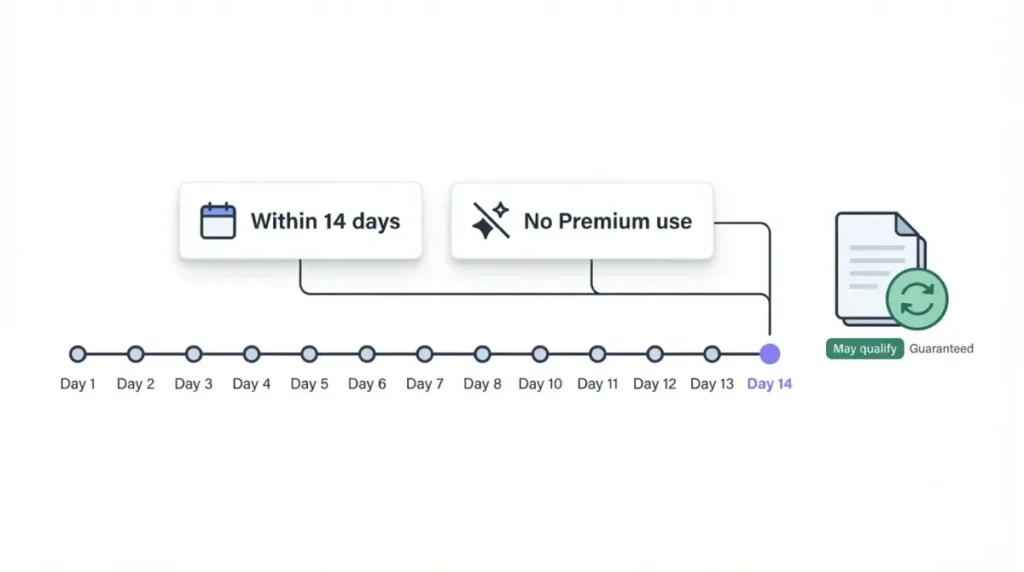
The rule as written in the US terms
It covers fixed-term and auto-renewing plans and pays back to the original payment method. Purchases “through Apple Pay or Google Pay” are further subject to Apple App Store or Google Play terms, with access continuing until the store refunds you.
What the terms don’t define
The terms don’t define usage, so they don’t say whether opening the editor or previewing a Premium effect counts. Nor do they say whether a free trial counts as the start of your subscription.
Why CapCut’s help page says generally no refunds
CapCut’s own documents frame refunds differently.
Two documents, two framings
The help page (dated 25 March 2026) calls subscriptions virtual goods and says purchases generally do not support refunds. The terms (updated 15 April 2026) grant the time-limited right described above. Neither says which governs a given request.
Where the help page’s links lead
| Link on the help page | Opens | Date on the opened page |
|---|---|---|
| In-article “Terms of Service” | A terms document with no refund or appeal clause | Last Updated: June 9, 2020 |
| In-article “refunds” | A help article titled for age-restriction appeals | 13 January 2026 |
| Footer “Terms of Service” | Current terms, US variant | Last updated: April 15, 2026 |
The current US terms describe no appeal, only a contact route. All links captured 30 September 2026.
When CapCut says an appeal is available
CapCut’s help page (dated 25 March 2026) describes an appeal for special circumstances but publishes no approval criteria.
Double billing and other special circumstances
The page names accidental double billing as an example and asks for account information, purchase receipts and the nature of your request.
Forgot to cancel
The documented refund basis for a forgotten cancellation is the terms’ window-and-unused rule above. CapCut’s help page says a subscription not cancelled at least 24 hours before renewal is charged, and doesn’t call that a special circumstance.
The age-restriction appeal is a different appeal
🛟 Back This Up First: CapCut advises downloading important data during an age appeal; copy cloud drafts to your own storage first.
For an account under age-restriction appeal with an active subscription, CapCut’s help page (dated 12 January 2026) recommends appealing first, then requesting a refund; non-Apple purchases are refunded within 7 days after the deadline if the appeal fails.
How to request a CapCut refund on iPhone, Android and web
Each billing owner has its own request route.
App Store: Report a Problem
🛟 Back This Up First: Cloud storage capacity is suspended once a Premium subscription ends (US terms, updated 15 April 2026). Copy your drafts, photos and stickers to your own storage first.
Apple’s steps (Apple Support, published 17 September 2026):
- Sign in at reportaproblem.apple.com.
- Choose “I’d like to”, then “Request a refund”.
- Choose the reason, then Next.
- Choose the subscription, then Submit.
A pending charge can’t be refunded yet, and Apple says to expect a status update in 24 to 48 hours.
Google Play: 48 hours or after
Google Play Help (retrieved 30 September 2026) says a request within 48 hours may be refunded; after that, contact the developer, who processes refunds under its own policies and applicable law. Google’s request page says to allow 1–4 days for a decision.
Direct CapCut purchase: support ticket
For direct purchases, the US terms (updated 15 April 2026) send you to CapCut’s support ticket form for refund procedures.
Cancel first, then request: what to do if the answer is no
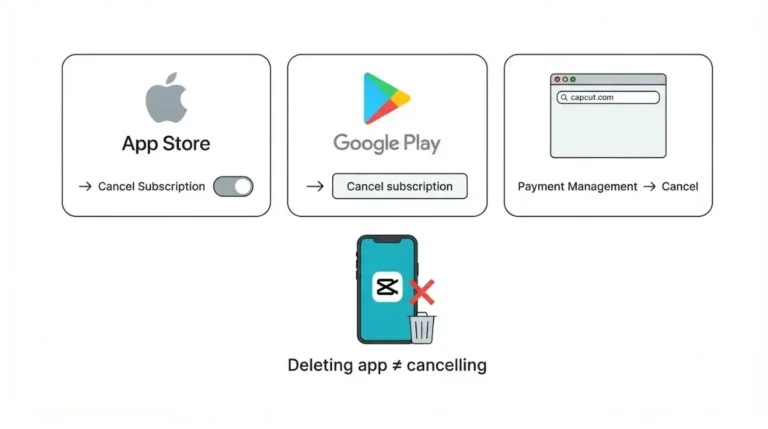
Cancelling and refunding are separate actions.
Stop the next renewal
⚠️ This Costs You: Under the US terms (updated 15 April 2026), cancelling keeps access until the paid period ends but still charges that period’s full fee, unless law requires otherwise.
Cancel before the renewal deadline described above; how to cancel CapCut Pro covers the steps.
If the refund is refused
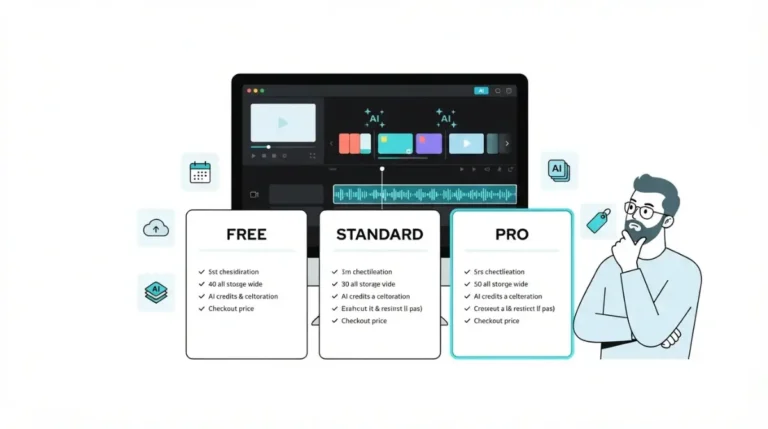
Next contacts: Apple Support for App Store charges, the developer for Google Play after its initial window, CapCut’s ticket route for direct purchases. The terms preserve refunds that law requires; whether that applies to you is a legal question, and this isn’t legal advice. Before buying again, see what each CapCut plan actually includes.
🧾 Not Tested: No refund request was filed and no hands-on test was run for this article, so how CapCut decides appeals and how long its reviews take is undocumented here.
FAQ
1. Does CapCut give refunds?
CapCut refund: US terms (updated 15 April 2026) allow 14 calendar days if Premium is unused; its help page says purchases generally aren’t refundable.
2. How long do I have for a CapCut refund?
CapCut refund window: 14 calendar days under US terms (15 April 2026 update); Google Play’s is 48 hours (page retrieved 30 September 2026).
3. Can I get a CapCut refund if I forgot to cancel?
CapCut refund after forgetting to cancel: the terms’ right covers only its unused window; otherwise CapCut’s help page (25 March 2026) describes a special-circumstances appeal.
4. Can I get a CapCut refund after using Pro?
CapCut refund after using Pro: US terms (15 April 2026 update) require no Premium usage in any form and don’t define usage.
5. How do I get a CapCut refund on iPhone?
CapCut refund on iPhone: sign in at reportaproblem.apple.com, choose Request a refund, pick the reason and item, then submit (Apple Support, published 17 September 2026).
6. How do I get a CapCut refund on Google Play?
CapCut refund on Google Play: within 48 hours, request one through Google; after that, contact the developer (Google Play Help, retrieved 30 September 2026).
7. How long does a CapCut refund take?
CapCut refund timing: Apple updates you in 24–48 hours (published 17 September 2026); Google decides in 1–4 days (retrieved 30 September 2026).
8. Does cancelling give a CapCut refund?
Cancelling isn’t a CapCut refund: US terms (15 April 2026) keep access until period end and charge its full fee unless law requires otherwise.
Conclusion
Identify who billed you, use that owner’s route, and cancel separately so the next charge doesn’t follow the refund decision. CapCut’s US terms set the direct rule; its help page and the store pages set the rest.