
Descript Export Failed on Desktop? Match the Exact Error First
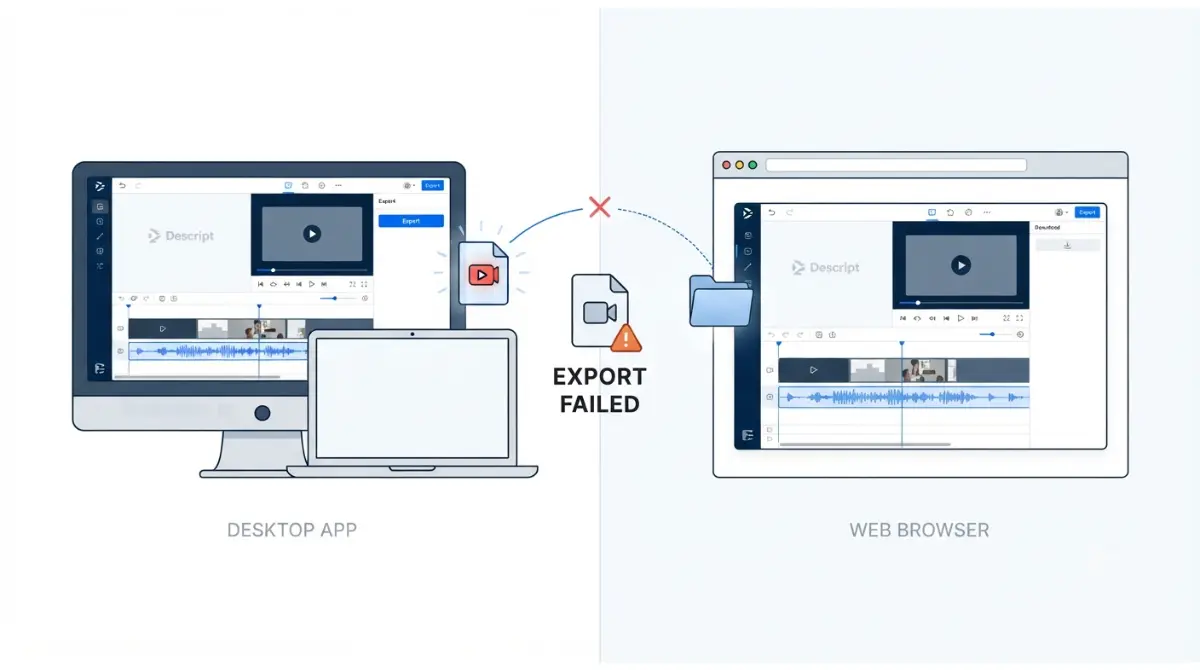
Table of Contents
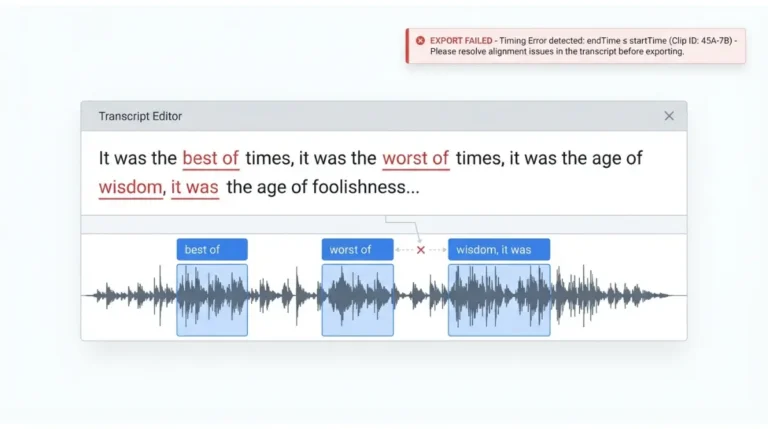
Match your exact message. Of the 9 export error messages Descript’s help docs list (checked 16 September 2026), 5 are browser-side errors. On desktop, “Could not get local path for requested asset” means a file is missing, possibly still downloading. “endTime ≤ startTime” is fixed under Help > Debug > Force fix corrupted alignment, after duplicating the project. Otherwise, export to a Descript web link and download.
Desktop app or browser: which Descript export failed?
Start with where the export ran, because Descript for web shows errors the desktop app doesn’t.
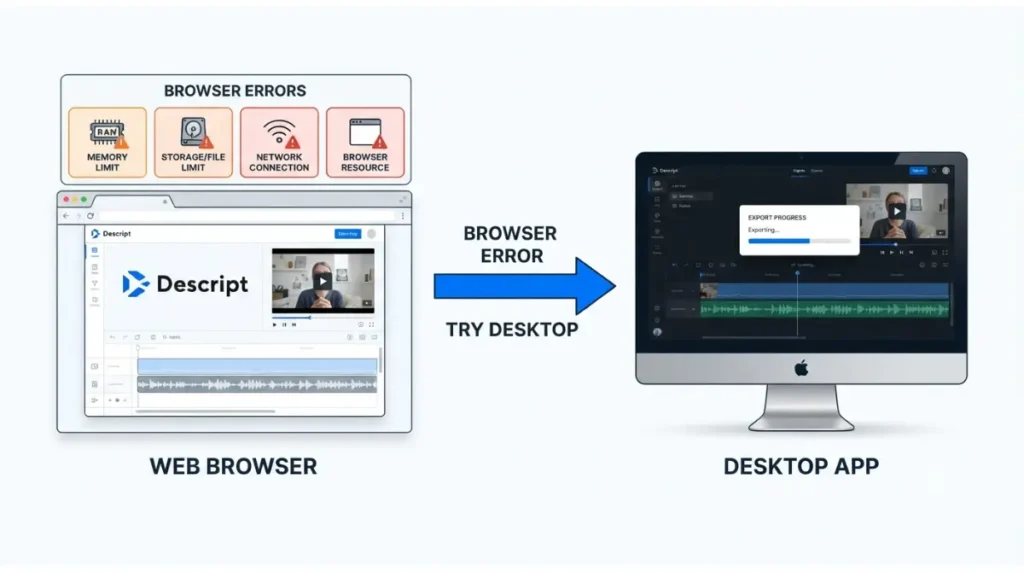
Errors that only happen in the browser
Five of the nine export messages Descript documents are browser-side, per its troubleshooting page checked 16 September 2026:
- “File format is currently not supported on web”
- “Your script is using all the available memory for processing”
- “Export failed due to file system limits in your browser”
- “Export failed due to a network connectivity issue”
- the QuotaExceeded browser storage error
If you see one of these, Descript’s documented way out is the desktop app.
Local export or Descript web link
A local export saves the file straight to your computer. A Descript export publishes to a share page you download from. Descript calls the web link more stable than local export and up to 10 times faster.
Descript export error messages and what each one means
These fixes apply to the Descript desktop app on macOS 14 or Windows 11 and later, the minimums in Descript’s system requirements checked 16 September 2026. In a browser, use the section above instead.
🧾 Not Tested: We did not reproduce these errors in a Descript account. Each cause and fix below is Descript’s own documentation, checked 16 September 2026.
| Message | Descript’s stated cause | First fix | Source, checked |
|---|---|---|---|
| Could not get local path for requested asset | A file is missing, possibly still downloading | Wait for the download, or replace the file | Troubleshooting page, 16 Sep 2026 |
| Cannot create a word with endTime ≤ startTime | Corrupted alignment data | Help > Debug > Force fix corrupted alignment | Troubleshooting page, 16 Sep 2026 |
| Demuxed segment has no video streams / Expected only one video stream | A corrupted file segment or a recording glitch | Re-encode the source file (next section) | Troubleshooting page, 16 Sep 2026 |
| Export error naming a file Descript can’t find; caution icon on the file | File not fully downloaded or processed at upload | Replace the file with a local copy | Missing file errors page, 16 Sep 2026 |
Could not get local path for requested asset
This is a missing file error, per Descript’s troubleshooting page checked 16 September 2026. On the desktop app:
- Wait for the file to finish downloading, then export again.
- If it fails again, open the Project panel and find the Files section.
- Use Replace file with a local copy of the same file.
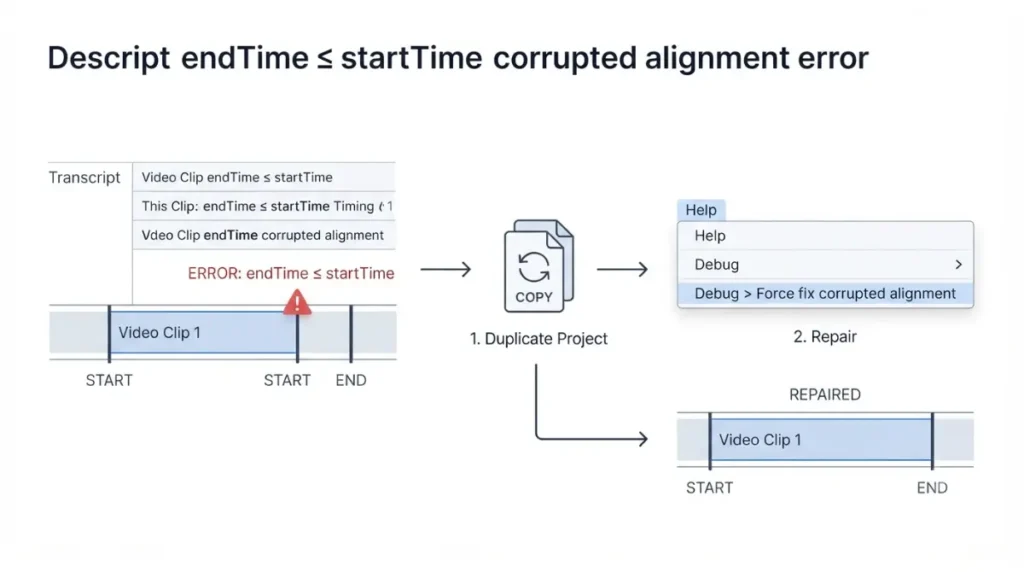
Cannot create a word with endTime ≤ startTime
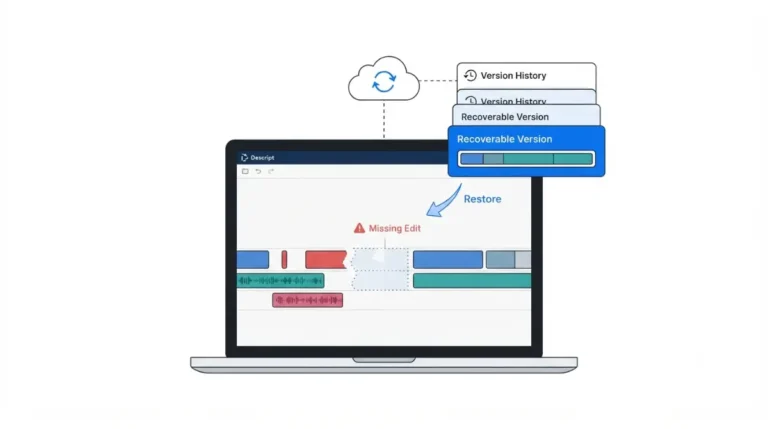
🛟 Back This Up First: Descript’s troubleshooting page doesn’t say whether this repair changes your edit. Duplicate the project before running it; Descript’s help centre documents both duplicating a project and restoring earlier versions.
- Run Help > Debug > Force fix corrupted alignment, Descript’s documented fix for corrupted alignment data (checked 16 September 2026).
- Export again.
Demuxed segment has no video streams
Descript’s troubleshooting page, checked 16 September 2026, says its engineering team is aware of this error and working on a fix. The desktop workarounds are in the next section.
Descript export still failing or saving a 0 KB file
Descript’s documented sequence for an export that keeps failing, saves an empty 0 KB file, or shows an unlisted error has three steps, checked 16 September 2026:
- Export to a web link and download.
- If you’re in a browser, move to the desktop app.
- Contact support.
Export to a Descript web link, then download
🛟 Back This Up First: If this project already has a share page, clicking Update permanently deletes that page’s comments, per Descript’s web link export guide checked 16 September 2026. Copy any comments you need first.
- Click Export at the top right of the editor, select Descript (web link), and click Export. If the project was published before, the button reads Update.
- Download the file from the share page. Its Download button saves the version from your last web link export, so update first if you’ve edited since.
Web link video exports have a plan-based length cap, covered in the plan limits section below.
Re-encode the source file at a constant frame rate
For the demux error, Descript suggests re-encoding in Handbrake, a free open-source app. Keep the original file until the new one exports cleanly.
- If you recorded in Descript, download the source file from the project file actions menu.
- Open it in Handbrake and, in the Video tab, set Framerate (FPS) to Constant Framerate.
- Export the re-encoded file and use Replace file in your project.
Send support the project link and exact error
This is where self-service stops. Descript asks for your project link and the exact error message so its team can investigate.
When a Descript export failure is on Descript’s side
Some export failures are Descript’s to fix, and its public records show when.
Check the Descript status page first
On 4 September 2026, Descript’s status page logged video playback freezing when exporting or publishing. It was marked resolved the same day, with advice to retry. While an incident is open, retrying won’t help.
Export bugs Descript lists as fixed
Descript’s changelog round-up of 5 August 2026 lists several export fixes:
- a “Cannot export” error
- “Unable to decode audio data” on local export
- WAV exports stuck at 0%
- projects with Eye Contact that never finished exporting
The WAV and Eye Contact bugs were also listed as fixed on 11 June 2026. If either returns on an app updated after 5 August 2026, report it to support.
Where Descript’s help centre and changelog disagree
Descript’s help page, checked 16 September 2026, still describes a demux fix in progress. Its 5 August 2026 changelog lists a fixed video segment error on web link downloads and local exports. We can’t confirm they’re the same bug.
Export limits on your Descript plan that look like errors
Three plan limits can look like a failed export, per Descript’s plan comparison table checked 16 September 2026.
| Plan (checked) | Local export max resolution | Web link video max length | Batch and timeline export |
|---|---|---|---|
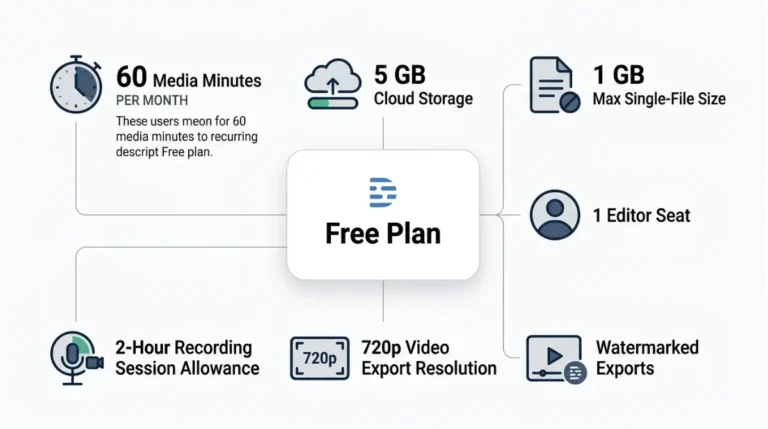
| Free (16 Sep 2026) | 720p | 1 hour | Not included |
| Hobbyist (16 Sep 2026) | 1080p | 1 hour | Not included |
| Creator (16 Sep 2026) | 4K | 3 hours | Included |
| Business (16 Sep 2026) | 4K | 3 hours | Included |
Web link video converted to audio only
A video longer than your plan’s web link cap is converted to audio-only, per Descript’s web link export guide checked 16 September 2026. That’s a limit, not a bug.
4K or 1080p missing from the resolution menu
Resolution is capped by plan and by your composition’s aspect ratio and video settings, per Descript’s local export guide checked 16 September 2026.
Batch and timeline export options not showing
Those options belong to Creator and Business in the table above. Upgrading lifts these caps and fixes none of the error messages earlier on this page. The full picture is in what stays locked on Descript’s free plan and the export gates on each Descript plan.
How to stop Descript exports failing again
Three habits address the export failure causes Descript documents.
Keep at least 20 GB of disk space free
Descript’s system requirements, checked 16 September 2026, recommend at least 20 GB free, because some actions still use local disk even though projects live in the cloud.
Stay on a supported app version and current graphics drivers
Descript supports its current version plus versions released within the last three months, per its system requirements checked 16 September 2026. Out-of-date graphics drivers can cause crashes and glitches. Update them through Windows Update or your GPU maker on Windows, or by updating macOS on a Mac.
For RAM and processor minimums, see Descript’s Mac and Windows requirements.
Let every file finish syncing before you export
Missing-file export errors come from files that haven’t finished downloading or processing. Check your project files for a caution icon before clicking Export.
Descript export failed: questions answered
1. What does “Could not get local path for requested asset” mean in Descript?
Descript says a file in your project is missing, possibly still downloading. Wait and retry, or replace the file with a local copy.
2. How do I fix the Descript “endTime ≤ startTime” export error?
Duplicate the project first, then run Help > Debug > Force fix corrupted alignment, Descript’s documented fix for corrupted alignment data.
3. Why is my Descript export a 0 KB file?
Descript’s sequence is: export to a web link and download, switch to the desktop app if you’re in a browser, then contact support.
4. Is Descript web link export more reliable than local export?
Descript says so. Its troubleshooting page, checked 16 September 2026, calls web link export more stable and up to 10 times faster.
5. Why did my Descript web link export become audio only?
The video exceeded your plan’s web link length cap, so Descript converted it to audio-only. The caps are in the plan limits section.
6. How do I know if Descript is down during an export?
Check Descript’s status page. On 4 September 2026 it logged an export and publishing playback freeze, resolved the same day.
7. Which Descript desktop app versions are still supported?
Descript supports its current version and versions released within the last three months, per its system requirements checked 16 September 2026.
8. How much disk space does Descript need to export?
Descript recommends keeping at least 20 GB of free disk space, per its system requirements page checked 16 September 2026.
9. Do Descript browser exports fail where the desktop app doesn’t?
Yes. Five of the nine export errors Descript documents are browser-side, and its documented way out is the desktop app.
The order to work through
Match your exact message first, then run Descript’s three-step fallback. Next, check the status page and changelog, and rule out a plan limit. Once support has your project link and error, the problem is Descript’s to solve.
2 Comments