
Descript lost edits: how to recover work that disappeared
Descript lost edits often survive as pending revisions on your own machine — and Descript’s status page has logged a sync fault that reverted projects.
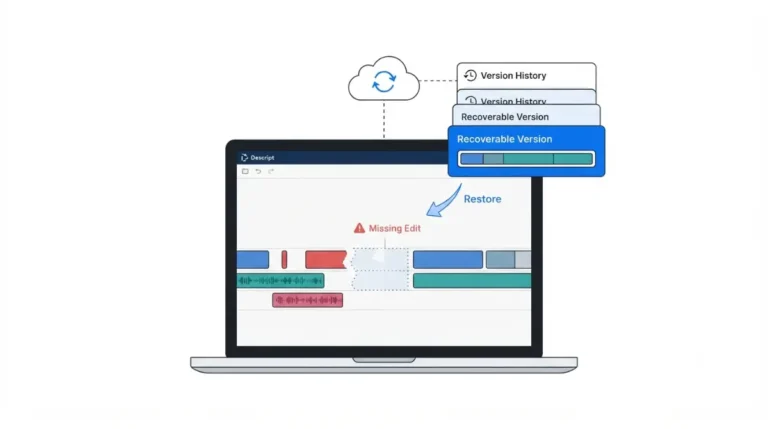
Descript lost edits often survive as pending revisions on your own machine — and Descript’s status page has logged a sync fault that reverted projects.
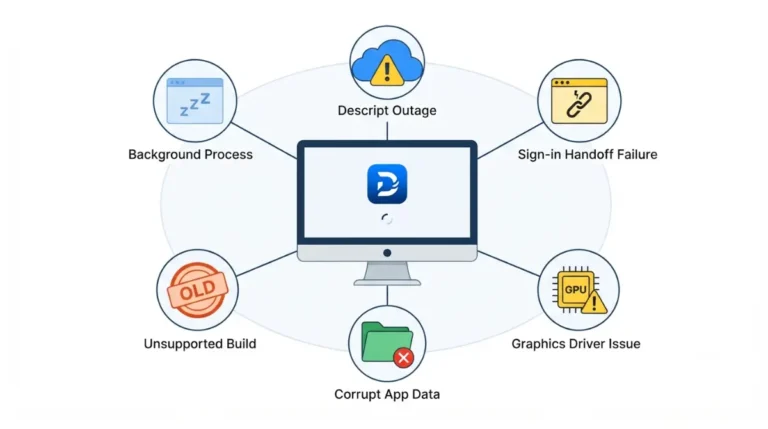
Descript won’t open on Windows 11 for six documented reasons, and Descript’s own fix pages give Windows readers macOS steps. Here are the Windows ones.
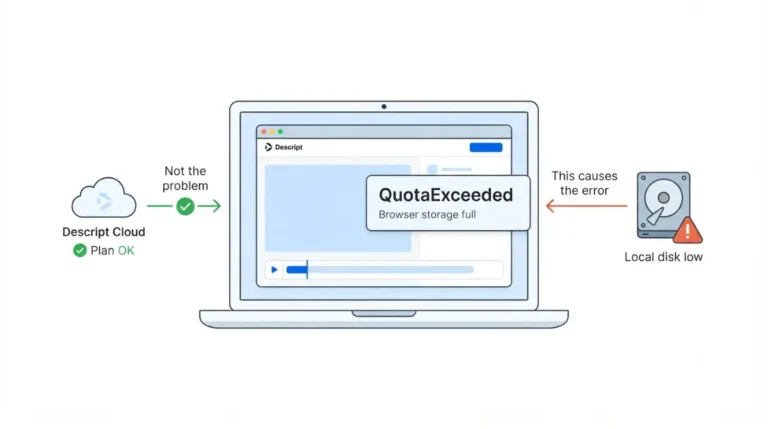
Descript QuotaExceeded on web comes from your browser, not your subscription. Plan cloud storage sits on Descript’s servers; the browser quota does not.
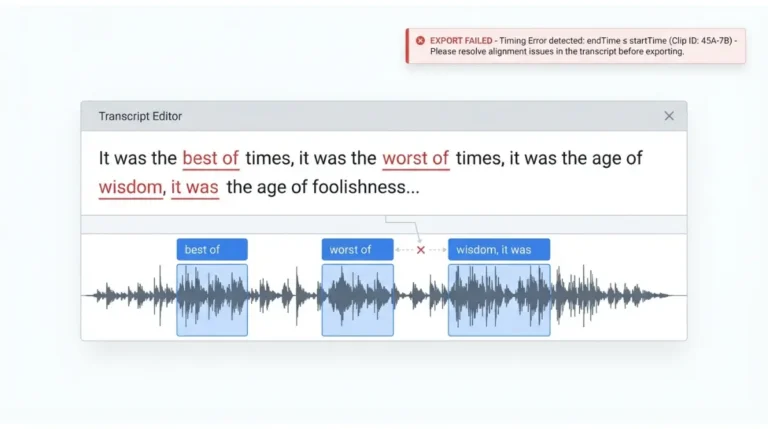
Descript alignment error? Force Fix and realign steps from Descript’s help center, checked 17 September 2026, plus a backup to save first.
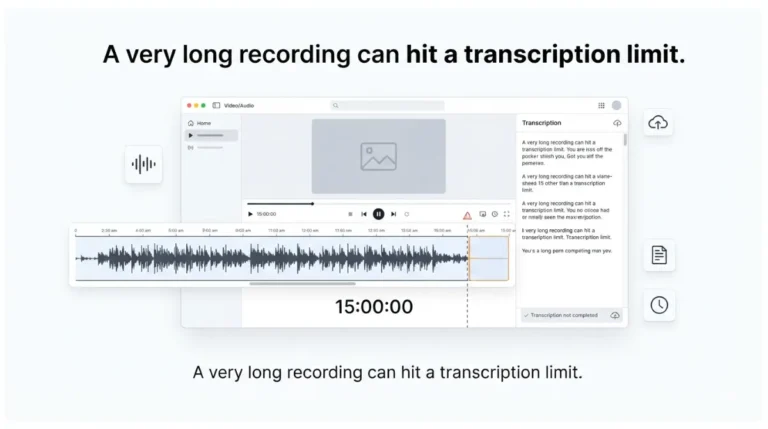
Descript transcription stuck on a long recording? A 15-hour file needs 900 media minutes, more than Hobbyist includes, and top-ups aren’t sold on it.
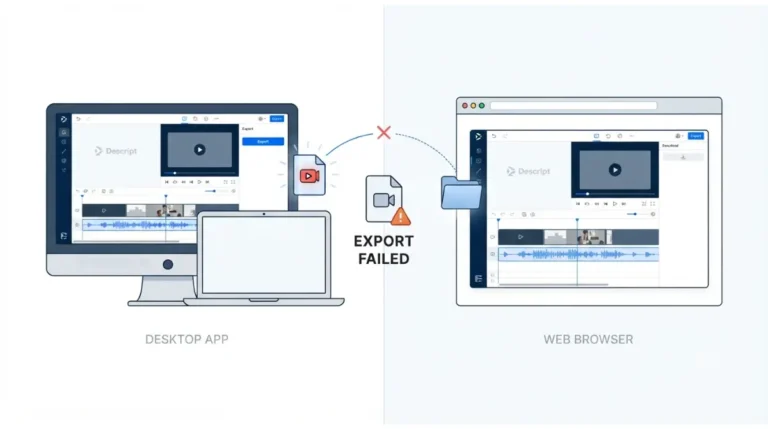
Descript export failed on desktop? For “endTime ≤ startTime”, duplicate the project, then run Help > Debug > Force fix corrupted alignment.
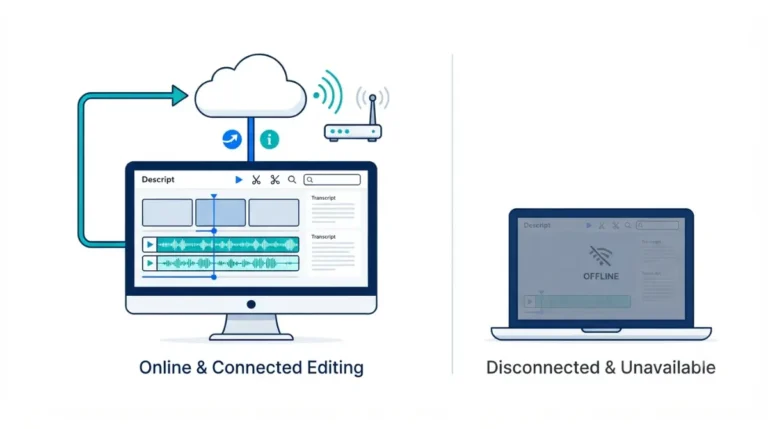
Descript offline editing isn’t supported on any plan, and a browser is required even in the desktop app. Here’s what stops, and what still works.
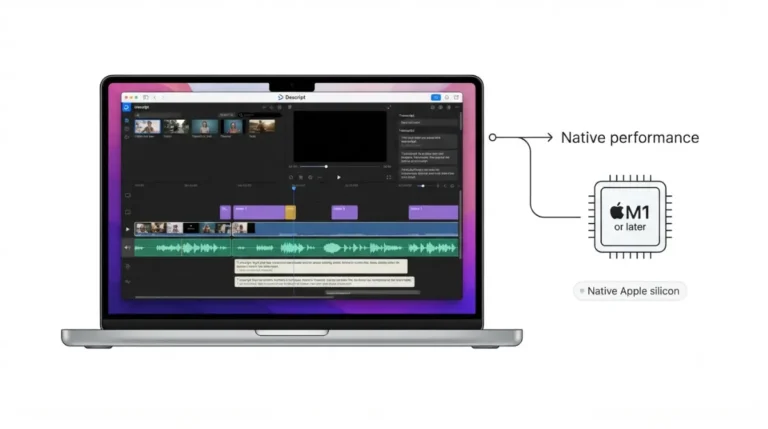
Descript on Apple silicon: one Mac installer serves both chip families, and Descript’s requirements name M1 or later. Here’s how to confirm your own copy.
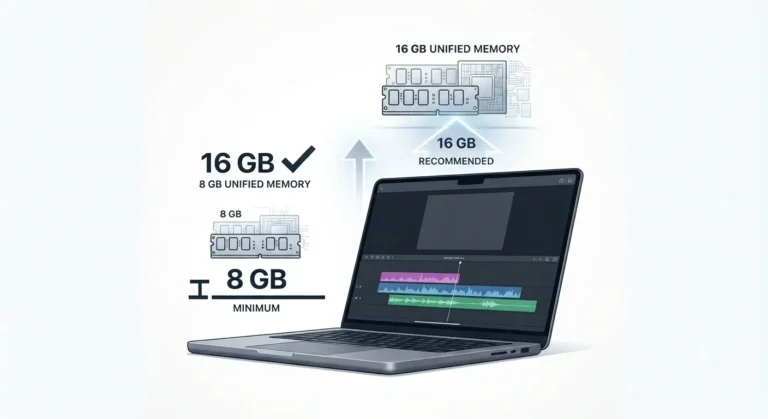
Descript RAM usage splits into two published figures on Mac: an 8GB minimum and
a 16GB unified-memory recommendation. The gap decides what to buy.
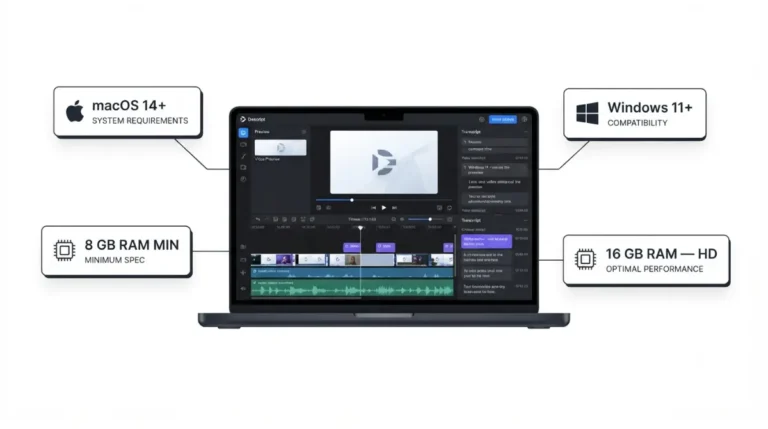
Descript system requirements start at 8GB RAM — but Descript’s own documentation recommends double that for HD editing, and rules out Windows 10 entirely.