CapCut Charged After Cancelling? Rule Out the Wrong Biller
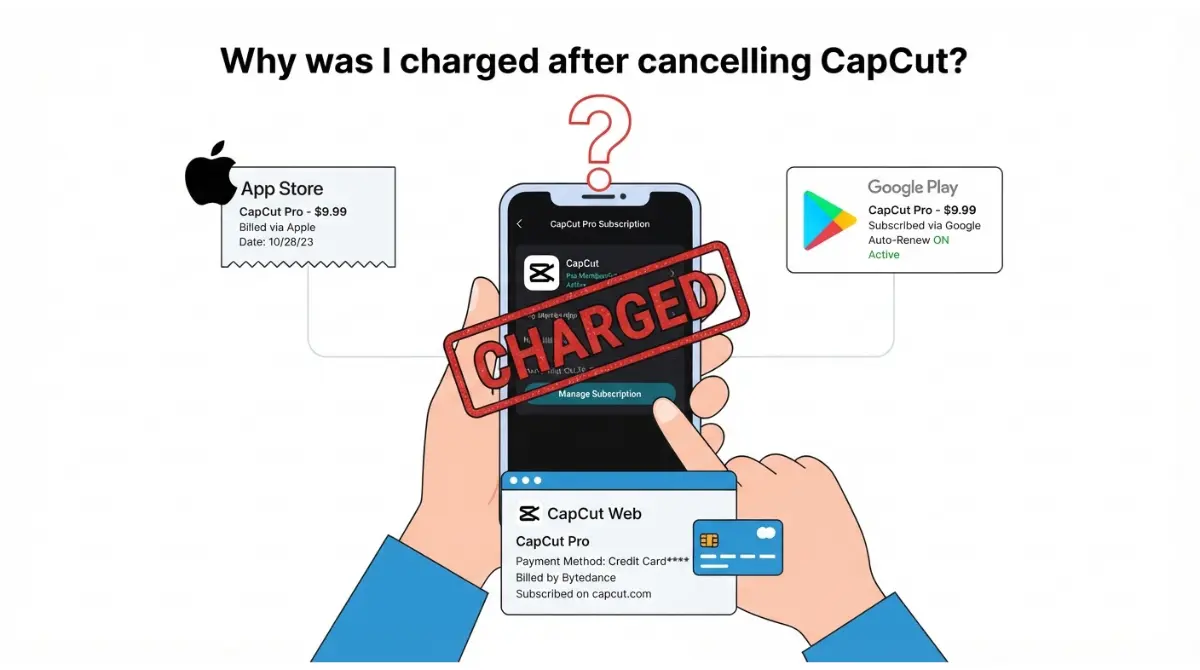
Table of Contents
A CapCut charge after cancelling traces to one of six documented causes: wrong biller, another account, a second subscription, a missed cutoff, a converted trial or a pending hold. CapCut’s help centre (25 March 2026, retrieved 8 October 2026) says cancel at least 24 hours before renewal. Open the subscription page at the biller named on your receipt and compare the date it shows with the charge date.
🧾 Not Tested: We have not bought a CapCut subscription, used a trial or requested a refund.
Why cancelling doesn’t always stop the next charge
The cancellation cutoff
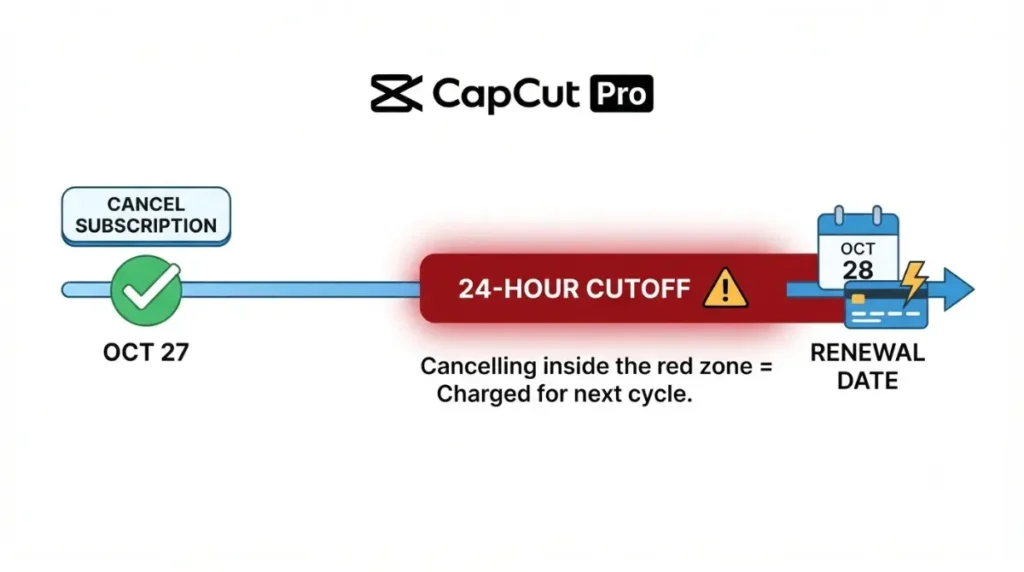
CapCut Pro and Teams renew automatically. CapCut’s help centre (25 March 2026) says a plan not cancelled at least 24 hours before renewal is charged and starts a new billing cycle.
What cancelling keeps and still bills
CapCut’s US Terms of Service (updated 15 April 2026) say cancelling keeps access to the end of the period and still bills that period’s full fee, unless applicable law requires otherwise. The Terms are headed “General Terms – All United States Users”; other regions’ terms were not opened.
Six documented reasons CapCut charged you after cancelling
Match your situation to one row.
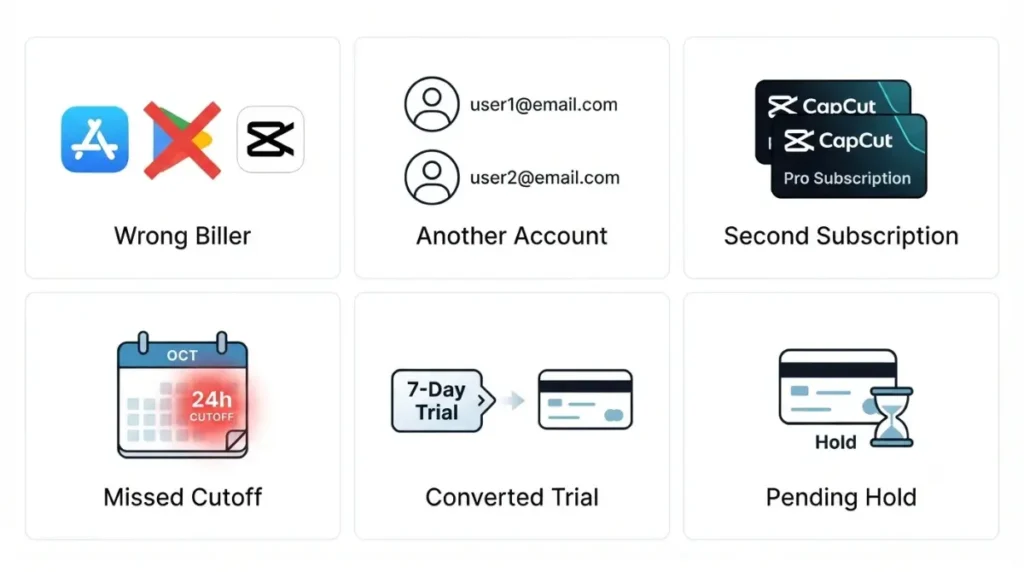
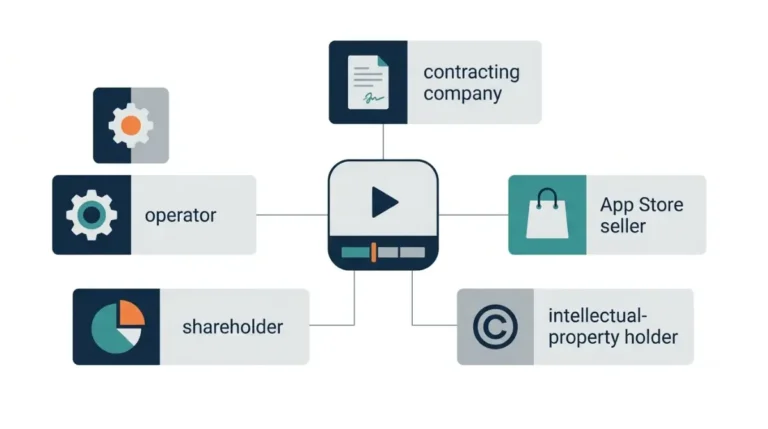
You cancelled somewhere other than where you’re billed
| Cause | What to check | Source |
|---|---|---|
| 1. Wrong biller | Where you cancelled against who bills you | CapCut US Terms, 15 Apr 2026 |
| 2. Another account | The account on the receipt: another Apple or Google account | Apple Support, 29 Sept 2026; Google Play Help, retrieved 8 Oct 2026 |
| 3. Second subscription | A new plan bought before the old one ended | CapCut’s plan-change page, 26 Mar 2026 |
You cancelled where you’re billed
| Cause | What to check | Source |
|---|---|---|
| 4. Missed cutoff | Your cancel time against “The cancellation cutoff” | CapCut help, 25 Mar 2026 |
| 5. Converted trial | Trial end date; see “A trial converts on its end date” | CapCut help, 2 Apr 2026 |
| 6. Pending hold | Whether it is a hold; see “A hold is not a charge” | Google Play Help, retrieved 8 Oct 2026 |
How to check a CapCut cancellation worked: Apple, Google, web
Each biller shows a cancelled plan differently.
Apple (iPhone, iPad, Mac)
Apple documents two cancelled signals: no Cancel button, or an expiration message in red text (Apple Support, published 29 September 2026). Steps are in step-by-step cancellation for each biller.
Google Play (Android)
Google says a cancelled subscription stays usable for the time already paid and restarts with Resubscribe (Google Play Help, retrieved 8 October 2026). It does not describe a cancelled status text.
CapCut web or desktop checkout
CapCut’s refund help page (13 January 2026) points to Payment Management on the platform where you subscribed, then Transaction History or Subscriptions. It is titled for age-restriction appeals; none of the six CapCut help pages opened gives a step-by-step web cancel path.
CapCut charge pending or real? What each biller documents
A hold is not a charge
Google says an authorization hold may be placed up to 48 hours before the next renewal period, or up to 5 days before in India or Brazil (Google Play Help, retrieved 8 October 2026). CapCut may notify you of a charge one day before renewal (CapCut help, 25 March 2026). No page opened says if Google releases a hold after you cancel.
On Apple, a pending charge can’t be refunded yet; after the email receipt, try again (Apple Support, published 17 September 2026).
A trial converts on its end date
CapCut offers a 7-day Pro trial; on mobile, the store account is charged after 7 days unless cancelled (CapCut help, 2 April 2026). Apple says to cancel at least 24 hours before a trial ends (Apple Support, published 29 September 2026).
Re-subscribing before the plan ends risks double billing
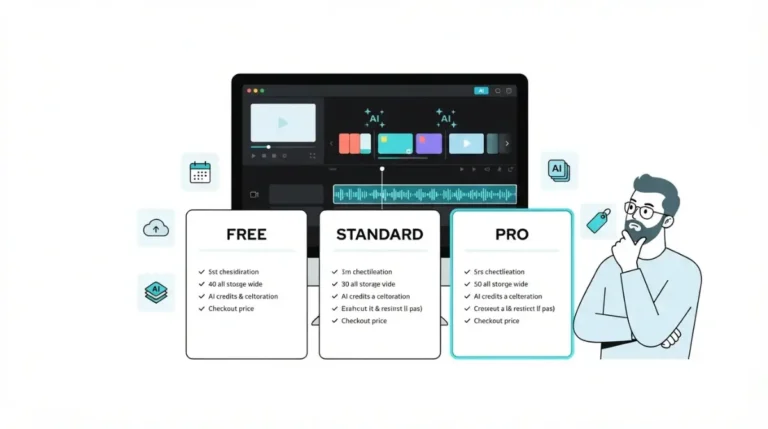
CapCut has no built-in plan change; its plan-change page (26 March 2026) says to cancel, wait for the plan to end, then buy again. Compare the charge with CapCut’s plan prices and what each tier includes.
Assembled from the pages cited above; not a CapCut screen.
Who to contact once your cancellation is confirmed
Route the charge to its decider.
Apple charges
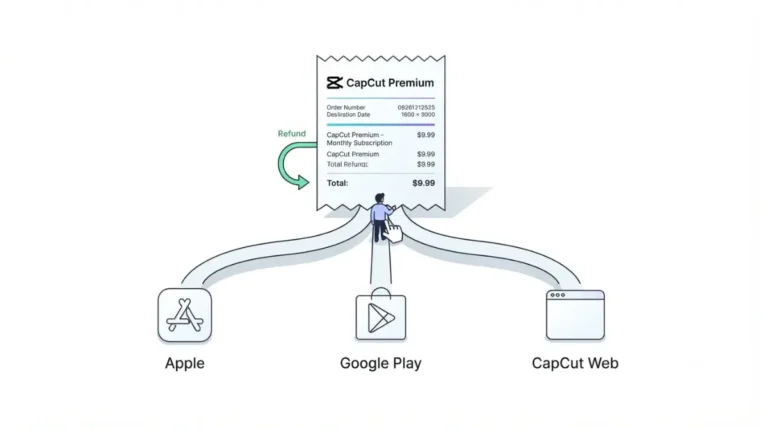
Apple handles App Store refund requests: sign in to Report a Problem and wait 24 to 48 hours for an update (Apple’s refund request page, published 17 September 2026). Apple says you can’t cancel a family member’s subscription (Apple Support, published 29 September 2026), and Apple’s charge-lookup page (published 18 July 2025) says a Family organizer with Purchase Sharing on can see what they were charged for.
Google Play charges
Google decides first. Within 48 hours you may be able to get a refund, depending on the purchase; after that, contact the developer (Google Play Help, retrieved 8 October 2026).
CapCut web charges
CapCut handles direct web charges: contact CapCut support or your payment provider, such as Stripe, PayPal or your bank, with your order number (CapCut’s refund help page, 13 January 2026). CapCut’s US Terms (updated 15 April 2026) do not limit a refund right that law gives you; this is not legal advice. Eligibility: CapCut’s refund terms and when to appeal.
If there’s no cancel option, don’t delete your account
What deleting your account does
🛟 Back This Up First: Deleting a CapCut account is irreversible. CapCut’s US Terms (updated 15 April 2026) say you can’t reactivate it or retrieve its data or content. Copy out your projects first.
No page opened on 8 October 2026 says deletion cancels Apple, Google Play or CapCut billing, so don’t use it to stop a charge.
What to send CapCut support
CapCut’s can’t-cancel page (25 March 2026) says to contact support, and to prepare:
- Your login method.
- Your device type and platform.
- A screenshot showing you can’t cancel.
- Your order number or receipt, if available.
Set a calendar reminder before renewal; CapCut’s help centre suggests one.
FAQ
1. Why was I charged after cancelling CapCut?
A CapCut charge after cancelling has six documented causes, from wrong biller to pending hold (pages retrieved 8 October 2026).
2. Does cancelling stop the current period’s charge?
No. CapCut’s US Terms (updated 15 April 2026) keep access to period end but still bill the full fee, unless law requires otherwise.
3. How do I know my CapCut cancellation worked?
Apple shows no Cancel button or a red expiration message (29 September 2026); Google’s and CapCut’s pages opened describe no status text.
4. Can a pending CapCut charge be refunded?
Not yet on Apple: wait for the email receipt, then try again (Apple Support, published 17 September 2026).
5. Why was I charged after cancelling a CapCut free trial?
The store account is charged after the 7-day trial unless cancelled (2 April 2026); Apple: cancel at least 24 hours prior (29 September 2026).
6. Can a family member’s Apple subscription charge me?
Check the account on the receipt; Apple says you can’t cancel a family member’s subscription (29 September 2026).
7. What do I send CapCut support if I can’t cancel?
Send your login method, device and platform, a screenshot and your order number or receipt (CapCut help, 25 March 2026).
8. Should I delete my CapCut account to stop billing?
No. Deletion is irreversible (CapCut US Terms, updated 15 April 2026), and no first-party page opened says it cancels billing.
The short version
Cancel where you are billed, confirm the end date there, and send any later charge to that biller with your receipt and screenshot.