Canva for Nonprofits: who qualifies and how to get approved

Canva for Nonprofits approval turns on paperwork: Goodstack wants signed original PDFs over 30 days old, and Canva replies by email within 72 hours.
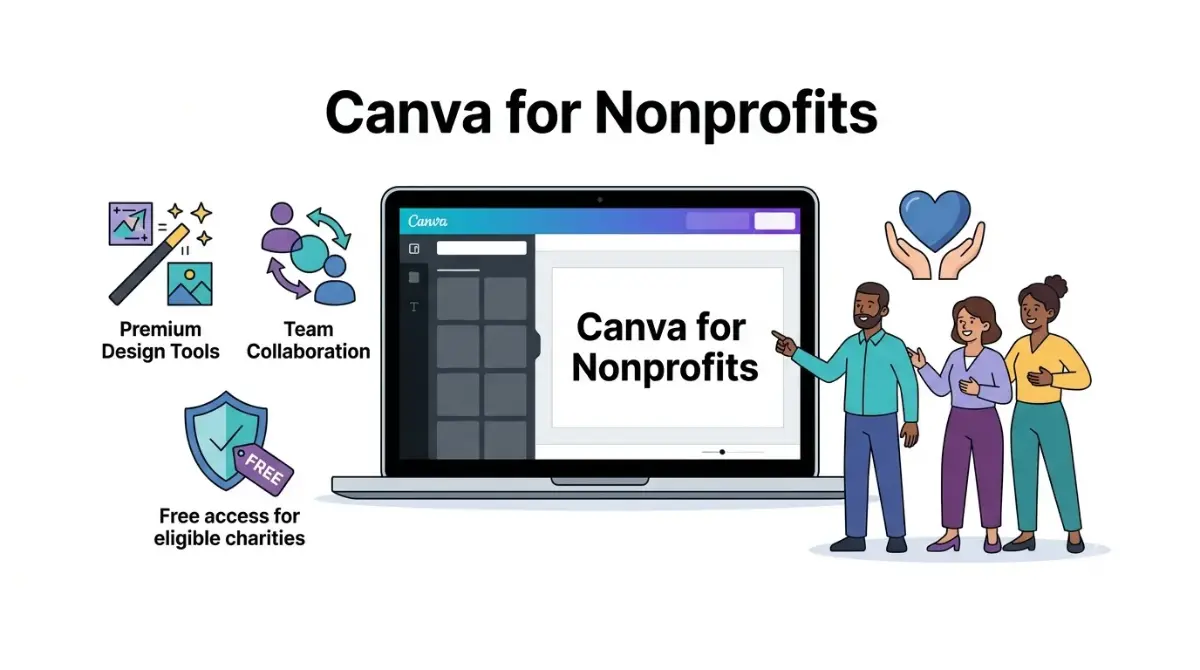
Table of Contents
Prices and plan details checked on 28 October 2026.
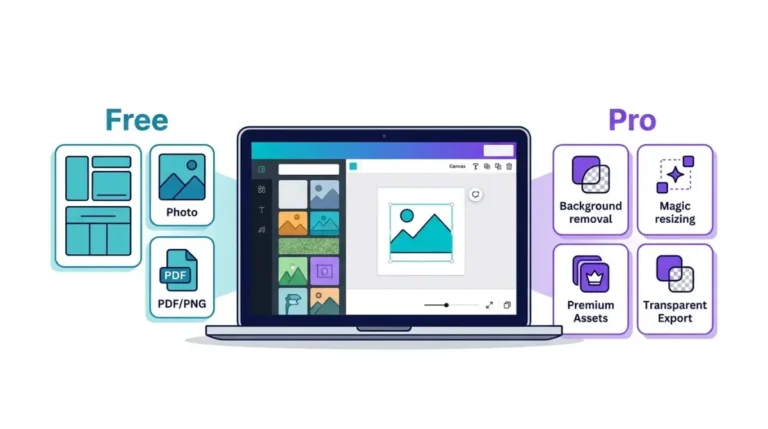
An eligible registered nonprofit gets every Canva Pro premium feature plus team collaboration tools free, for one team of up to 50 people, through Canva for Nonprofits. You apply from inside a Canva account, and a reply arrives by email within 72 hours unless confirming that you work for the organization takes longer.
Two checks decide the result: whether your type of organization qualifies, and whether your documents prove you belong to it.
Who Canva accepts, and the types it turns away
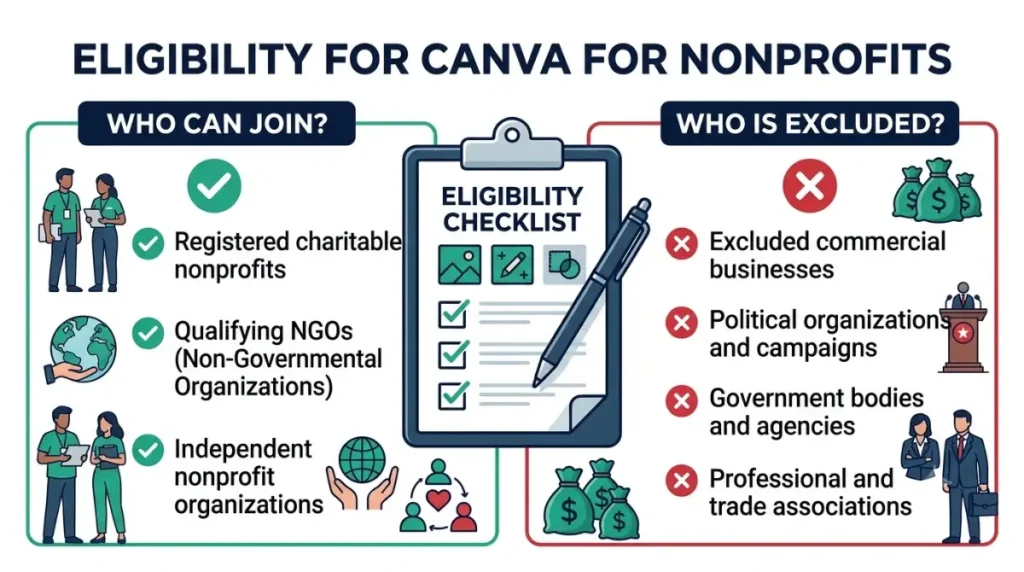
To qualify, an organization must be registered as a charitable nonprofit in its own country and run independently of government and commercial profit (Canva eligibility guidelines). In the US that means 501(c)(3) status. International NGOs meeting an equivalent standard also fit.
Many groups people call nonprofits are excluded. Every 501(c) type other than (c)(3) is out, so a 501(c)(4) or a (c)(6) trade association can’t apply. B-Corps and social enterprises count as for-profits. Government bodies, public hospitals, political and lobbying groups, professional societies, fraternities, member-benefit groups, professional sports bodies, financial firms and job-training programs are all on the list.
Foundations are narrower than some guides claim. Only foundations that give grants to others without running programs of their own are excluded.
K–12 schools and colleges apply through separate programs, covered in who qualifies for Canva’s education plans.
Country rules Goodstack checks against
Goodstack verifies applicants for Canva, and its nonprofit definitions set the bar in each country. A US organization must be registered with the IRS as exempt under Section 501(c)(3). In the UK, registration with the Charity Commission, OSCR or the Northern Ireland regulator qualifies, as do HMRC charity tax status, exempt charities and churches.
India adds a condition. The organization must hold FCRA registration and be set up as a society, trust or Section 8 company.
Churches, chapters and groups under a parent’s exemption
The UK definition names churches; the US one asks only for IRS 501(c)(3) registration. Neither Canva nor Goodstack explains how they treat a congregation or chapter covered by a parent body’s group exemption, so if yours has no IRS letter in its own name, ask Canva support before applying.
Gather these documents before you start
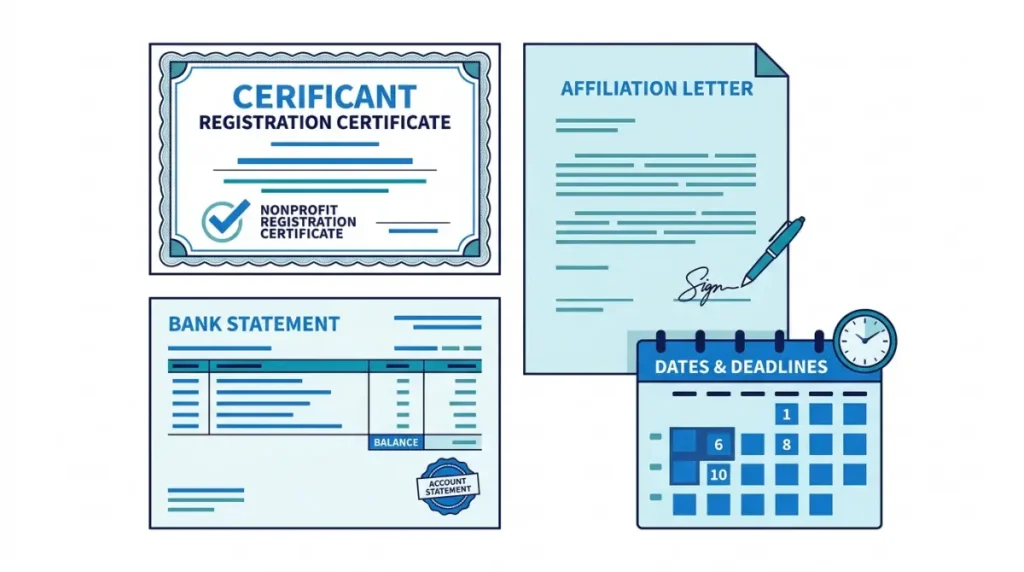
Goodstack asks for registration papers only when it can’t find your organization in its registry, and then it accepts a government registration certificate, tax-exemption letter or register extract (Goodstack status documents). The harder check is your personal connection to the organization.
| What you’re proving | Documents accepted | Rule that trips applicants up |
|---|---|---|
| You work or volunteer there | Bylaws, board minutes, conflict-of-interest policy, employment or volunteer confirmation letter, employment contract, volunteer agreement, certificate of service | Original signed PDF with the organization’s legal name (and yours, for letters), dated more than 30 days before you apply |
| The organization banks under its legal name | Bank statement | The bank’s original electronic PDF, not a scan, also more than 30 days old |
Source: Goodstack’s rules for confirming your link to a nonprofit.
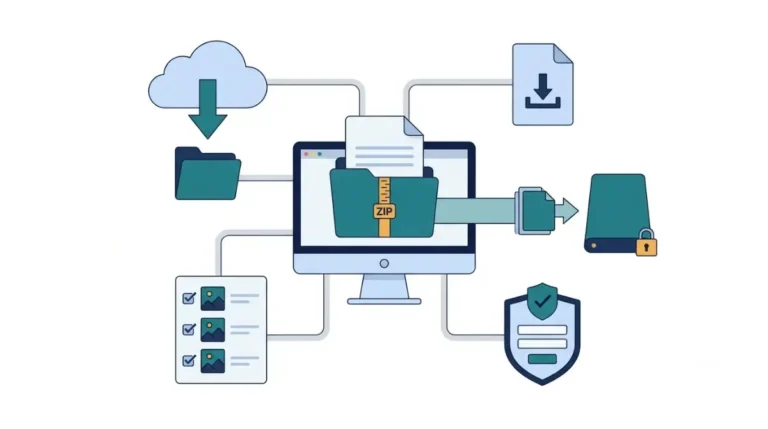
One document from each row speeds things up. Files must be unredacted, bank statement included, and Goodstack’s data processing agreement covers how it handles them.
US applicants should add the IRS EIN Verification Letter, which Goodstack strongly recommends and treats as a different document from the 501(c)(3) determination letter.
A confirmation letter signed this week fails the 30-day rule. Sign and date one now, then apply once a month has passed.
How do you apply for Canva for Nonprofits?
The form sits inside a Canva account, and the application runs in five steps:
- Confirm your organization type and country on the eligibility guidelines.
- Sign in to Canva, or create a free account, with a working email address.
- Read the program terms.
- Complete and submit the application form.
- Finish the verification step.
Choosing “Non-profit or charity” at sign-up puts a link to the form on your homepage for 30 days. Anyone else can apply from Upgrade to Canva for Nonprofits under the Billing tab in Settings, and the team can stay on Canva Free while Canva checks the application.
The program terms commit you to answering Canva’s questions about your organization and joining case studies it reasonably requests.
Renewal date: Canva’s nonprofit pages don’t say whether approval refunds or credits a Pro or Business plan you already pay for. Note your renewal date before applying, and read how Canva handles refunds by payment method if a charge lands first.
The grant covers one team of up to 50 people
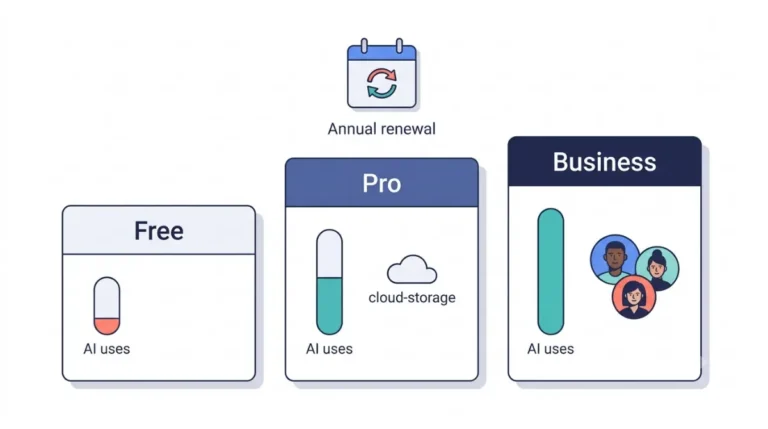
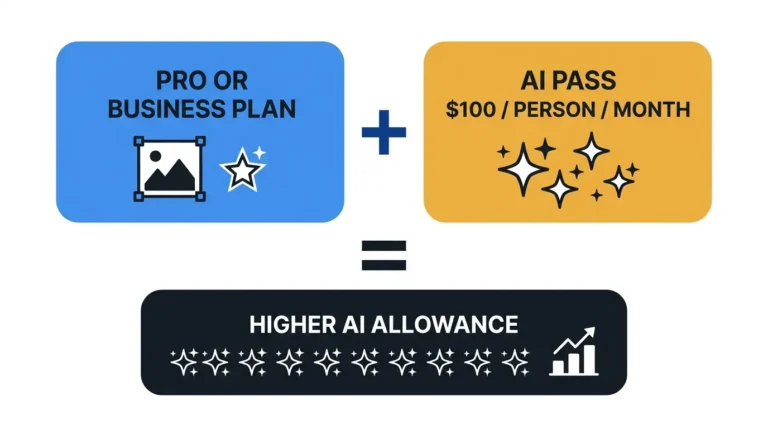
Fifty is the cap, on a single team. Members get premium images, video and music, transparent-background downloads, an upgraded Brand Kit with your own fonts and logos, brand templates, shared designs and folders, template share links and Affinity. Each person also has an individual AI allowance that isn’t pooled across the team (Canva AI usage).
Back up first: Canva publishes nothing about what happens to a team’s designs if nonprofit status ends. Keep copies of brand files and key designs outside Canva.
What happens at seat 51
Seat 51 onward is paid: Canva sells extra seats at 50% off Canva Enterprise through its sales team, and Enterprise has no published price, so neither does that seat.
| Plan | Cost for 50 people (US price, checked 28 Oct 2026) |
|---|---|
| Canva Business at US$250 per person a year, before tax | US$12,500 a year |
| Canva for Nonprofits, once approved | US$0 |
Source: Canva pricing. The Business total is worked out from Canva’s published per-person annual price; Canva doesn’t quote it.
Rejected, or stuck on the “already using Canva” error
A rejection email names one of Canva’s four standard reasons, and each has its own fix.
- Unclear documents: reapply with a document type accepted for your organization and country.
- Wrong category: reapply as Registered Nonprofit, Social Impact Organization or the category that matches, from an email on your organization’s domain where possible.
- Affiliation not confirmed: send a signed affiliation letter or volunteer ID with your name and role, meeting the 30-day and original-PDF rules above.
- Mission outside the program: sports clubs, professional associations and businesses fall here, and resubmitting won’t change it.
“Your organization is already using Canva” means a team already exists. Ask its administrator to add you, or give Canva Support your organization’s name or nonprofit registration so it can find the team owner.
Canva says a corrected resubmission carries no penalty, and it will look again if you send your application details and believe the decision was wrong.
If you don’t qualify, compare Free with Business seats
Borrowing another charity’s registration fails, because the affiliation check ties the application to you. Canva Free stays open at no cost. For a paid team, price seats with how Canva charges for Business seats, and set Free beside every paid plan in Canva’s plan prices and AI limits.
Other questions nonprofits ask
Does Canva for Nonprofits expire?
Canva publishes no renewal cycle. Its eligibility guidelines say acceptance and continued participation are at Canva’s sole discretion.
Which countries can’t apply?
Goodstack doesn’t accept applications from Crimea, Cuba, Iran, North Korea, Sudan or Syria.