Canva Free vs Pro limits and what stays locked until you pay

Canva Free keeps unlimited folders and 5GB of storage, but premium stock carries a watermark and websites show a Designed with Canva footer.
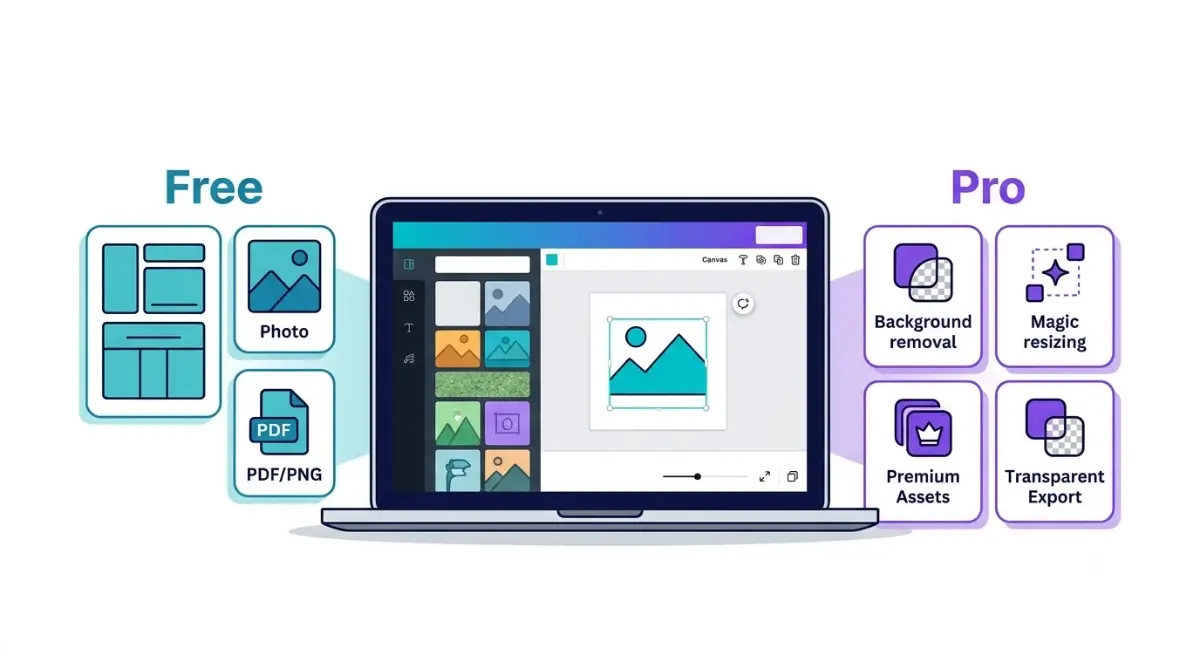
Table of Contents
Checked on 28 October 2026.
Canva Free keeps the full editor, every design type, PDF, JPG and PNG downloads, real-time collaboration, unlimited folders and 5GB of cloud storage. What it locks are the time-savers: Magic Resize, Background Remover, Magic Eraser and Magic Grab, Translate, transparent PNG and SVG files, CMYK print export, the Social Content Planner and 141+ million premium stock items, which carry a watermark until you pay.
What Canva Free still lets you make and share
More than 1.6 million templates and 4.7 million stock photos, graphics, fonts, videos and audio tracks come with the free plan, per Canva’s plan comparison table. Everything below is marked included for Free on that table:
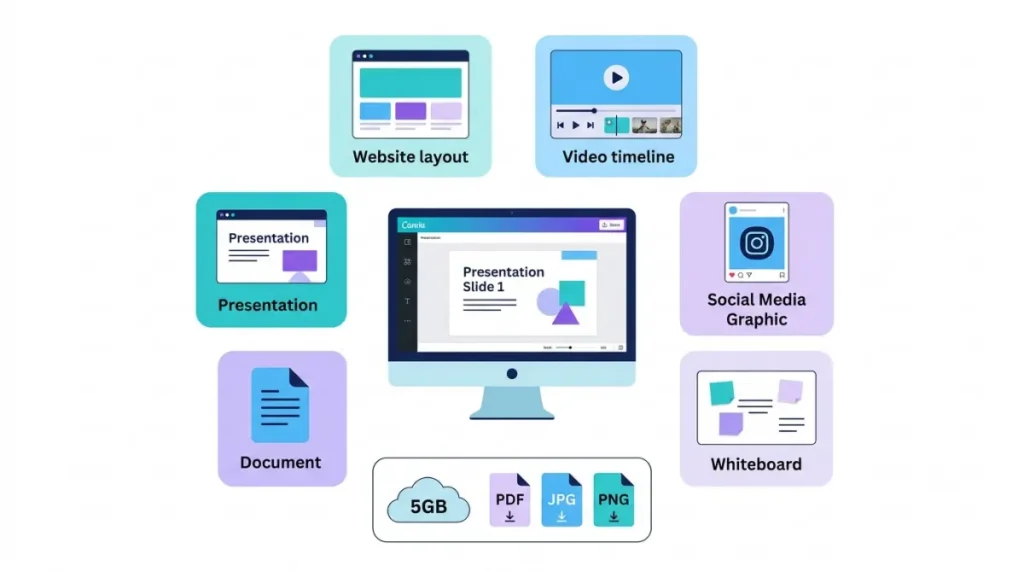
- Designs at custom dimensions, downloaded as PDF, JPG or PNG
- Docs, Sheets, Whiteboards, Presentations, Video, Websites, Email and Courses
- Real-time collaboration, comments, task assignment and link sharing
- Canva Offline, Magic Charts, Mockups, AI Voice, and photo and video animations
- The Apps Marketplace and multi-factor authentication
- One Brand Kit, limited to 3 colors
Storage stops at 5GB. Folders are listed as unlimited on every plan, Free included, so the per-folder caps quoted on other sites (200 items on Free is a common one) don’t match Canva’s current table.
Canva Free vs Pro limits, tool by tool
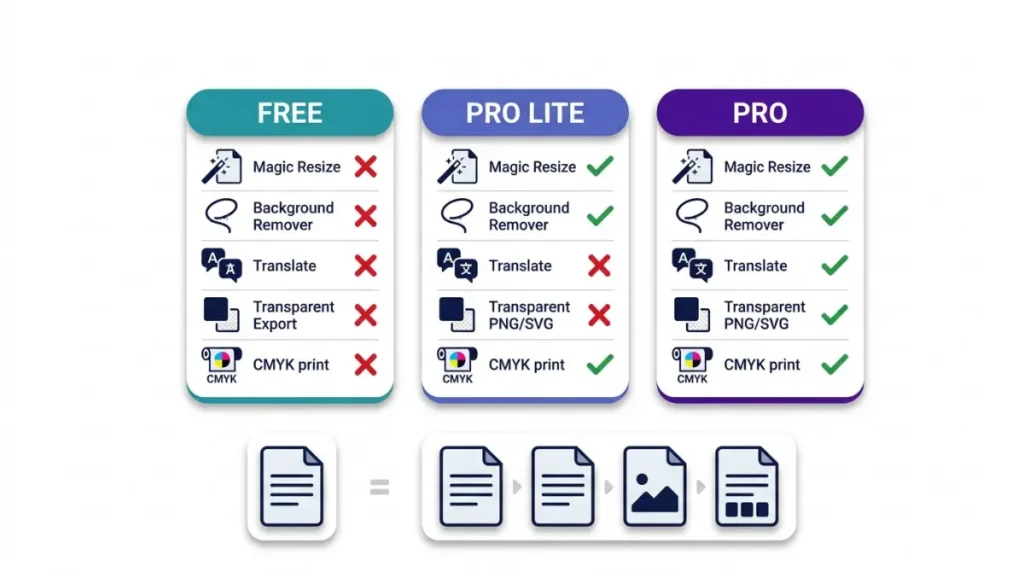
Every row below is either missing from Canva Free or capped lower than on the paid plans. The comparison was checked from India, which is why Pro Lite appears. Canva sells Pro Lite in 11 countries, including India, Indonesia and Mexico; the US isn’t one of them, so US readers can read straight across from Free to Pro.
Free has no Photo Background Remover in any form, and no Magic Resize either.
Editing and AI design tools
| Tool (Canva pricing page, India, 28 Oct 2026) | Free | Pro Lite | Pro |
|---|---|---|---|
| Magic Resize | No | Single designs only | Yes, including bulk |
| Photo Background Remover | No | Single images only | Yes, including bulk |
| Video Background Remover | No | Yes | Yes |
| Magic Eraser and Magic Grab | No | Yes | Yes |
| Magic Edit, Magic Expand and Magic Morph | No | No | Yes |
| Magic Animate | No | No | Yes |
| Translate | No | No | Yes |
| Photo Background Generator | No | No | Yes |
| Highlights and Enhance Voice (video) | No | No | Yes |
| Beat Sync | Manual | Manual | Automatic |
Source: Canva pricing page, AI design tools section.
Workflow, brand and support
| Feature (same page and check) | Free | Pro Lite | Pro |
|---|---|---|---|
| Print-ready CMYK export | No | Yes | Yes |
| Bulk design creation | No | No | Yes |
| Social Content Planner (scheduling) | No | No | Yes |
| Save designs as templates | No | Yes | Yes |
| Customizable and brand templates | No | Yes | Yes |
| Custom short links | No | No | Up to 5 |
| Element locking | No | Yes | Yes |
| Replace logos and imagery | No | No | Yes |
| Premium Apps and sound effects | No | No | Yes |
| Brand Kits | 1 (3 colors) | 3 | 5 |
| Cloud storage | 5GB | 50GB | 100GB |
| Live chat support | No | Yes | Yes |
| Support tickets | Select issues only | Yes | Yes |
Source: Canva pricing page, design, brand management, storage and support sections.
Two rows split by degree. Pro Lite runs Magic Resize and Background Remover one design at a time, and the bulk version that works across many designs at once starts at Pro.
Why do free downloads show a watermark?
Premium elements carry a criss-cross watermark on a Free account until each one is bought (Canva premium elements help). The mark sits on every premium element in the design. You clear it in one of three ways: pay for all of them when you download, use the Remove watermarks button on a single element, or upgrade.
Paying per element has a limit worth knowing before you start. A purchased element comes with a Pro Content license for that one design, and using it in another design means buying it again (Canva watermark help). For what that license allows in something you sell, see which license a purchased element carries.
If you’re unsure, a Free account can download a watermarked draft first and decide afterward. On a Canva Print order, the PDF proof shows the watermark, but the printed product doesn’t once checkout is complete, because the elements are paid for at checkout.
Websites get a different mark. Every site published from Free shows a “Designed with Canva” footer, custom domains included, and only a paid plan publishes without it.
Transparent PNG, SVG and print export on the free plan
Transparent PNG and SVG downloads need a paid plan. Canva’s download file type guide reserves them for Pro, Teams, Education and Nonprofits, along with quality controls, file-size limits, compression options, CMYK color profiles and Compress PDF.
A logo that has to sit on other backgrounds, or a printer that asks for CMYK files, is the usual reason this line matters.
Video has its own rule. Changing MP4 quality from the default to 480p, 720p or 4K brings up an upgrade prompt on Free. Leaving the default in place downloads without one.
How far 20 AI uses go before Free pauses
Free’s whole allowance is 20 uses a month, shared between Standard tools such as Image Upscaler and Premium tools such as Magic Layers and Canva Code (Canva AI usage help). That figure is Canva’s estimate for simple tasks on the lightest tool in each tier, so heavier prompts use it up faster.
Ultra tools, which include conversational design in Canva AI 2.0 and video clip generation, aren’t available on Free. Neither are Affinity’s Premium AI tools.
The count resets at 12:00 a.m. UTC on the 1st of each month. Reach the limit before then and you’ll see short pauses between generations.
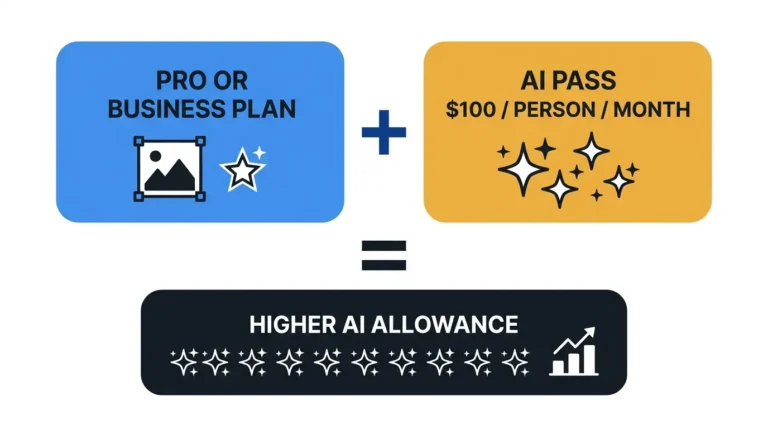
Paid Pro takes Standard tools out of the allowance and gives up to 200 Premium or 20 Ultra uses a month. AI Pass and the other add-ons are covered in Canva Pro’s AI allowance and extra costs.
Pick the plan that removes the lock you hit
If the upgrade prompt came from Background Remover, Magic Resize, Magic Eraser, Magic Grab, CMYK export or brand templates, Pro Lite covers it in the countries where it’s sold. In the US, Pro is the first paid plan.
Scheduling, Translate, Magic Edit, Magic Expand, Ultra tools and anything past 20 AI uses a month need Pro or Business.
The Pro trial runs on Free’s 20-use allowance, so if AI is your reason to upgrade, read what the Pro trial includes before you start it. Plan prices differ by country; current Canva plan prices lists the US figures.
If you later drop back to Free, storage falls to the 5GB cap, so read what you lose when Pro ends before canceling. Then find your tool in the tables above and start the matching trial from Canva’s pricing page.