How to cancel Canva Pro on the web, iPhone or Android

Canceling Canva Pro keeps your designs on Free, but storage drops from 100 GB to 5 GB, and Canva’s Teams page says Pro elements show watermarks.
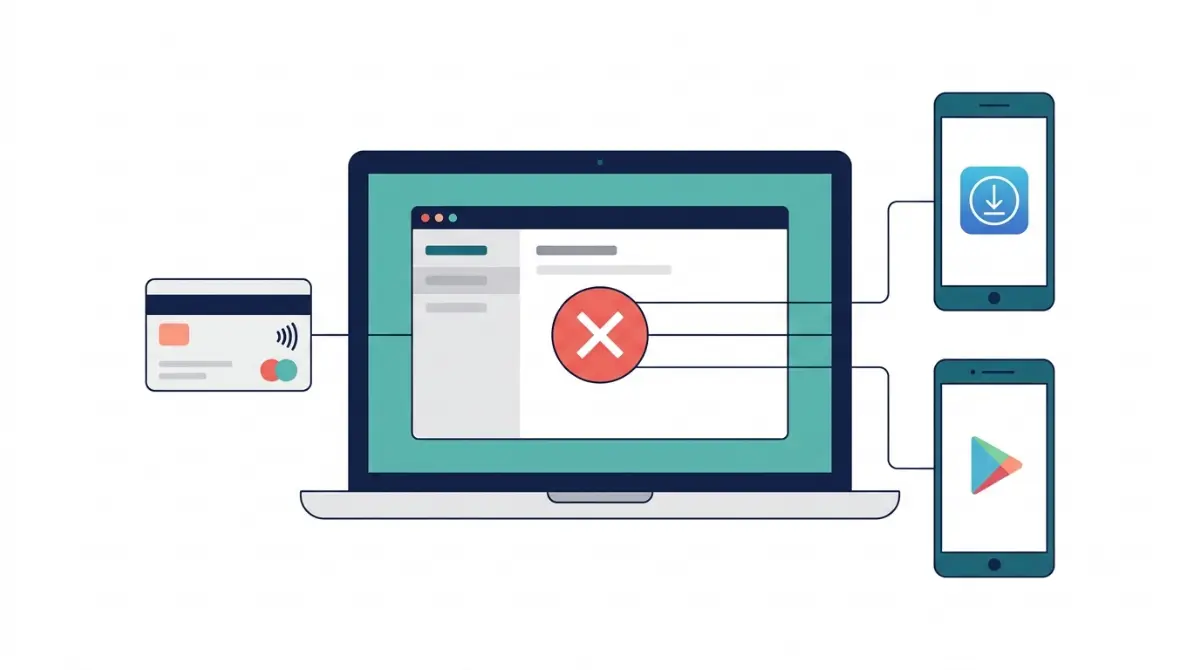
Table of Contents
Checked on 27 October 2026.
Cancel Canva Pro with the company that charged you: Canva, Apple or Google Play. Pro stays active until the end of the period you paid for, then the account drops to Canva Free with your designs still in it (Canva help: cancel a plan).
Uninstalling the Canva app from a phone doesn’t cancel a store subscription either.
Who bills your Canva plan
Look at the charge line first. Only the company that took the money can stop the next payment.
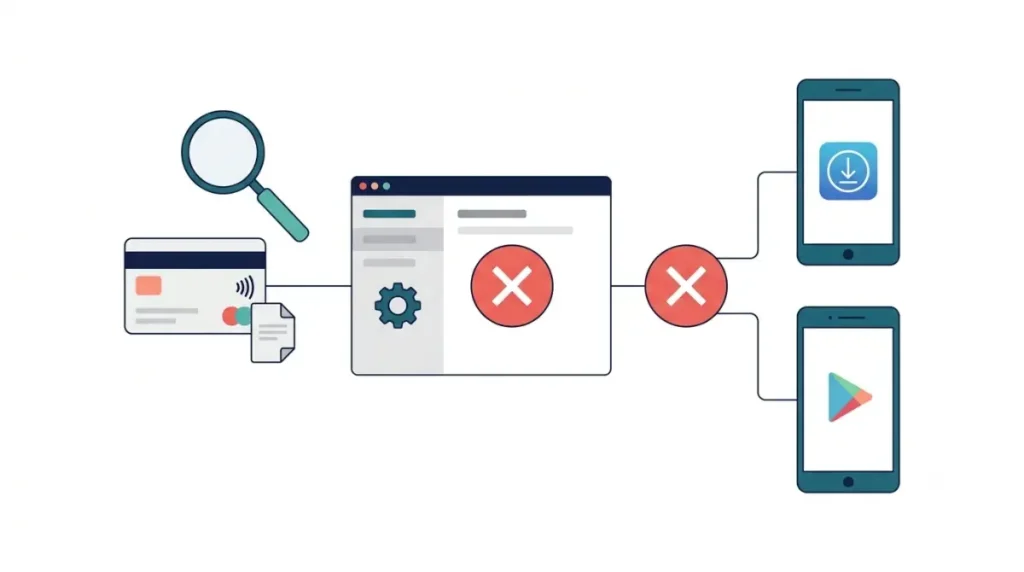
| What the charge looks like | Who bills you | Where you cancel |
|---|---|---|
| CANVA* plus an invoice number on a card statement | Canva | Settings, then Billing, in Canva |
| A PayPal payment to Canva Pty Limited (Canva UK Operations Limited in the UK) | Canva | Settings, then Billing, in Canva |
| A receipt from Apple | Apple App Store | Settings on your iPhone or iPad |
| An order in your Google Play history | Google Play | Subscriptions in Google Play |
Sources: Canva invoice formats, Canva cancel help, Apple subscriptions help.
If no Apple receipt turns up in your inbox, the CANVA* line or your Google Play order history will show who bills you instead.
Cancel Canva Pro on the website or desktop app
A CANVA* charge means the cancel button sits on Canva’s Billing page. Canva’s pause help and cancel help give this order:
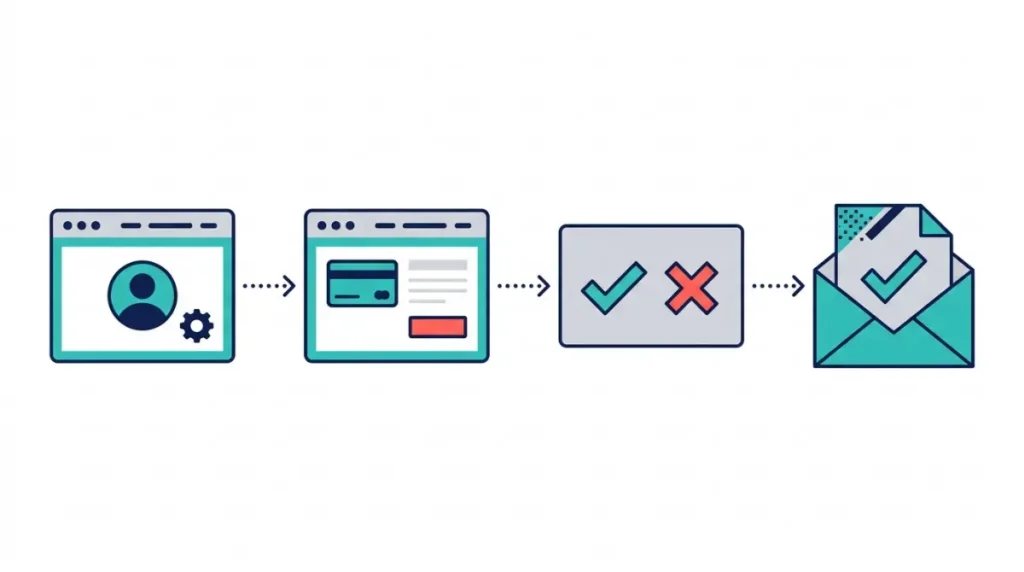
- Log in to the Canva account or team that holds the plan.
- On the homepage, select your account profile, then select Settings.
- Go to Billing and select Cancel plan on your plan.
- Select Continue cancelation. The next screen offers a pause; leave it unselected to cancel outright.
- Give a reason if you want to, then select Cancel subscription.
A confirmation email follows. Keep it, since a missing email is the first sign the cancellation didn’t go through.
Changed your mind while Pro is still running? Open Billing and select Stay on Canva Pro. That option only works while the subscription is still active.
Canva is rolling out menu changes gradually, so a label in your account may differ from the steps above (Canva invoices help).
iPhone, iPad and Android subscriptions
App Store and Google Play plans can’t be canceled from inside Canva. The store that billed you holds the cancel button.
On iPhone or iPad
Open the Settings app, tap your name, tap Subscriptions, choose Canva and tap Cancel Subscription (Apple support). If that button isn’t there, the plan is already canceled and won’t renew. A Canva plan on a family member’s Apple Account can only be canceled by that person.
On Android
In Google Play, go to your subscriptions, select Canva, tap Cancel subscription and follow the prompts (Google Play help). Sign in with the Google account that pays before you look, because a plan under a second account won’t appear in the list. Access continues for the time already paid.
Renewal date: Google Play renewals can start 24 hours before the new period begins, so cancel at least a day before the renewal date in your subscription list.
No Cancel plan button in Billing
Two things hide the button on canva.com.
The first is an account or team mismatch. You may be signed in to a different Canva account from the paying one, or be outside the team that holds the subscription. Switch to the paying account or team and the button returns.
The second is store billing. Plans billed by Apple or Google Play never show a Cancel plan button on Canva’s site, so cancel through the App Store or Google Play instead.
If neither applies, self-help ends there. Contact Canva with your account email from its cancel help page.
Would a three-month pause suit you better?
Three months is the only pause length, on monthly and annual plans alike (Canva pause rules). Annual plans qualify only with less than two months left before renewal. Plans billed through the iOS App Store can’t be paused at all.
You choose the pause inside the cancel flow, on the screen after Continue cancelation. It starts when your current billing period ends. Payments and premium features stop together, and the plan resumes by itself three months later after an email reminder.
Worked out from those rules: an annual plan renewing on 15 January 2027 becomes eligible after 15 November 2026. Paused then, Pro runs to 15 January and resumes, with billing, on 15 April 2027.
What changes when the paid period ends
Nothing changes before the last day you paid for. After it:
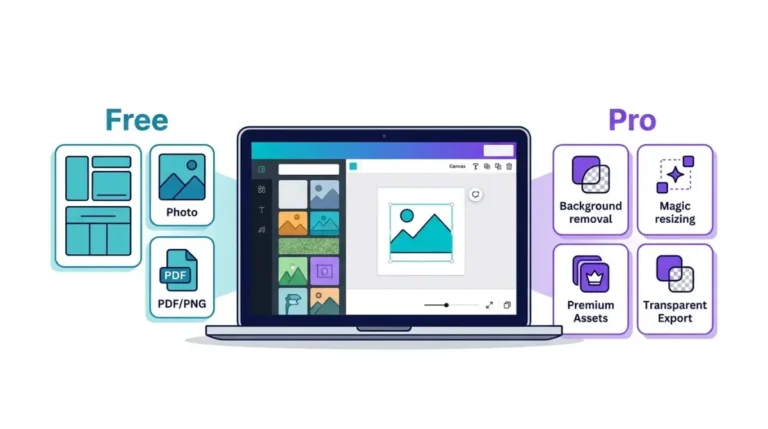
- The account stays open on Canva Free, and all designs remain accessible (Canva cancel help). The Free and Pro limits comparison lists what Free withholds.
- Storage drops to 5 GB on Free from 100 GB on Pro (Canva storage limits). Canva doesn’t say what happens to uploads above 5 GB after a downgrade.
- Canva’s Teams help page says Pro elements in designs appear watermarked on Free once a plan lapses. The Pro cancel page doesn’t repeat that rule.
- Canceling Canva Teams is permanent, and members lose access to designs created inside that team. Personal designs outside it stay.
Back up first: download every design that uses Pro photos, fonts or graphics, and copy any uploads you need if you hold more than 5 GB, before your current billing period ends. The Canva data export guide covers getting everything out in one request.
Still charged after you canceled
Check your inbox for the confirmation email first. Without one, the cancellation may not have gone through, so cancel again from Billing.
With the email in hand, look for a second Canva account or team on the same card, or a store subscription running alongside the Canva one. Banks also use automatic card-update services that keep recurring payments going on a replaced card (Canva cancel help). If none of that explains the charge, contact Canva with the invoice number from the CANVA* line.
Money back is a separate request with different rules, covered in the Canva refund policy breakdown.
Two related questions
Does deleting my Canva account cancel Pro?
No. Cancel the plan first to stop charges (Canva account deletion help). Deletion finishes 14 days after the request and permanently removes designs and uploads; logging in within that window stops it.
How do I cancel a Canva free trial?
Through the same route that would bill you, before the trial ends. Timing and what converts are in the Canva free trial rules.
Download Pro-element designs before the end date
Open Billing, note the date your plan ends, and download anything built with Pro elements before that day. If you come back later, current plan prices are in the Canva Pro price and plan record.