Canva free trial: what’s included and when Canva bills you

Canva free trial designs stay in your account on Canva Free after you cancel, and trials started through the App Store or Google Play are canceled there.
Table of Contents
Prices and plan details checked on 28 October 2026.
A Canva free trial gives you Canva Pro or Canva Business for the length shown when you sign up, and Canva offers it once per account and once per payment method. During the trial your AI allowance stays at Canva Free’s level, and when it ends Canva charges the payment method on file unless you have canceled first.
Canva publishes no fixed number of days, so the end date in your own account is the one that counts.
Pro and Business trials, once per account
If this account or this card has already had a trial, Canva won’t offer another. Its upgrade help page limits trials to one per account and one per payment method, and the Terms of Use require a separate account for each person.
Pro and Business both come with a trial. On a Canva Business trial you can invite team members without being billed while it runs (Canva pricing). Canva Enterprise has no trial and goes through a sales demo instead.
Some people can skip the trial altogether, because K-12 schools and not-for-profit organizations get most premium features free. Check who qualifies for Canva for Nonprofits or whether a Canva student discount applies to you before you hand over a card.
How long does the Canva free trial last?
Canva doesn’t commit to a number of days. Its upgrade help article says the trial length shown at sign-up is how long you have before charges begin, and section 9e of the Terms of Use reserves Canva’s right to set the duration.
Third-party guides commonly quote 30 days, and a few say the trial runs shorter in some regions. Canva’s own pages confirm neither figure.
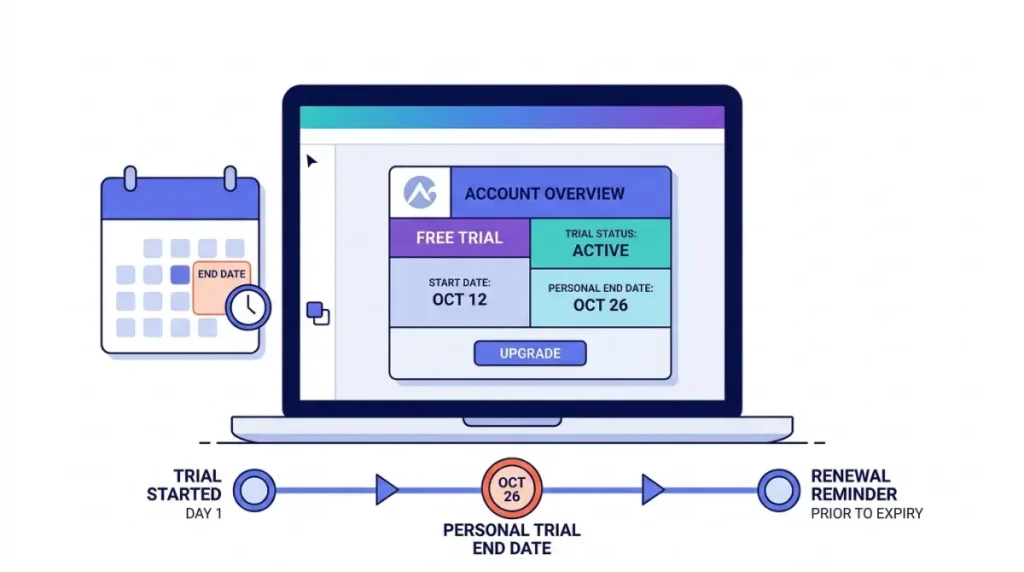
Your end date appears next to your current plan on the Billing page in Settings. Canva also emails a reminder before the trial ends. The date is visible from the first day, though, so put it in your calendar then rather than waiting for the email.
Payment details at sign-up
Starting a trial on the web means entering payment details before it begins. The pricing page accepts Visa, Mastercard, American Express and PayPal, plus other methods in some countries.
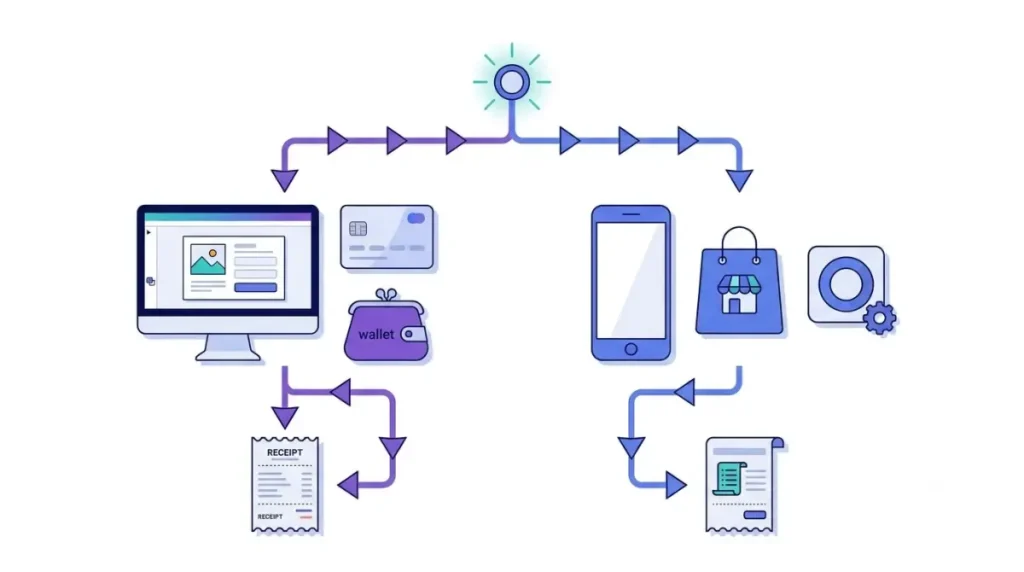
A trial started without payment details ends automatically with no charge, per the same help page. Which sign-up routes allow that isn’t stated anywhere, so treat a trial with a card or PayPal account attached as one that will bill.
Trials started in the iPhone or Android app are billed by Apple or Google instead of Canva. That changes where you cancel and who handles a refund request.
Trial accounts run on Canva Free’s AI allowance
Twenty uses, against 200 Premium uses once you pay. Canva’s Pro page states that the AI allowance during a trial is the same as Canva Free, and that the full allowance, ten times larger, opens when the paid plan starts.
| AI tools | During a Pro trial | Paid Canva Pro |
|---|---|---|
| Standard (Image Upscaler, Magic Formulas) | Up to 20 uses, one pool shared with Premium | Don’t count against the allowance; fair use applies |
| Premium (Magic Layers, design generation) | Same pool of 20 | Up to 200 uses |
| Ultra (Canva AI 2.0 design chat, AI video clips) | Not available | Up to 20 uses |
Source: Canva’s AI usage help page and the Pro page. On paid Pro, the Premium and Ultra figures come out of one allowance, so they are alternatives rather than a combined total.
This gap matters most if AI is why you’re weighing Pro. Conversational design in Canva AI 2.0 sits in the Ultra tier, so a trial can’t show it to you, and AI Pass can’t be added until a paid plan is running. The non-AI differences, from storage to Brand Kits, are laid out in what Canva Free and Pro each lock.
Hit the 20-use limit mid-trial and Canva offers more AI in a notification. Accepting it ends the trial early and starts billing.
The first charge when the trial converts
Unless you cancel, the trial becomes the plan and billing period you picked at sign-up. Section 9e of Canva’s terms has Canva charge your nominated payment method for the next billing cycle, and on yearly billing that means the full year at once (billing frequency help).
| Plan | US price, web, checked 28 Oct 2026 | Who it covers |
|---|---|---|
| Canva Pro | US$144 a year | One person |
| Canva Business | US$250 a year | Each person on the team |
Source: Canva’s US pricing page, prices before applicable tax. Monthly billing is also offered, and the page marks yearly billing as saving from 16%. For how these sit beside AI Pass and other add-ons, see Canva Pro’s price, AI limits and extra costs.
The charge can post a day earlier than your local calendar suggests, because Canva’s billing runs on UTC. It appears on your statement as Canva, Canva followed by an invoice number, APPLE*Canva or GOOGLE*Canva, depending on who billed you.
Ending early on purpose is also possible. Selecting Start subscription today ends the trial at once, charges you and gives up the remaining trial days (Canva on ending a trial early). Trials billed through the App Store or Google Play can’t do this from inside Canva.
Renewal date: Canva bills in UTC, so treat the day before your trial ends as your last day to cancel.
Cancel before the end date or let it renew
Cancel at least a day ahead if you don’t want that first charge. Web trials are canceled from Billing in Canva’s settings, and the steps for the web, iPhone and Android are in how to cancel Canva Pro on each platform. Removing the app doesn’t cancel a trial that Apple or Google bills.
Your designs stay in the account on Canva Free after you cancel.
Before you cancel: export finished designs that use Pro content such as premium templates or stock photos while the trial is active. Canva’s cancel page confirms designs stay in your account but doesn’t describe how Pro elements behave on Free.
If the charge has already gone through, who refunds a Canva charge depends on where you paid.