Canva Refund Policy vs the 7-to-60-Day Claims Online

Canva refund policy, read 16 October 2026, gives no window in days, though five
sites claim 7 to 60. Here is who refunds you by where you paid.
Table of Contents
Canva’s refund policy, read on 16 October 2026, gives no refund window in days. Its help page says most subscriptions aren’t refundable, though Canva reviews every request.
Five other sites read the same day claim four different windows, from 7 to 60 days; none appears in Canva’s Terms effective 19 August 2026. If you paid through Apple, only Apple can refund you.
🧾 Not Tested: We hold no paid Canva subscription and filed no refund request, so we cannot say how Canva decides one. Every rule here comes from Canva’s, Apple’s and Google’s own pages, read 16 October 2026.
Which Canva refund situation are you in?
Where you paid decides who refunds you, so check the billing email first. Canva’s cancel page, read 16 October 2026, says the charge comes from Canva, Google, Apple or PayPal.
You paid on canva.com or in the Canva desktop or web app
Canva handles it, including PayPal payments made through Canva.
You paid through the App Store or Google Play
The store’s rules apply; both routes are under “How to ask for a Canva refund.”
Your trial turned into a paid plan
The same rules apply. To stop the next charge, see how the trial converts to a paid plan.
Your employer moved you to Canva Enterprise
Canva has a separate refund route for this, in the same section.
What Canva’s refund policy actually says
Canva’s refund page, read on 16 October 2026, sets no refund window in days and decides each refund request case by case.
Canva’s help page: decided case by case, no window in days
The page opens: “In most cases, Canva subscriptions aren’t refundable.” It says every request is reviewed and some are approved.
Canva’s Terms: no refund when you cancel, unless the law requires it
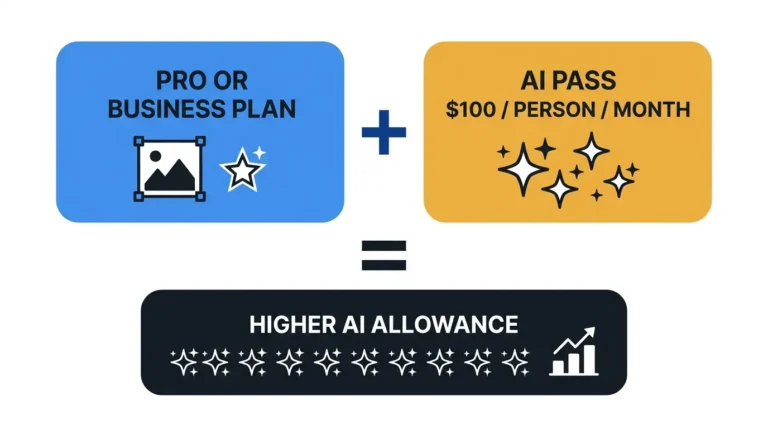
Section 9(d) of the Terms of Use, effective 19 August 2026, ends a cancelled plan with the billing cycle and refunds no fees already paid “(except where required by law)”. The rule covers Add-Ons such as AI Pass. We have not checked consumer law in your country; this is not legal advice.
How long an approved Canva refund takes
| Payment method | Time after approval |
|---|---|
| Credit card | 5–10 business days (read 16 Oct 2026) |
| PayPal | 3–5 business days (read 16 Oct 2026) |
| Other methods | Up to 20 business days (read 16 Oct 2026) |
| eBanx | Up to 30 business days (read 16 Oct 2026) |
Where the 7, 14, 30 and 60-day claims come from
No version of Canva’s Terms read for this record — effective 2 September 2025, 12 March 2026 or 19 August 2026 — states a refund window in days.
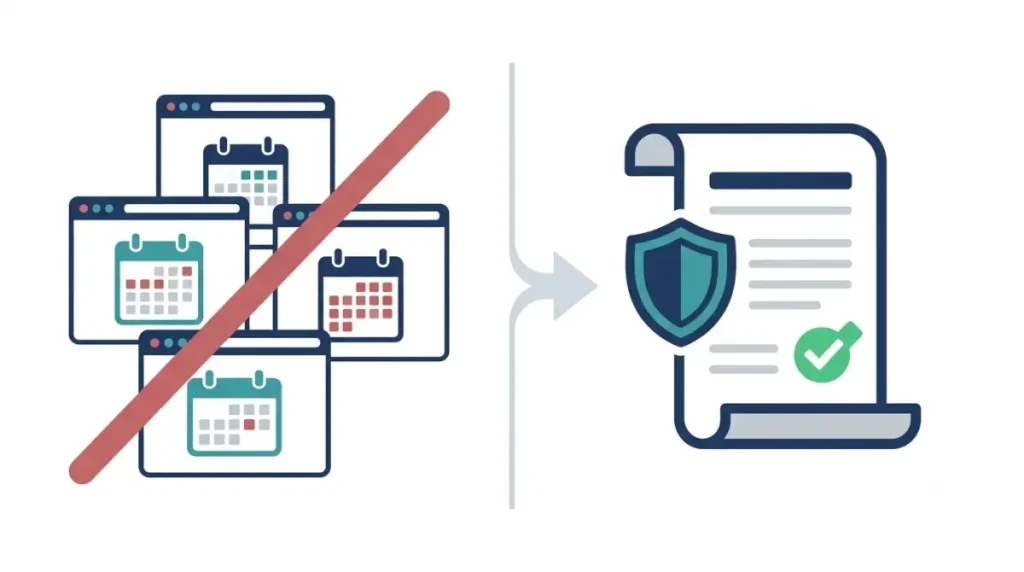
Five sites, four windows, none in Canva’s Terms
We describe the sites by type and do not link them.
| Window claimed | Condition claimed | Site type | Read |
|---|---|---|---|
| 7 days | Latest annual charge, Pro unused | Rival-tool vendor | 16 Oct 2026 |
| 7 days | Subscribers in South Korea | Terms tracker | 16 Oct 2026 |
| 14 days | From purchase or charge | Q&A site; rival-tool vendor; tips blog | 16 Oct 2026 |
| 30 days | Yearly plan | Marketplace blog; Q&A site | 16 Oct 2026 |
| 60 days | From the transaction | Q&A site; tips blog | 16 Oct 2026 |
| None | Canva’s own refund page and Terms | First-party | 16 Oct 2026 |
What Canva’s Terms said in 2025 and 2026
Canva’s policy archive keeps earlier versions.
| Version (effective) | Refund wording in section 9 |
|---|---|
| 2 September 2025 | No refund of fees paid; no legal exception |
| 12 March 2026 | Adds “except where required by law” |
| 19 August 2026 | Same, extended to Add-Ons |
Archive labels differ from these printed effective dates. Versions before September 2025 were not read.
The Korea 7-day clause we could not find
A terms tracker quotes a 7-day refund right for South Korea. We could not find it in Canva’s current English Terms or the Korean-language version, both read 16 October 2026.
How to ask for a Canva refund, by where you paid
Ask whoever took the payment.
Bought from Canva: the support form
Canva documents a menu path only on its Enterprise refund page, read 16 October 2026:
- Go to Canva Support.
- Select Payments, pricing, and billing, then under Issue choose I want to request a refund for my plan.
- Add the account and subscription details.
Canva does not say whether other subscribers see this menu. Its Help Assistant page (16 October 2026) lists billing as a chat topic.
Bought on an iPhone or iPad: ask Apple
Canva cannot process App Store refunds. Apple’s page to request a refund from Apple, read 16 October 2026, uses Report a Problem and promises an update within 24 to 48 hours.
Bought on Android: Google Play’s rules apply
Canva’s refund page does not mention Google Play. Google Play’s refund policies, read 16 October 2026, call the developer often the quickest route, so start with Canva.
Moved to Canva Enterprise by your employer
Per the Enterprise refund page, archiving a single-user personal team refunds its remaining prepaid Pro time. Multi-user teams use Canva Support.
✅ Do This: Keep the invoice number or a charge screenshot ready; Canva’s cancel page, read 16 October 2026, asks for one when you report a charge.
When Canva’s Terms do promise money back
Canva’s Terms of Use, effective 19 August 2026, promise a refund in a few cases and rule it out in others.
If Canva ends or discontinues your plan
- Section 15(c): if your plan ends for cause through Canva’s default, prepaid fees are refunded on a prorated basis.
- Section 16(o): if Canva discontinues your service and offers no similar one, it refunds prepaid fees pro rata.
If your team moves to Canva Enterprise
Remaining prepaid single-user Pro time is refunded; see the routes section.
What the Terms rule out
- Section 9(b): paid team seats you remove — see how Canva bills added and removed seats.
- Section 15(c): a plan ended for your violation.
- Section 4(e): print errors you made or a change of mind.
- Domains, which follow Tucows’ policies per Canva’s domain refund page, read 16 October 2026.
If Canva says no: cancel, pause, or use what you paid for
A refused refund leaves two levers: stop the next charge, or pause it.
Cancelling stops the next charge, not this one
Per Canva’s cancel page (16 October 2026), paid features last until the billing period ends; steps are in cancelling a Canva subscription. If the renewal price rose, see how Canva notifies a price rise.
Pausing: three months, with a limit on annual plans
Canva’s pause page, read 16 October 2026, allows a three-month pause; annual plans qualify only within two months of renewal, and not via the iOS App Store.
Worked example: an annual Pro plan cancelled in month two
Canva’s pricing page listed Canva Pro at US$144 a year for one person, before tax, on 16 October 2026. Cancel in month two: refund US$0, and 12 − 2 = 10 months of paid access remain (our calculation from Canva’s terms).
🗓️ Pricing verified 16 October 2026. Software pricing changes frequently — confirm on the vendor’s site before purchasing.
Other plans: our Canva Pro price and plan record.
Canva refund questions
1. Does Canva give refunds?
Rarely. Canva’s refund page, read 16 October 2026, says most subscriptions aren’t refundable, though Canva reviews every refund request.
2. Is there a 14-day Canva refund window?
No. Neither Canva’s refund page nor its Terms effective 19 August 2026, both read 16 October 2026, state a refund window.
3. Can I get a Canva refund after my annual plan renews?
Canva’s Terms promise no refund when you cancel, but its refund page says every request is reviewed (read 16 October 2026).
4. How long does an approved Canva refund take?
Canva’s refund page, read 16 October 2026, lists 5–10 business days by credit card and 3–5 by PayPal.
5. I paid on my iPhone. Who handles my Canva refund?
Apple does. Canva’s refund page, read 16 October 2026, says it cannot process App Store refunds.
6. I paid through Google Play. Who handles my Canva refund?
Start with Canva. Google’s refund policy page, read 16 October 2026, says the developer is often the quickest route.
7. If I cancel Canva, do I get a refund for unused months?
No. Canva’s Terms effective 19 August 2026 end the plan at the billing period’s close without refunding fees already paid.
8. Can I pause Canva instead of asking for a refund?
Yes, for three months. Canva’s pause page, read 16 October 2026, allows it on annual plans only near renewal.
9. My employer moved me to Canva Enterprise. Do I get a Canva refund?
Possibly. Canva’s Enterprise refund page, read 16 October 2026, says remaining prepaid time on a single-user Pro plan is refunded.
The short version
Canva sets no refund window, so there is no deadline to race. File with whoever took the payment; if refused, cancel or pause.