Descript transcription stuck? Why long files fail past 15 hours
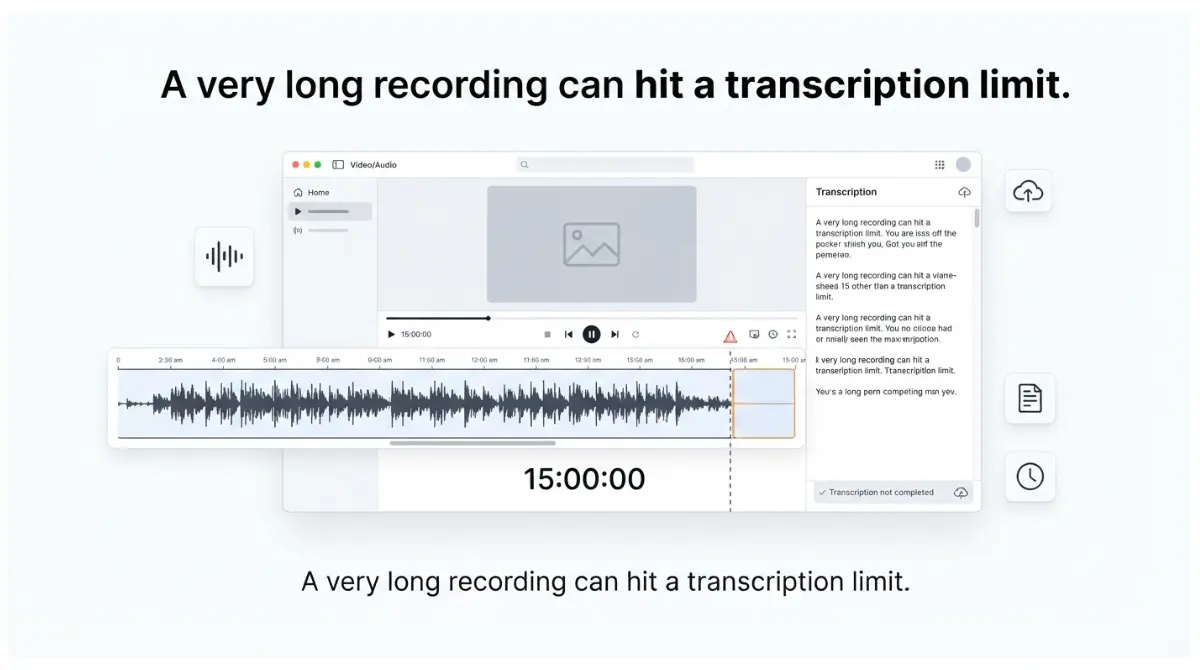
Table of Contents
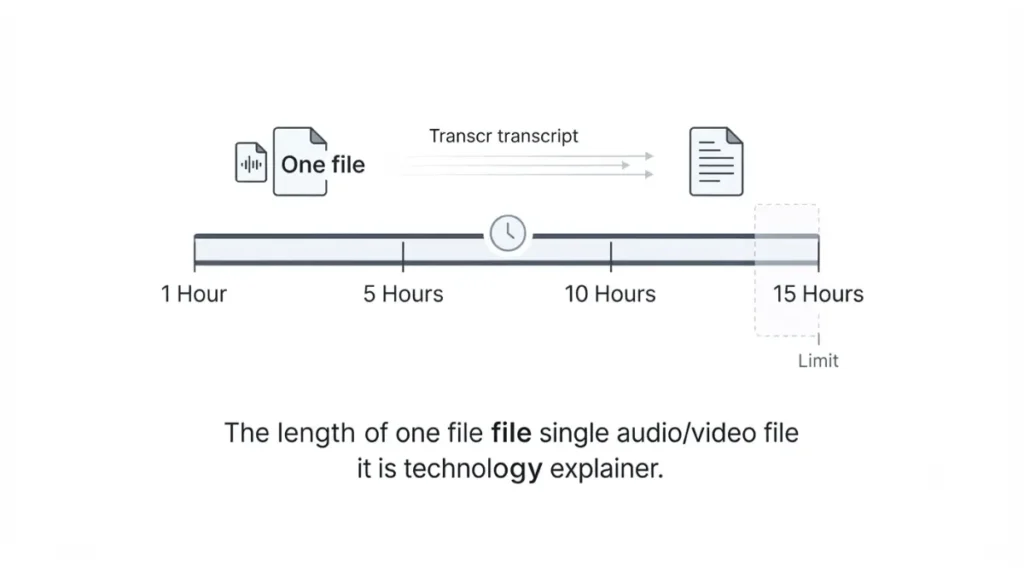
If a Descript transcript never finishes, check the file’s length first. Descript’s automatic transcription guide, retrieved 16 September 2026, says any file longer than 15 hours will fail to transcribe automatically, and lists no plan exception. Split the recording into segments under 15 hours before importing. A 15-hour file is also 900 media minutes, above Hobbyist’s 600-minute monthly allowance on Descript’s pricing page the same date.
Why Descript won’t transcribe some long recordings
Three causes produce a transcript that never arrives.
The 15-hour limit on a single file
The limit applies per file, and Descript’s guide names no plan or platform exception as of 16 September 2026. It sits under Limitations, apart from the steps for a stuck transcript.
It isn’t the 15 Rooms hours on Creator
Creator lists 15 hours a month of Rooms recording session hours on the pricing page, retrieved 16 September 2026. That caps remote recording, not file length.
Legacy and Sunset plans still count transcription hours
Legacy and Sunset plans still track transcription hours, per Descript’s Legacy and Sunset plan guide retrieved 16 September 2026. Your plan name shows under the Plan tab in App Settings. On those plans, you may be out of hours rather than over the limit.
How to split a long recording so Descript transcribes it
This applies to any file longer than 15 hours, on any plan, per Descript’s guide retrieved 16 September 2026.
🛟 Back This Up First: Keep the original recording on your computer, and the long file in your Descript project, until every segment has transcribed.
Check the length before you import
- Read the recording’s duration in the player or editor that made it.
Split into segments under 15 hours
- For an audio file, Audacity’s manual on exporting multiple files documents the route: place labels at each break, choose File > Export Audio, select Multiple Files, and split by Labels. Match it to your installed version — the page is dated 2 September 2026, retrieved 16 September 2026.
Import and transcribe each segment
- Add each segment to the script, choose Transcribe file from its menu in the Project panel, or import it into a sequence — Descript’s three documented routes.
🧾 Not Tested: We haven’t split or imported a recording. For a video file, we haven’t verified a splitting tool, so we aren’t naming one.
Which Descript limit a long file hits first
On smaller plans, a long recording also meets an upload or usage ceiling.
| Plan | Max upload file size | Media minutes per editor, per month | One 15-hour file (900 min) | Who hits this |
|---|---|---|---|---|
| Free | 1 GB (16 Sept 2026) | 60 (16 Sept 2026) | Over allowance | Over 1 hour a month |
| Hobbyist | 10 GB (16 Sept 2026) | 600 (16 Sept 2026) | Over allowance | Over 10 hours a month |
| Creator | 20 GB (16 Sept 2026) | 1,800 (16 Sept 2026) | Within allowance | Over 30 hours a month |
| Business | 50 GB (16 Sept 2026) | 2,400 (16 Sept 2026) | Within allowance | Over 40 hours a month |
Figures come from Descript’s pricing page and supported file types page, both retrieved 16 September 2026. The last two columns are our arithmetic.
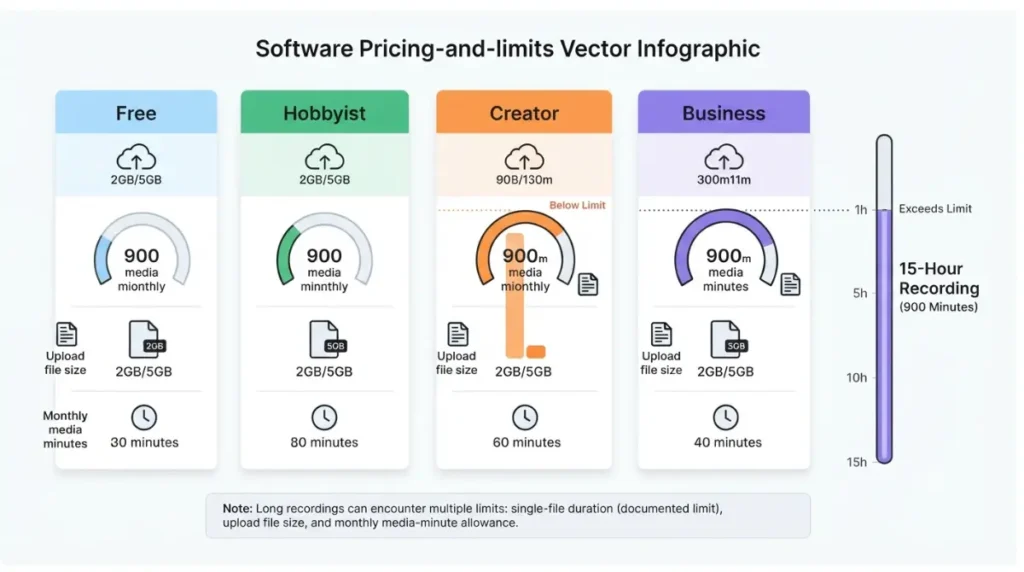
Upload file size by plan
Uncompressed 16-bit, 48 kHz stereo WAV runs 1,536,000 bits a second, so 15 hours is about 10.4 GB; a 128 kbps MP3 is about 0.86 GB. That’s our calculation. Descript doesn’t say whether its gigabyte is decimal or binary, so that WAV sits just over or just under Hobbyist’s cap.
Media minutes one long file spends
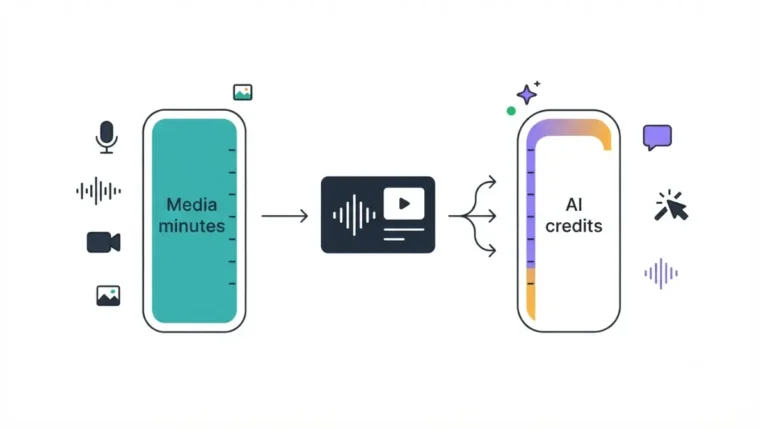
Descript’s media minutes guide, retrieved 16 September 2026, counts every upload, so segments still total 900 minutes. What counts as a Descript media minute covers the rest.
⚠️ This Costs You: A recording that long exceeds Hobbyist’s allowance, and the pricing page, retrieved 16 September 2026, sells top-ups only on Creator and Business. See what a Descript top-up costs.
Descript’s pages don’t say what happens when an upload exceeds your remaining minutes, and none says a higher plan lifts the 15-hour limit. For the full picture, see what each Descript plan really costs.
Descript transcript still stuck on a shorter file
If your file is under 15 hours and within your plan’s limits, follow Descript’s documented order; its guide gives no plan or platform qualifier.
Confirm the upload finished
- Transcription starts only after the file uploads to the cloud, per Descript’s guide retrieved 16 September 2026. Check the file has synced.
- Descript’s page on slow imports, retrieved 16 September 2026, recommends at least 10 Mbps upload speed.
Replace the file, then restart
- Re-upload the original with Replace file, which Descript says doesn’t affect your edits.
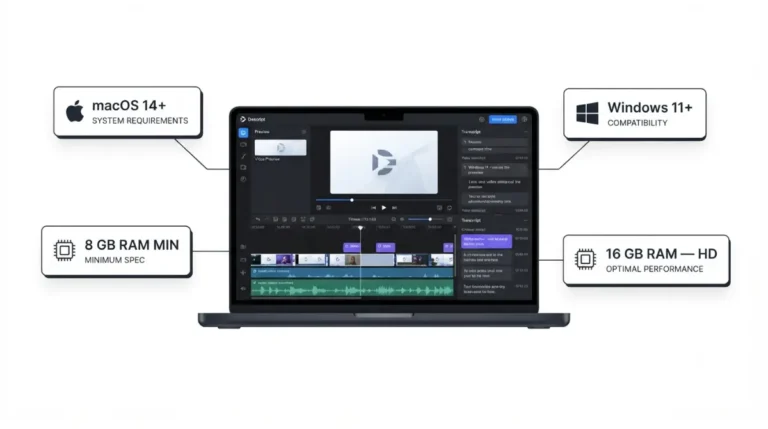
- Close and reopen Descript. On desktop, check Descript’s desktop requirements.
If a transcript appears but is wrong
- Descript lists Re-transcribe, in the file’s options menu, for inaccurate or missing words — not for a transcript that never starts.
How to tell if the problem is on Descript’s side
Check Descript’s status page before repeating any step; on 16 September 2026 it listed Desktop App and Web App separately.
Where self-service ends
Stop when your file is under 15 hours, within your plan’s limits, the steps above are done, and the status page is clear. Support takes over from there.
What to send support
Descript’s get-help page, retrieved 16 September 2026, offers email support to every user and live chat on paid plans, Monday to Friday, 5 a.m.–5 p.m. PT. Send your project link, a short screen recording, any error message, your file type and upload speed. We’d add the file’s length and size.
How to keep long recordings from stalling again
Two habits keep the next long recording clear.
Record or export in shorter parts
Our advice, from Descript’s documented limit: save long sessions in parts under 15 hours from the start.
Check your Usage tab before a big upload
Descript’s media minutes guide says App Settings’ Usage tab shows remaining media minutes, pooled across Editor seats. On Free, see what stays locked on the free plan.
Descript transcription questions, answered
1. Is there a length limit for Descript transcription?
Yes. Descript’s help centre, retrieved 16 September 2026, says any file longer than 15 hours will fail to transcribe automatically.
2. Does upgrading my Descript plan remove the 15-hour limit?
No Descript page we retrieved on 16 September 2026 says any plan lifts it. Splitting the file is Descript’s documented route.
3. What is Descript’s maximum upload file size?
It depends on your plan. The plan-limits table above lists each cap with its verification date.
4. Does Descript transcription use media minutes on current plans?
Descript says transcription isn’t metered on current plans. Uploading and recording media is what uses media minutes.
5. Can Hobbyist upload a 15-hour recording to Descript?
A recording that long exceeds Hobbyist’s monthly media minutes, as the plan-limits table shows, and Hobbyist can’t buy top-ups.
6. Will Descript’s Replace file lose my edits?
No. Descript’s automatic transcription guide, retrieved 16 September 2026, says Replace file doesn’t affect your content edits.
7. Why might a Legacy Descript plan stop transcribing?
Legacy and Sunset plans still track transcription hours, so an account that hasn’t migrated may have run out.
8. How do I check if Descript is down?
Check Descript’s status page, which Descript lists as a step for transcripts that won’t start or get stuck.
9. Is Descript’s 15-hour limit only on the desktop app?
Descript states the limit with no platform qualifier, and transcription starts only after a file uploads to the cloud.
The check order, start to finish
Check length first, then your plan’s upload cap and media minutes, then Descript’s documented steps and status page. If all are clear, send support the file’s length and size.