Who gets a Canva student discount, and who pays full price

Canva student discount codes promising % off aren’t on Canva’s own pages. See who qualifies for free access and what graduates should copy first.
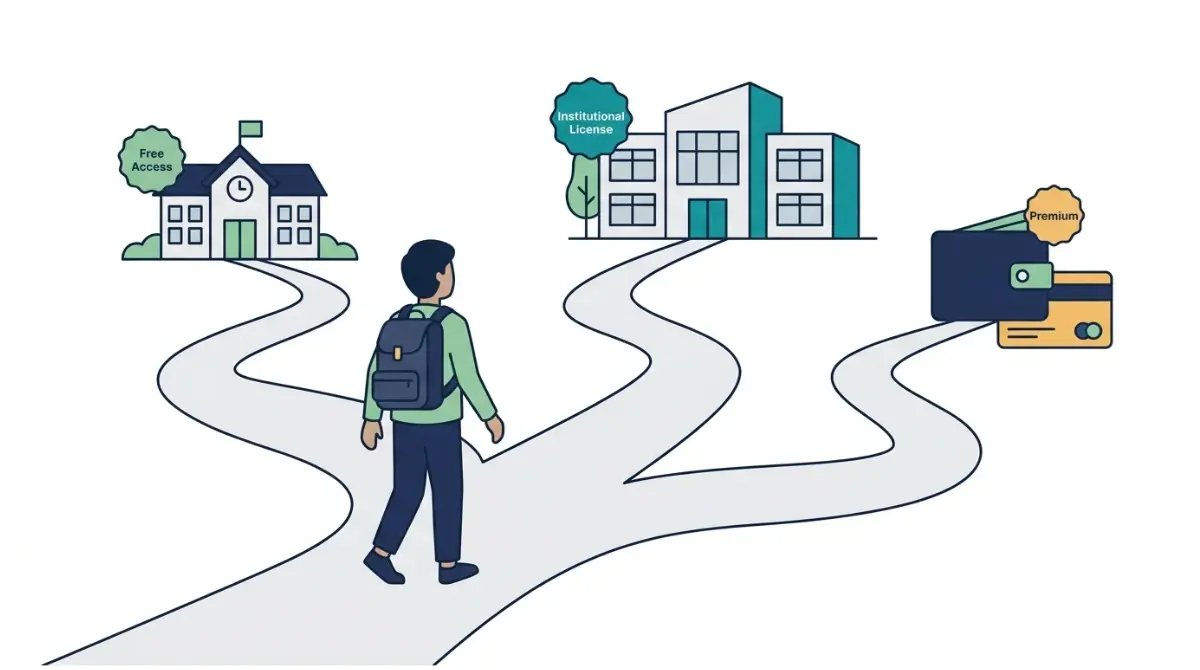
Table of Contents
Canva’s own pages, read on 16 October 2026, list no percentage discount for individual students. K-12 students get Canva Education free through a teacher’s invite or a school email Canva recognizes. College students get premium features free only if their institution bought Canva for Campus. Otherwise it’s Free, or Pro at US$144 a year before tax on Canva’s US pricing page that day.
🧾 Not Tested: We hold no Canva Education or Campus account; Education needs a verified K-12 teacher or school, Campus an institution licence. Everything here comes from Canva’s public pages, read 16 October 2026.
Which Canva student route fits you
Where you study decides your route.
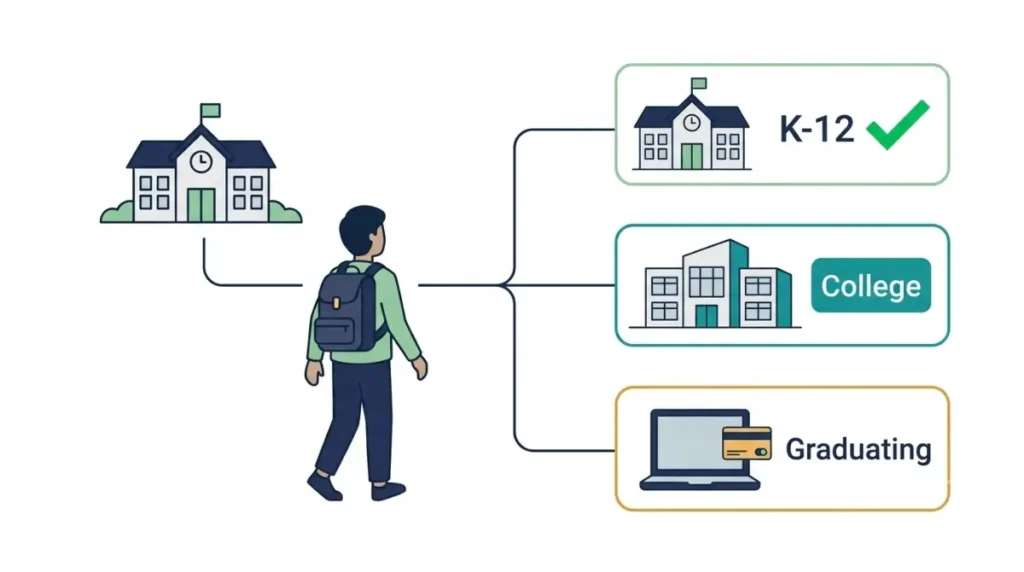
| Your situation | Canva’s offer (16 Oct 2026) | Next step |
|---|---|---|
| K-12 student | Canva Education, free | Ask your teacher |
| College, institution has Campus | Premium features via your institution | Sign in with your college email |
| College, no Campus | Canva Free or Pro | See the cost section |
| Graduating | Access may end | Copy your designs first |
| Parent or homeschooler | Not eligible (see who qualifies) | Use your child’s class |
K-12 student or their parent
Canva’s page for students sends K-12 students to their teacher.
College or university student
Your institution decides, and Canva tells you to contact it.
Graduating this year
Access can end with your school email; the graduation section covers what to save.
What Canva costs a student, route by route
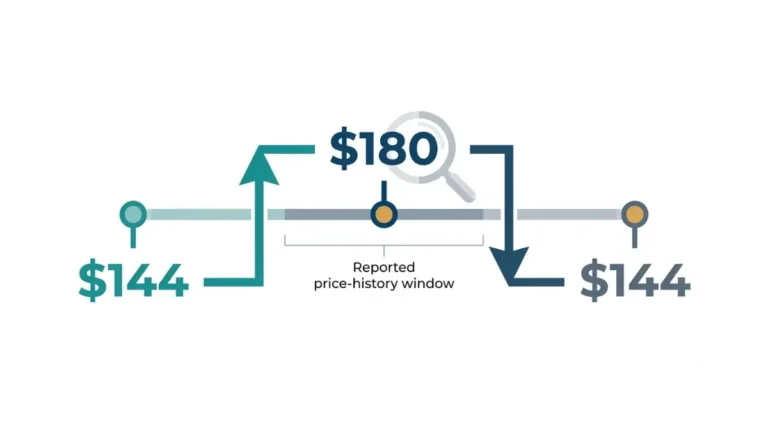
On 16 October 2026, Canva’s US pricing page listed Pro at US$144 a year for one person, before tax, with no student price.
| Route | Cost to you | Who pays |
|---|---|---|
| K-12, Canva Education | US$0 (16 Oct 2026) | Nobody |
| College with Campus | US$0 (16 Oct 2026) | Your institution |
| College, no Campus, Free | US$0 a year (16 Oct 2026) | Nobody |
| College, no Campus, Pro | US$144 a year, one person, before tax (16 Oct 2026) | You |
🗓️ Pricing verified 16 October 2026. Software pricing changes frequently — confirm on the vendor’s site before purchasing.
K-12: US$0 through Canva Education
Canva’s students page called Canva Education “100% free” for eligible K-12 students on 16 October 2026.
College with Canva for Campus: US$0 to you, paid by your institution
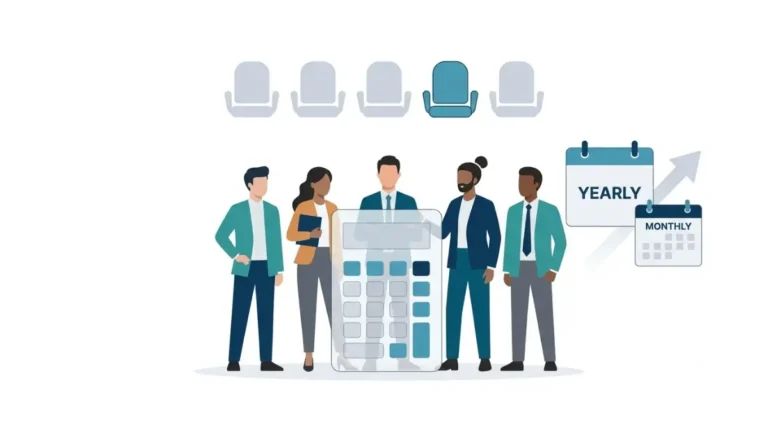
Canva’s higher education page said on 16 October 2026 that Campus licences cost the same as Enterprise licences, which carry no public price. Students get free access once their institution buys enough licences for its full-time student count.
College without Campus: Free or Pro at list price
You pay what anyone pays. Prices differ by country; see our record of Canva Pro’s price, AI limits and refund terms.
Who qualifies for Canva Education, and who doesn’t
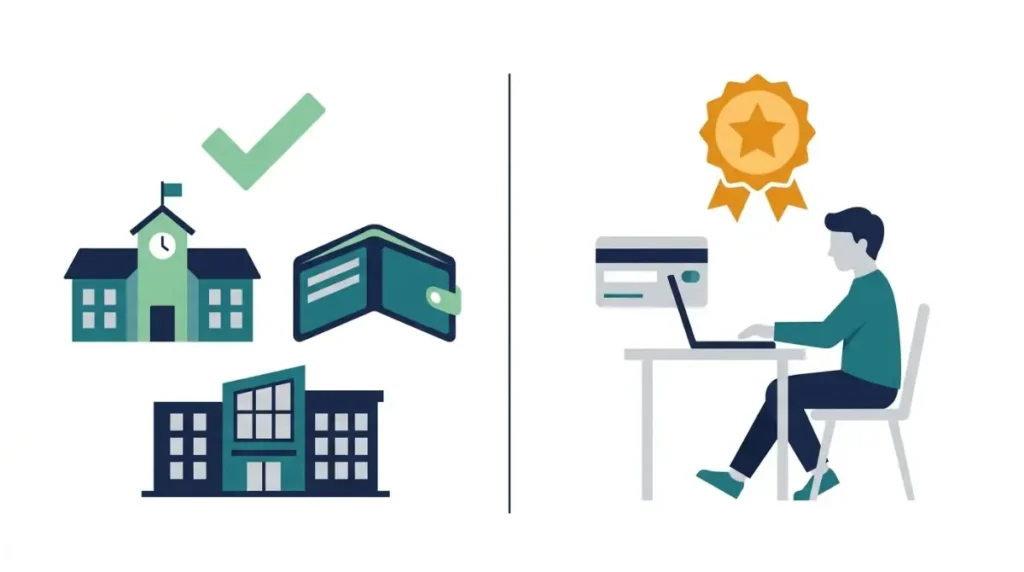
Canva’s eligibility guidelines, read 16 October 2026, limit Canva Education to K-12 teachers, schools and the students they invite.
Who Canva lets in
- Certified K-12 teachers currently teaching, school librarians, learning-support staff and curriculum specialists.
- Technical or vocational teachers of primary or secondary students.
- Accredited K-12 schools, districts and education departments.
Who Canva turns away, including college students
The guidelines exclude college and university students and staff, who are pointed to Campus. Adult education, tutors, parents, and homeschool educators not licensed or employed by a K-12 school are excluded too.
How long access lasts
On 16 October 2026, Canva prompted re-verification every 3 years. A verified school email got access right away; documents were reviewed within 48 hours.
Canva’s students page says premium features are free “unless disabled by school administrators,” while its pricing page says “most premium features.” Neither lists the exclusions or Canva Education’s AI allowance.
Student discounts Canva’s own pages don’t mention
Canva’s pricing and students pages, read 16 October 2026, list no UNiDAYS, Student Beans or .edu discount.
What other sites claim
| Claim | Where it appeared (16 Oct 2026) | Canva’s pages (16 Oct 2026) |
|---|---|---|
| A US$9.95-a-month “student plan” | A website-builder blog | No student plan |
| 20% off with a .edu email | The same blog | No .edu offer |
| 50% off through UNiDAYS | The same blog | UNiDAYS not mentioned |
| 16% off the annual plan | Student Beans US listing | “Save from 16%” on yearly billing, for everyone |
| Pro at $120 a year | The same Student Beans page | A different price (see the cost section) |
What Canva’s pages said on 16 October 2026
Two free routes only: Canva Education for K-12, and Campus through an institution.
The 16% figure, explained
Student Beans’ Canva listing offered 16% off the annual plan “for a limited time only” on 16 October 2026, with no expiry shown. Canva gives every yearly buyer the same 16%; the listing doesn’t say whether its offer stacks.
What happens to your Canva designs when you graduate
🛟 Back This Up First: Copy every design you want to keep to a personal Canva account before your school email stops working.
Why access can end
Canva’s students page, read 16 October 2026, says graduates may lose their free Canva Education or Campus account.
Copy your designs to a personal account first
Canva’s help page on copying designs describes it: share each item to your personal email with “Can Edit,” sign in there, then choose File, then Make a copy. Copying was capped at 2,500 documents a day on 16 October 2026.
⚠️ This Costs You: By default only team admins can copy designs across teams, per that help page on 16 October 2026. Ask your school’s Canva admin before your final term.
What won’t come with you
Audio, fonts, Brand Kits, comments, active apps and unlisted media stay behind. Canva doesn’t say whether premium elements in copies stay usable on Free.
How to get Canva free as a student, step by step
Start from your row in the route table.
K-12: get invited by your teacher
Canva’s guide to inviting students, read 16 October 2026, lists an invite link, email invitations, a Google Classroom import, or an invite code that refreshes every 4 hours. Students under 13 needed parental consent first, per that page on 16 October 2026.
K-12 without an invite: check your school email
- Sign up with your school email.
- Choose Education, then “I’m a student.”
- Select Check eligibility, then Get started.
- Pick your school and select Request to join.
That help page says a school team admin approves the request; Canva’s students page says a matching email gives instant access. Expect either.
College: check whether your institution has Campus
Sign in with your college email, or ask student services or IT.
No Campus: choose Free or Pro
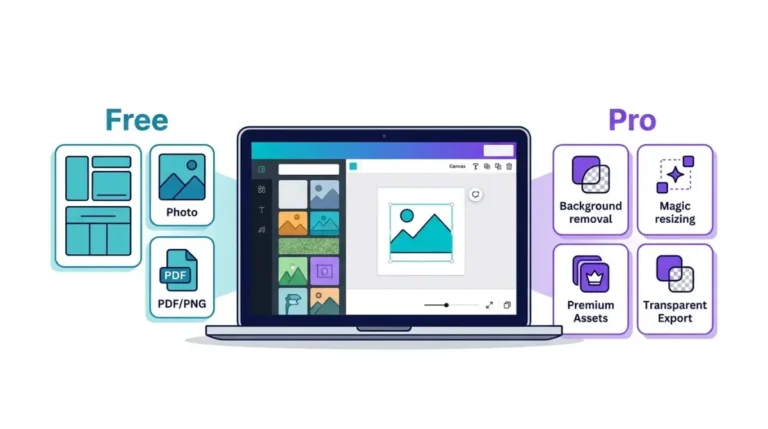
Check what Canva Free keeps locked, then what the Pro trial gives you and how to avoid the charge.
Canva student discount questions
1. Does Canva have a student discount?
Canva’s pages, read 16 October 2026, list no percentage discount. K-12 students get Canva Education free; college students depend on Campus.
2. Is Canva Pro free for college students?
Only if their institution has Canva for Campus, per Canva’s higher education page on 16 October 2026.
3. Can college students use Canva Education?
No. Canva’s eligibility guidelines, read 16 October 2026, exclude college and university students and point them to Campus.
4. How much is Canva Pro for a student?
The same as anyone: US$144 a year for one person, before tax, on Canva’s US page on 16 October 2026.
5. Is there a Canva UNiDAYS or Student Beans discount?
Canva’s pages mention neither on 16 October 2026. Student Beans lists 16% off annual, the yearly saving Canva gives everyone.
6. How do I know if my university has Canva?
Sign in with your university email or ask student services or IT, as Canva’s students page advised on 16 October 2026.
7. Can parents or homeschoolers get Canva Education?
Not unless licensed or employed by a K-12 institution, per Canva’s eligibility guidelines read 16 October 2026.
8. How long does Canva Education last?
As long as you stay eligible; Canva’s eligibility page said on 16 October 2026 that users re-verify every 3 years.
9. Do I lose my Canva designs when I graduate?
You may lose access, Canva’s students page said on 16 October 2026, so copy designs to a personal account first.
Should you pay for Canva as a student?
In K-12, don’t pay; ask your teacher to add you to their class. At college, check for Canva for Campus with your college email first. Without it, you pay what everyone pays, so choose between Free and Pro on what you’ll actually use.