
Adobe Creative Cloud pricing by plan and billing term

Creative Cloud Pro runs from $779.99 prepaid to $1,259.88 a year with no contract in the US, and Photography undercuts the Photoshop plan by $36 a year.
Table of Contents
Prices and plan details checked on November 20, 2026.
Creative Cloud Pro costs $69.99 a month in the US on Adobe’s yearly contract billed monthly, before tax (Adobe plans page). It earns that price when you use three or more Adobe desktop apps and also need its phone, iPad and web features or its larger generative credit allowance; one or two apps cost less on single-app plans, and three apps without those extras cost less on Standard.
Every figure below is Adobe’s US price, before tax, for plans bought on adobe.com.
Creative Cloud prices on every US plan
Adobe publishes all three billing terms for Pro and Standard. The main plans page shows the other plans on the yearly contract only, so a “Not listed” cell means the term isn’t shown there.
| Plan · US price, checked Nov 20, 2026 | Annual, billed monthly | Annual, prepaid | Monthly, no contract | What it includes |
|---|---|---|---|---|
| Creative Cloud Pro | $69.99/mo | $779.99/yr | $104.99/mo | 20+ apps, premium mobile and web features, 4,000 monthly generative credits, 100GB |
| Creative Cloud Standard | $54.99/mo | $599.88/yr | $82.49/mo | 20+ desktop apps, basic mobile and web features, 25 monthly generative credits, 100GB |
| Photography | $19.99/mo | Not listed | Not listed | Photoshop, Lightroom, Lightroom Classic, 1TB |
| Photoshop, Illustrator or Adobe Premiere (each) | $22.99/mo | Not listed | Not listed | One desktop app |
| Lightroom | $11.99/mo | Not listed | Not listed | Lightroom |
| Creative Cloud Pro for teams | $99.99/mo per license | Not listed | Not listed | 1TB per user |
| Single App for teams | From $37.99/mo per license | Not listed | Not listed | One app, 1TB per user |
| Students and teachers, Pro | $19.99/mo in year one, then $39.99/mo | $239.88 in year one, then $479.88 | Not listed | Proof of eligibility required |
Sources: Adobe plans page, Standard and Pro prices by payment type, Creative Cloud for teams plans.
Introductory discounts are left out on purpose. Each one ends on a set date, and each offer names the regular price the plan moves to afterwards (Creative Cloud Standard page).
Creative Cloud Standard or Pro
Standard carries 25 generative credits a month. Pro carries 4,000 for the premium tools such as Text to Video, plus unlimited use of standard tools like Generative Fill in Photoshop (Standard and Pro plan details).
The split that matters more to most people sits away from the desk. Standard includes full Acrobat, Adobe Express, Fresco and Podcast, but not the premium features of Photoshop and Lightroom on phones, tablets and the web, or of Illustrator on iPad and in a browser (web and mobile access by plan). Some price guides claim Standard cuts off Express and Fresco entirely. Adobe’s access table lists both as fully included.
Storage is the same 100GB on both.
So the $15 monthly gap, $180 a year, buys two things: credits for premium generation and the full mobile and web versions of Photoshop, Lightroom and Illustrator. If your work happens at a desktop and you rarely generate images or video, Standard gives you the same desktop apps for less.
How many Adobe apps before Pro pays off?
Three, and even then Standard is the cheaper plan unless you need what only Pro adds.
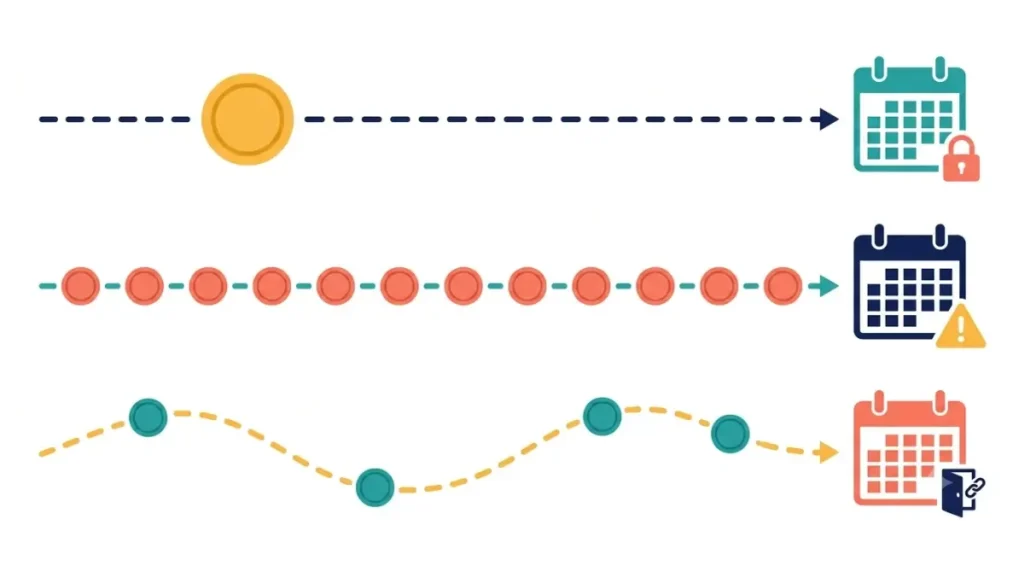
Two single-app plans total $45.98 a month, $9.01 under Standard. A Photoshop and Illustrator user saves $108.12 a year against Standard and $288.12 against Pro by keeping two separate plans.
A third app tips it. Three single apps come to $68.97 a month, which is $13.98 more than Standard and just $1.02 under Pro. At that point Standard covers all three apps and every other desktop app in the set.
Photoshop users have one more option that undercuts the Photoshop plan itself. Photography costs $3 a month less, adds Lightroom and Lightroom Classic, and comes with 1TB of storage instead of 100GB. Over a year that is $36 saved for more software, so the Photoshop-only plan costs more for less.
All totals in this section are worked out from Adobe’s published prices in the table above.
Three billing terms, three yearly totals
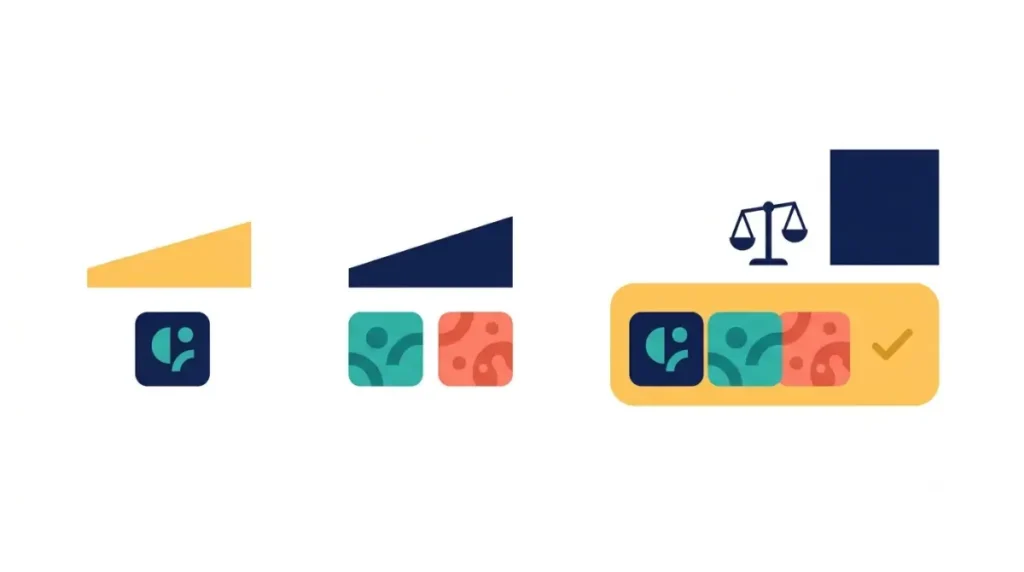
Adobe’s lowest monthly figure assumes a 12-month contract. Paying monthly with no contract costs 50% more, and prepaying costs less than either.
| Plan | Yearly contract, paid monthly | Prepaid year | 12 months with no contract |
|---|---|---|---|
| Creative Cloud Pro | $839.88 | $779.99 | $1,259.88 |
| Creative Cloud Standard | $659.88 | $599.88 | $989.88 |
Totals worked out from Adobe’s prices by payment type.
Prepaying saves $59.89 on Pro and $60.00 on Standard. The trade is flexibility: once the 14-day refund window passes, a prepaid year is non-refundable and runs until its term is over (Adobe subscription terms).
When the no-contract option costs less
The contract looks cheapest only if you keep it for most of the year. Cancel it early and Adobe charges a lump sum of half your remaining payments, so short projects flip the math.
For Pro, a five-month job costs $524.95 on the no-contract plan, against $594.91 for five contract payments plus the fee. At six months the two land within 3 cents of each other ($629.94 and $629.91). From month seven the contract wins, and by month nine it is $210.02 cheaper. Standard follows the same pattern because its no-contract price carries the same 50% premium over its contract price.
Who should not pay for Creative Cloud Pro
A photographer who lives in Photoshop and Lightroom should not. The Photography plan covers both and costs $600 a year less than Pro.
Designers who use only Photoshop and Illustrator are better off on two single-app plans, as the app count above shows. The same goes for a video editor who needs Adobe Premiere and nothing else.
Anyone buying Adobe for one project that ends within five months should skip the contract and pay with no commitment, even though the monthly figure looks worse.
If your work is social posts and templates rather than layered files, Adobe Express Premium is $9.99 a month on its own (Adobe plans page), and Canva sells the same kind of template editor; what each Canva plan costs, add-ons included sets out that option. For short phone-first video edits, check CapCut’s Free, Standard and Pro prices store by store before paying for Premiere.
Podcasters can buy Audition as a single app instead of the suite. Anyone who edits by transcript rather than on a waveform should weigh it against the extra costs behind each Descript plan.
Creative Cloud Pro for a team of five
Five Pro seats cost $5,999.40 a year at the per-license price above. Five seats of one app on Single App for teams start at $2,279.40.
Every teams plan includes 1TB of cloud storage per user (Adobe teams plans). Five individual Pro plans would total $4,199.40 a year, $1,800 less, with 100GB each instead. No prepaid or no-contract team price appears on that page, so the per-license monthly figure on a one-year term is the only one available.
What students pay in year two
Year two doubles the student bill. Pro for students and teachers moves from the first-year rate to the renewal rate in the table, and Standard isn’t offered with this discount at all (Adobe plan details).
Two years cost $719.76 whichever way you pay. Prepaying brings no saving for students, so the monthly contract keeps more cash in hand for the same total.
Free trial, 14-day refund and the cancellation fee
Day 8 is when a Creative Cloud Pro trial becomes a paid yearly contract billed monthly. The trial lasts seven days, Adobe allows one per person, and you then have 14 more days to cancel for a full refund, which takes you to day 21 (Adobe free trial page).
After those 14 days, what you owe depends on the billing term (Adobe subscription terms):
On the yearly plan billed monthly, Adobe charges a lump sum of 50% of the remaining contract. Leave Pro after four payments and the fee is $279.96, worked out as eight remaining payments at the contract price, halved. A prepaid year keeps running until its end date with no refund. No-contract monthly plans also run until the month you paid for is over, with no refund.
That fee was at the center of a federal case. In March 2026 the Justice Department filed a proposed $150 million settlement with Adobe: $75 million in civil penalties and $75 million in free services for customers, with a requirement that Adobe disclose any early termination fee and how it is calculated before you enroll (Justice Department announcement). The order needs court approval.
Any rate change comes with notice and the option to cancel (Adobe subscription terms).
Before you cancel: open your Adobe account and note your plan type and original order date. The refund window and the fee both depend on those two details.
Check what stays in your account before canceling
Paid access continues until the end of the current billing period, not the day you cancel, and the Adobe account stays open with free membership benefits (Adobe cancellation help). Reactivate within that period and your apps, services and storage come back. Adobe’s cancellation page doesn’t say what happens to files in cloud storage once the period ends.
Back up first: download every file you keep only in Creative Cloud storage to your own drive before the billing period closes.
- Save your cloud files and libraries to a local or external drive.
- Note the date your current billing period ends.
- Cancel online in your Adobe account, or by phone on 800-585-0774 for individual plans (Adobe plans page).
Do the steps in that order, since canceling first leaves you guessing how long the files stay reachable.
Where users get stuck with Creative Cloud billing
If you cancel Pro in month two of the contract, the fee is $349.95, equal to five months of payments for a plan you used for two. That charge is one of several points where a Creative Cloud bill surprises subscribers:
- Reading the “/mo” price as a monthly plan. Adobe’s plans page labels its headline prices “Annual, billed monthly”.
- Forgetting the trial date. The paid contract starts on day 8, not at the end of the refund window.
- Treating a first-year price as the price. Students and intro-offer buyers move to a higher rate once the first year or the intro period ends.
- Buying Standard for an iPad workflow, then finding the premium features of the iPad apps missing.
- Running out of Standard’s 25 credits early in the month, with no premium generation available on that plan.
Each one costs less to fix inside the 14-day refund window than after it.
Has Adobe raised Creative Cloud prices?
Yes. The All Apps plan was renamed Creative Cloud Pro and repriced at each subscriber’s next renewal on or after June 17, 2025 in North America, and on or after August 1, 2025 in other regions (Adobe plan changes).
Existing members kept their old price until renewal and could switch to Standard at any time from their Adobe account. Prepaid cards sold through retailers carried the new pricing from August 1, 2025 in North America and October 1, 2025 elsewhere.
Choose your billing term before day 8 of the trial
Decide on the billing term while the trial still costs nothing. If the work ends within five months, choose the no-contract monthly option. If you are certain of a full year, prepay and keep the $60. Otherwise take the 12-month contract paid monthly and put day 21 in your calendar, the last day a full refund is still on offer.
Found this helpful? See more of our guides on Google.
Want to see our guides first on Google?
