Canva Pro Price, Free AI Limits, Refunds and Extra Costs
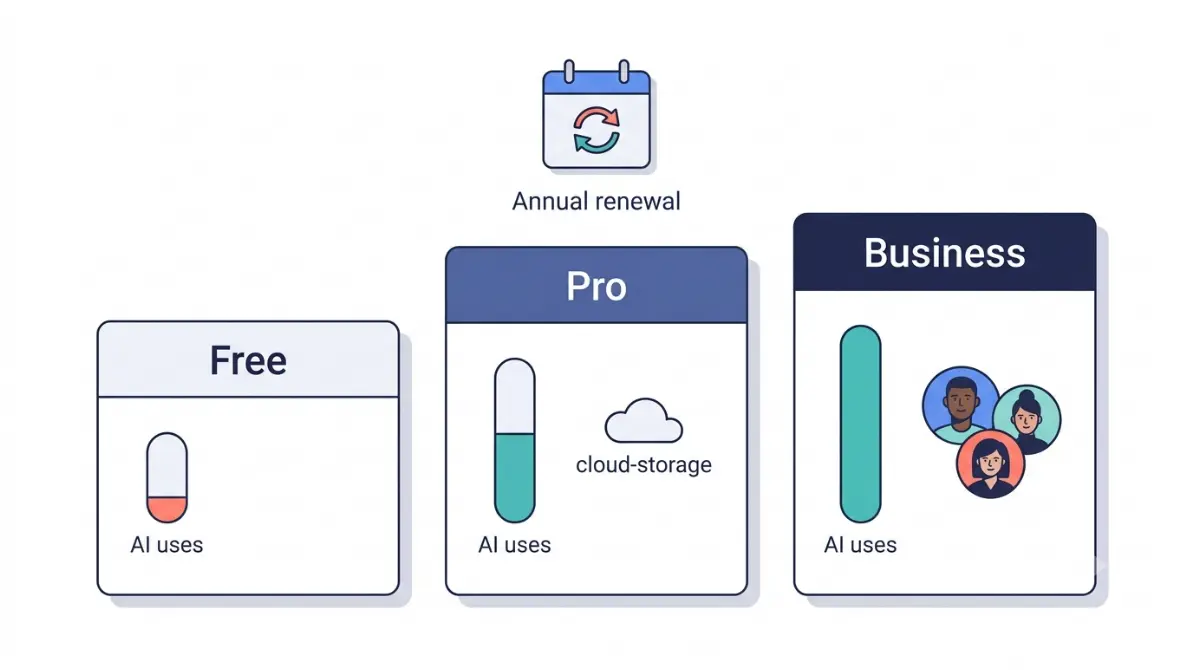
Table of Contents
Canva Pro price, Free AI limits and refunds in brief
The short answer
On 12 October 2026, Canva’s US pricing page listed Canva Pro at US$144 a year for one person before tax, and Business at US$250 per person. Canva’s help pages, read on 12 October 2026, gave Free up to 20 Standard or Premium AI uses a month, shared between both, and AI Pass at US$100 per person per month. Canva says most subscriptions aren’t refundable, and prices differ by country.
What this record covers and what it doesn’t
It covers Canva’s US and India prices, AI allowances, trial, refunds, cancellation and one rival’s prices, not using the product.
Which Canva situation are you in?
Choosing between Free and Pro
If you’re deciding whether Free is enough, read what each plan gates.
Mid-trial or about to be charged
If a trial is running, read the trial and refund rules.
Blocked at an AI limit
If Canva offers AI Pass, price the add-on stack.
Seeing a price different from this page
If your price or currency differs, see costs by region and price history.
Cancelling or asking for money back
If you want out, read how to cancel.
Buying for a team
If more than one person needs Canva, read who should not buy Pro.
What Canva is and who each plan is for
What Free includes
Canva’s Terms of Use, effective 19 August 2026, call it a “visual communications platform.” The Free plan has a smaller library and one Brand Kit; figures are in the gating section.
Pro is one person; Business is per person
Canva’s pricing page, read on 12 October 2026, lists Canva Pro for one person and Business per person. Terms §2b: “Each person must have a unique account.”
Plans most guides skip: Pro Lite, Enterprise, education
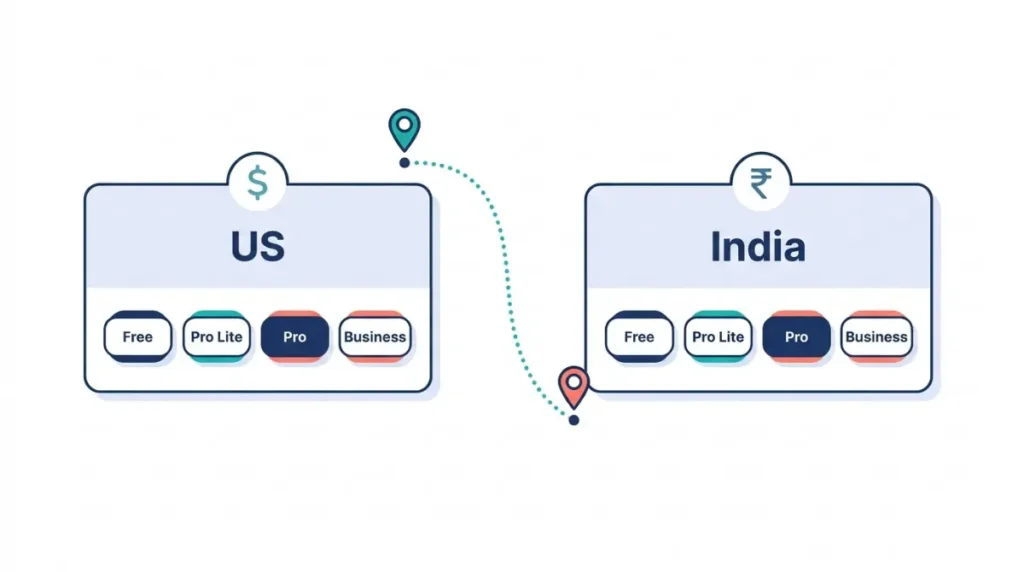
Canva’s help page, read on 12 October 2026, calls Pro Lite “a plan between Free and Pro,” available in India and Indonesia. Enterprise shows “Let’s talk,” not a price. K-12 organizations and not-for-profits “can enjoy most premium features for free.”
What Canva costs by plan and region
United States, yearly billing
On 12 October 2026, Canva’s US pricing page listed Canva Pro at US$144 a year for one person, excluding tax.
| Plan | Price per year | Basis | What it’s for |
|---|---|---|---|
| Free | US$0, 12 Oct 2026 | one person | Trying Canva; 5GB storage |
| Pro | US$144, 12 Oct 2026 | one person, excludes tax | Premium library; Premium and Ultra AI |
| Business | US$250, 12 Oct 2026 | per person, excludes tax | Teams; larger AI allowance |
| Enterprise | no price, 12 Oct 2026 | contact sales | Organizations |
🗓️ Pricing verified 13 October 2026. Software pricing changes frequently — confirm on the vendor’s site before purchasing.
Monthly billing: the figure not read
The page text retrieved on 12 October 2026 shows a Monthly and Yearly toggle and “Save from 16%,” but no monthly price, so none is quoted.
India: the same plans in rupees
Canva’s India pricing page listed these per-year prices on 12 October 2026. We do not convert them to dollars; this record holds no dated exchange rate.
| Plan | Price per year (INR) | Basis |
|---|---|---|
| Free | ₹0, 12 Oct 2026 | one person |
| Pro Lite | ₹1,590, 12 Oct 2026 | one person |
| Pro | ₹4,000, 12 Oct 2026 | one person |
| Business | ₹6,800, 12 Oct 2026 | per person |
The retrieved India text has no tax wording, so whether those prices include tax is not stated.
Tax and the price you actually pay
Canva’s US pricing page says “Prices exclude applicable tax.” Terms §9c say fees are “inclusive of all taxes unless otherwise specified,” and the pricing page is where Canva specifies. Terms §9 add that “Pricing may vary by location.”
How Canva’s Pro price has moved, and what we can prove
The one price we can verify
Canva’s US pricing page showed Pro at US$144 a year on 12 October 2026, the only dated price row this record can prove.
| Date read | Plan | Price | Status |
|---|---|---|---|
| 12 Oct 2026 | Pro, US, yearly | US$144 per year, excludes tax | Verified 13 Oct 2026 |
| Before 12 Oct 2026 | Pro, US | none | No archived capture held; gap |
Third-party claims we cannot confirm
A third-party product page checked on 21 August 2026 and a pricing explainer re-checked on 8 September 2026 give Pro as US$180 a year. A price tracker dated 13 October 2026 gives US$144 and says Pro was US$180 in August.
The record cannot tell whether that was a price cut, a test or a regional variant, so it adds no row.
What happens to your price when Canva raises it
Terms §9f, effective 19 August 2026, say an increase “will not apply until your next renewal or thirty (30) days after notice, whichever is later.”
⚠️ This Costs You: Canva’s Terms do not freeze an existing subscriber’s price. A yearly subscriber can face a new price at the next annual renewal, with 30 days’ notice. Read the notice before renewal.
Gaps in the record
Only an archived capture proves an earlier price.
What each Canva plan actually gates
Free versus Pro: content, tools and storage
On Canva’s pricing page, read on 12 October 2026, the table shows what separates Free from Canva Pro.
| Item | Free | Pro |
|---|---|---|
| Stock photos, videos, graphics, audio | 4.7+ million | 141+ million |
| Brand Kits | 1 | 5 |
| Cloud storage | 5GB | 100GB |
What an AI “use” means on Free
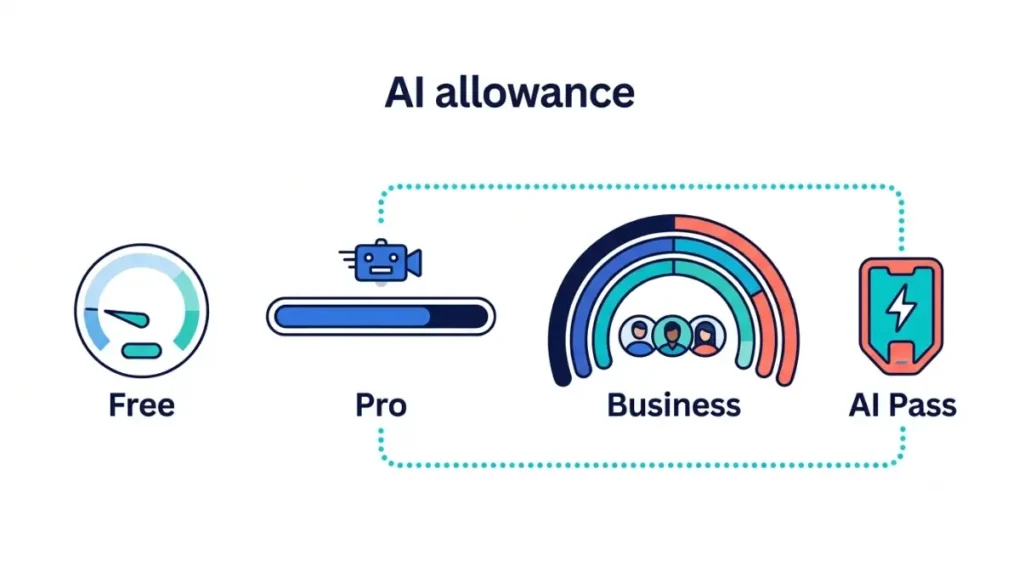
Canva’s help page on AI usage, read on 12 October 2026, gives Free “up to 20 uses of Standard AI tools, OR Premium AI tools,” with “no access to Ultra AI tools.” One allowance covers every tool, so a Premium use and a Standard use come out of the same 20.
It resets at 12:00 a.m. UTC on the first of each month. At the limit, Free users “see short pauses between generations.” Canva’s estimates assume simple tasks, and with advanced tools actual usage falls on the lower end of its ranges.
🧾 Not Tested: We did not run a Free account to its limit, so we cannot say how many real tasks 20 uses covers or how long the pauses last. That needs an account we do not hold. The figures come from Canva’s pages, read 12 October 2026.
Standard, Premium and Ultra: what counts against the allowance
On paid plans Standard tools do not draw from the allowance, subject to fair use; on Free and Pro Lite they do. Canva lists Magic Layers as Premium and conversational design with Canva AI 2.0 as Ultra.
Pro gets up to 200 Premium uses or up to 20 Ultra uses, reset monthly on the billing date. Ultra is excluded from the pauses, so it stops until the reset.
Pro Lite and the Pro trial: the Free allowance
Pro Lite has the Free allowance. So do the Pro and Business trials: “up to 20 uses of Standard AI tools, OR Premium AI tools,” no Ultra.
Business and Enterprise allowances
Both get up to 400 Premium uses or up to 40 Ultra uses. Each member has their own allowance; it is not pooled.
True yearly cost with AI Pass and seats stacked
One person: Pro plus AI Pass
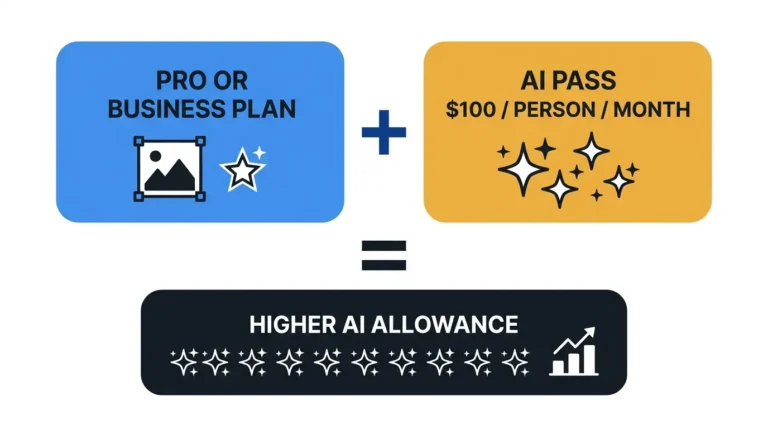
On 12 October 2026, Canva listed AI Pass at “USD $100 globally per person, per month,” which over twelve monthly charges is US$1,200.
| Plan | Plan per year | AI Pass, 12 months | Total |
|---|---|---|---|
| Pro | US$144, 12 Oct 2026 | US$1,200 | US$1,344 |
| Business | US$250, 12 Oct 2026 | US$1,200 | US$1,450 |
On the 12 October 2026 prices: US$100 × 12 = US$1,200; US$144 + US$1,200 = US$1,344, which is 9.33 times the Pro price; US$250 + US$1,200 = US$1,450. This is App Compare HQ’s calculation from two Canva-published figures, not a Canva figure, and it assumes twelve monthly charges.
💵 Verified: AI Pass is USD $100 per person, per month; Pro gets “40x more AI” and Business “20x more AI” — Canva’s AI Pass page, retrieved 13 October 2026.
A small team: Business seats plus AI Pass
The Business line applies per person who needs AI Pass; only owners and admins can buy it. Business also offers AI top-ups, a one-time purchase; no top-up price was read.
What AI Pass cannot be bought on
Not on a free trial, a prepaid plan, or a subscription managed through the Apple App Store or Google Play. Not in the iOS or Android app. “You can only purchase AI Pass once.”
Canva free trial and refund rules
What the trial includes
Canva’s help pages, read on 12 October 2026, do not state the trial length in days; “the trial duration shown at sign-up is how long you’ll have access before charges begin.”
The trial is “available once per Canva account and once per payment method.” Without payment details it “ends automatically and you won’t be charged.”
What happens when the trial ends
Terms §9e say Canva charges the next billing cycle “unless you cancel your subscription prior to the end of the free trial.” The Billing page shows the end date, and an email reminder comes before it.
Ending the trial early
Canva’s end-trial page says “your card will be charged right away” and “you’ll lose any remaining trial days.”
✅ Do This: To avoid paying, cancel before the end date on the Billing page. “End trial early” charges you at once.
Refunds: Canva’s wording versus what other sites say
Canva’s refund policy, read on 12 October 2026, opens: “In most cases, Canva subscriptions aren’t refundable, as outlined in our Terms of Use.” It states no window in days. Terms §9d add no refund of fees already paid, “except where required by law.”
Four third-party pages read on 12 October 2026 give four different rules; none matches Canva’s wording.
| Window claimed | Rule claimed |
|---|---|
| 30 days | full refund on a yearly purchase |
| 7 days | latest annual charge, Pro features unused |
| 30 days | after cancelling, minus a fee |
| 60 days | from the transaction |
How to cancel Canva and what it costs you
Where cancellation happens
Terms §9d, effective 19 August 2026, say you can cancel a subscription or add-on “at any time via your account settings.” This record gives no click path; no one here has used that screen.
Apple handles all billing and refunds for App Store subscriptions.
What you keep and until when
A cancelled subscription ends “at the end of your then-current billing cycle.” You are “not entitled to a refund of any fees already paid (except where required by law),” and outstanding fees “become immediately due and payable.” Canva says it will notify you before auto-renewal.
Data check before you cancel
⚠️ This Costs You: Export what you need before you cancel or downgrade. Under Terms §15(c), after termination you lose access to your Designs and User Content, and Canva may delete them. You can export before termination unless the account was terminated for a violation.
The pages read for this record do not say what happens to files above the 5GB Free storage limit when a paid subscription ends and the account stays open. Download your designs first.
App Store and team billing
A Team Owner is billed for a team’s subscription. On annual team plans, Terms §9b bill added seats every 3 months, and you “will not receive a refund or credit for removing seats” already paid.
Where Canva users get stuck
Hitting an AI limit mid-task
Each problem below comes from Canva’s own help pages and Terms, read on 12 October 2026, not from user reports.
Free users get short pauses between generations at the AI limit. Ultra is not paused: a Pro user who spends the Ultra allowance has none until the reset.
AI Pass that will not appear
At a limit, Canva prompts you to upgrade or choose AI Pass. The exclusions listed in the cost-stacking section then apply, and a team member must ask an owner or admin.
Charged after skipping the trial
Canva’s end-trial page says you can end a trial early “through prompts that appear when you reach your AI usage limit.” A trial gets the Free allowance and AI Pass is closed to trials. The prompt at the limit offers one route, a paid plan, with the card charged at once and the remaining trial days lost.
Three prices for one plan
Pro appears as a dollar price on the US page, a rupee price on the India page and a higher US figure on third-party pages in late summer. The Terms say pricing varies by location and billing information.
Old plan names in help pages
Canva’s AI Pass page lists “Canva Pro, Teams, Business”; the pricing page lists Business. The pages read for this record do not say whether Teams and Business are the same plan.
Canva versus Adobe Express on cost
Canva Pro versus Business, per person
On 12 October 2026, Canva’s US pricing page put Business US$106 above Pro per person per year: US$250 − US$144 = US$106, or 73.6% more.
Adobe Express: the plans and prices read
Adobe’s US pricing page listed these plans on 12 October 2026. Adobe’s credits and Canva’s “uses” are different units and cannot be ranked against each other.
| Adobe plan | Price | Billing | AI credits |
|---|---|---|---|
| Express Free | US$0.00, 12 Oct 2026 | no card required | free daily generations |
| Express Premium | US$9.99/mo, 12 Oct 2026 | monthly, no annual commitment | 250 a month |
On the 12 October 2026 prices, twelve months at US$9.99 is US$119.88, US$24.12 below Canva Pro’s yearly price. Canva bills yearly and Adobe monthly, and Canva’s monthly price was not readable, so no month-to-month comparison exists.
Free-plan AI side by side
Canva Free allows up to 20 Standard or Premium AI uses a month. Adobe’s page lists “free daily generations” and 2 lifetime 5-second videos, with no monthly credit allocation. Different units, so no winner.
Who should not buy Canva Pro
Daily Ultra-AI users
Pro allows up to 20 Ultra uses a month, 0.67 a day; one a day is 30, which is 10 over. On the 12 October 2026 prices, Business allows up to 40 for US$106 more a year, and AI Pass takes Pro to US$1,344 a year. Pro does not cover this buyer.
Three people sharing one Pro login
Terms §2b require a unique account per person. On the 12 October 2026 prices, three Pro accounts cost 3 × US$144 = US$432 a year; sharing one saves nothing. At those prices, Business for three is 3 × US$250 = US$750, US$318 (73.6%) more.
Anyone counting on a refund
A buyer who treats a refund as insurance risks the full US$144 yearly charge (read 12 October 2026), because Canva says “in most cases” subscriptions “aren’t refundable.”
Light users in India or Indonesia
On 12 October 2026, Pro Lite was ₹1,590 a year against ₹4,000 for Pro, a gap of ₹2,410, about 60% less. Pro Lite carries the Free AI allowance and no conversational design. If you need neither, the ₹2,410 gap on 12 October 2026 buys nothing you use.
Canva pricing and refund questions
Price and plans
1. How much is Canva Pro per year?
Canva’s US pricing page listed Canva Pro at US$144 a year for one person, excluding tax, on 12 October 2026.
2. Can one Canva Pro account cover a team?
Canva’s pricing page, read 12 October 2026, lists Canva Pro for one person; its Terms require a unique account for each person.
3. What is Canva Pro Lite?
A plan between Free and Pro that Canva’s help page, read 12 October 2026, says is available in India and Indonesia.
4. What if Canva raises my Canva Pro price?
Canva’s Terms say a price increase applies from your next renewal or thirty days after notice, whichever is later.
5. How many AI uses does Canva Free include?
Up to 20 Standard or Premium uses a month from one shared pool, with no Ultra access, per Canva’s help page read 12 October 2026.
6. How much is Canva AI Pass?
Canva’s AI Pass page, read 12 October 2026, lists US$100 per person per month. It is a recurring add-on, unavailable during free trials.
7. Does Canva refund annual plans?
Canva’s refund policy page, read 12 October 2026, says that in most cases subscriptions aren’t refundable.
8. Will Canva charge me after the free trial?
Canva’s Terms, effective 19 August 2026, say the next billing cycle is charged when the free trial ends unless you cancel first.
Should you pay for Canva Pro?
The decision in three branches
For one person who needs Canva’s premium library and tools, Canva Pro is the plan to price first; for anyone counting on heavy Ultra AI or a refund, it is the wrong plan. If you need more Ultra uses than Pro allows, price Business before AI Pass, using the stacking arithmetic above.
What this record could not verify
It could not verify a Canva monthly price, the trial length in days, India tax treatment, the AI top-up price, or what happens to files above the Free storage limit. It holds no archived price before 13 October 2026.
When this was last checked
Every figure here was read from Canva’s and Adobe’s own pages on 13 October 2026. See How We Test for the method, and work out seat and add-on costs in the Subscription Cost Calculator.